AI-Native Website Builder. Human-Level Control
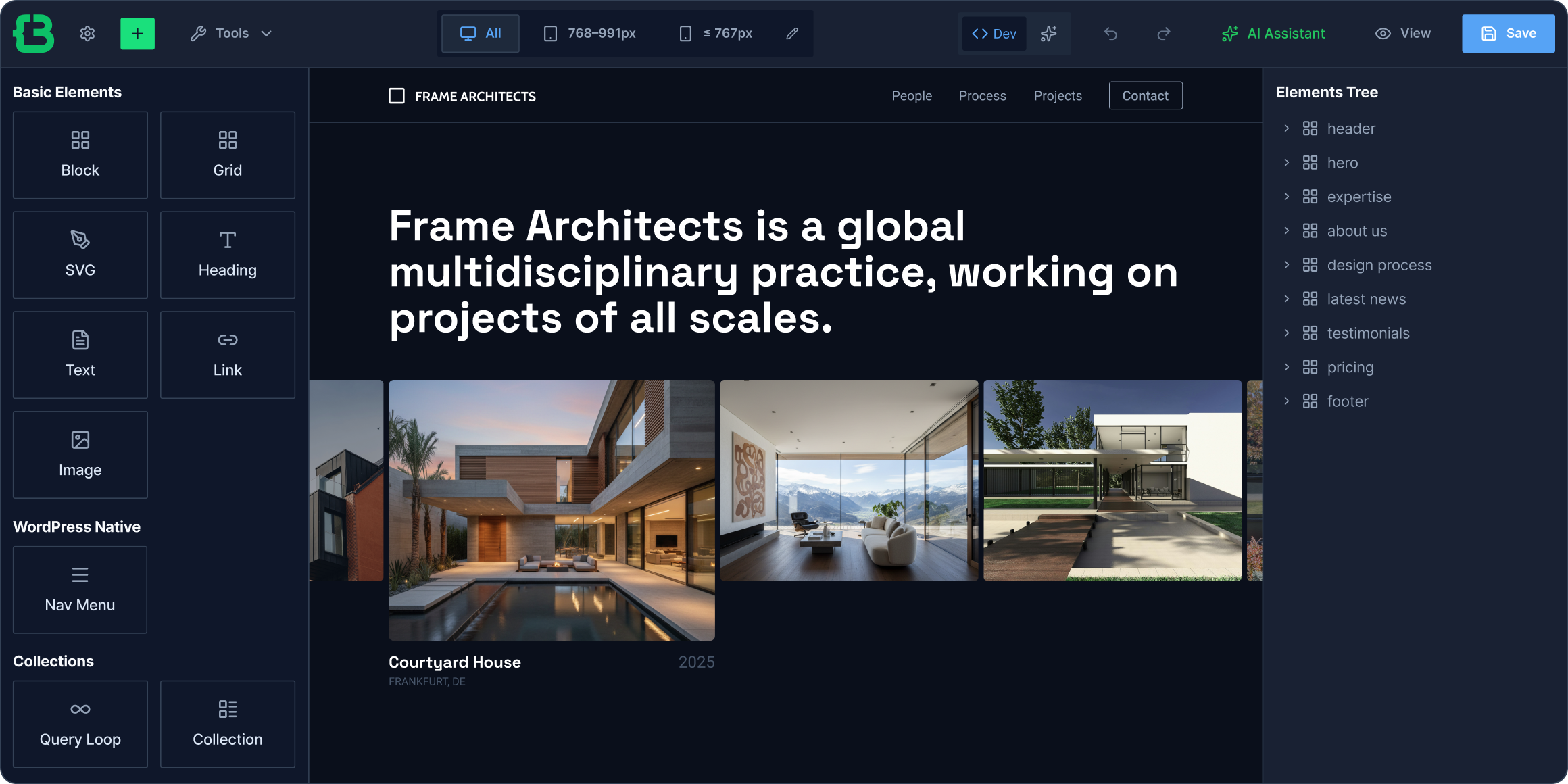
Meet CrocoBuilder, the first AI WordPress builder for developing dynamic frontend systems. Build more efficiently through familiar AI workflows, enjoy full dev control, and get a predictable result every single time.

Ideate and Launch Dynamic Websites From a Single Workflow
Build websites for modern demand
Create, manage, and scale websites through visual UI and AI-native functionality designed for speed and long-term viability.
- AI-assisted workflows
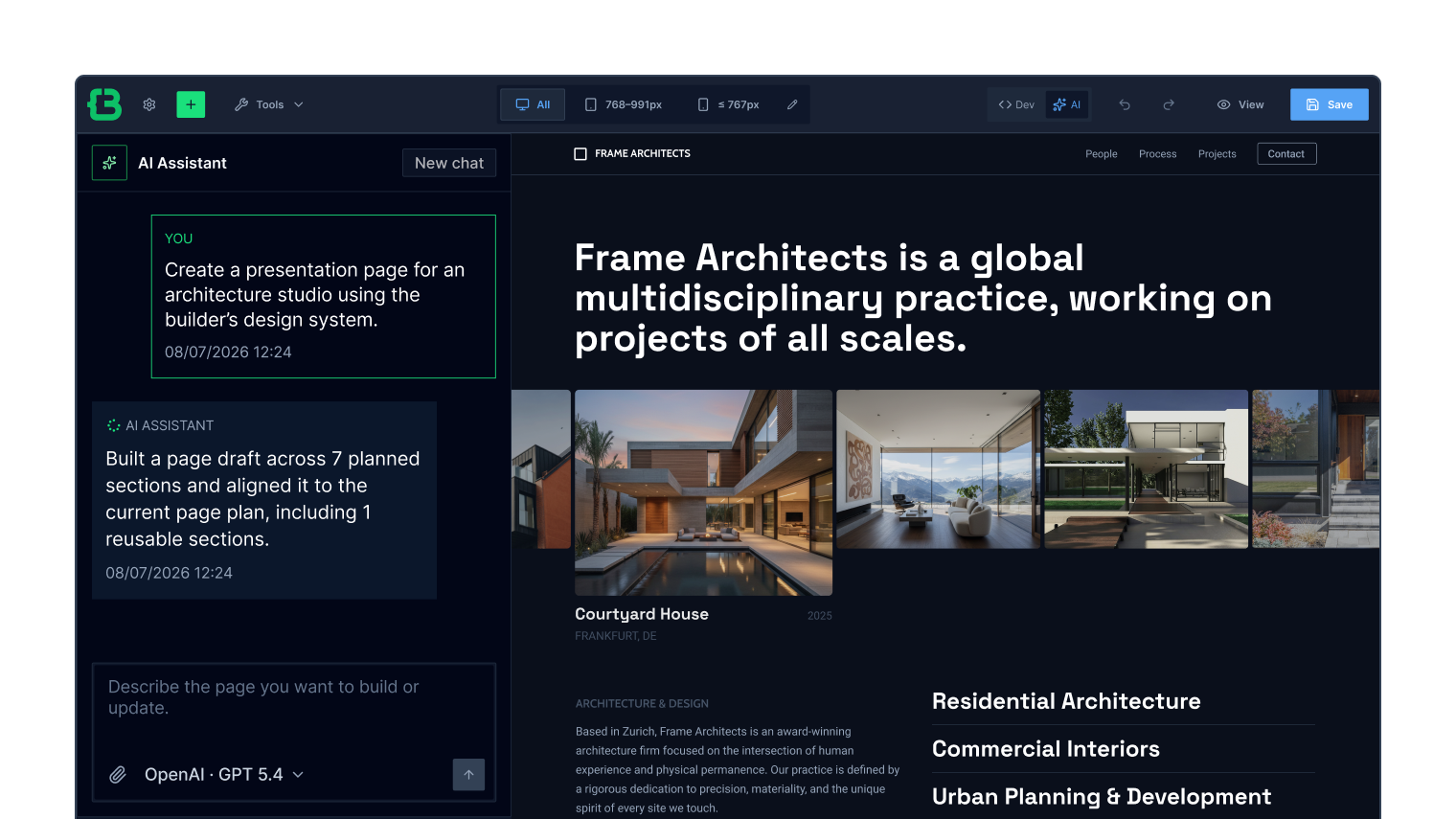
- Build in the AI view using prompts
- Visual building experience
- Complete editing control
- Structured project management
Reduce setup tasks for faster delivery
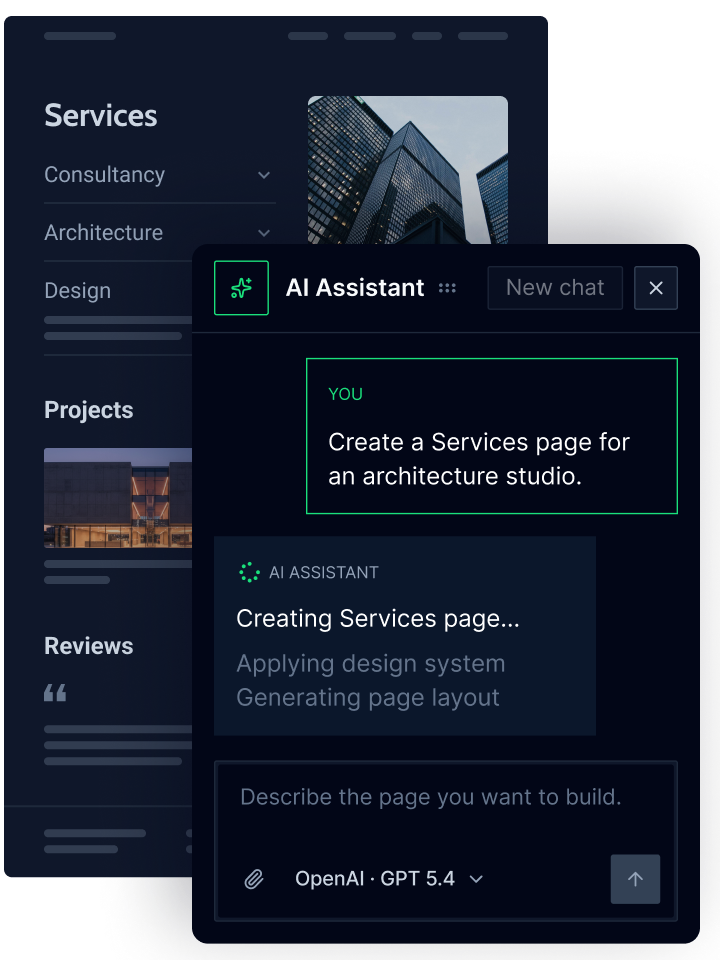
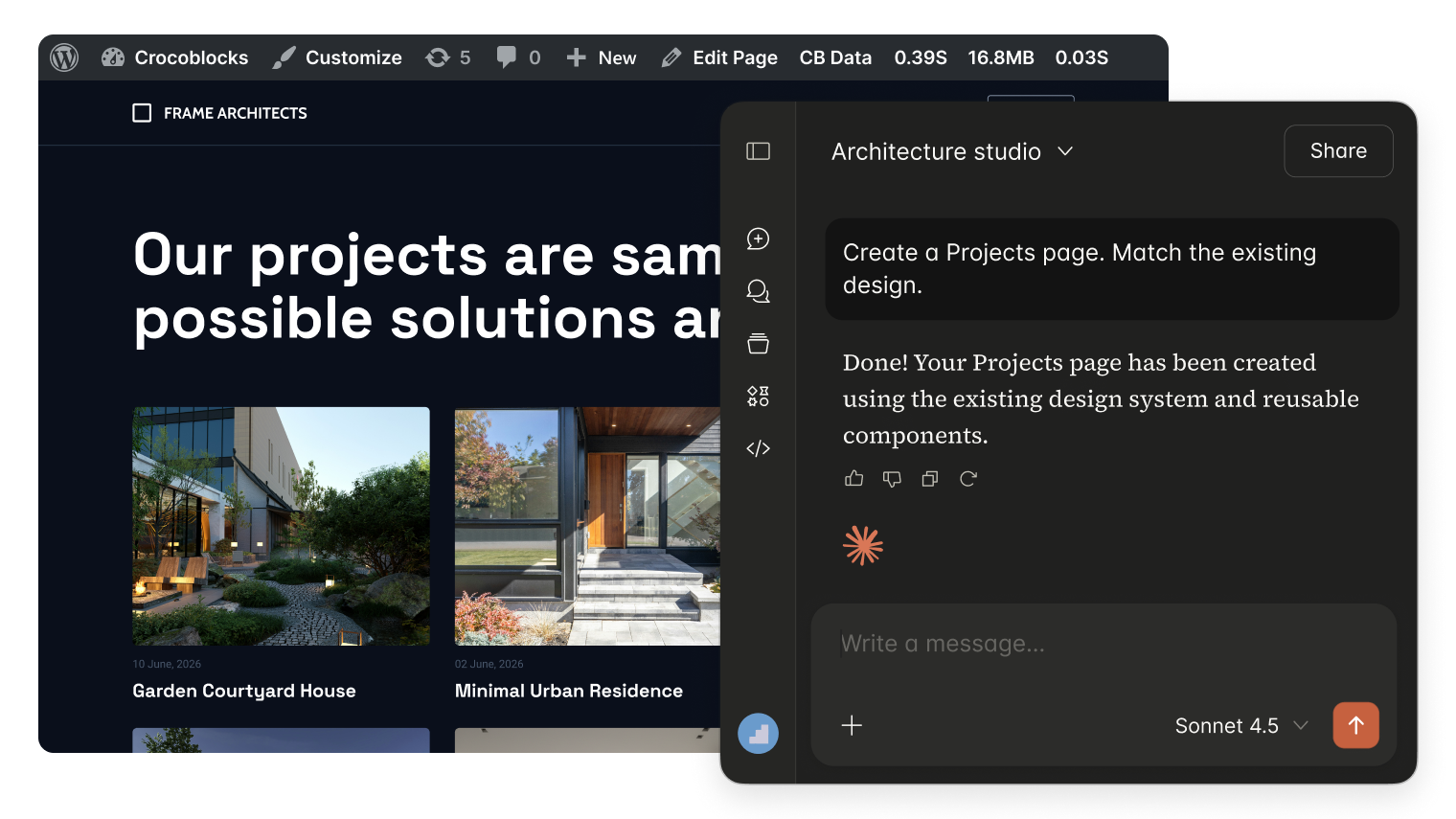
Run the AI assistant inside the AI website builder to help you minimize repetitive work, shape the end result, and refine the experience.
- Generate page structures from prompts
- Create and update page layouts faster
- Add and refine sections using AI
- Enjoy all available builder capabilities
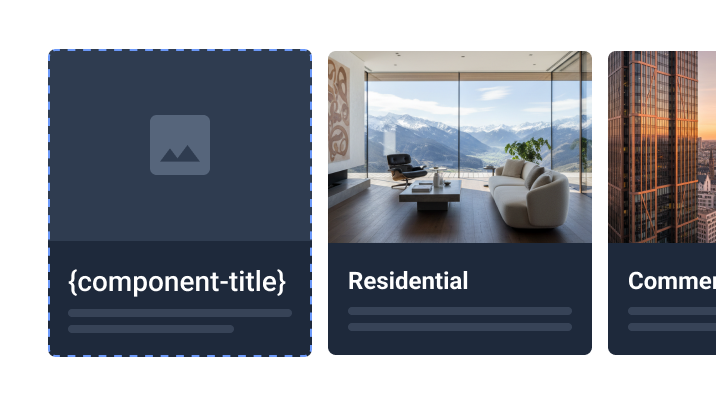
Build dynamic or rich-content elements
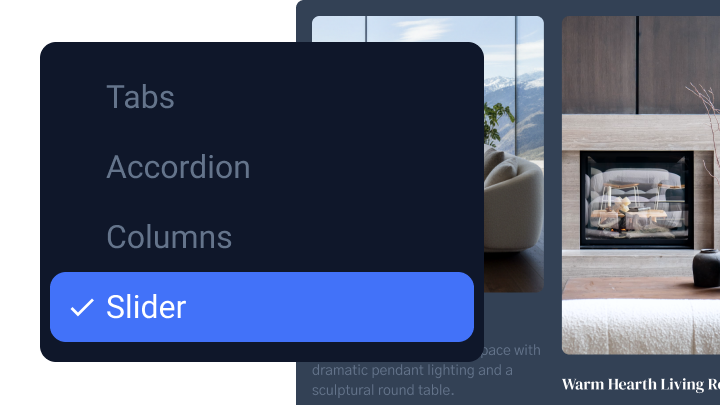
See how Loop Builder can help you present the same content as tabs, slider, and grid without content duplication and additional rebuilds.
Use the AI you trust to build without limits
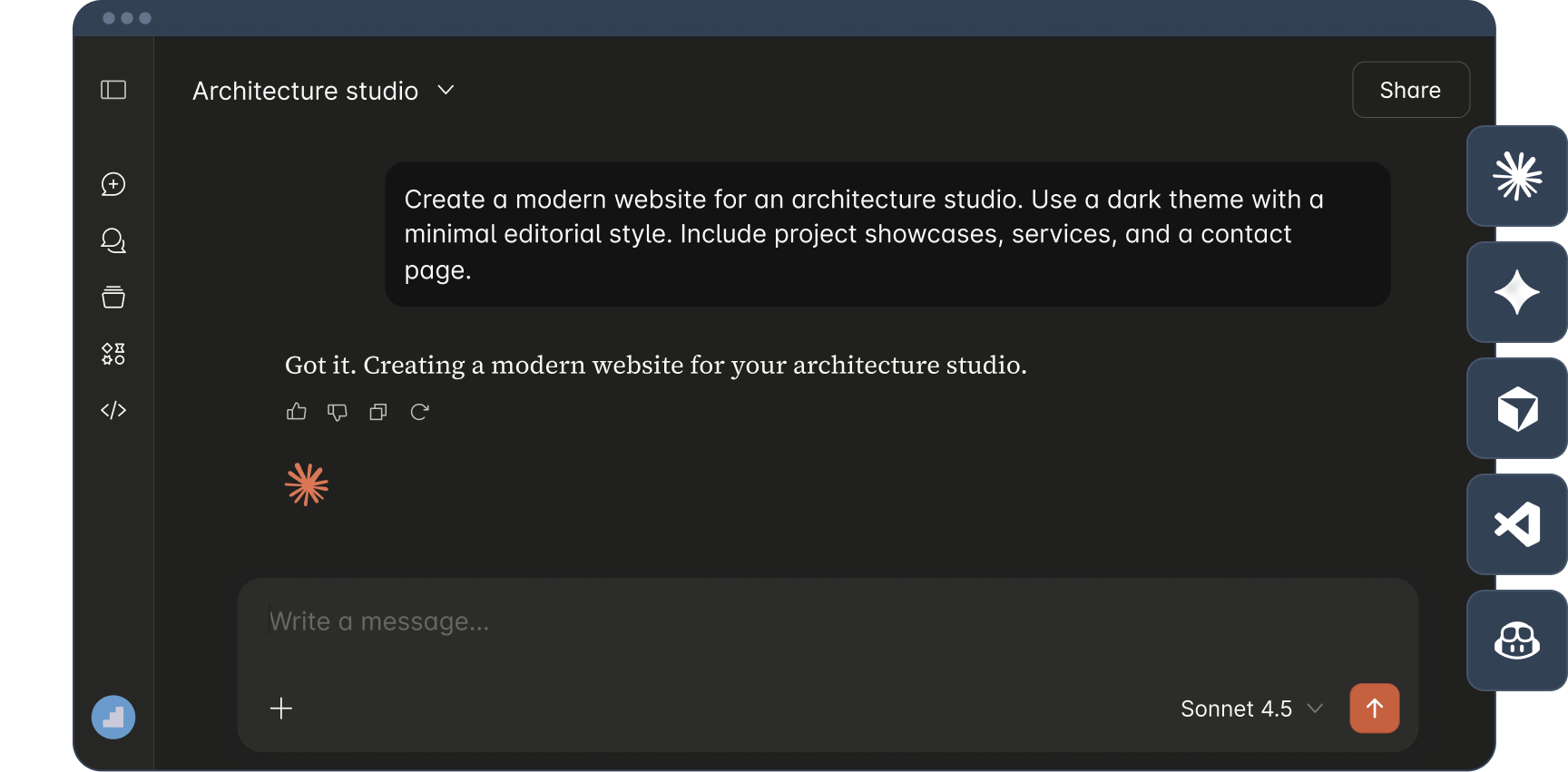
Connect and build through AI tools you already use – Claude Code, Gemini, CLI, VS Code + GitHub Copilot Agent, Cursor, and other agents for MCP web development.
- Build through a conversational agent
- Stay focused on ideas, not builder mechanics
- Use API integration to connect AI agents
- Experience more powerful website-building
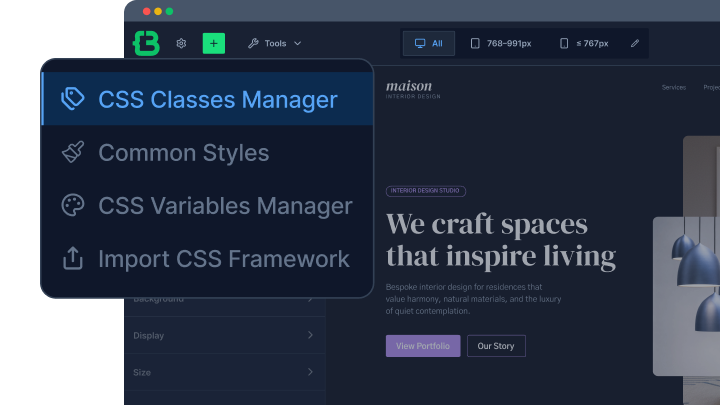
Create a website design system
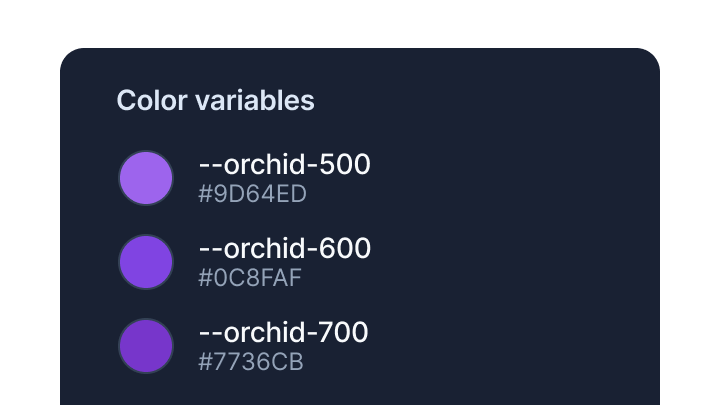
Export/import existing CSS frameworks, manage shared styles and variables, and keep every page consistent while making site-wide changes.
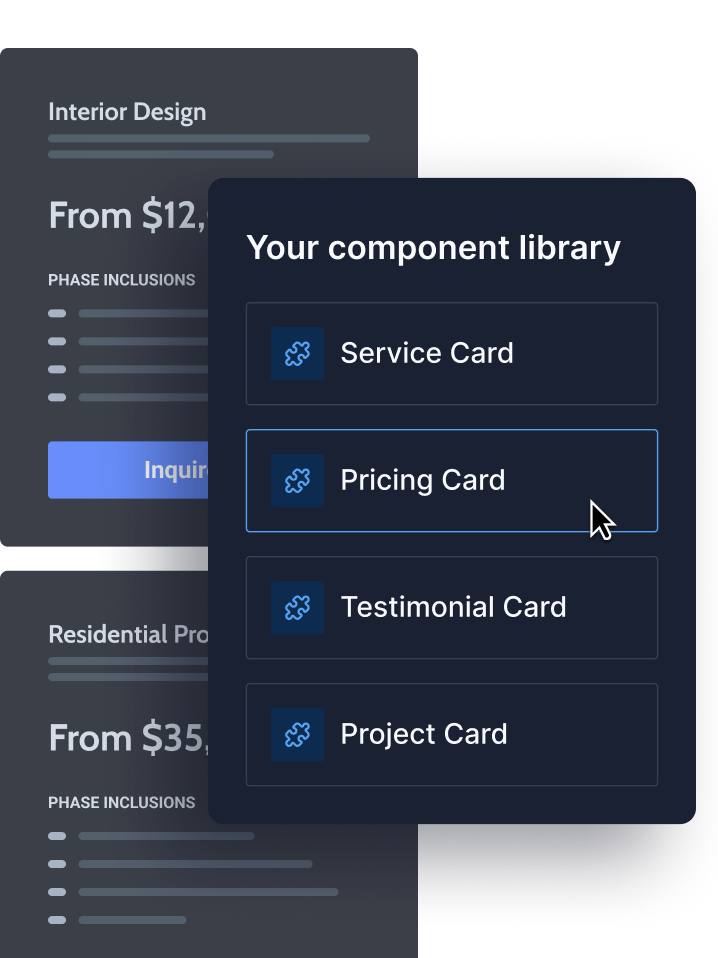
Keep every section brand-compliant
Create reusable AI components and add consistency-driven blocks to the site’s internal design system.
- Generate components using AI
- Reuse styles, classes, and variables
- Create flexible component properties
- Build custom layouts and interactions
- Scale your component library freely
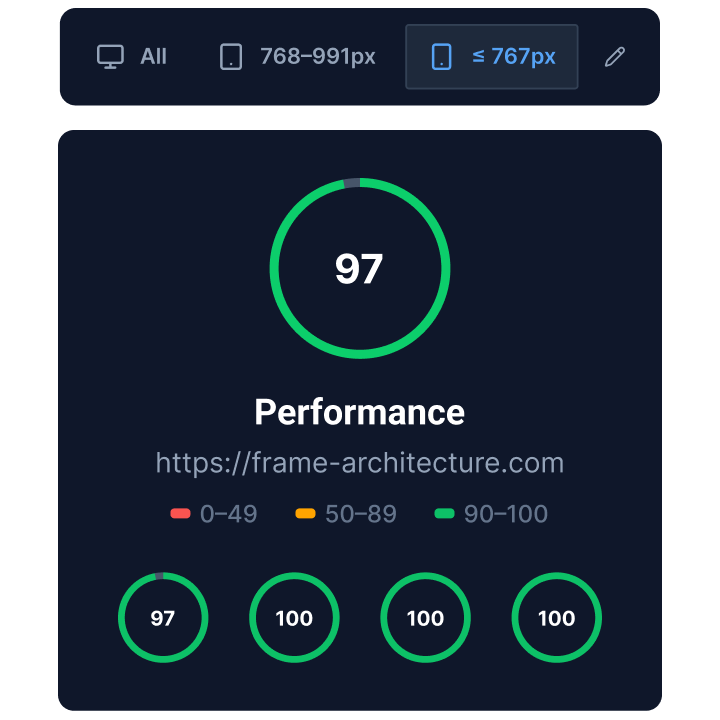
Keep websites fast and responsive by default
Create websites that stay responsive, performant, and reliable across all devices without extra optimization work.
- Mobile-first controls
- Custom breakpoints
- Lightweight front-end output
- High-performance rendering
Navigate projects through a visual sitemap
Keep track of page relationships, assigned templates, and project structure from a single Tree View.
Go Beyond the AI Workflow
Discover Technical DetailsScale CSS and control design system
Explore Unified Design System. Manage styles and set site-wide rules without local fixes.
Design complex layouts and dynamic content
Build complex interfaces visually without content duplication and rigid layouts.
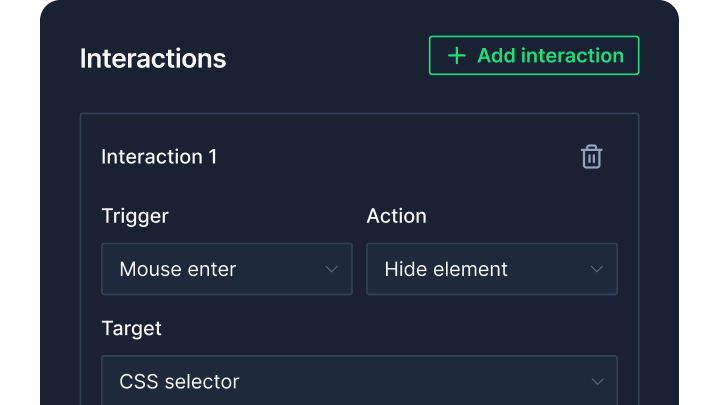
Control behavior and conditional logic
Add custom logic, render states, and conditions to dynamic interfaces without manual coding.
Why CrocoBuilder Excels Technically
Designed for WordPress creators who need flexibility, control, compatibility, and long-term maintainability.
maintenance
Reduce fragmentation across growing projects using a unified toolset, not plugins from multiple vendors.
workflow
Standardize repeatable project delivery thanks to reusable components, modular setup, and faster implementation.
Native integrations with JetEngine, JetFormBuilder, JetSmartFilters, JetPopups, and more are coming. We’ll extend your workflow without increasing build complexity.


Let Us Help You Get Started and Keep Growing
Everything you need to master the product, solve issues faster, and move forward safely — from docs and tutorials to direct support, examples, and community knowledge.
Learn and grow faster
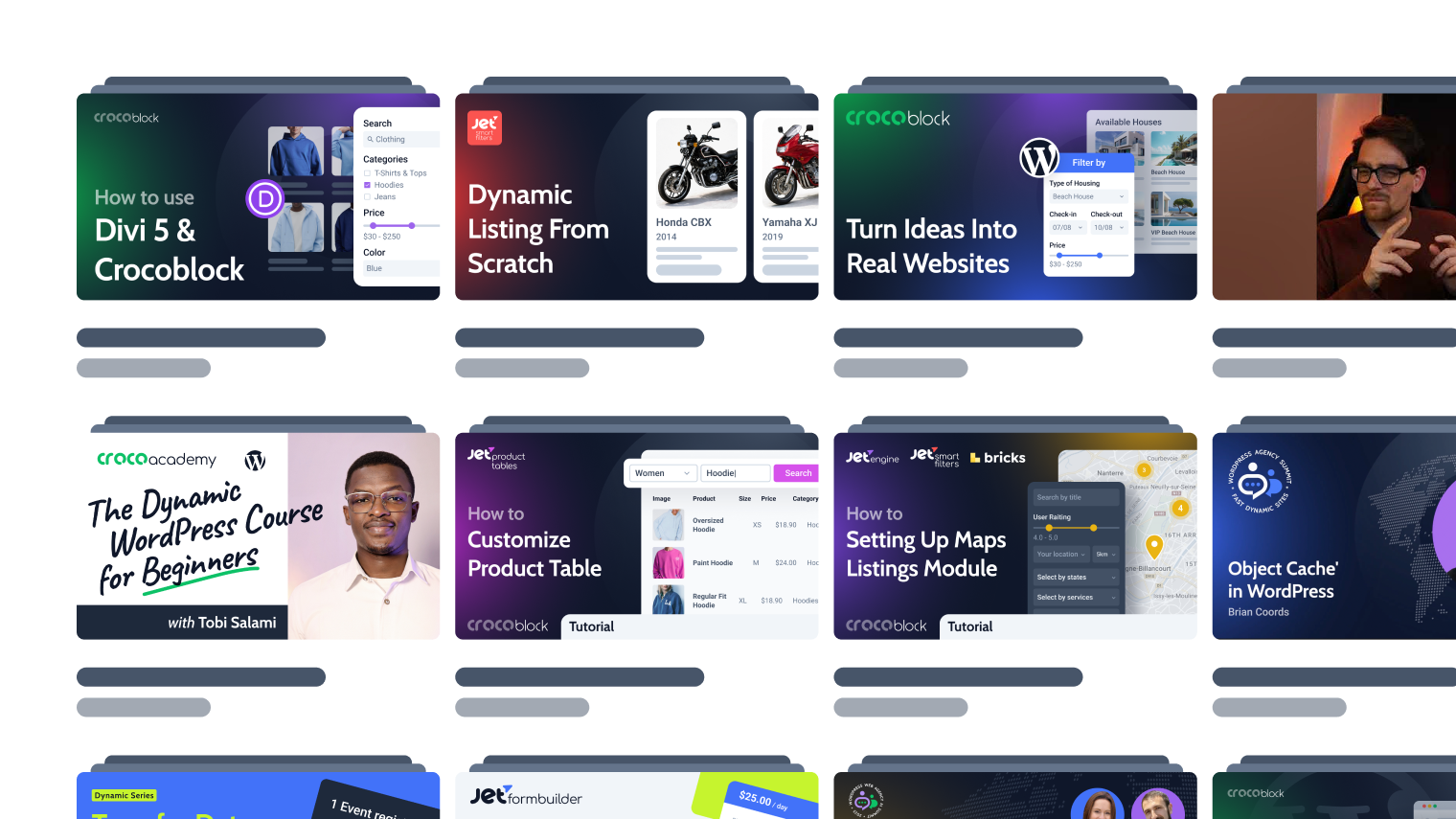
Explore documentation, step-by-step tutorials, and practical onboarding resources to understand the workflow, use features surely, and keep building.

Learn from the community
See how others solve similar problems, share ideas, and exchange proven solutions. Join a space where you can learn from real use cases and keep improving over time.
Free support when you need it
- For all subscription plans
- Human-powered support
- 24/5 availability
- Live chat, tickets, and Zoom calls

Join the CrocoBuilder
Waitlist