Build AI-Native
WordPress
Frontends with Full Control
A developer-grade WordPress builder with atomic DOM output, unified CSS control, and AI-native components, built for complex WordPress projects.

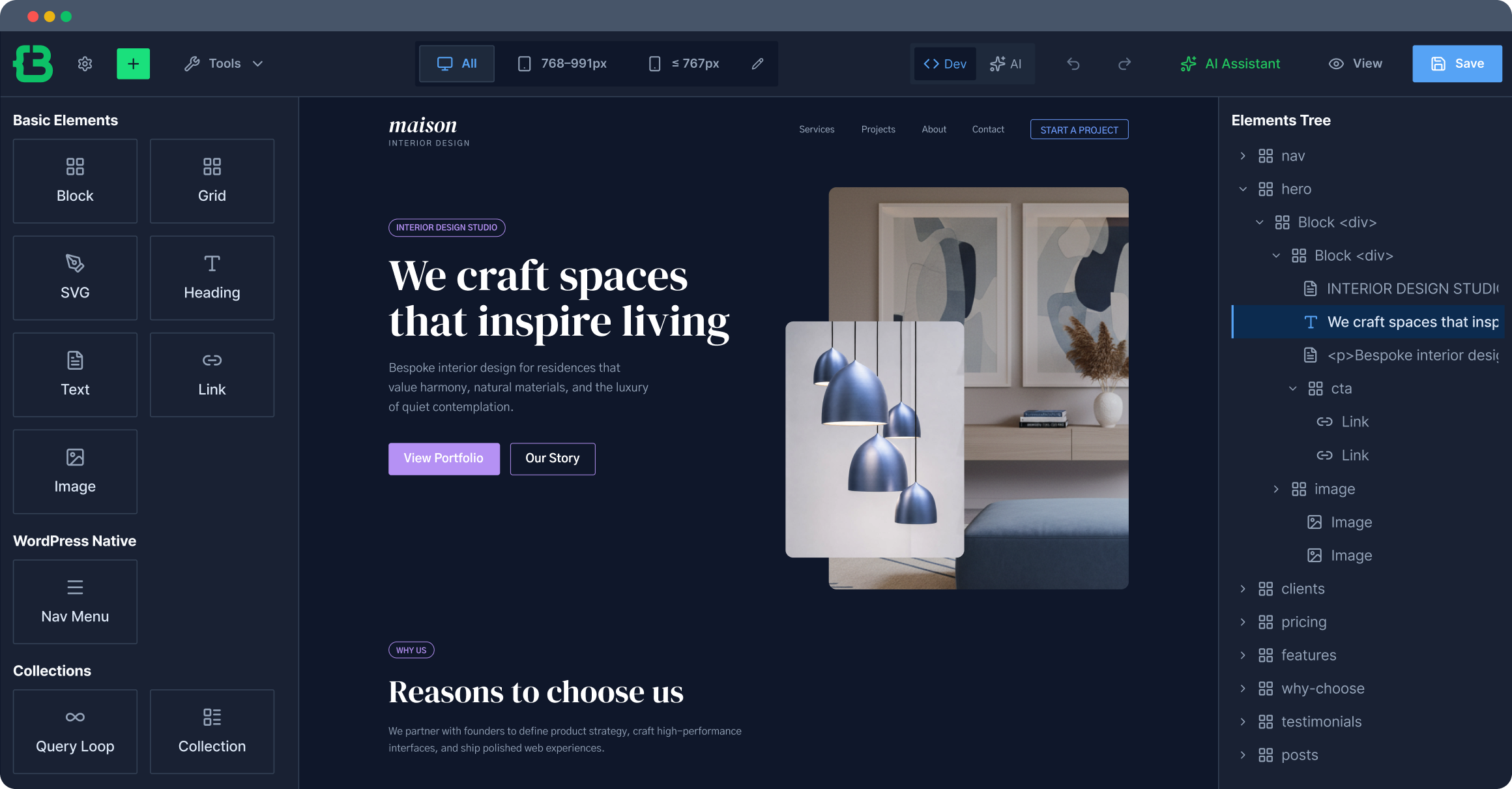
Create Production-Quality Frontend Output
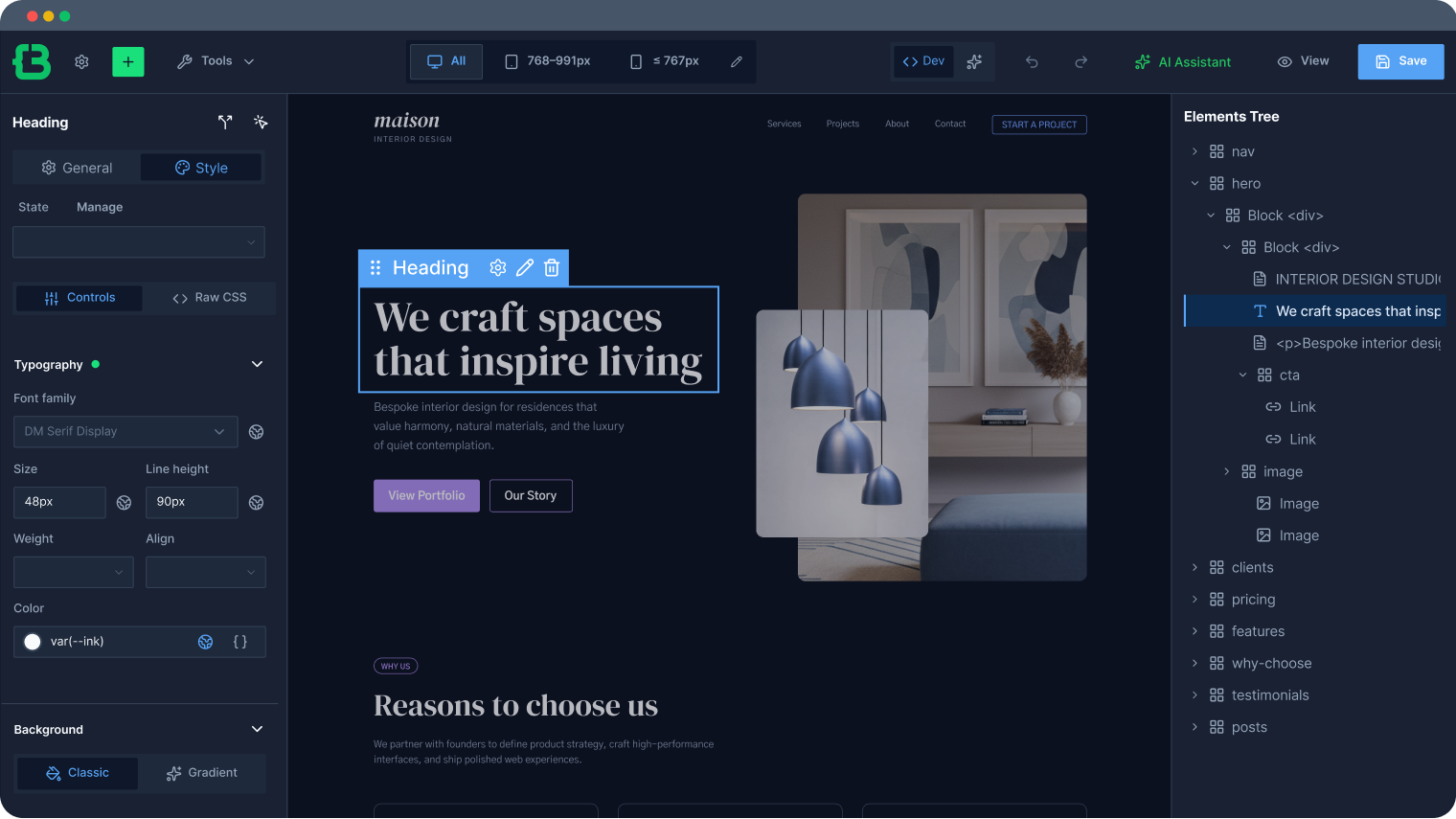
Style every element and its nested parts through one consistent control set, without overriding inline styles.
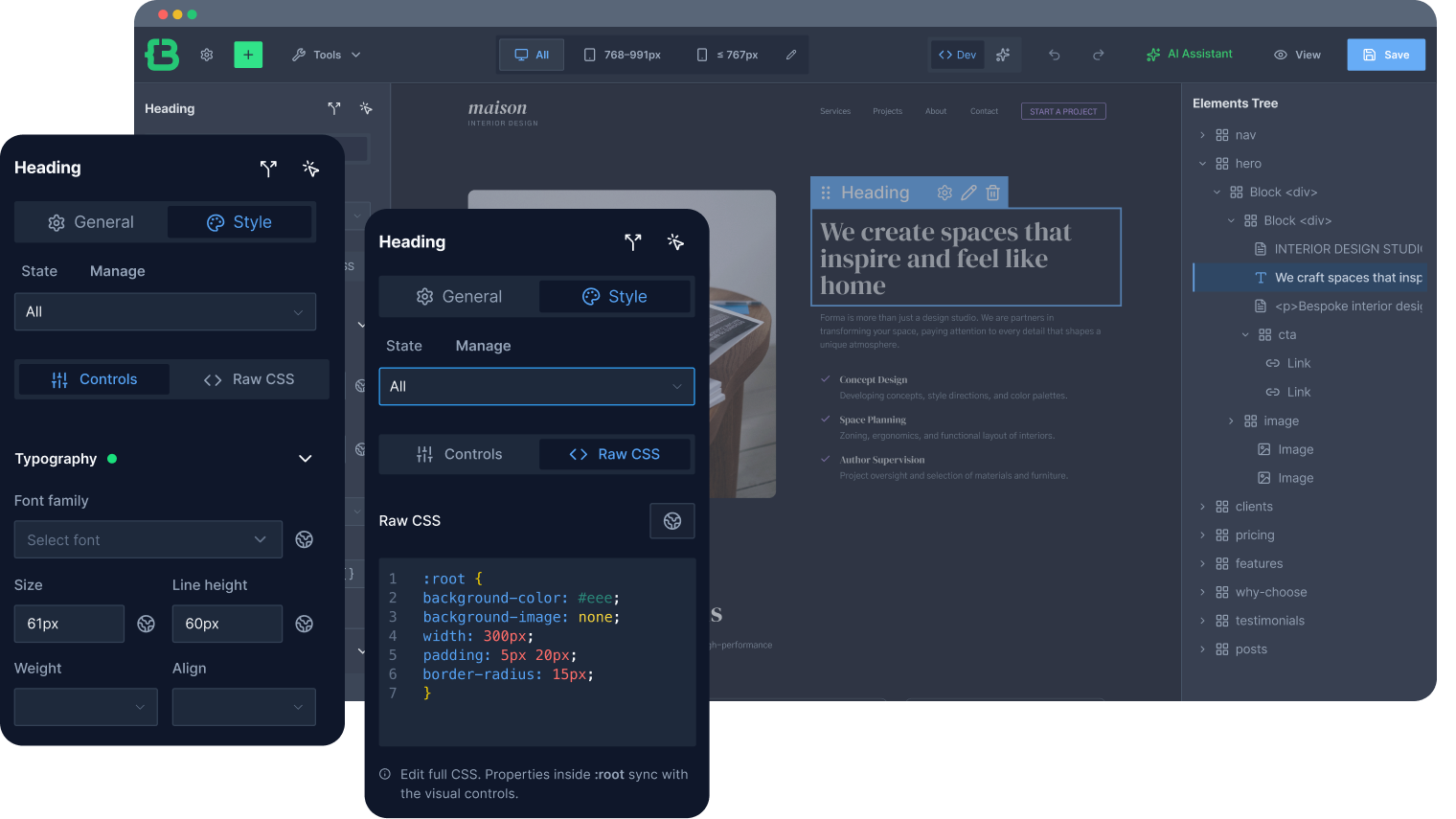
Switch between visual Controls and Raw CSS anytime. Both edit the same styles, no separate "Additional CSS" box, no sync breaks.
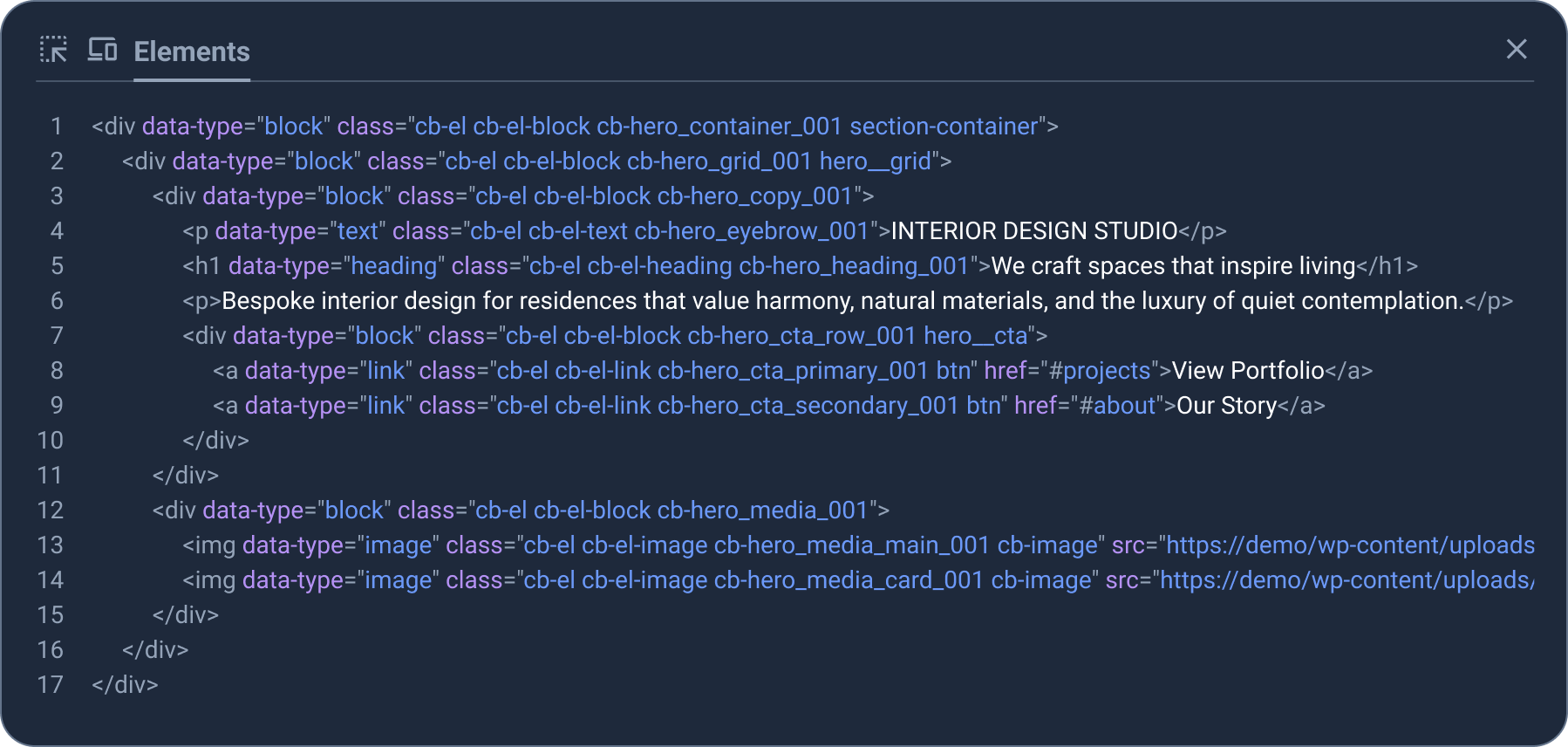
One builder element = one DOM node. No hidden wrappers, no generated markup overhead, cleaner HTML, faster pages, easier maintenance.
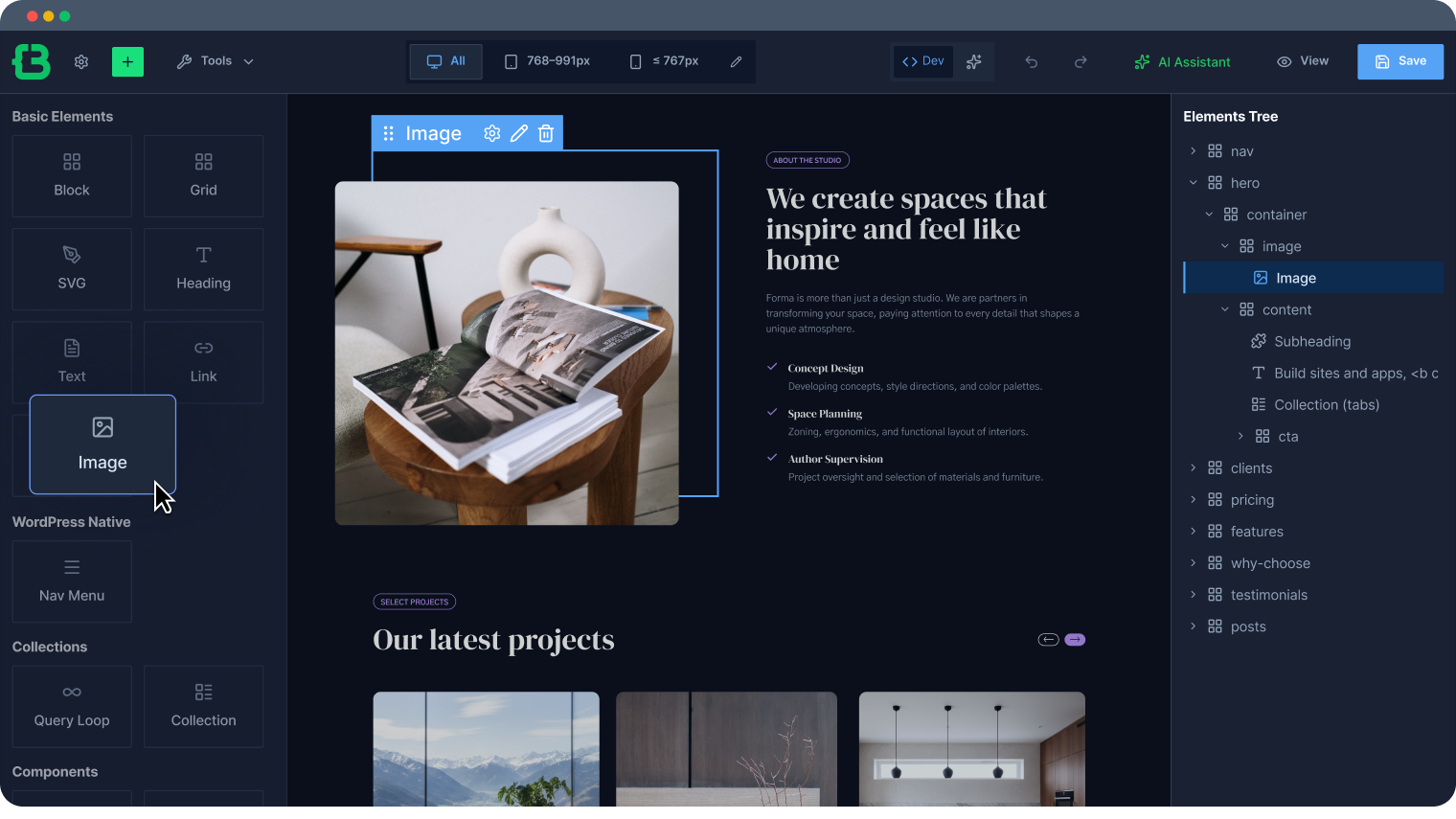
Build linked sections, cards, and buttons with any layout: no extra wrapper elements, no workarounds, no fragile nesting hacks.
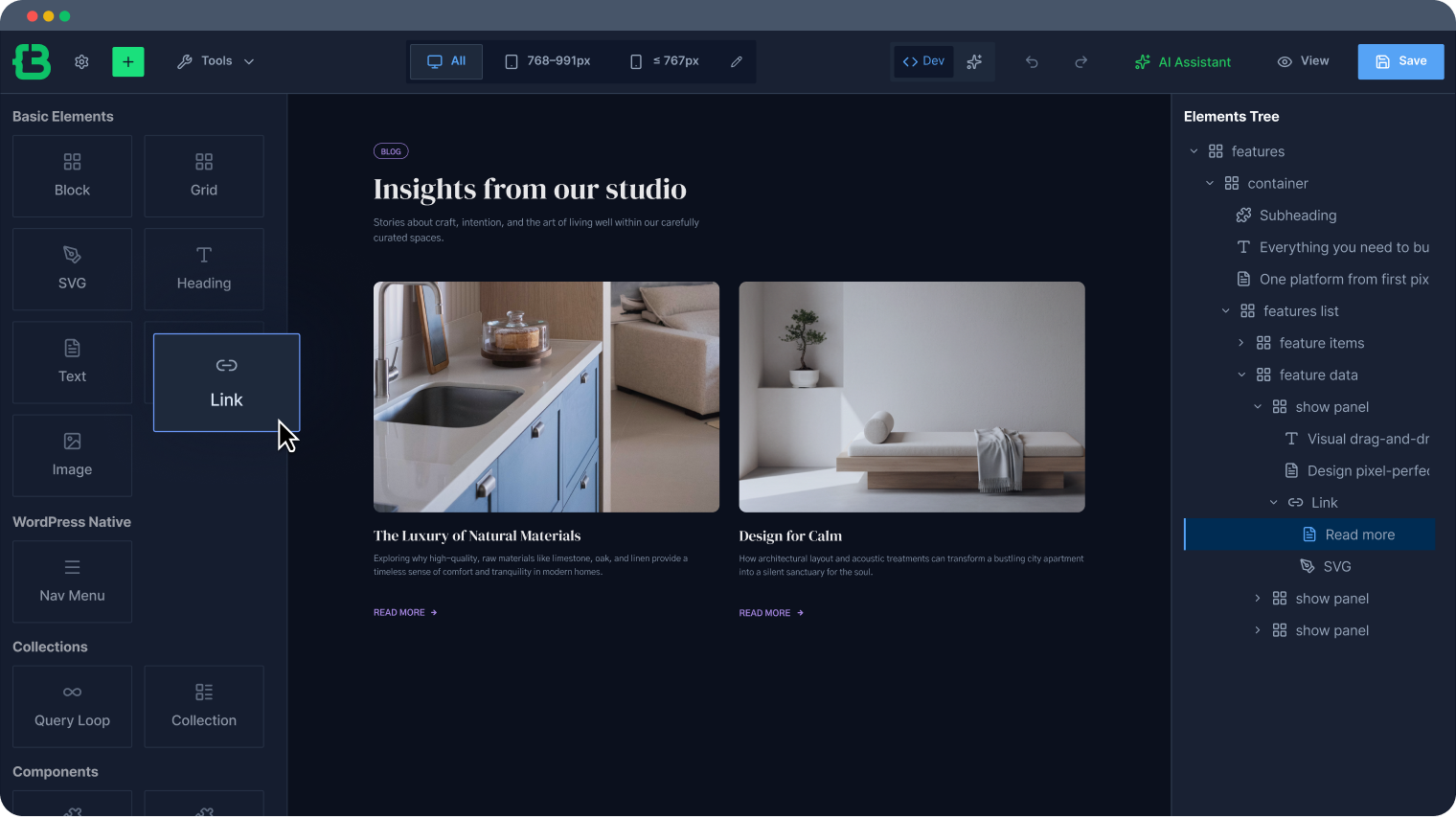
Scale CSS and Control Your Unified Design System
Set base styles for typography, spacing, and color at the site level; changes propagate everywhere without hunting down individual elements.
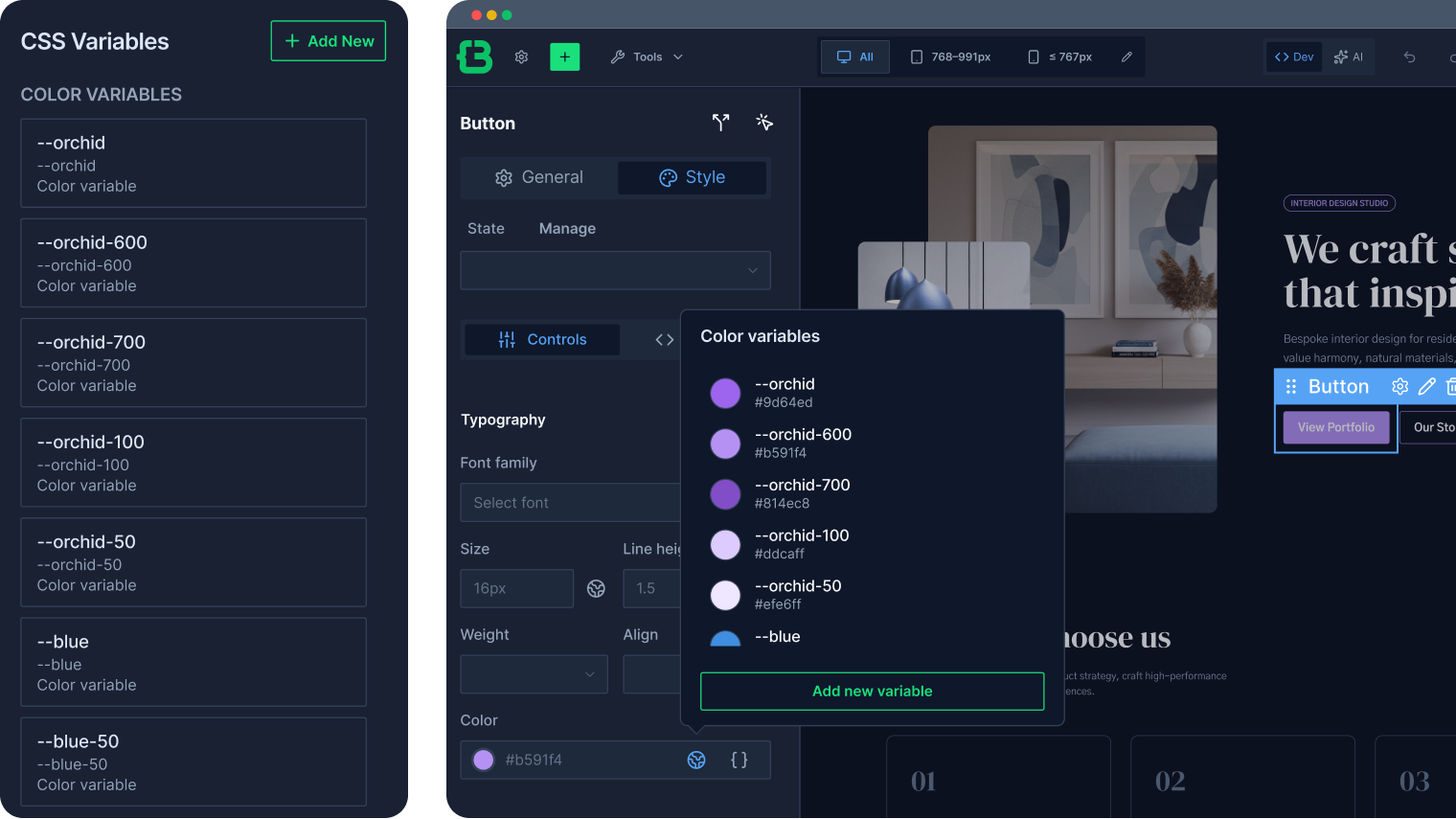
Define colors, fonts, sizes, and spacing as CSS custom properties set once, and reuse across the entire site, readable by AI and code alike.
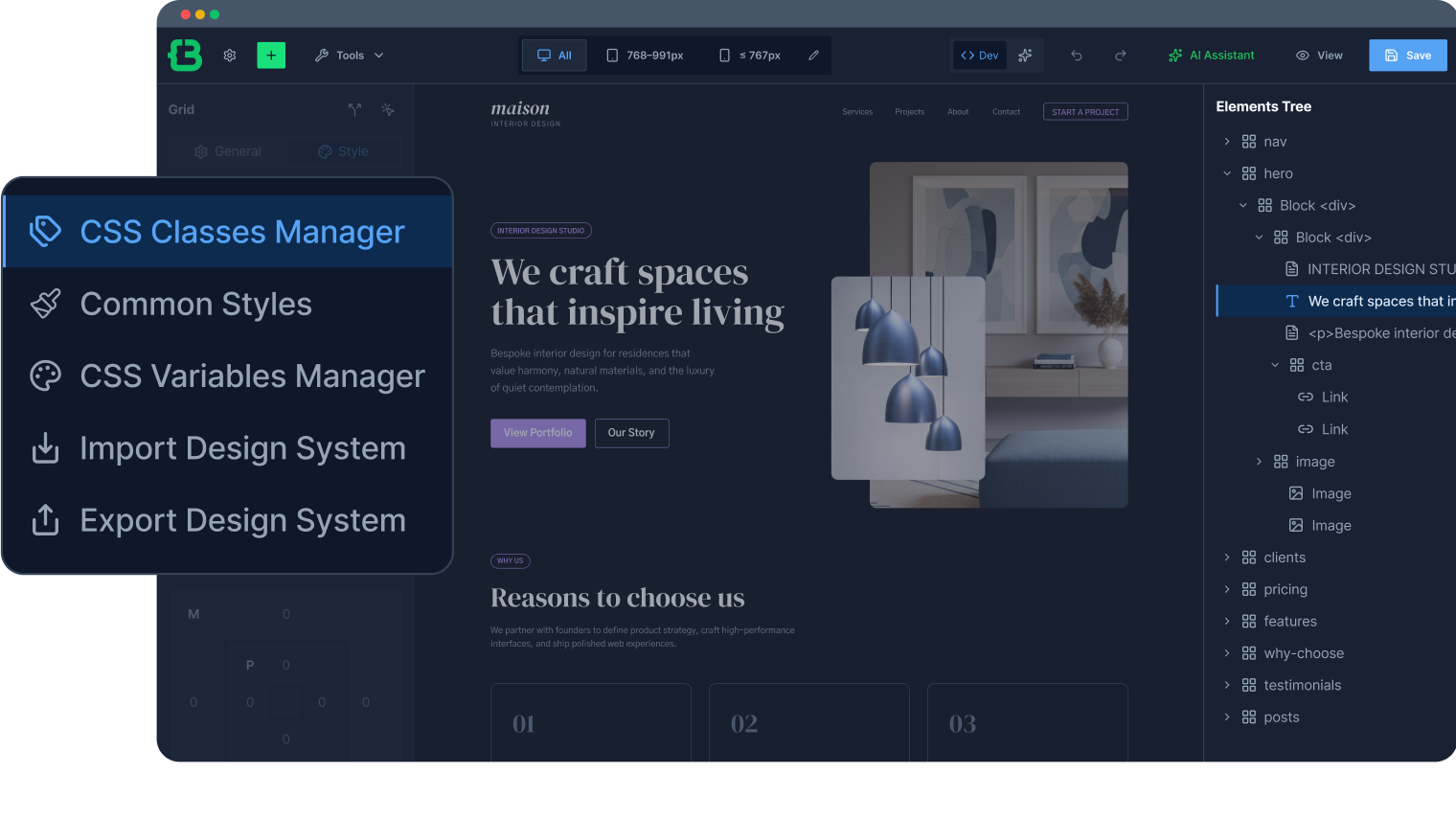
Import/export CSS framework for WordPress and manage it inside the builder, no context switching, no parallel style systems.
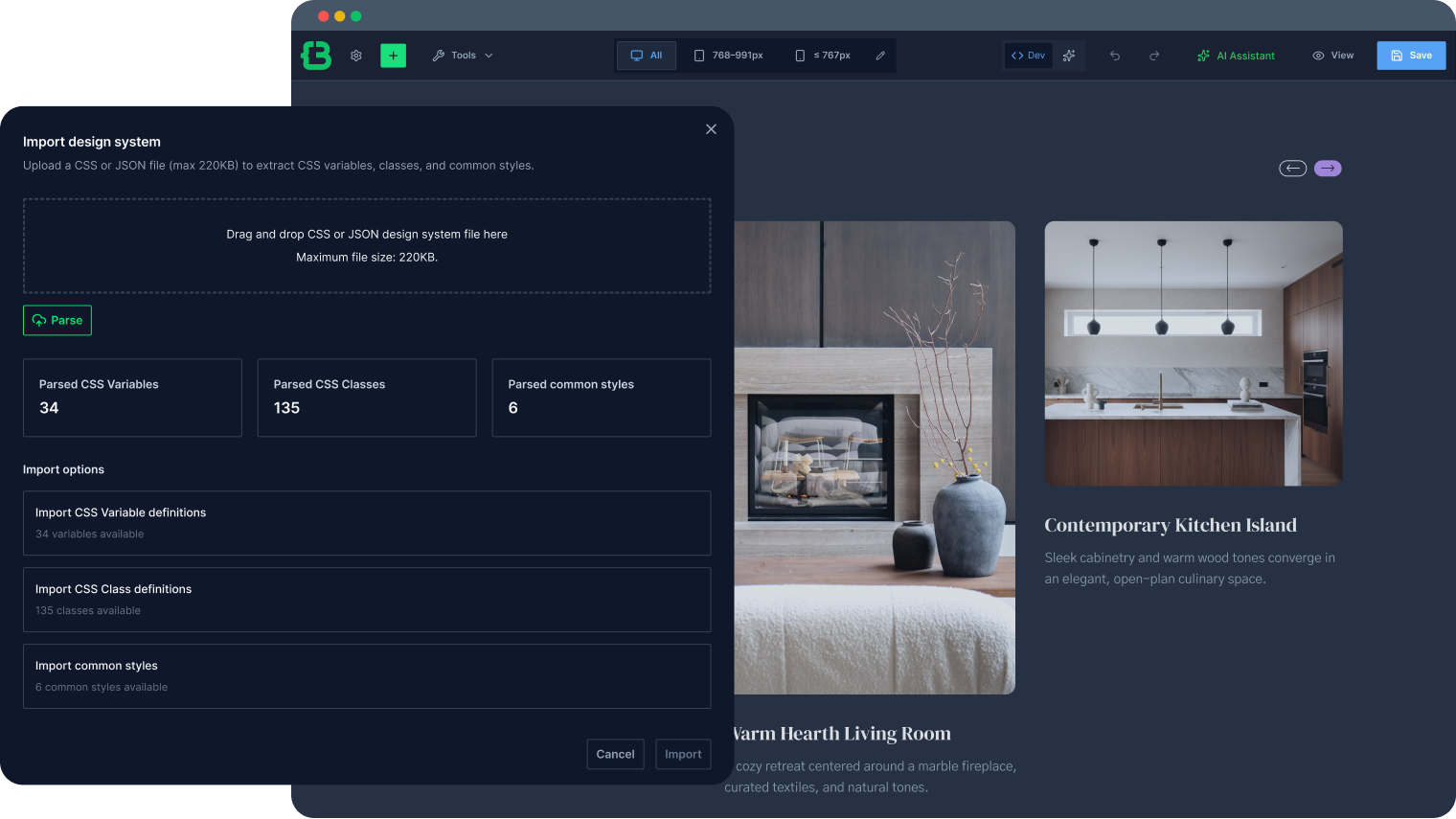
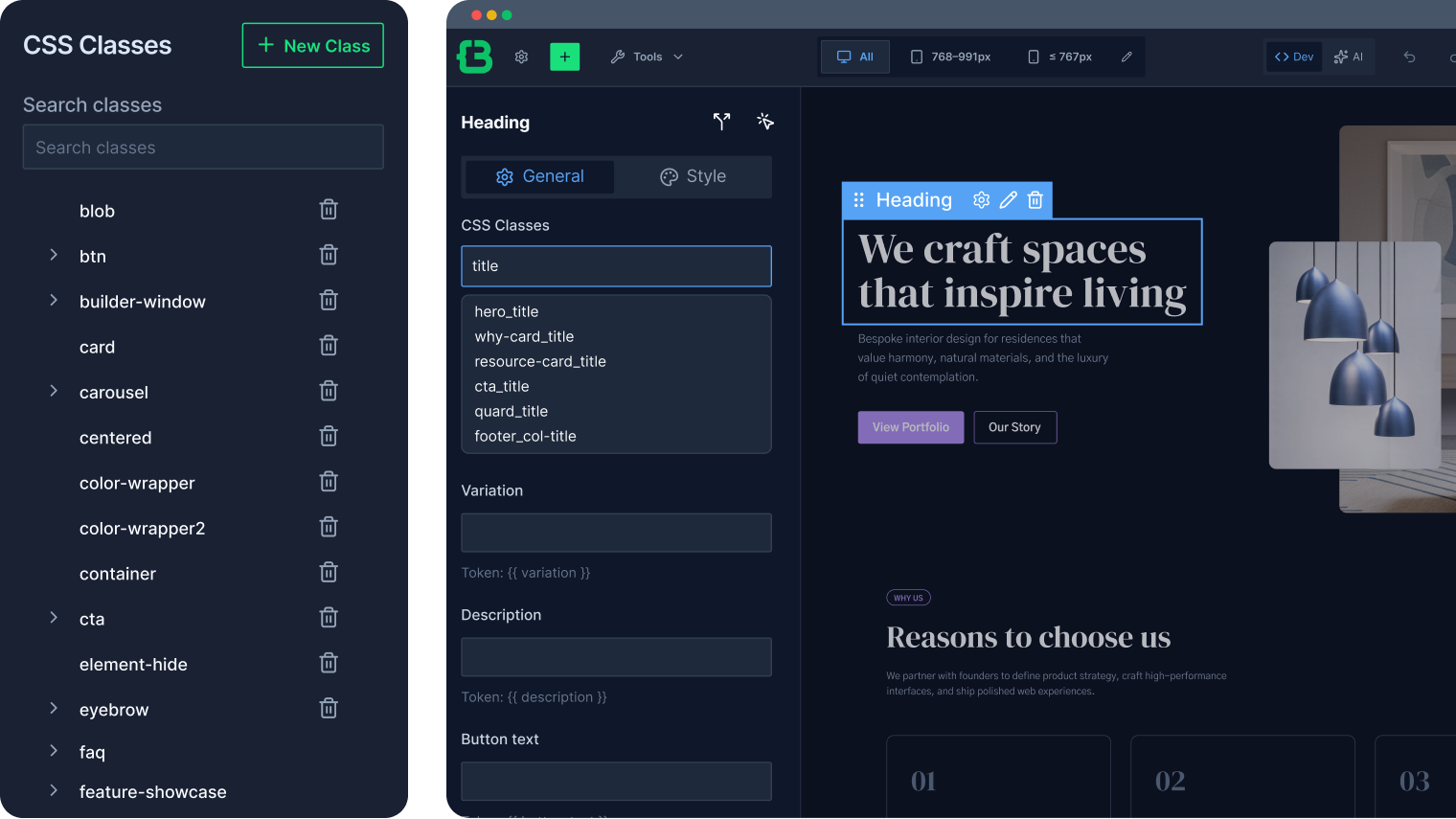
Classes are created using real CSS names and work outside the builder as well. Reuse them across Gutenberg or other projects.
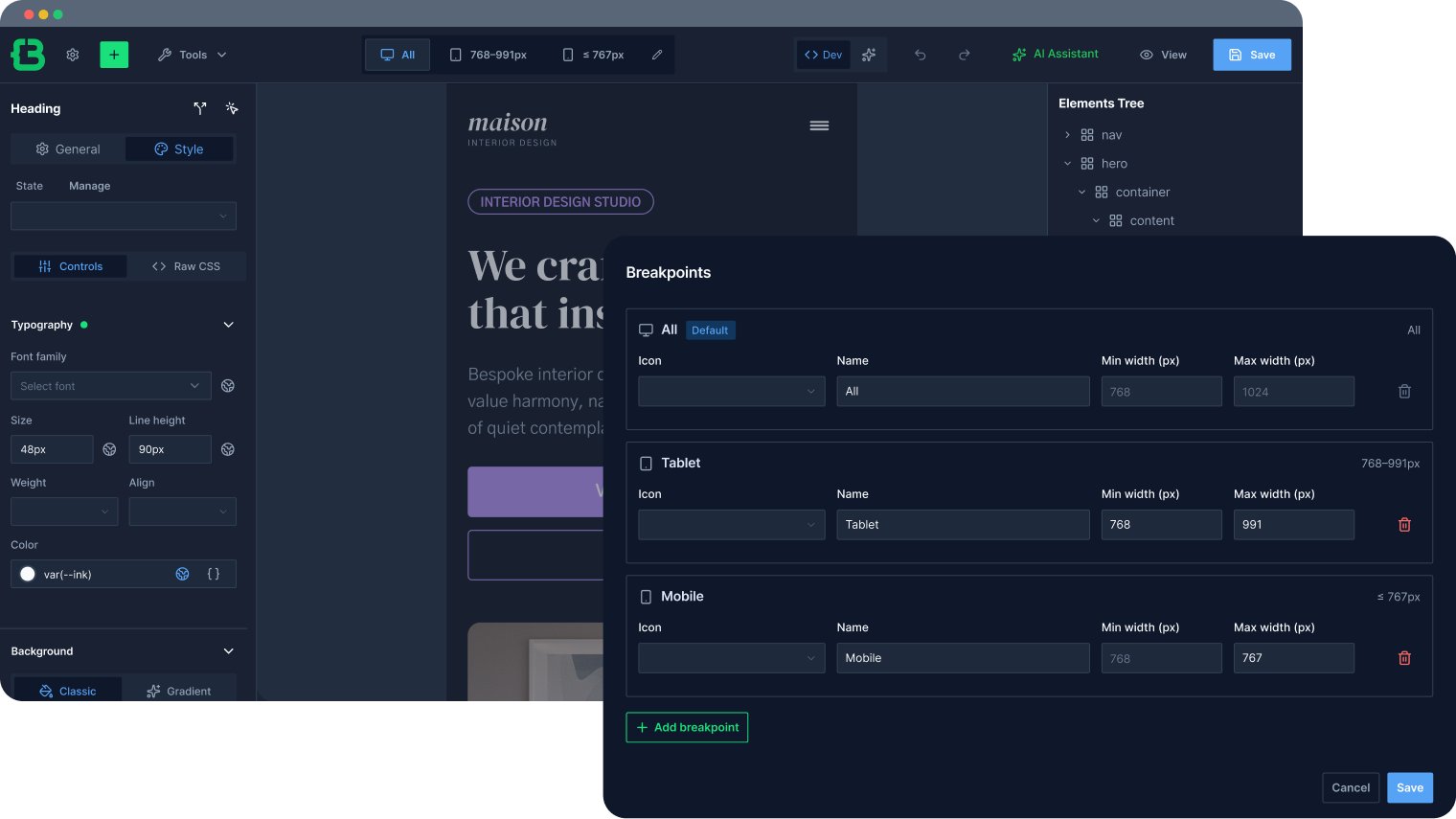
Define your own breakpoints instead of working around fixed responsive logic that suits your project, not the builder.
Design Complex Layouts and Dynamic Content
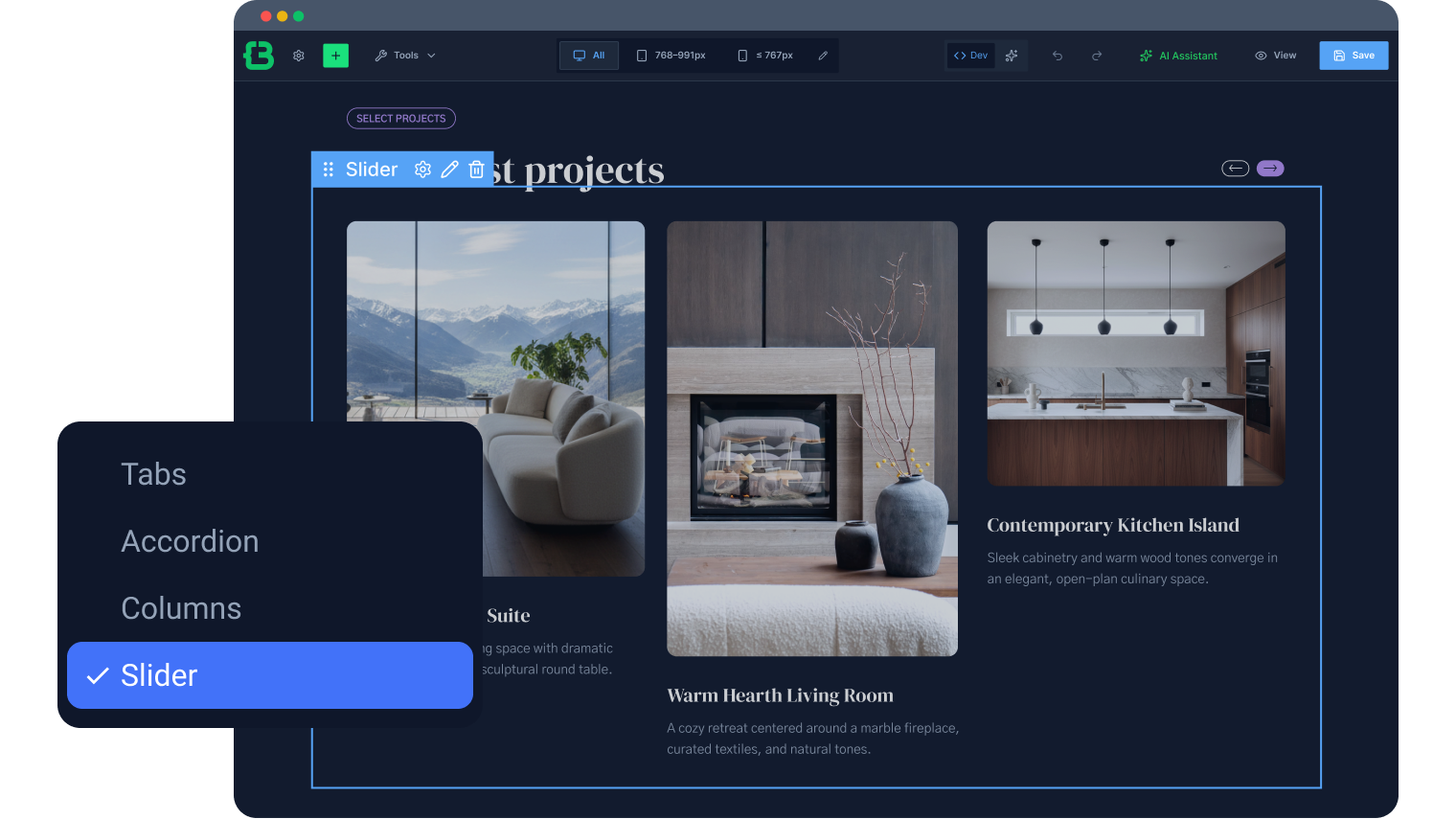
Display rich content in tabs, slider, or an accordion. Switch layouts without rebuilding or duplicating content blocks.
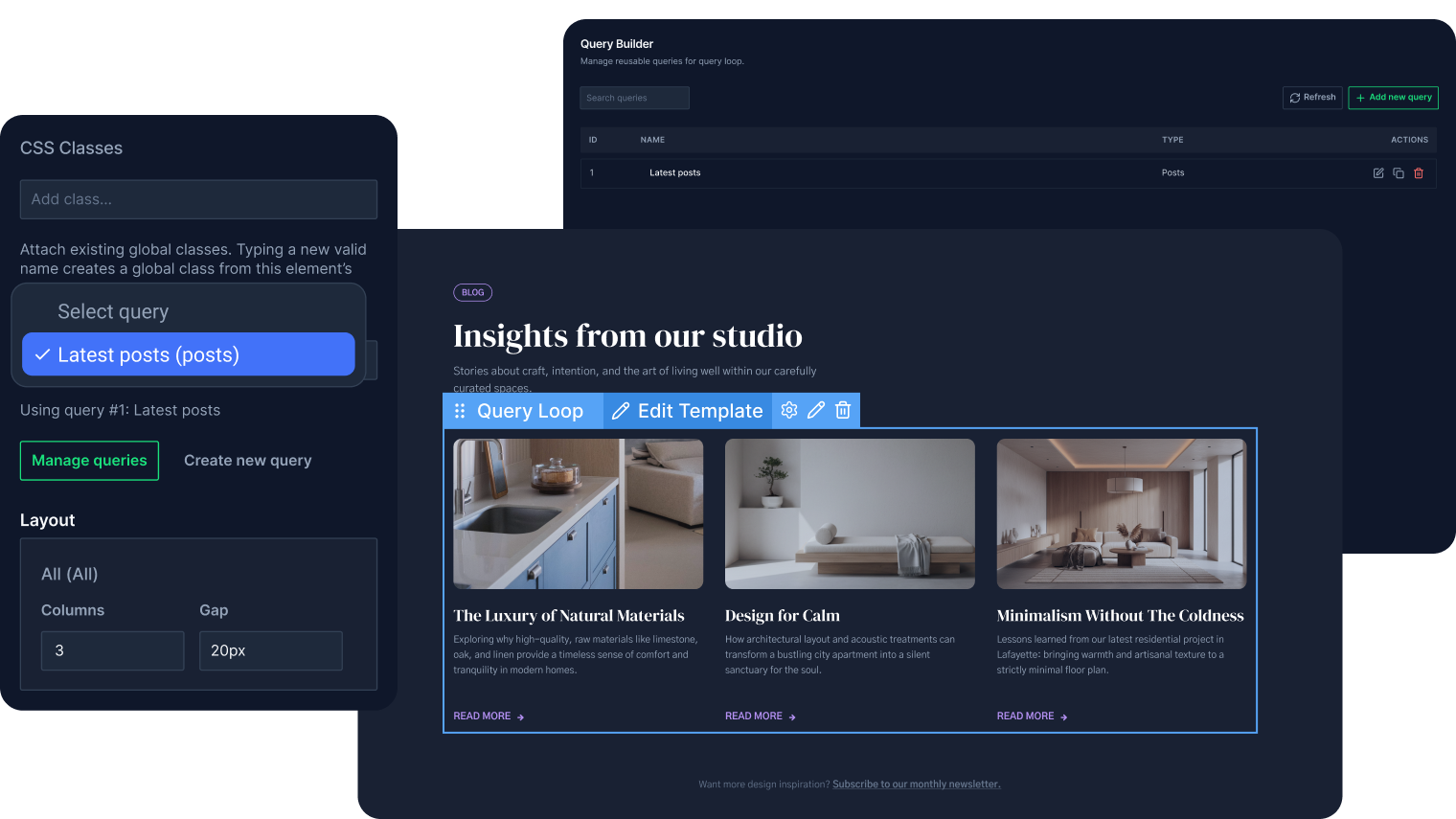
Build WordPress loops from any query and edit the template item visually: no PHP, no hardcoded markup, and no static repetition.
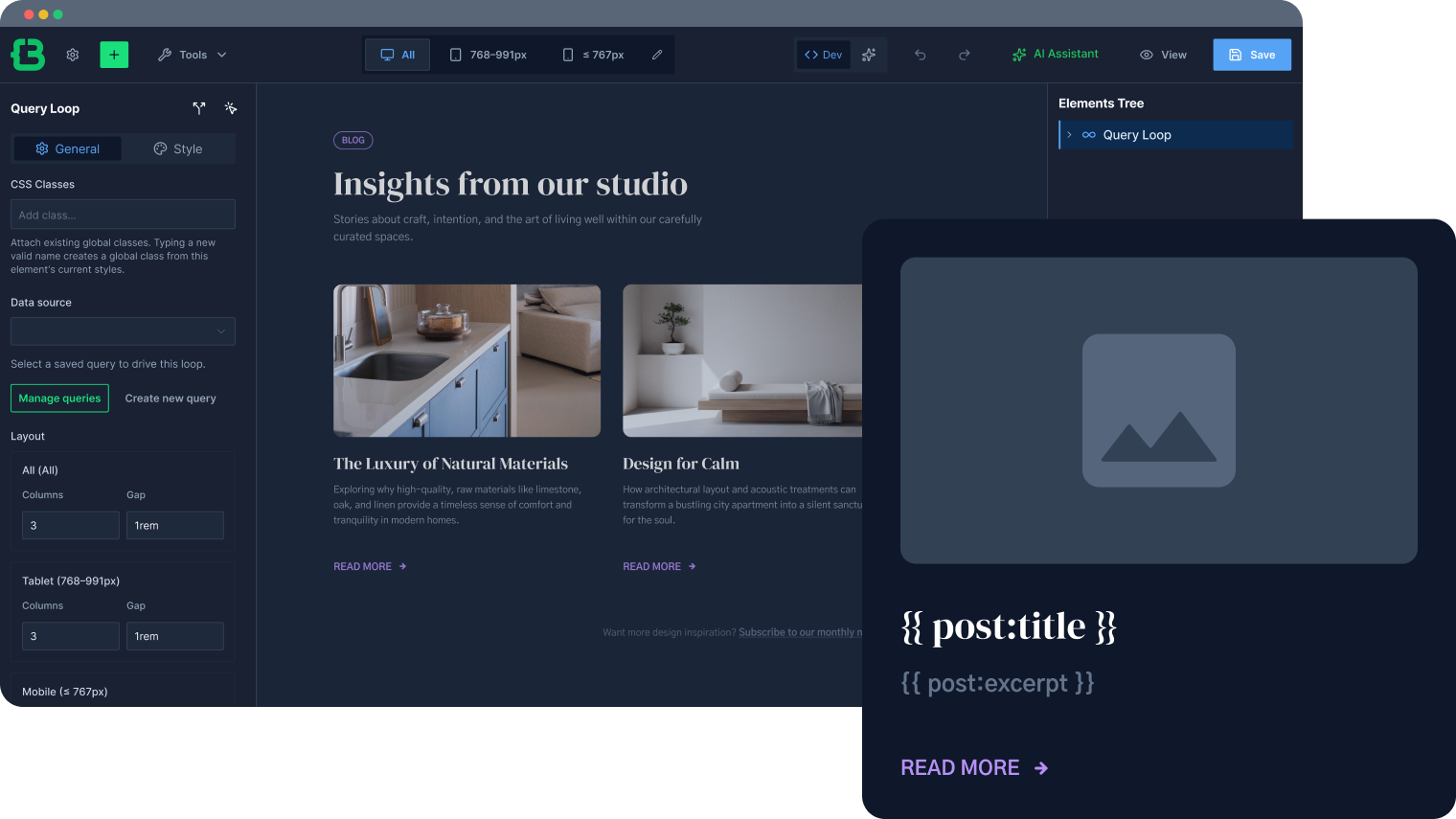
Create custom WordPress queries through the UI, filtering by post type, taxonomy, meta, or relation without writing PHP or SQL.
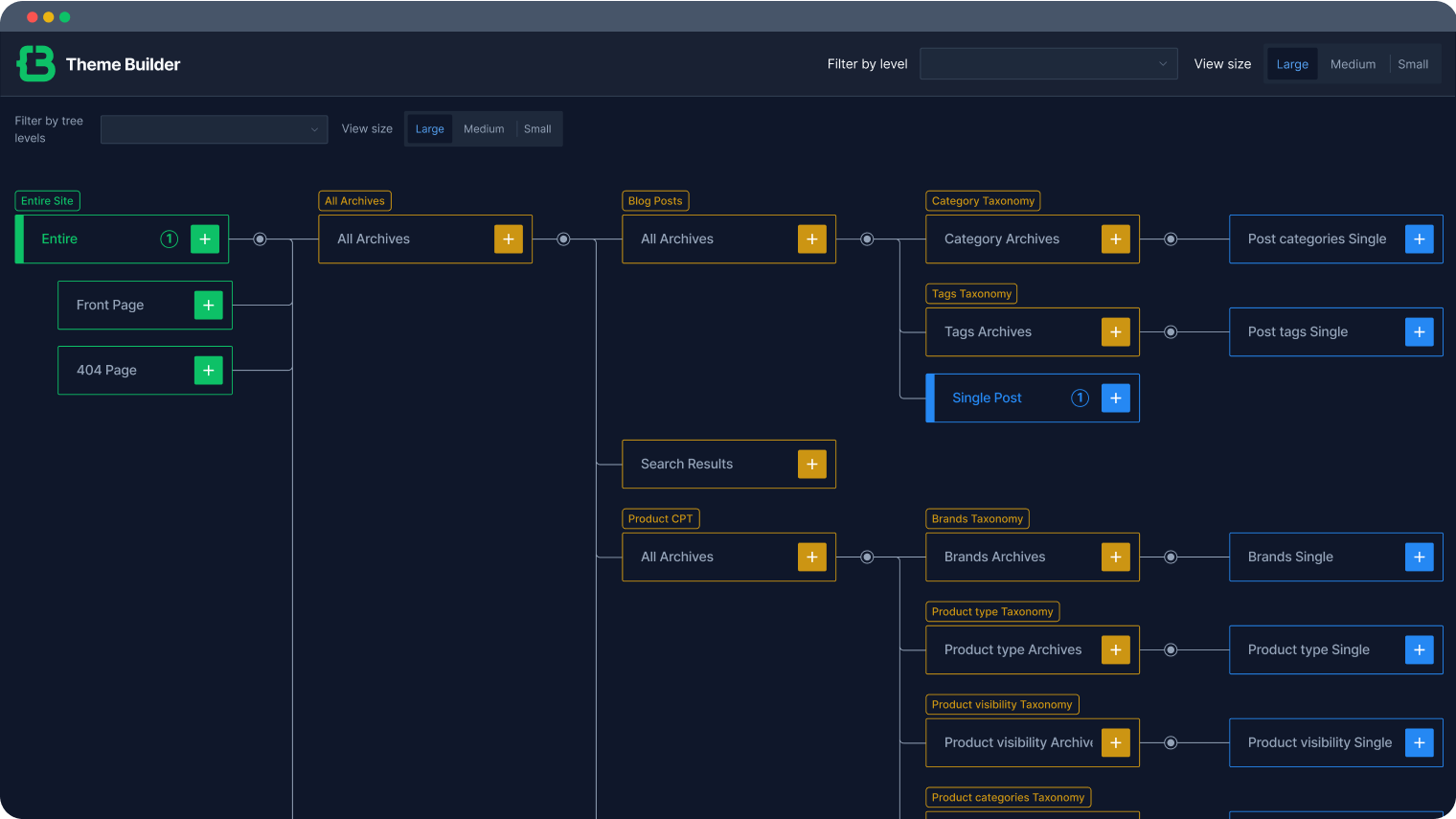
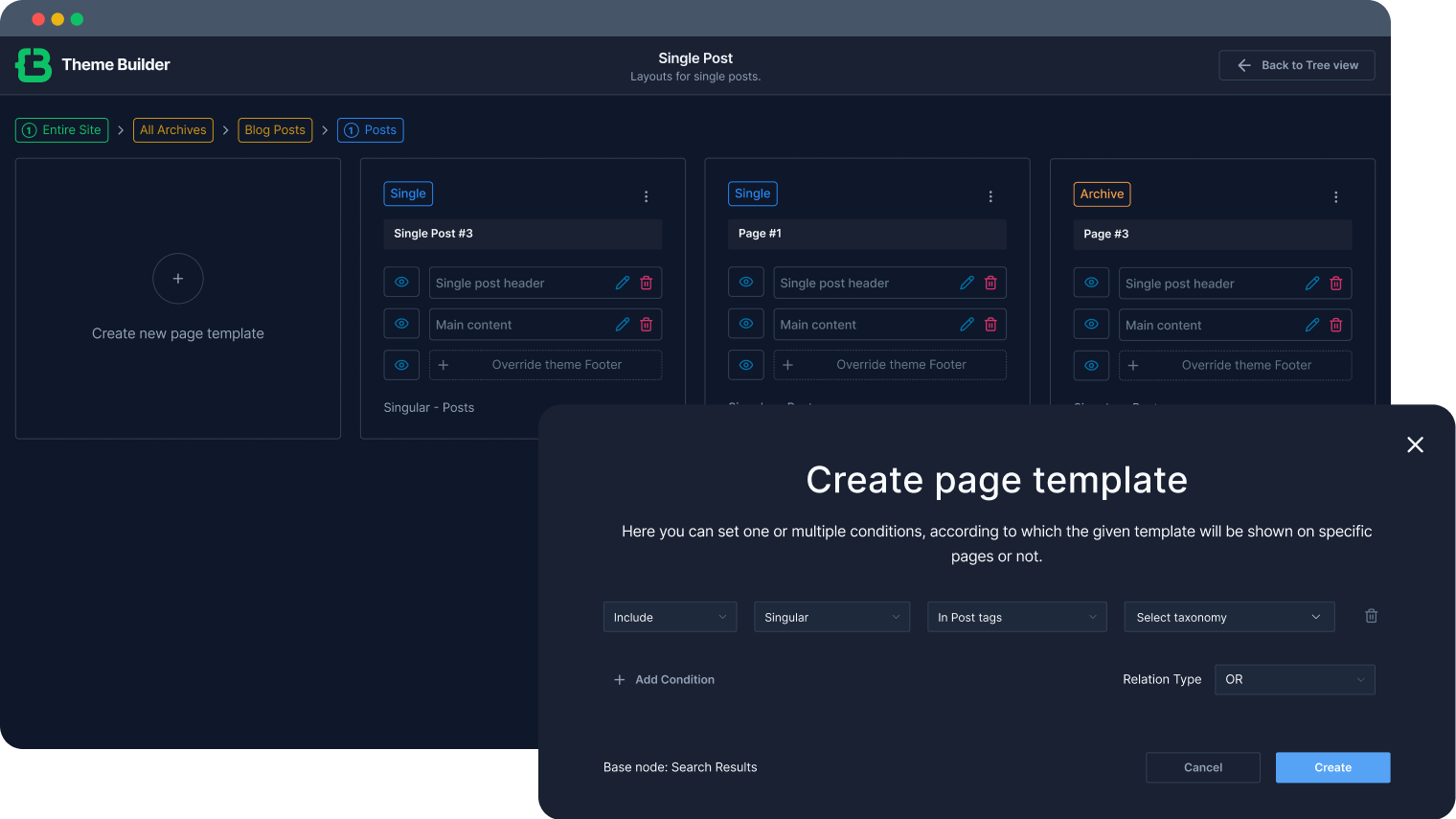
Control the full site structure: header, footer, single post, archive, and product templates, with builder-level visual control.
Control Behavior and Conditional Logic
Trigger actions on any element: hover states, scroll effects, and dynamic changes without writing custom JavaScript for each case.
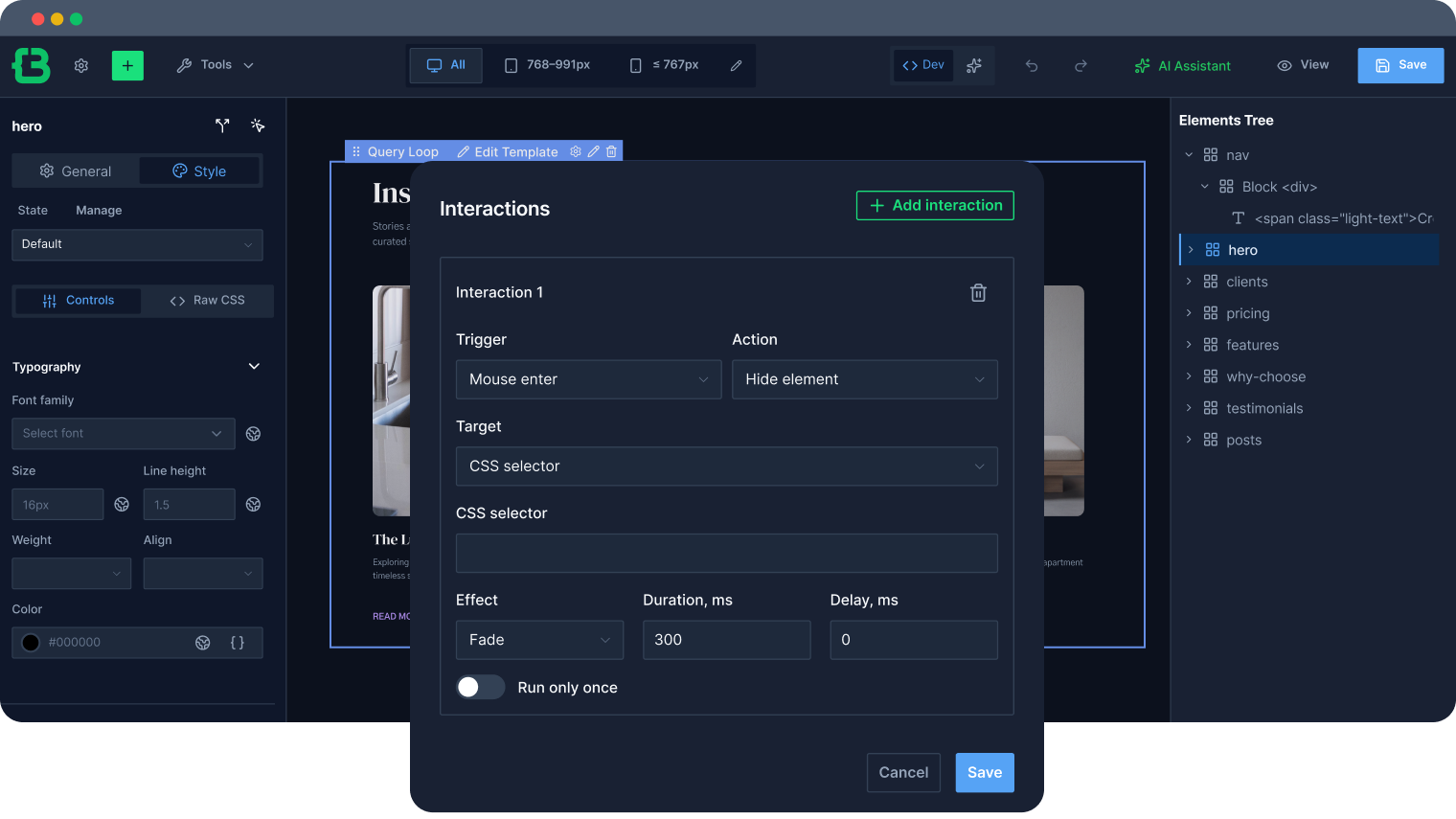
Show or hide any element based on user role, device, or data conditions to build context-aware interfaces without conditional PHP.
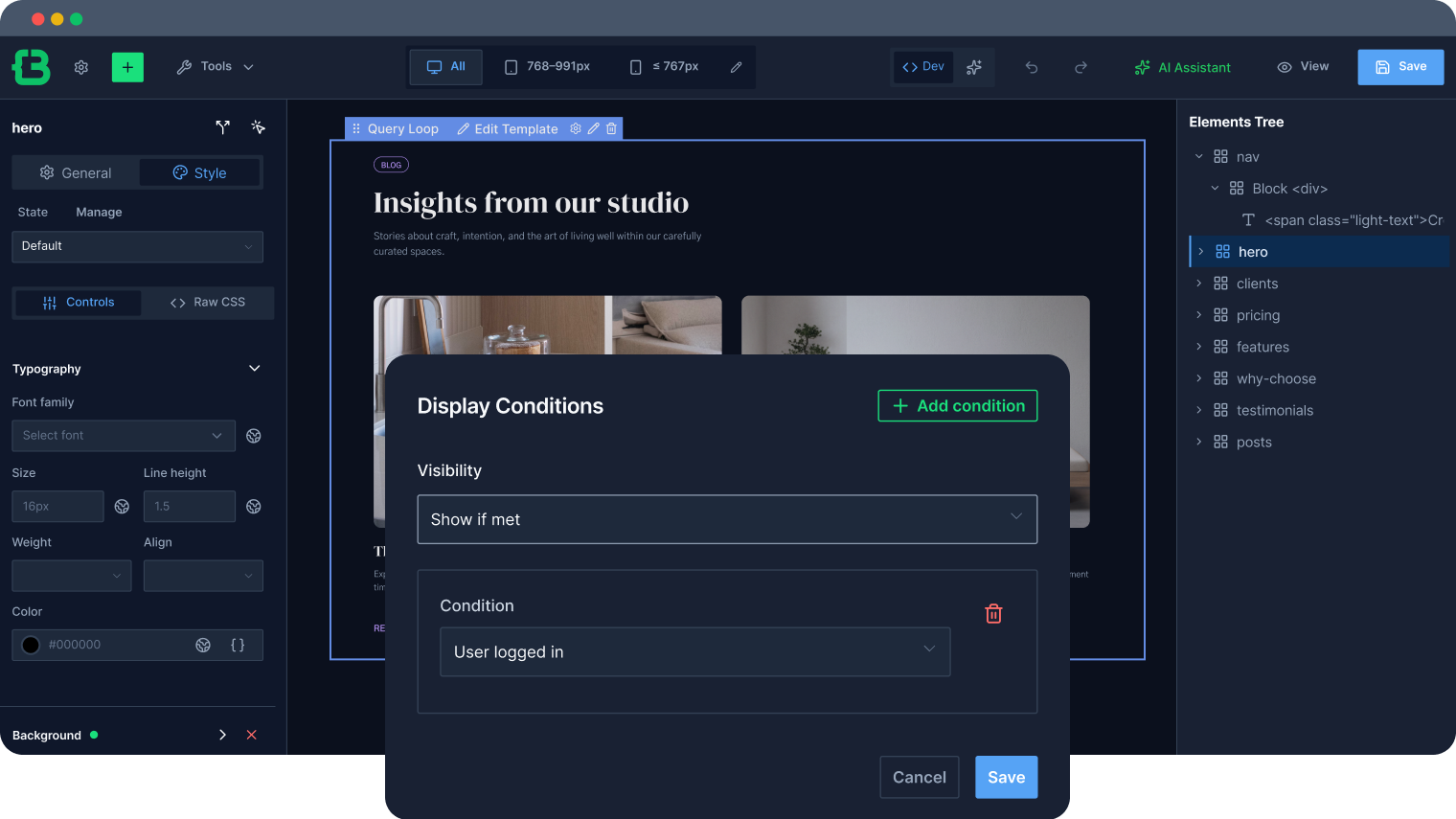
Assign different templates to page types, archives, products, or posts using condition rules, not hardcoded template hierarchies.
Break Limits with Custom Component Flexibility
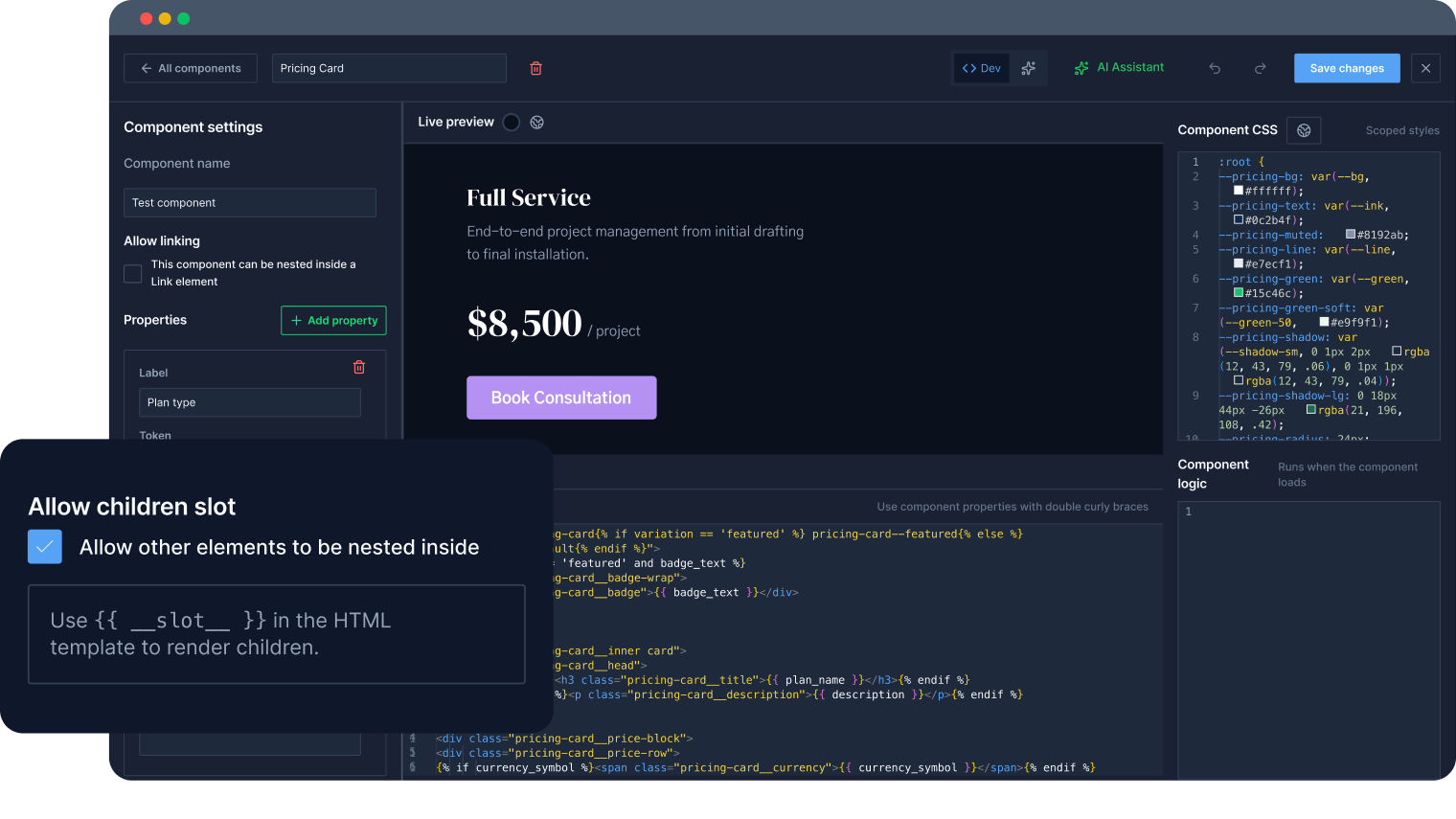
Build components in raw HTML, CSS, and JS, either manually or via AI prompts, with full code access and no abstraction layer.
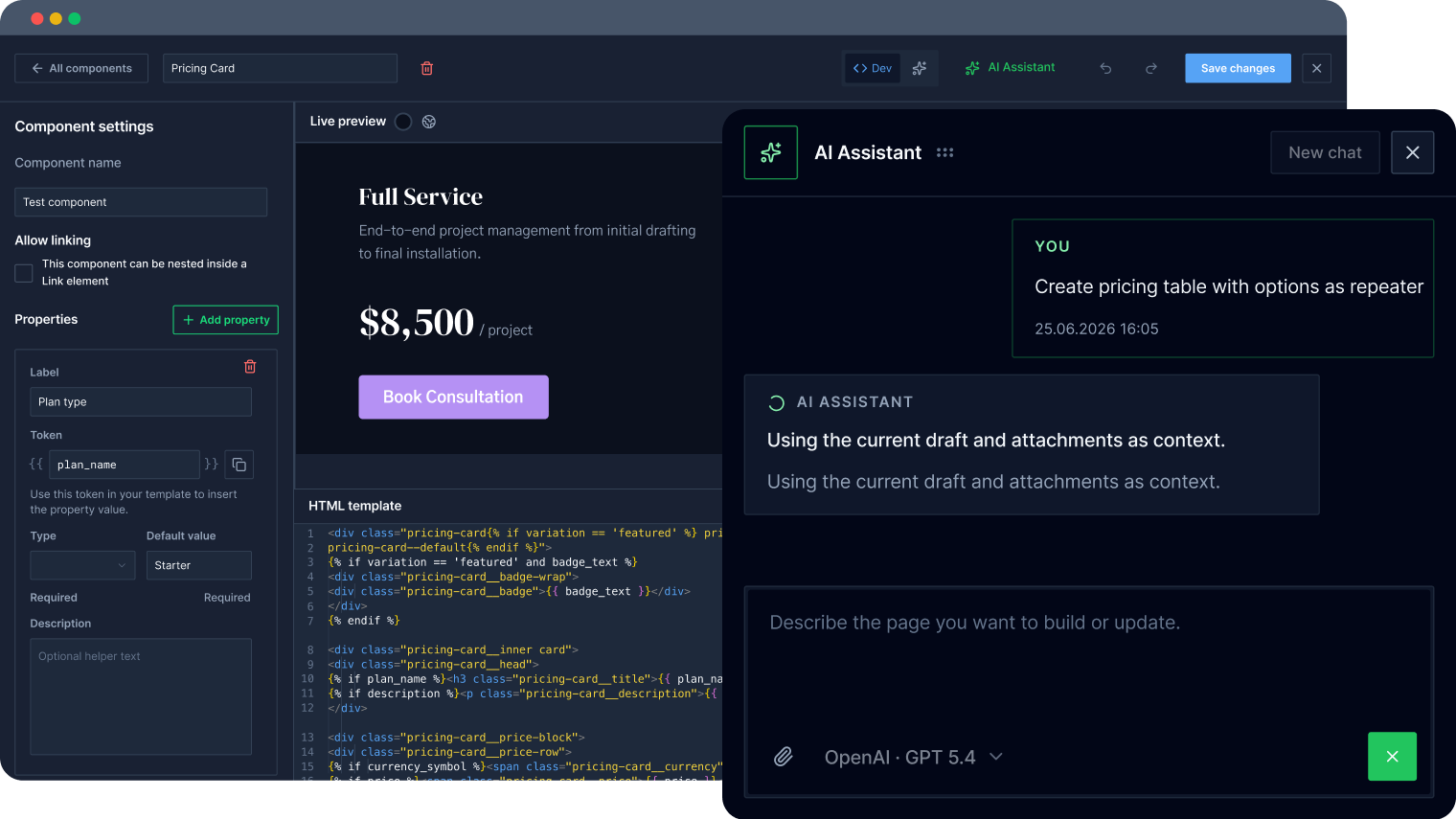
Give components controllable parameters: text, images, colors, and repeaters, so a component adapts to every use case.
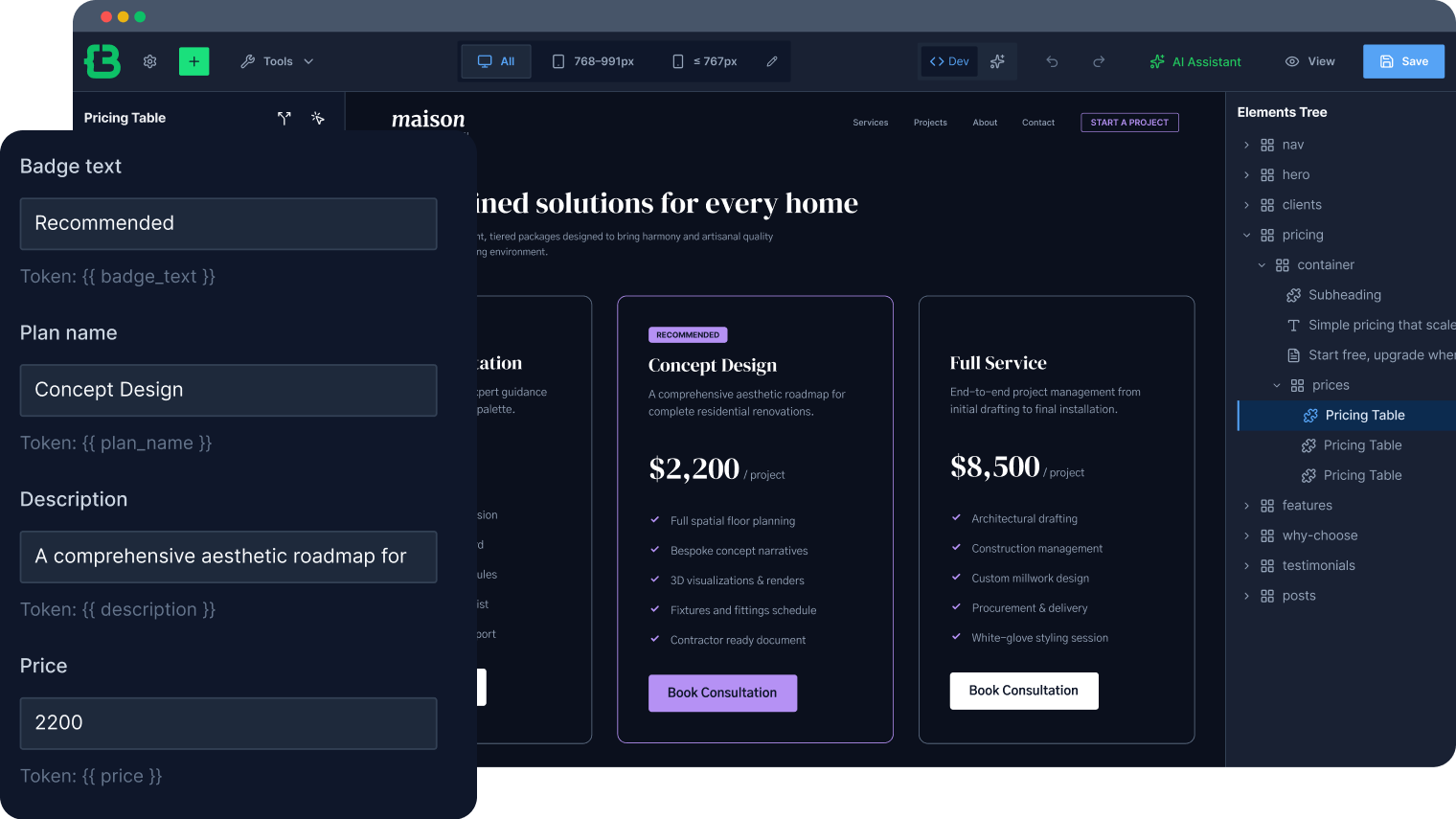
Nest other blocks inside a component without breaking its structure; one reusable component, flexible content each time.
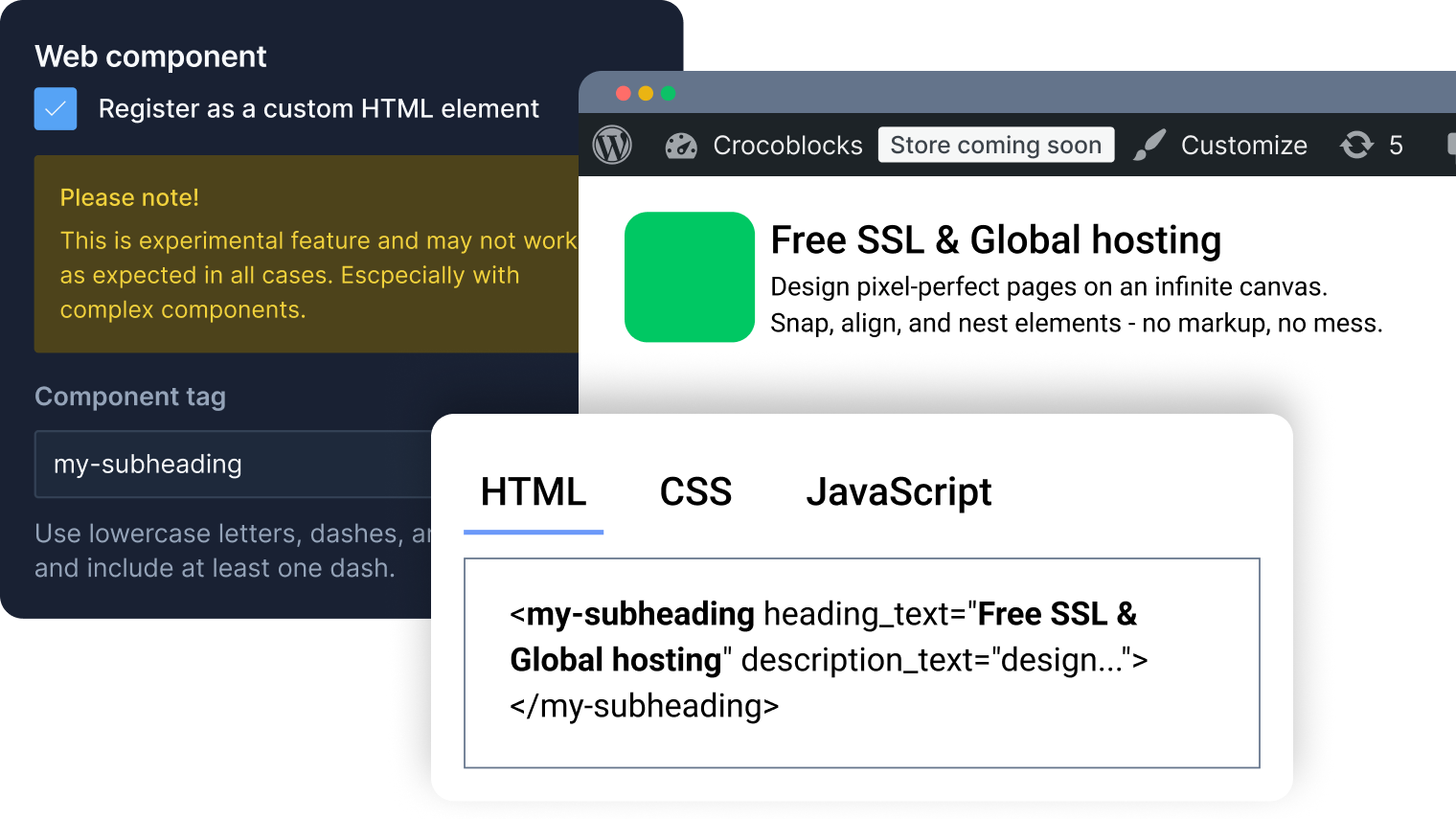
Use components outside the builder in Gutenberg not as static templates, but as live components with props and reusable logic.
Boost Time-to-Launch with AI Integration
Discover All AI FeaturesMCP connection
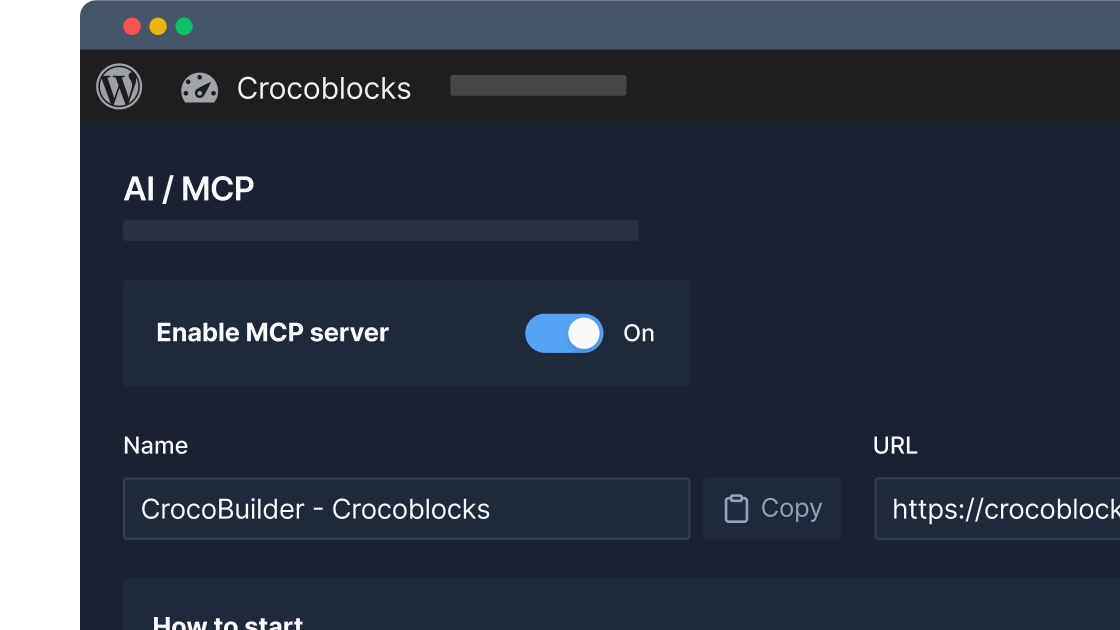
Let AI agents like Claude or Codex manage site structure, queries, components, styles, and pages directly through the builder.
AI Assistant builder
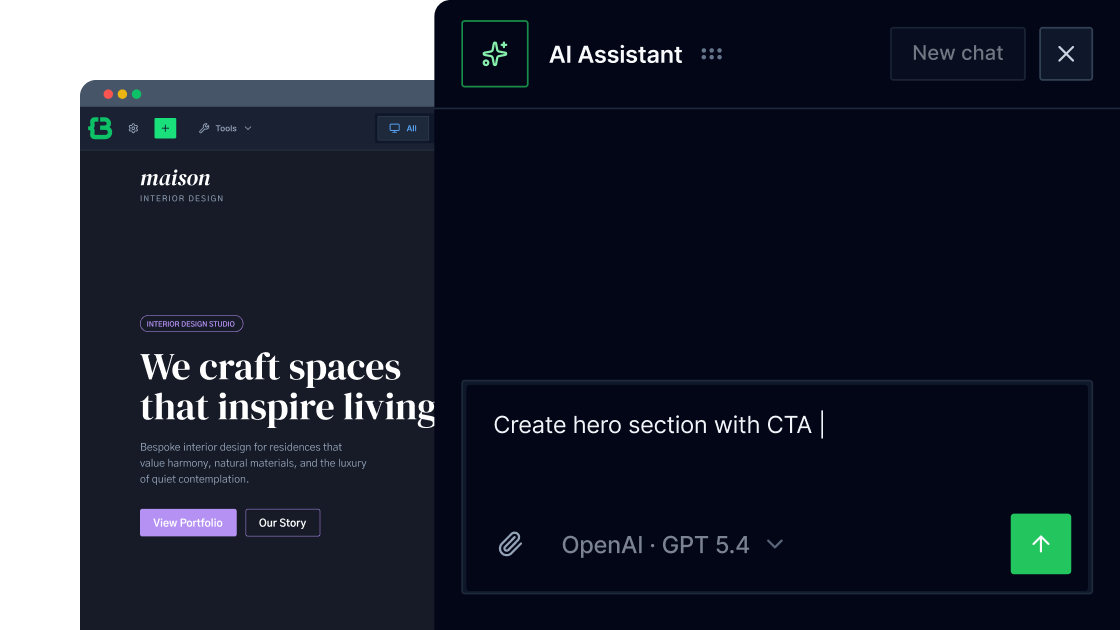
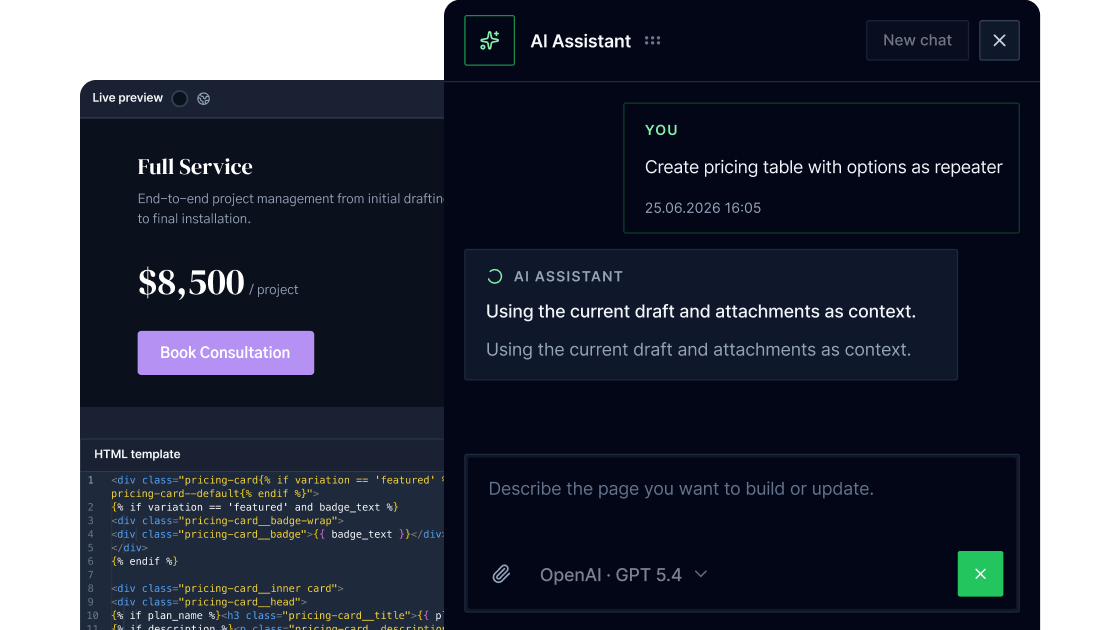
Let the AI assistant assemble pages from elements, components, classes, and variables, guided by a prompt and your frontend logic.
AI Component creation
Generate custom components using prompts, then manually refine the code without losing builder compatibility.
GitHub Versioning
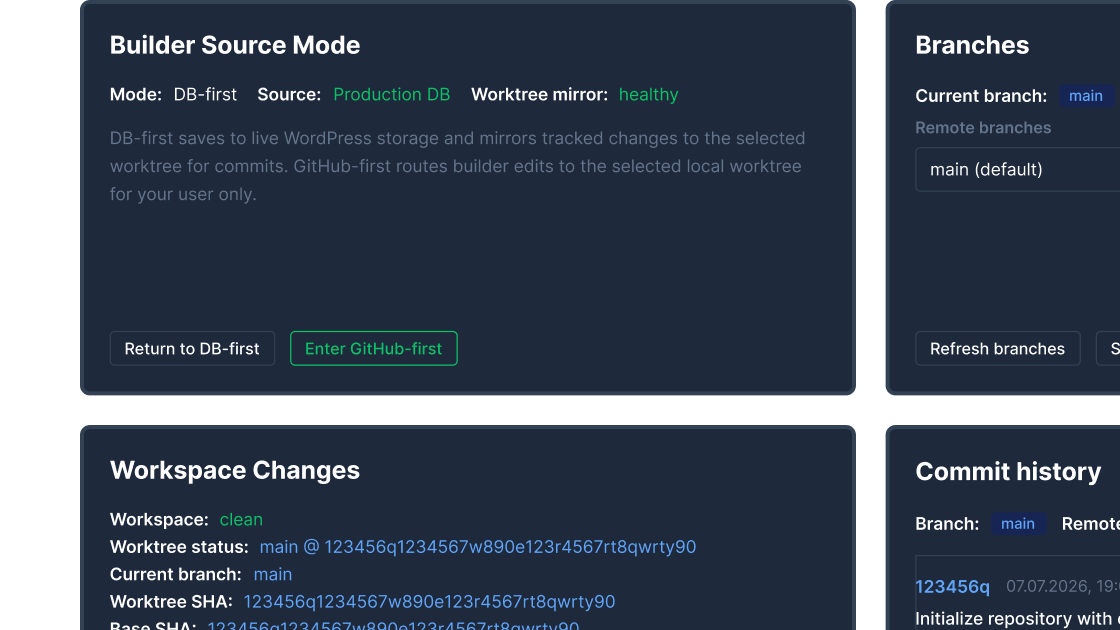
Sync builder content with a GitHub repository to bring real version control to your frontend workflow. Coming soon.
Why CrocoBuilder Excels Technically
Designed for WordPress creators who need flexibility, control, compatibility, and long-term maintainability.
Reduce fragmentation across growing projects with one unified toolset instead of multiple plugin vendors.
Standardize repeatable project delivery with reusable components, modular setup, and faster implementation.
Native integrations with JetEngine, JetFormBuilder, JetSmartFilters, JetPopups, and more are coming. We’ll extend your workflow without increasing build complexity.


Join the CrocoBuilder
Waitlist