
Advanced Custom Fields for WordPress
A JetEngine feature that allows you to work additional content parts into a web property.
year







WP Custom Fields Use Cases
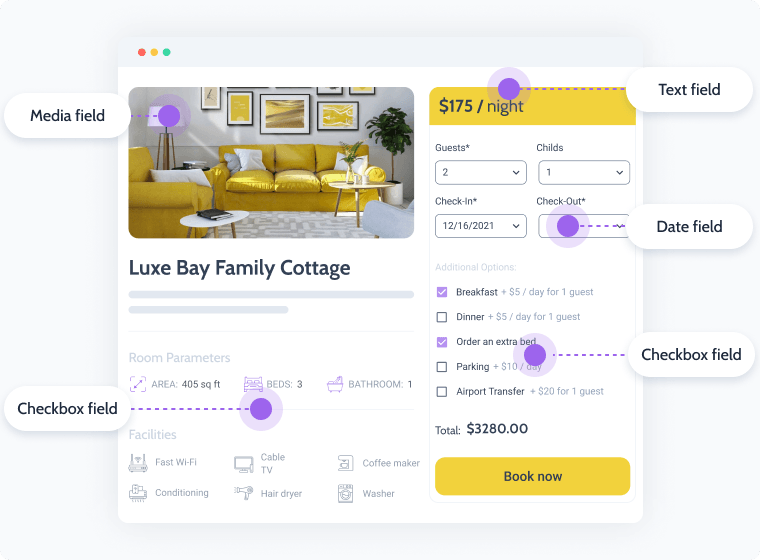
Booking
Bring the required fields into play and set the description to them in the posts directly. Create custom fields for Hotel booking.
Custom meta fields:
- Product single & catalog pages
- Advanced filters
- Custom Shop pages
- Custom Mega Menu
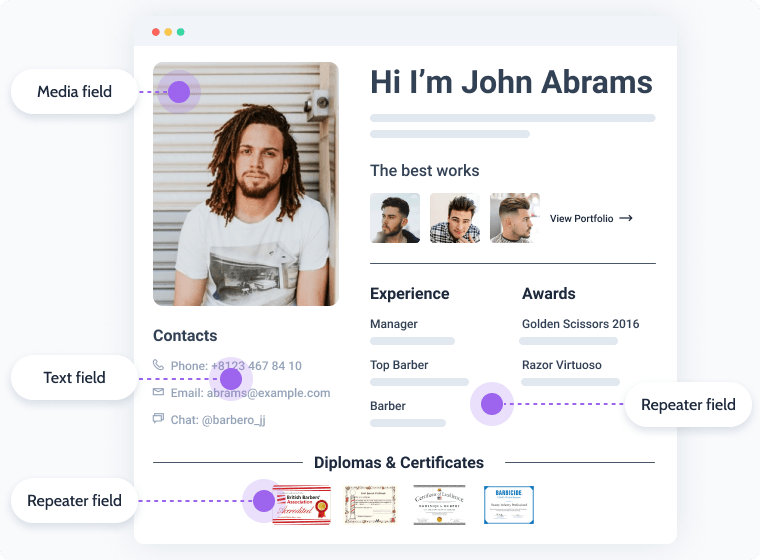
Appointment
Add the default field values to have ready-made content or set the custom ones. Add meta fields to fill in the barber’s details.
Custom meta fields:
- Description
- Photos
- Experience
- Certificates
- Links to portfolios
- Full contact information
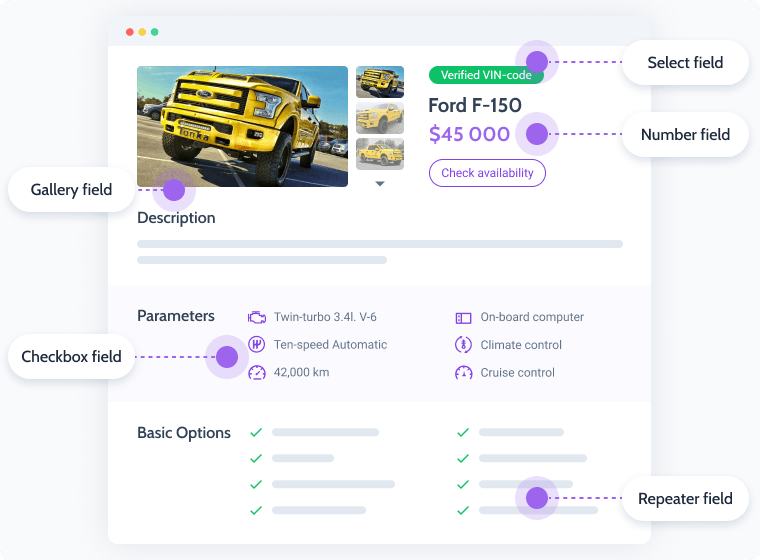
Marketplace
Add the default field values to have ready-made content or set the custom ones. Fill in the custom meta fields with all the data for the Car ads to be posted.
Custom meta fields:
- Car model
- Main parameters
- Price
- Photo gallery
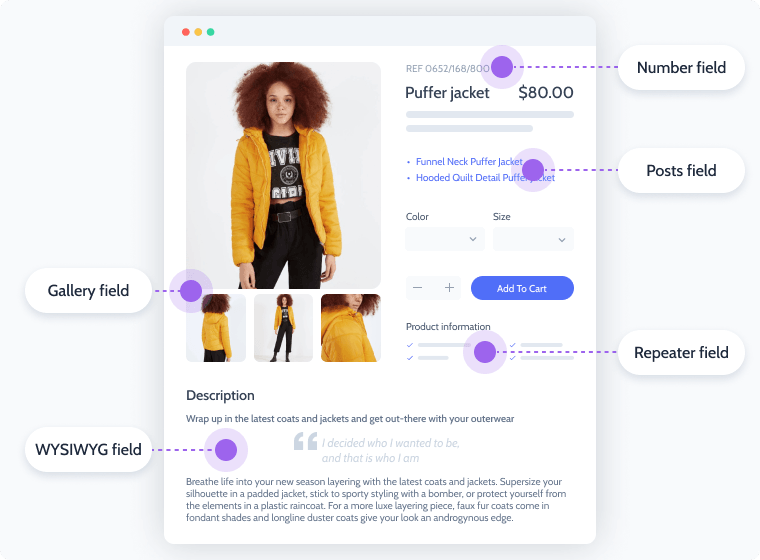
E-Commerce
Set up a field group and customize their width in the admin area. Insert additional fields in your single products or add documents as attachments.
Additional fields:
- Attributes
- Sizes
- Additional photos
- Product number
- Related products list

Complete the basic field setup
Transliterate Cyrillic to Latin in the field name automatically
Fill in the default meta field value
Set Character limit to Define the field value length
Set the custom field visibility by Conditional logic rules
Make the field required
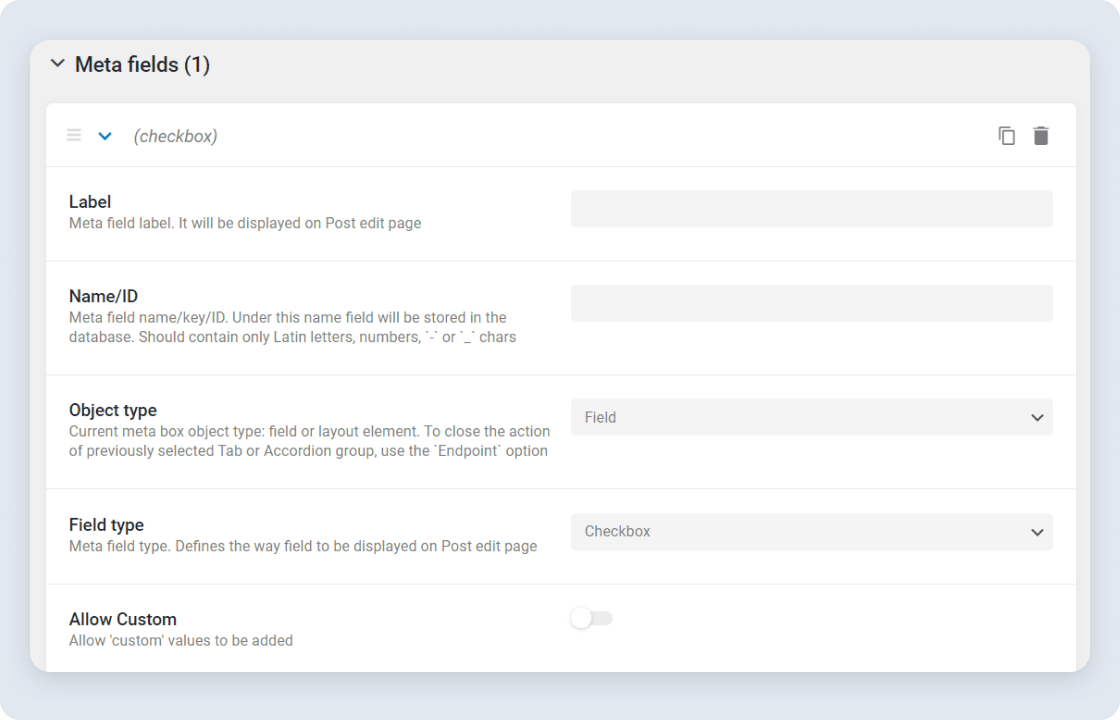
Enrich custom field types' capabilities
Add Custom Values to Checkbox and Radio field types
Get options from Glossary into Select, Checkbox, Radio meta fields
Define Value ID and/or URL format for Media and Gallery types
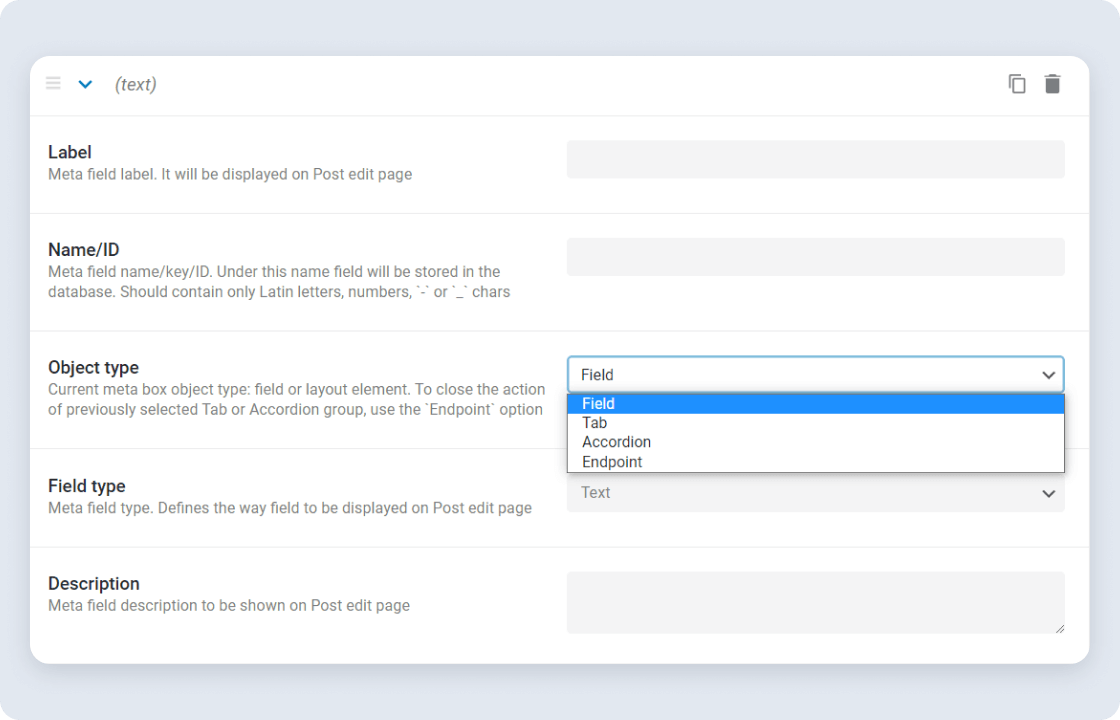
Adjust the post edit page area
Apply tab or accordion view to the post edit page
Customize the field’s width
Add Description to meta fields
Let Us Help You Get Started and Keep Growing
Everything you need to master the product, solve issues faster, and move forward safely — from docs and tutorials to direct support, examples, and community knowledge.
Learn and grow faster
Explore documentation, step-by-step tutorials, and practical onboarding resources to understand the workflow, use features surely, and keep building.
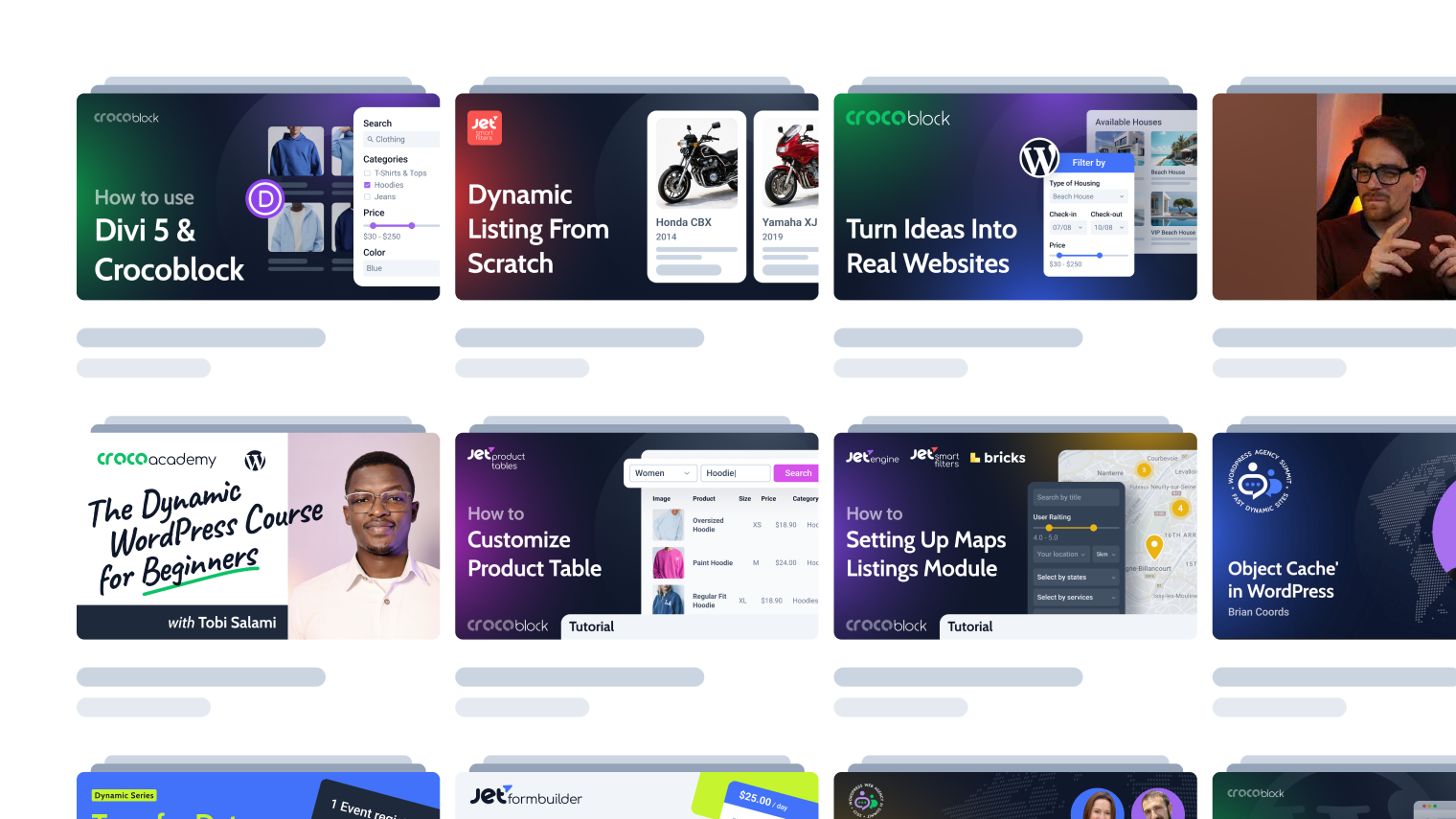

Learn from the community
See how others solve similar problems, share ideas, and exchange proven solutions. Join a space where you can learn from real use cases and keep improving over time.
Free support when you need it
- For all subscription plans
- Human-powered support
- 24/5 availability
- Live chat, tickets, and Zoom calls

Why Custom Fields Feature Excels Technically
Designed for WordPress creators who need flexibility, control, compatibility, and long-term maintainability.
Suits the stack you already run
Perfect match for existing WordPress builders, themes, plugins, and integration workflows without forcing teams to rebuild their environment.


Reinforced by active vulnerability monitoring
Security confidence is strengthened by external vulnerability coverage in addition to regular product maintenance.
Submit security bugsOpen architecture
Makes implementation visible and inspectable without locking project logic inside a black box.
Discover dev docsExtra dev tools
Extend the stack by adopting implementation-ready resources for custom solutions and edge cases.
Explore CodeLabWhat Other JetEngine Features You Get
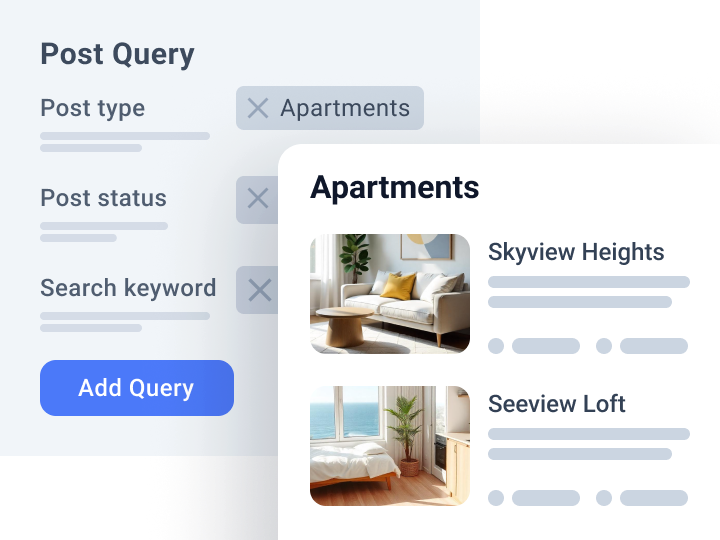
Query Builder
Query and fetch custom data to the front end
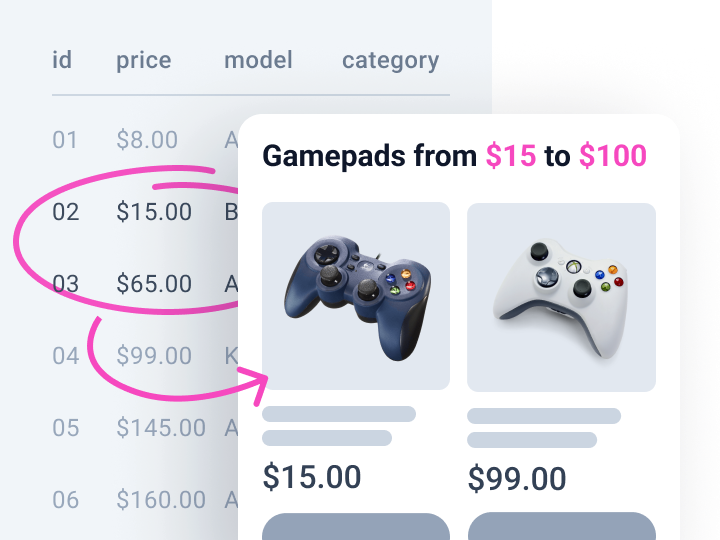
Dynamic Function
Pull data from custom fields and display min, max, or calculated values

Custom Post Types
Build and organize different content type items