
Booking Form Widget/Block/Element Overview
This overview is about the Booking Form widget/block/element and its settings available in the JetBooking plugin for WordPress websites.
The Booking Form widget/block/element is a standalone booking form available in JetBooking. It allows users to select check-in and check-out dates and submit a reservation request directly from the front end.
In this overview, all available settings of the Booking Form will be reviewed in Elementor, Gutenberg, and Bricks builders.
Also, we recommend checking our How to Create a Standalone Booking Form for Hotel Room Reservations tutorial.
Booking Form Widget in Elementor
The Booking Form widget in Elementor allows inserting a fully functional booking form into any page or template, connected to the booking instance.
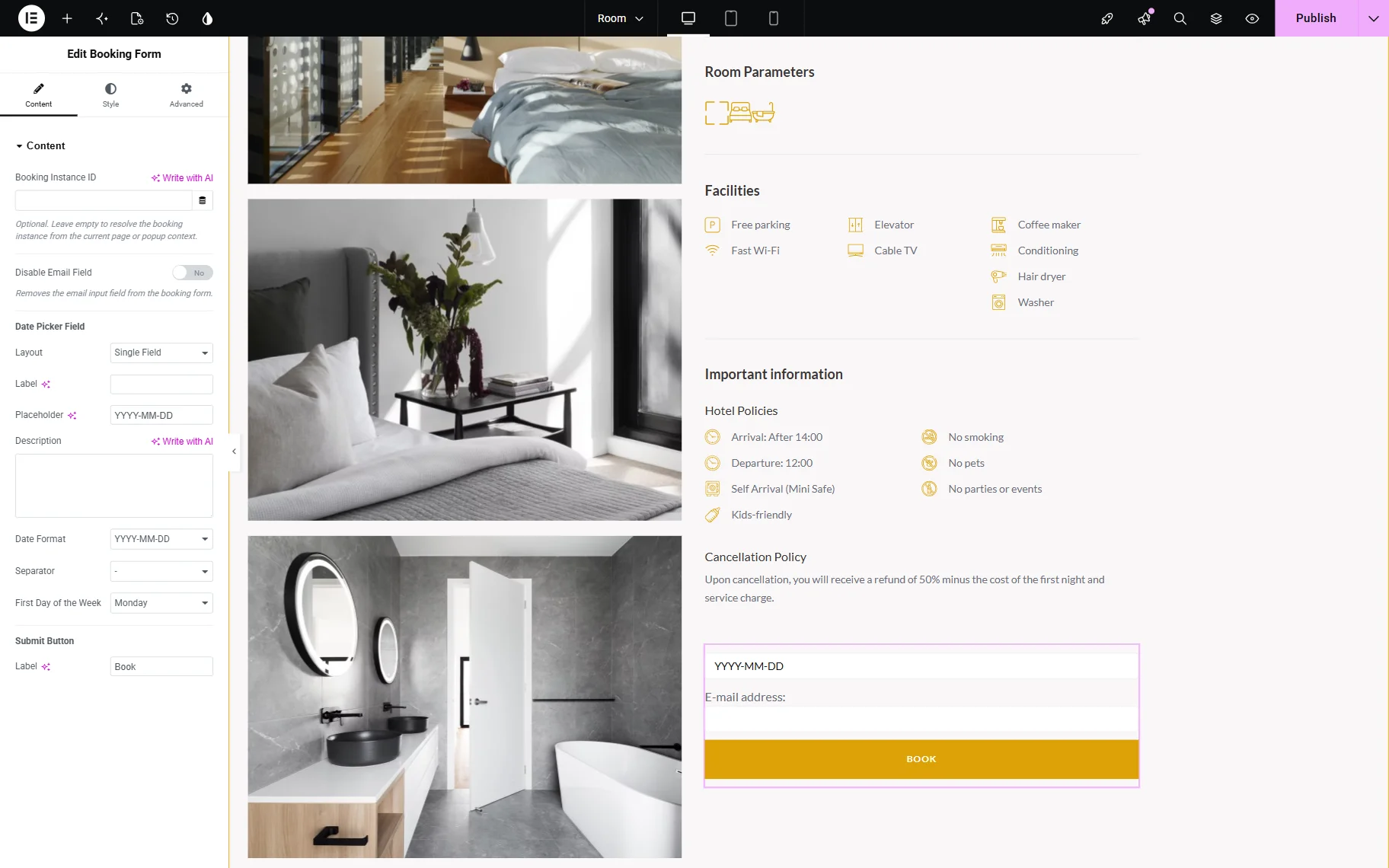
- Booking Instance ID — an optional field that allows specifying the booking instance ID if the current page does not transfer the context;
- Disable Email Field — a toggle that allows disabling the email field that is added to the form by default.
Date Picker Field
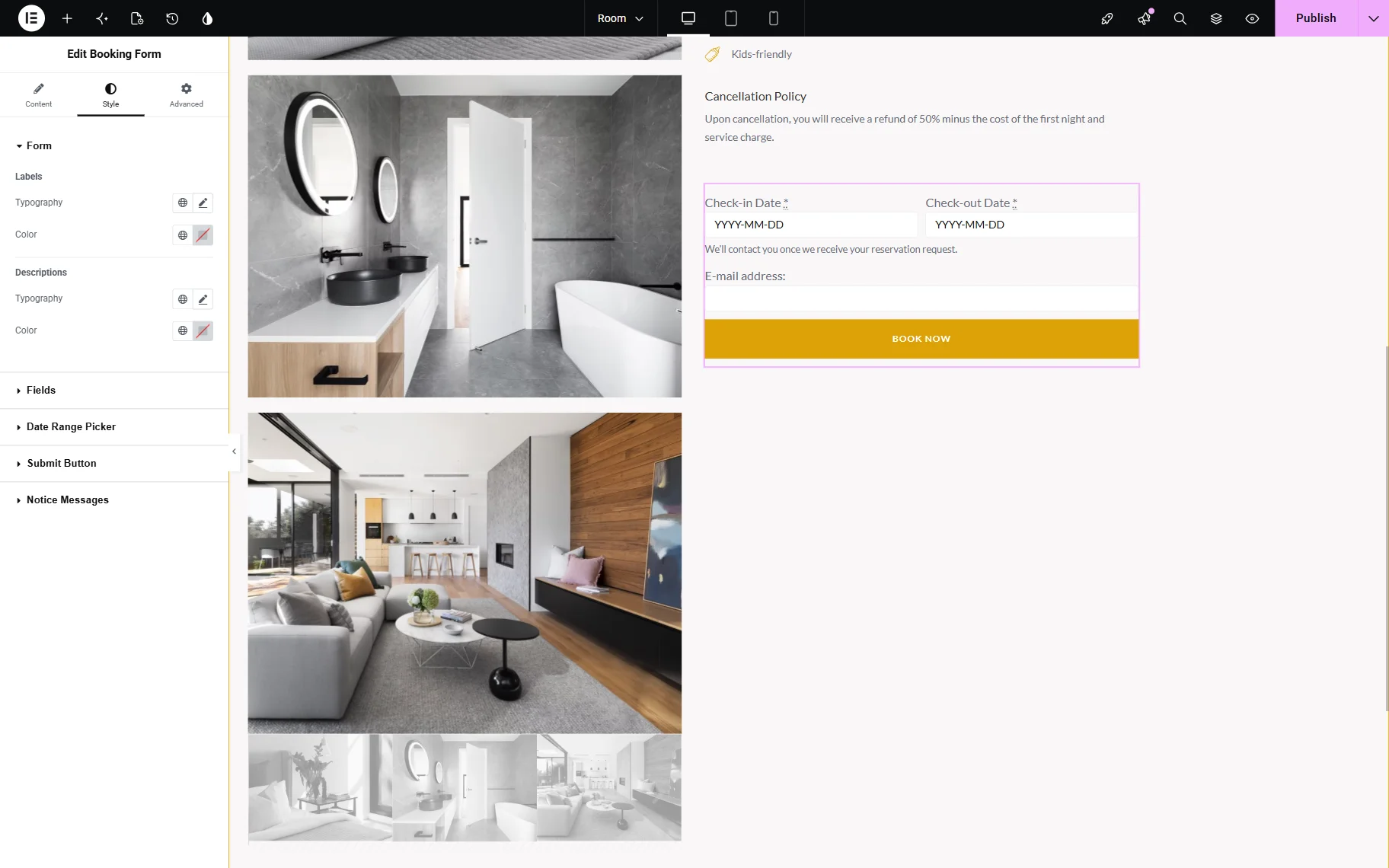
- Layout — a field that allows selecting how the date picker field will be displayed: like a single field or like two separate fields. If a “Single Field” is selected, one can set its Label if needed and change the Placeholder. If the date picker is divided into separate fields, one can set up the following settings:
- Position — a field that allows selecting the layout of the two date picker fields: “Inline” or “List.”
- Check in Label — a field that allows setting the label of the check-in date picker field;
- Check in Placeholder — a field that allows setting the placeholder of the check-in date picker field;
- Check out Label — a field that allows setting the label of the check-out date picker field;
- Check out Placeholder — a field that allows setting the placeholder of the check-out date picker field;
- Description — a field that allows setting the description below the date picker field(s);
- Date Format — a field where the date format can be changed;
- Separator — a field where the separator of the date can be changed;
- First Day of the Week — a field where the first day of the week can be changed from Monday to Sunday.
Submit Button
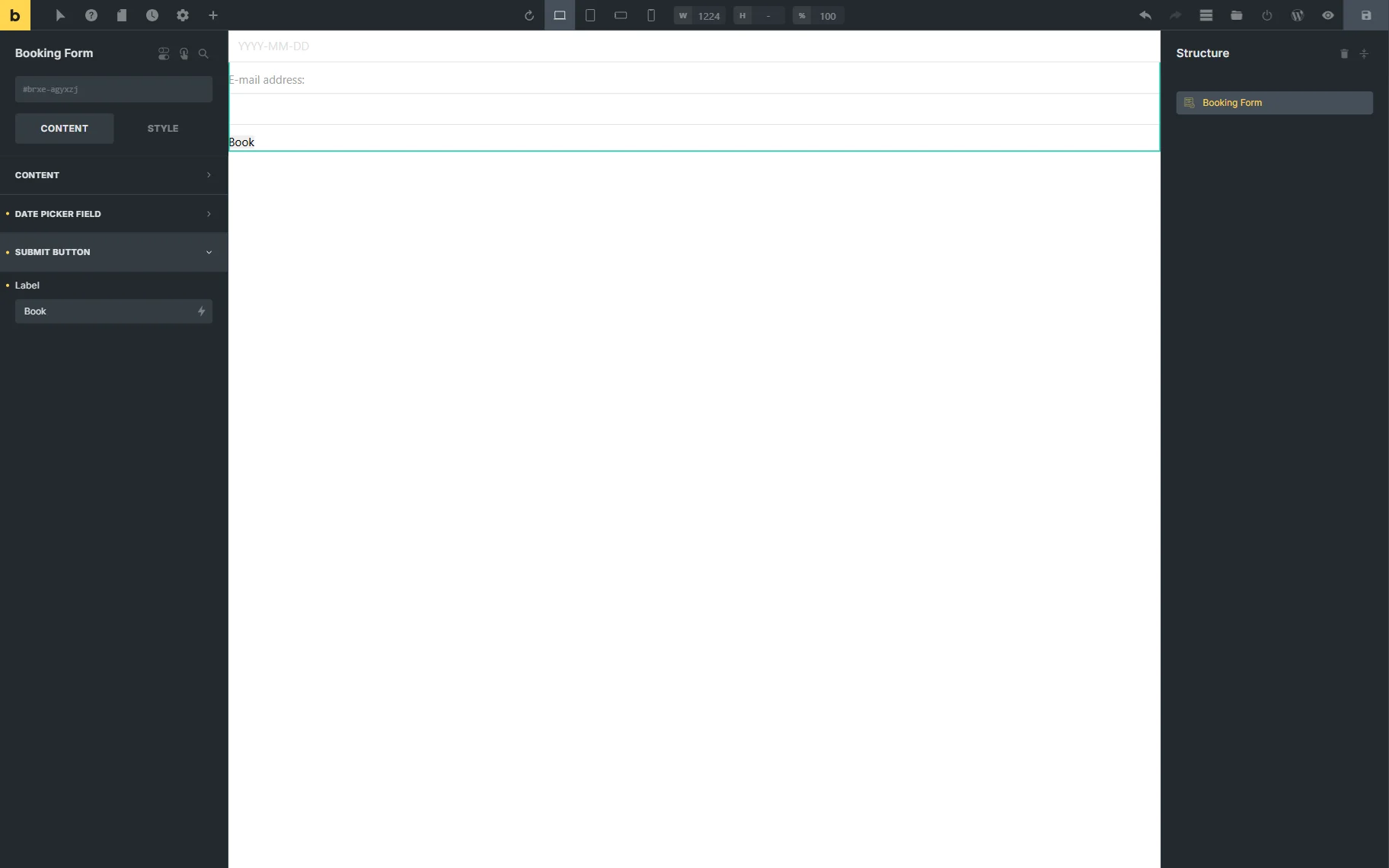
- Label — a field where the default “Book” label of the submit button can be changed to a custom one.
One can also switch to the Style tab to adjust the appearance of the widget.
Booking Form Block in Gutenberg
The Booking Form block in Gutenberg provides the same functionality as Elementor, but with a tab-based interface.
The first tab is called Content and allows specifying the BOOKING INSTANCE ID and disabling the email field if preferred.
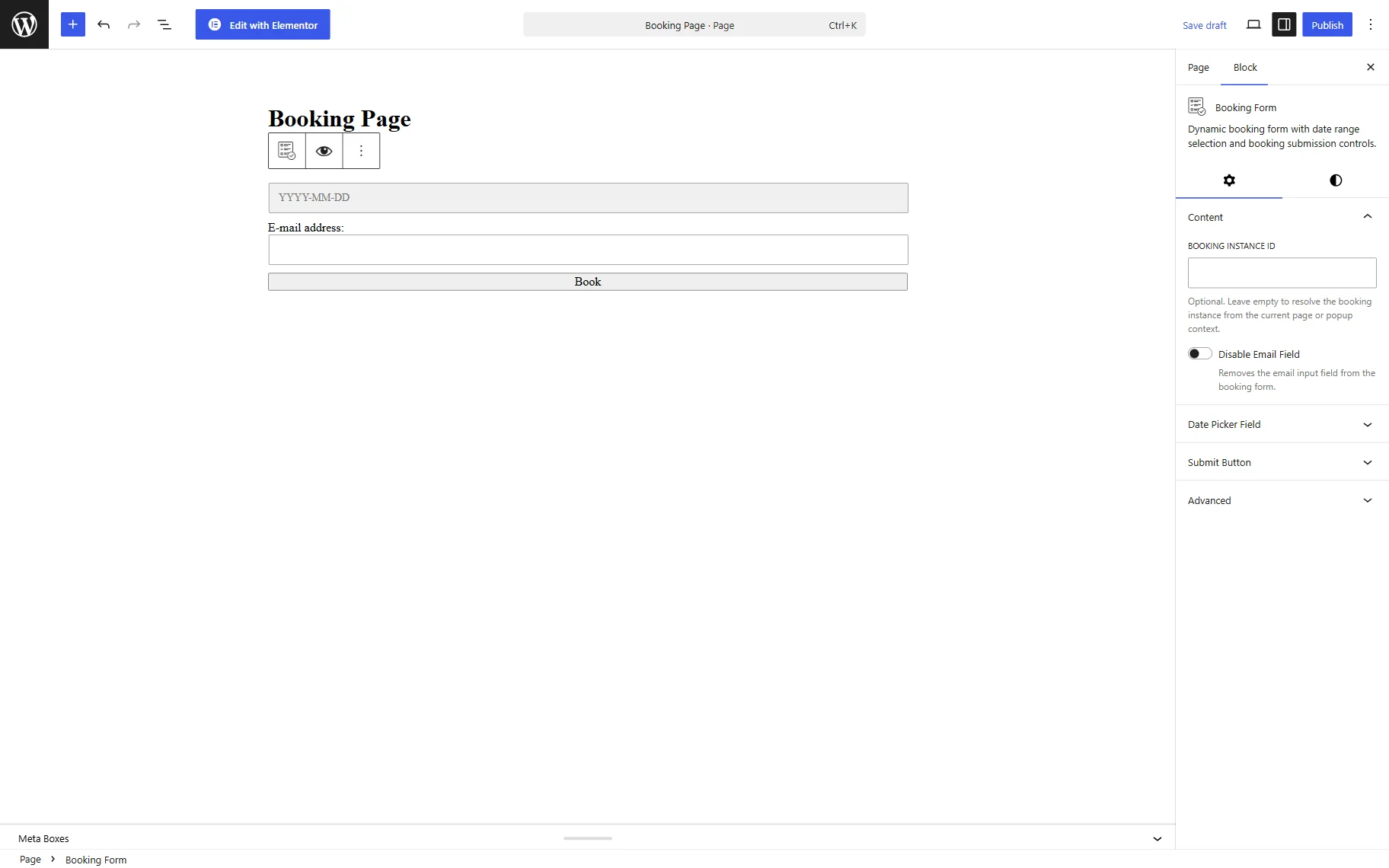
The second tab is called Date Picker Field and contains settings related to the date picker located in the form.
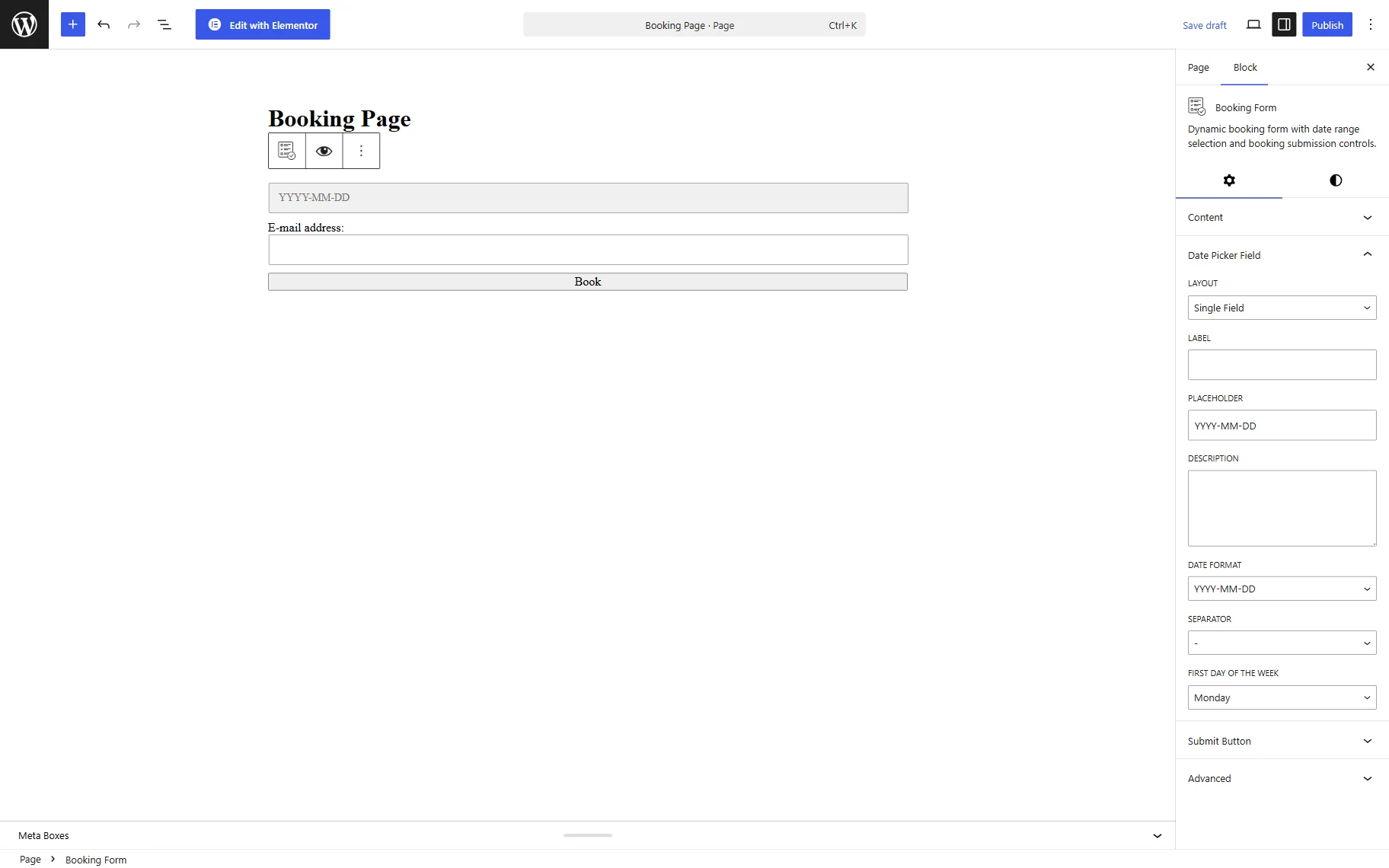
In the Submit Button tab, you can change the LABEL of the submit button.
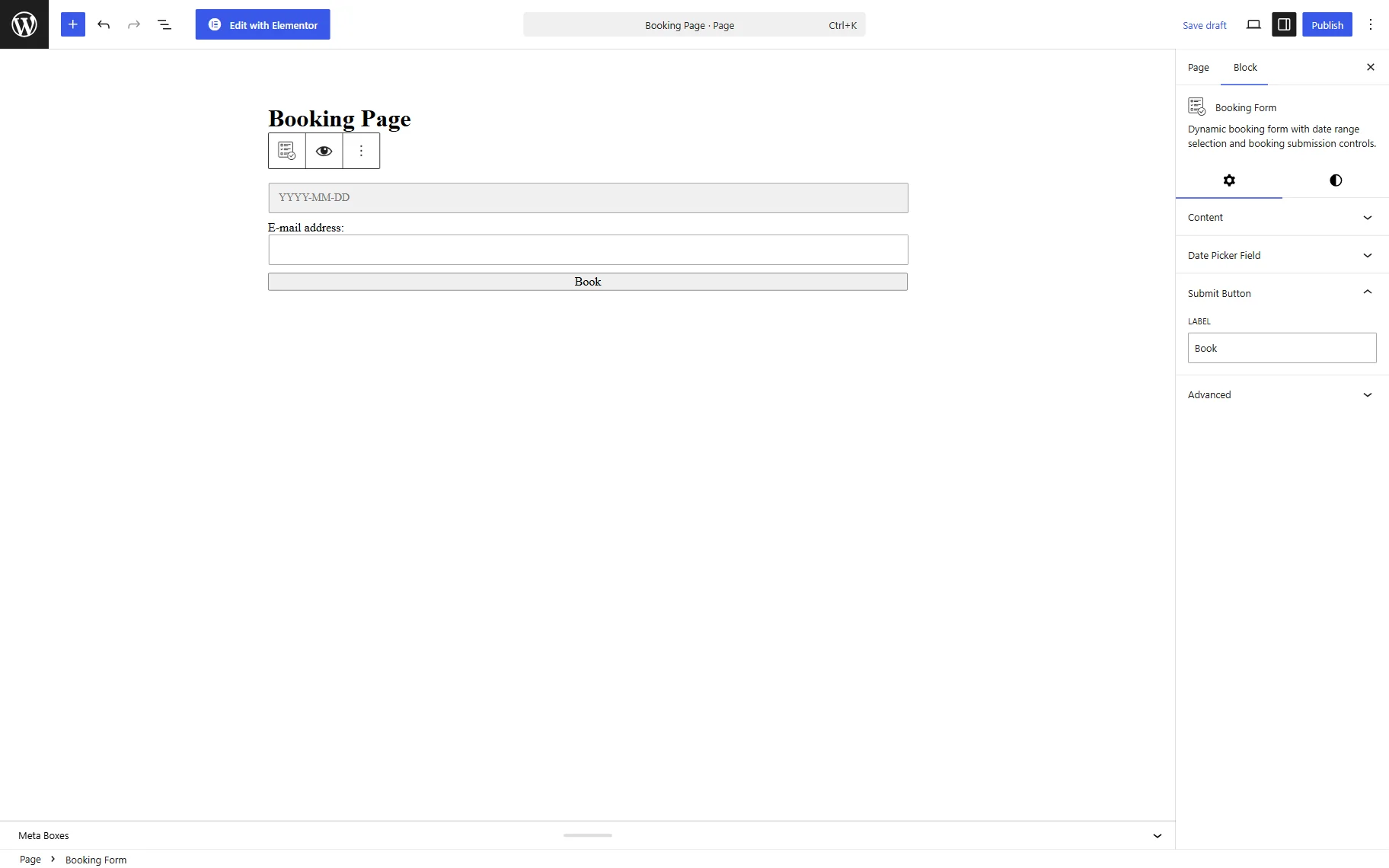
The Advanced tab allows pasting the ADDITIONAL CSS CLASS(ES) and ADDITIONAL CSS to style the block.
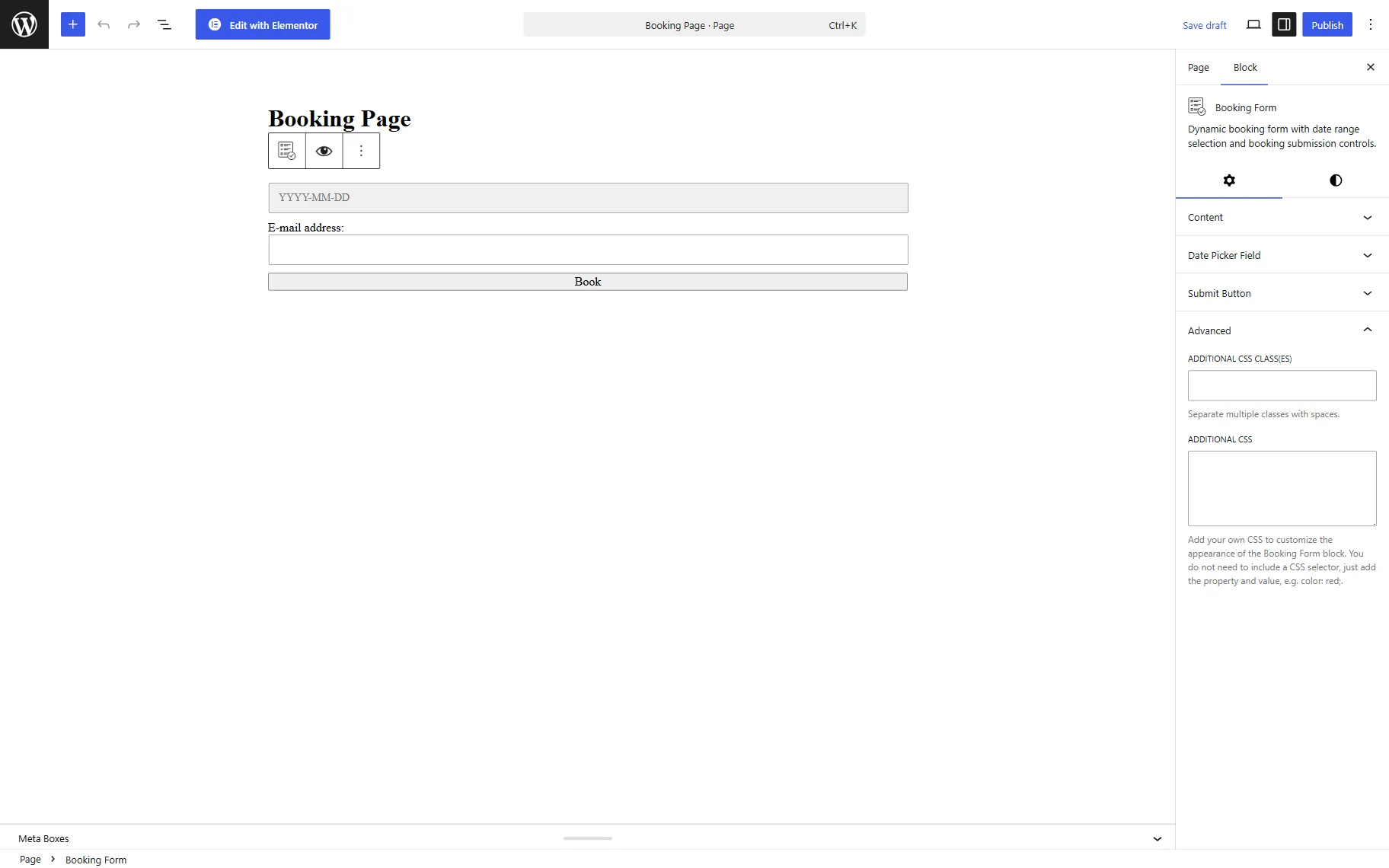
The Style tab can be used to adjust visual appearance settings for the block.
Booking Form Element in Bricks
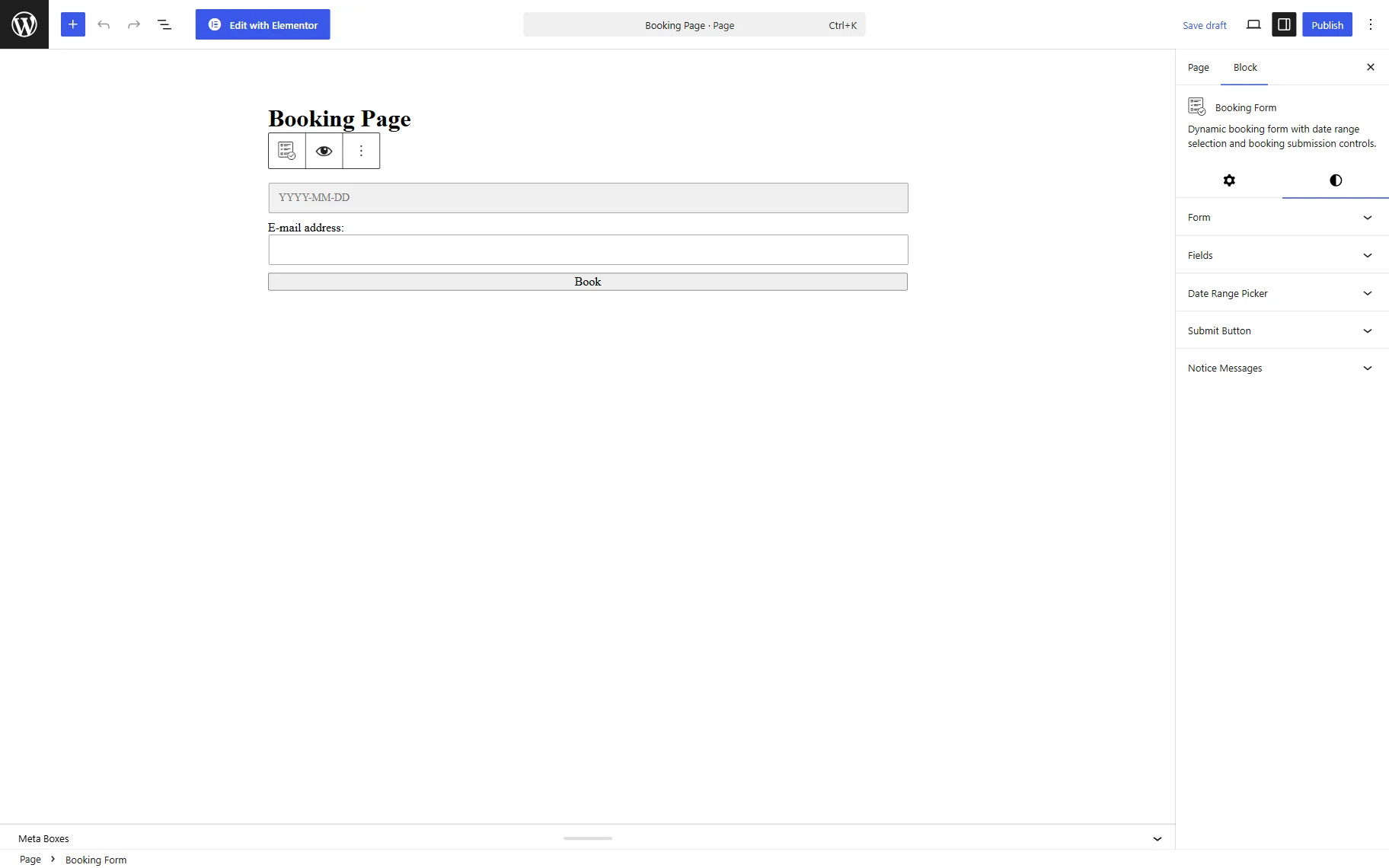
The Booking Form element in Bricks works similarly to Gutenberg and Elementor, offering the same core settings in a different UI structure.
The first tab is called CONTENT, it contains the settings related to the content displayed in the booking form.
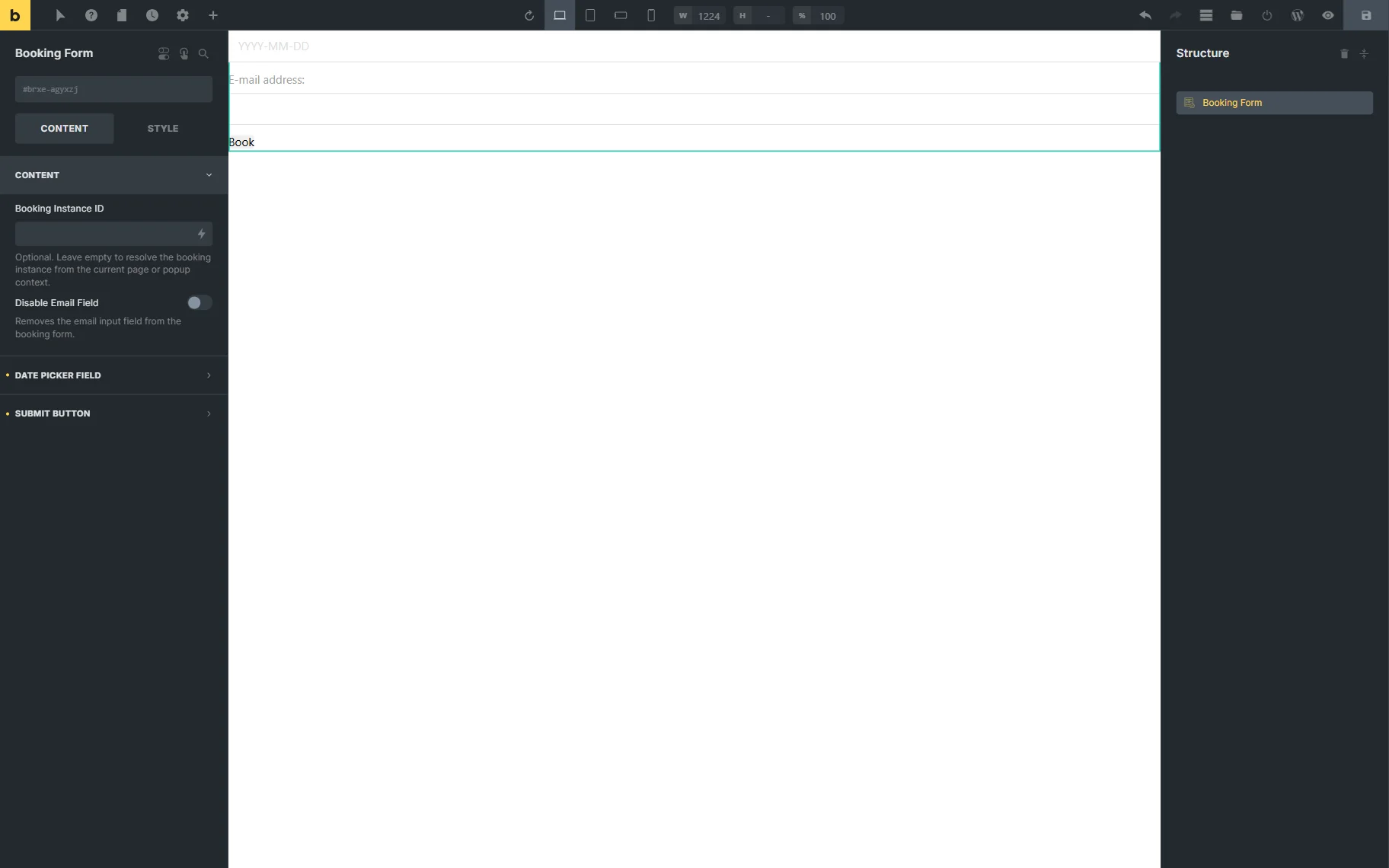
The second tab, called DATE PICKER FIELD, contains the settings of the date picker field located in the form.
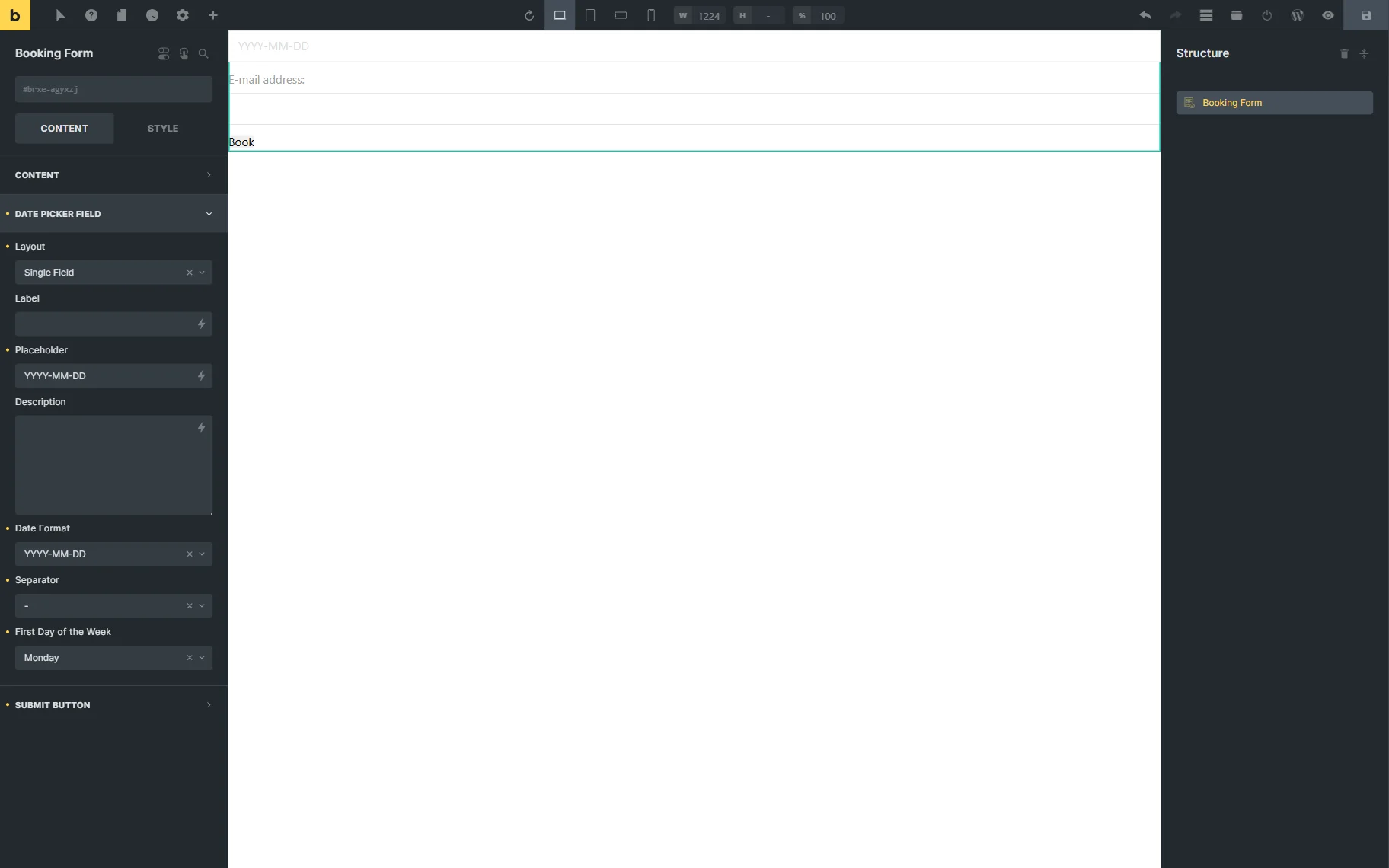
Ultimately, one can change the submit button LABEL in the corresponding tab.
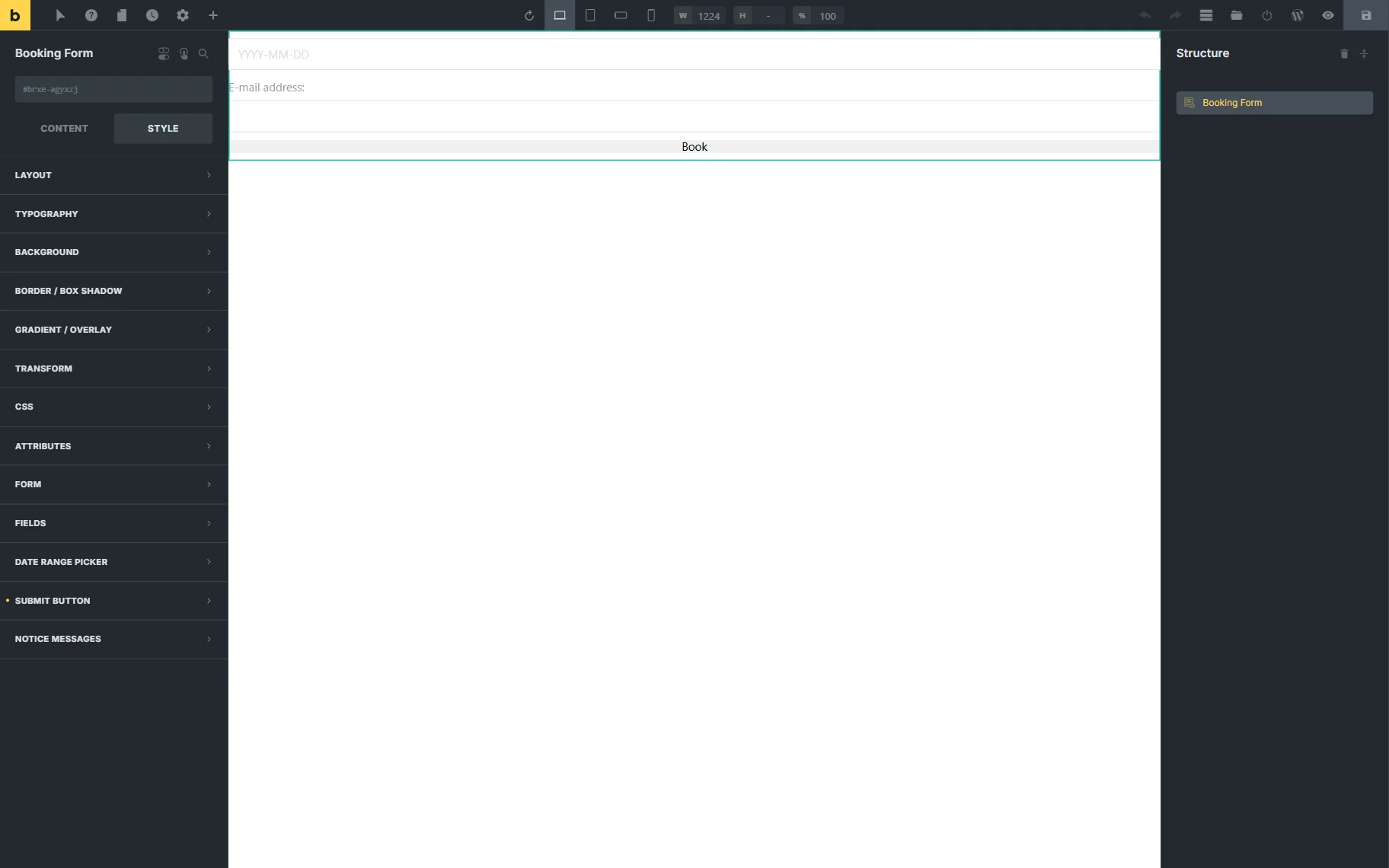
In the Bricks editor, one can make style changes to the element in the STYLE tab if needed.
FAQ
No, the Booking Form functionality is available when the JetBooking plugin is installed and activated, and does not require JetFormBuilder.
The Booking Instance ID can be specified when the current page does not automatically provide the booking context. In this case, the form will use the selected booking instance to process the booking.
Yes. The Disable Email Field toggle allows removing the default email field from the form.
Yes, the Booking Form settings include fields to change the date format, separator, and the first day of the week.
That’s all about the Booking Form widget/block/element available as a part of the JetBooking plugin for WordPress.