
REST API & Custom Endpoints for WordPress
A JetEngine feature that can substitute a fully-fledged REST API plugin.
year
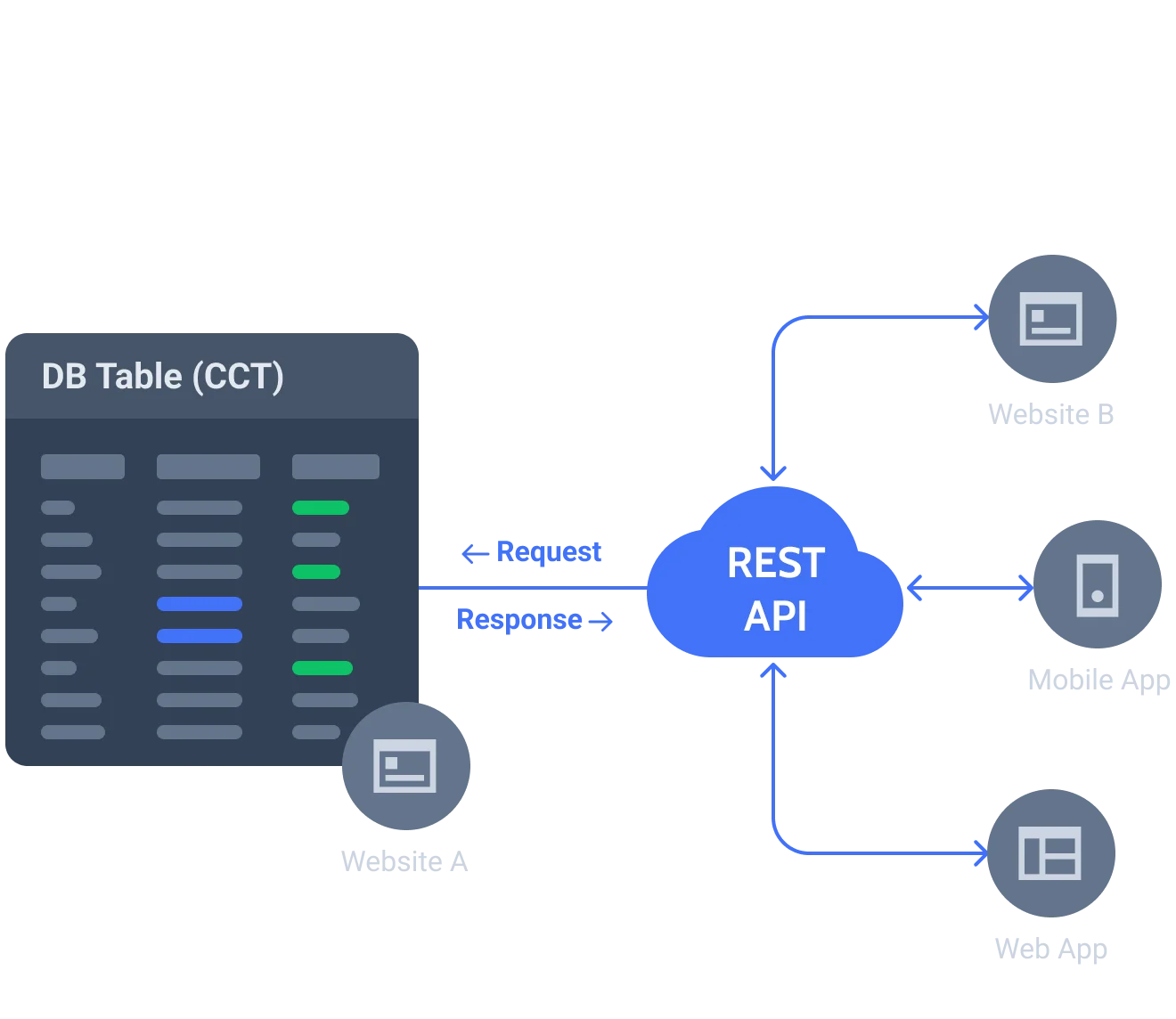






Use case
Collect the student’s information on the Department site and display it on the main University’s site too.

Site to site
Take the Custom Content Type data created on one site and display it as a listing grid on another site.
Use case
Submit a form on the Events site to attend JetEngine conference, and see the attendee data on the JetEngine site right away;
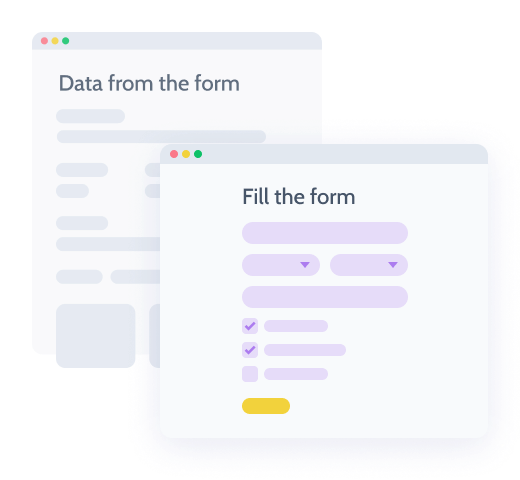
Form to site
Build a form on one site and create or edit CCT items on another site through this form as well.
Use case
Add the missing product or any other item to your site remotely with the help of the application on your mobile, tablet or laptop.

Application to site
Connect the third-party application to a site and create, edit, or delete the CCT items remotely.
Use case
Pick the Coming Soon Movies IMDB API key, query the data via Query Builder and build and then add Dynamic Table with the movies to the site.
Learn more
3rd party API to site
Get the data from the API key and display it in the dynamic table on the site.
Create and control Custom
Endpoints for CCT
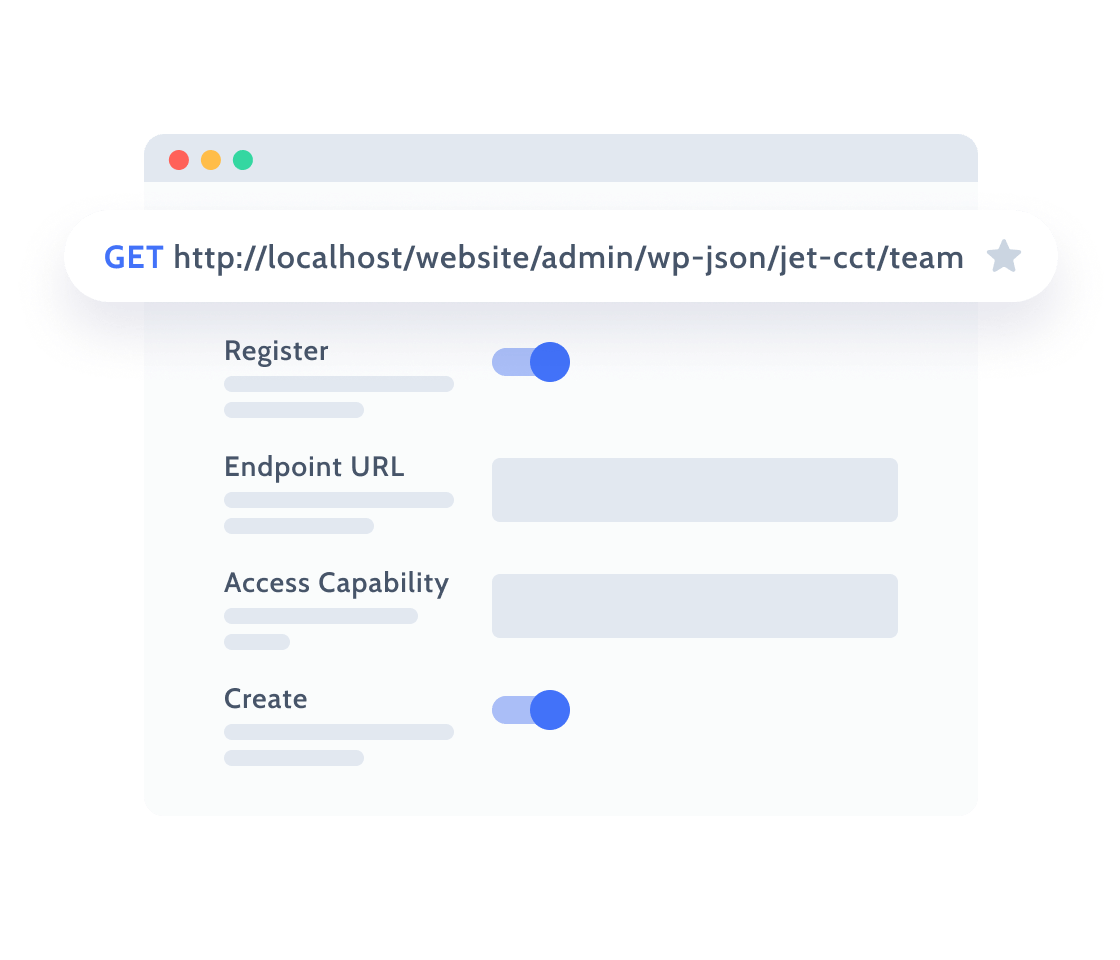
Fill up custom entry points that enable the Custom Content Type items management like creating, posting, editing, or deleting the data remotely.
Set GET Endpoint Parameters
Register Create, Update, Delete items endpoints
Add User Access Capability
Enabling the Connection
with the Endpoint
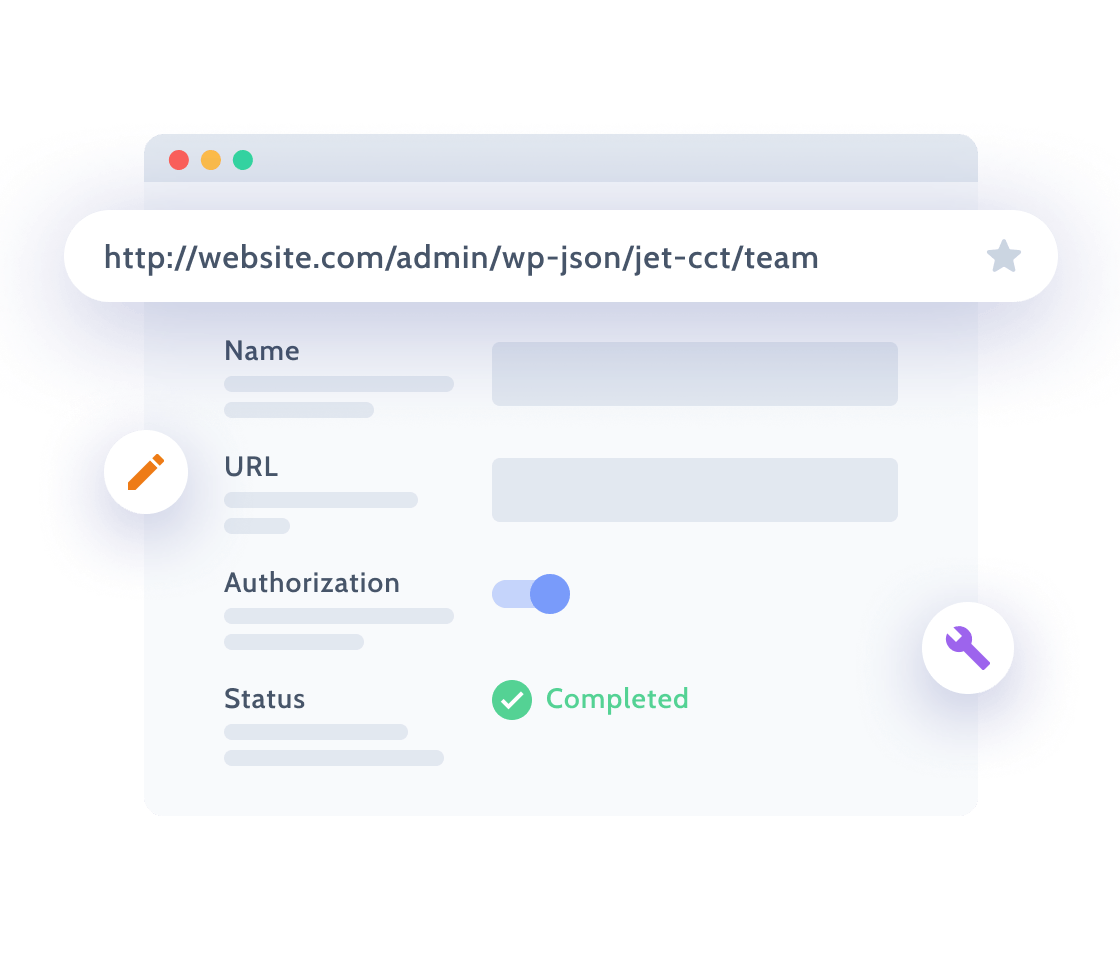
Customize the basic settings to make the Endpoint connected successfully, test the authorization and fetch the sample data.
Register or add sample endpoint
| JetEngine
Add URLand Items path
| JetEngine
Enable Authorization and Cache responses
| JetEngine
Check connection status
| JetEngine

Display data in a Grid
Showcase the data from 3rd party REST API using Listing Grid widget. Add meta fields to pull out the CCT info and apply Endpoint Parameters to query the Grid.
Set Listing Item from API endpoint
| JetEngine
Display text, date, radio Meta Fields
| JetEngine
Sort, search, order or limit the data
| JetEngine

Set up notifications for Forms
Add JetEngine Forms to the site and customize the REST API notification settings in order to send all the form data to a certain Endpoint URL.
Add macros to get the dynamic URL
| JetEngine
Set custom body of request in JSON format
| JetEngine
Choose Authorization type
| JetEngine
Let Us Help You Get Started and Keep Growing
Everything you need to master the product, solve issues faster, and move forward safely — from docs and tutorials to direct support, examples, and community knowledge.
Learn and grow faster
Explore documentation, step-by-step tutorials, and practical onboarding resources to understand the workflow, use features surely, and keep building.


Learn from the community
See how others solve similar problems, share ideas, and exchange proven solutions. Join a space where you can learn from real use cases and keep improving over time.
Free support when you need it
- For all subscription plans
- Human-powered support
- 24/5 availability
- Live chat, tickets, and Zoom calls

Why REST API Feature Excels Technically
Designed for WordPress creators who need flexibility, control, compatibility, and long-term maintainability.
Suits the stack you already run
Perfect match for existing WordPress builders, themes, plugins, and integration workflows without forcing teams to rebuild their environment.


Reinforced by active vulnerability monitoring
Security confidence is strengthened by external vulnerability coverage in addition to regular product maintenance.
Submit security bugsOpen architecture
Makes implementation visible and inspectable without locking project logic inside a black box.
Discover dev docsExtra dev tools
Extend the stack by adopting implementation-ready resources for custom solutions and edge cases.
Explore CodeLabWhat Other JetEngine Features You Get
Query Builder for WordPress
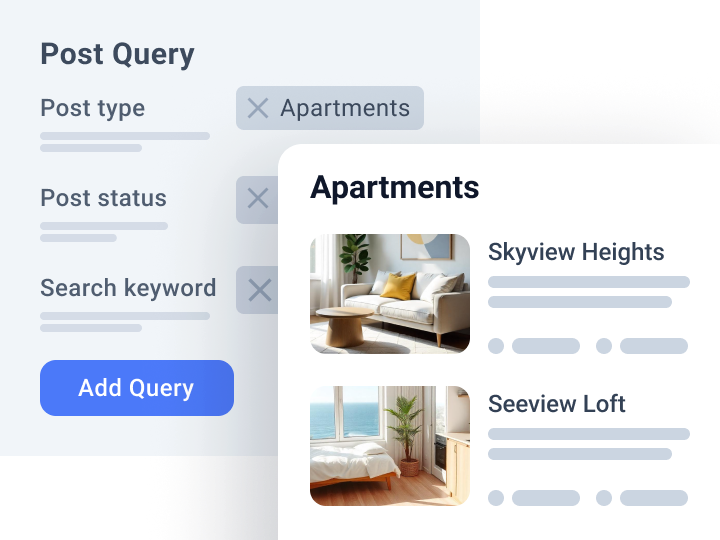
Query and fetch custom data to the front end
AI-Powered MCP Server and Command Center
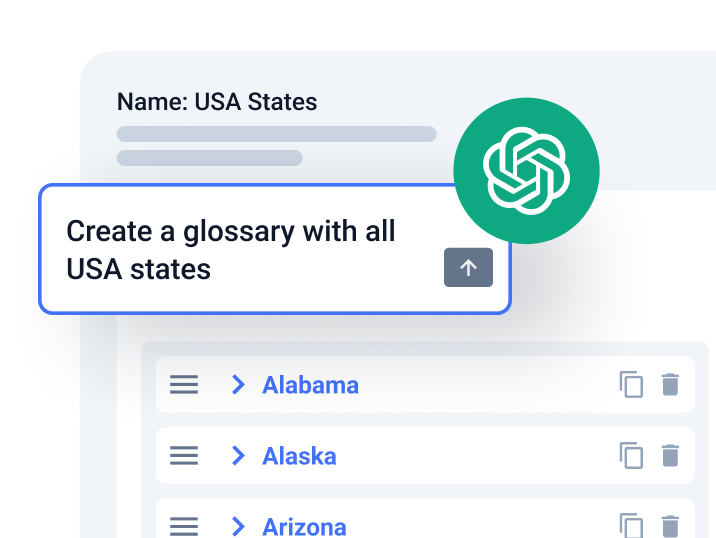
Access and control website setup and manage large data volumes

Custom Fields for WordPress
Add extra content details to website posts and pages