
Profile Menu Element Overview for Bricks
This tutorial explains how the Profile Menu element in the WordPress JetEngine plugin works and how to customize it to display different content on the WordPress Account and User page using the Bricks builder.
Before you start, check the tutorial requirements:
- Bricks theme installed and activated
- JetEngine plugin installed and activated, with Profile Builder module enabled
The Profile Menu is an element on the WordPress Account and User Profile pages that lets users access personal settings and options.
Account Page
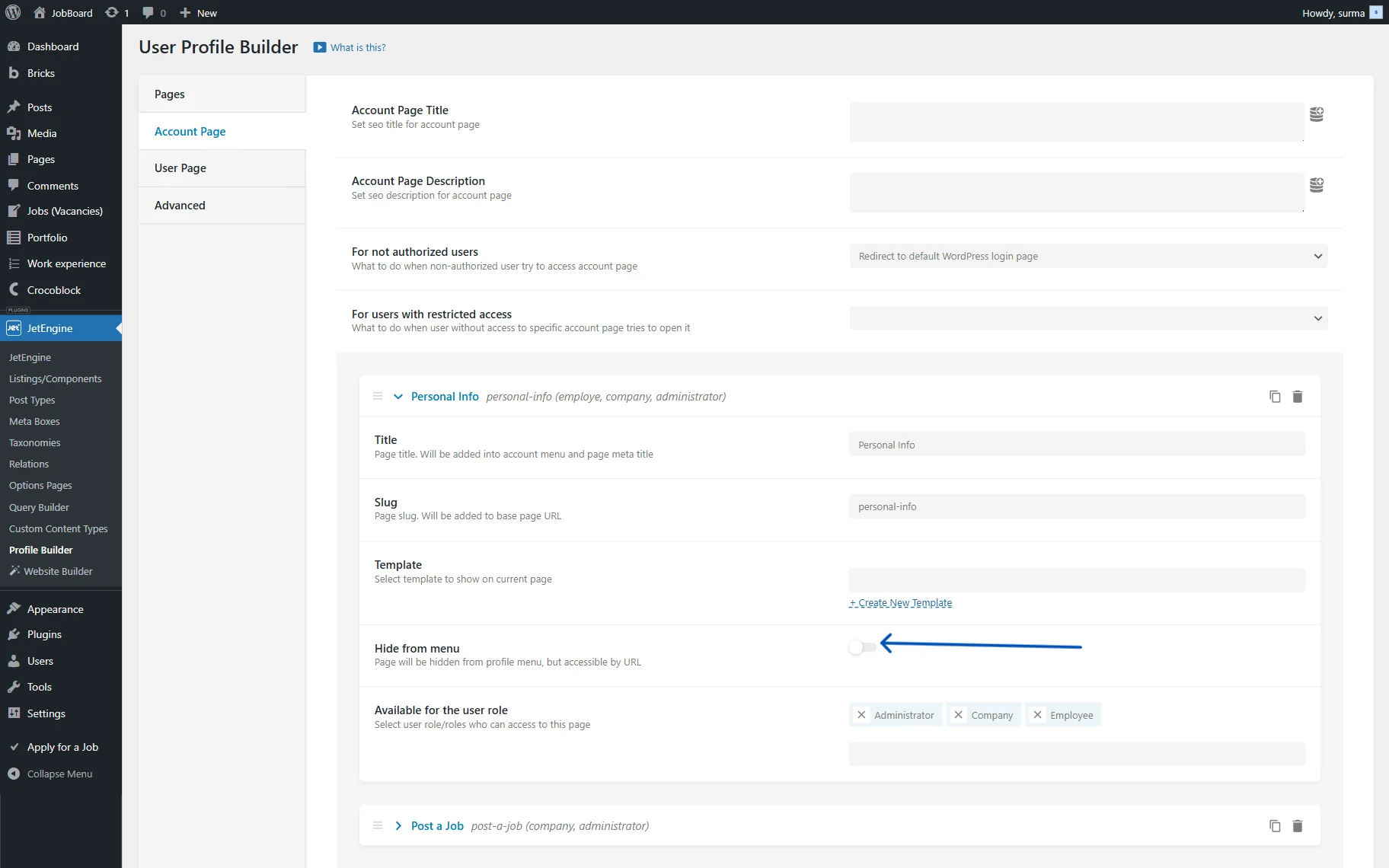
The Account page creation process is revealed in the Creating User Account Page With Different Dashboard Structures tutorial.
The Profile Menu element can be placed on the Account page if the “Content” Template mode is selected in the WordPress Dashboard > JetEngine > Profile Builder > Pages tab, or on subpage templates if the “Rewrite” option is enabled.
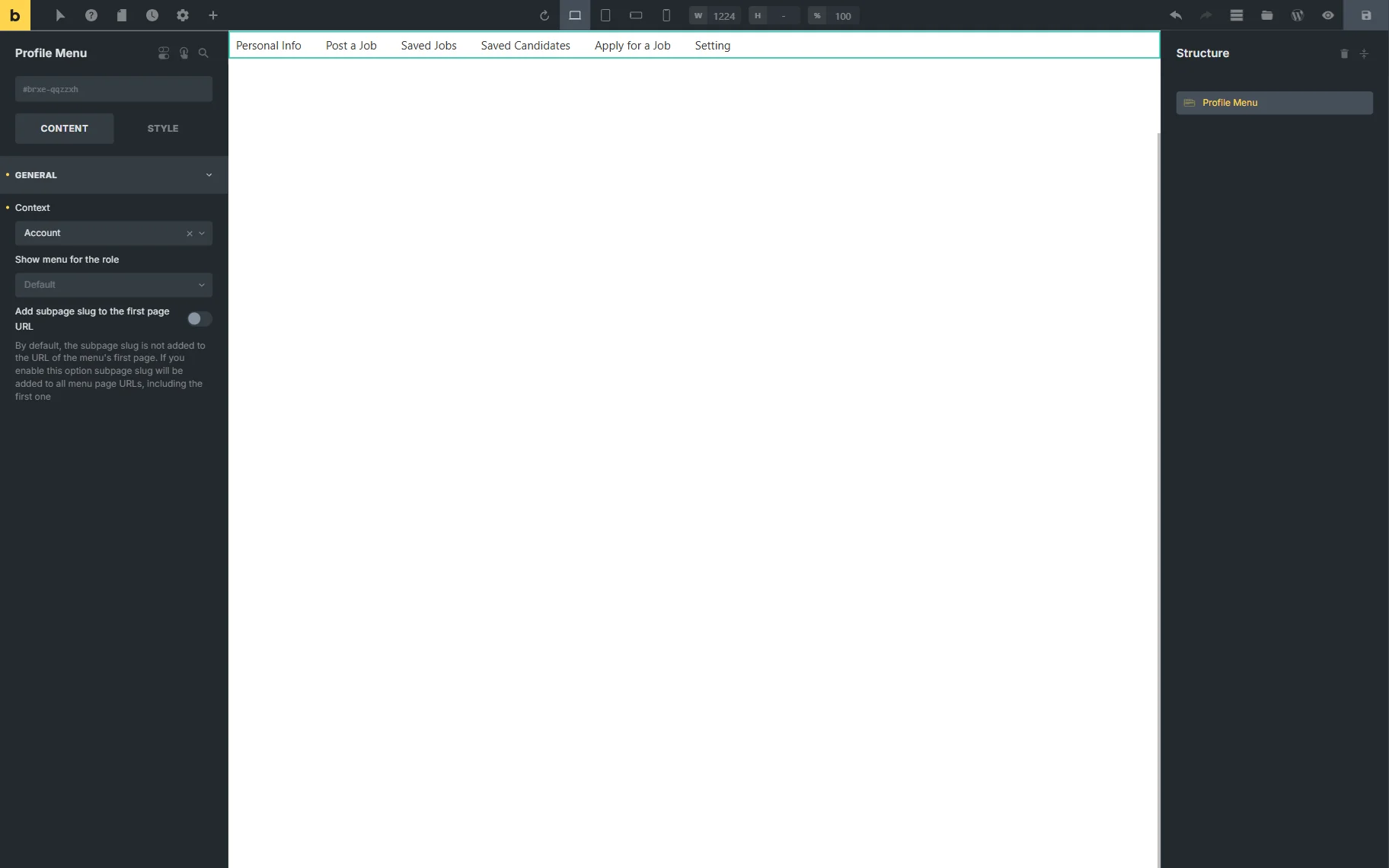
In the General tab, the following settings are presented:
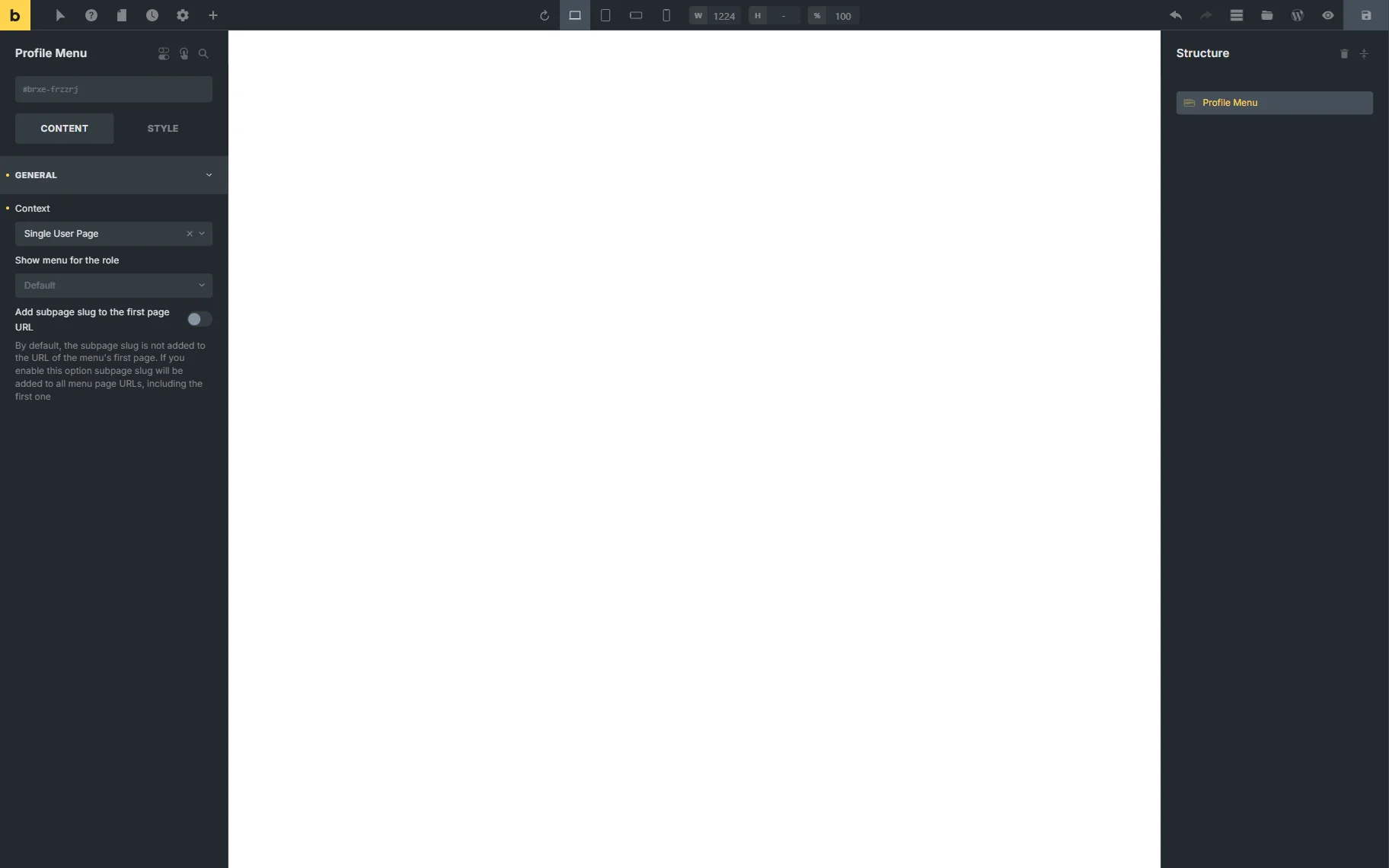
- Context — in this drop-down menu, it can be determined from where the menu items will be pulled: from the Account Page or User Page tab. For now, the “Account” option should be selected;
- Show menu for the role — here, user roles can be selected for which the menu will be visible;
- Add subpage slug to the first page URL — if this option is disabled, the subpage slug is not included in the first page menu’s URL. If this toggle is activated, the subpage slug will be added to all menu URLs, including the first page.
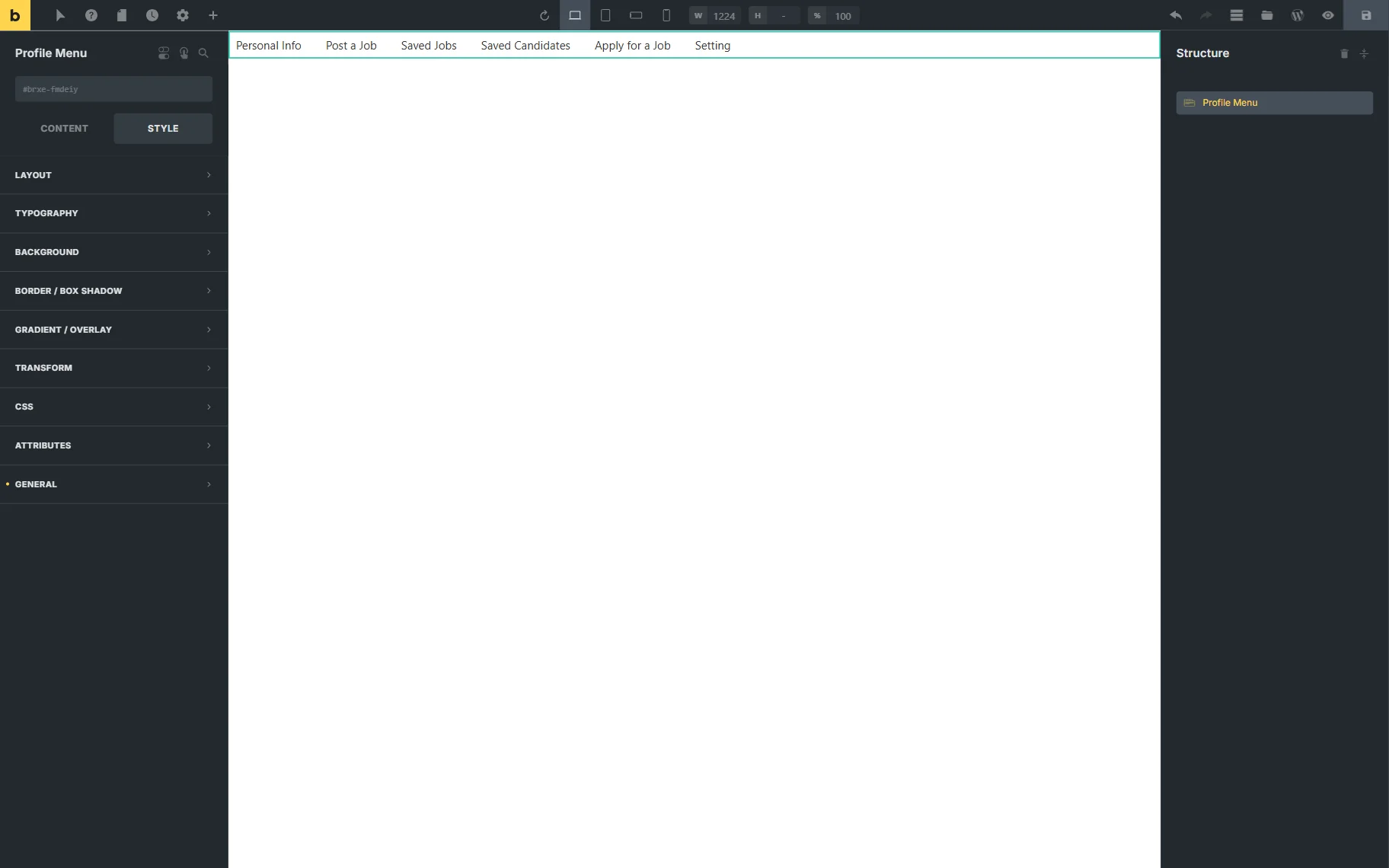
The Style settings can also be adjusted.
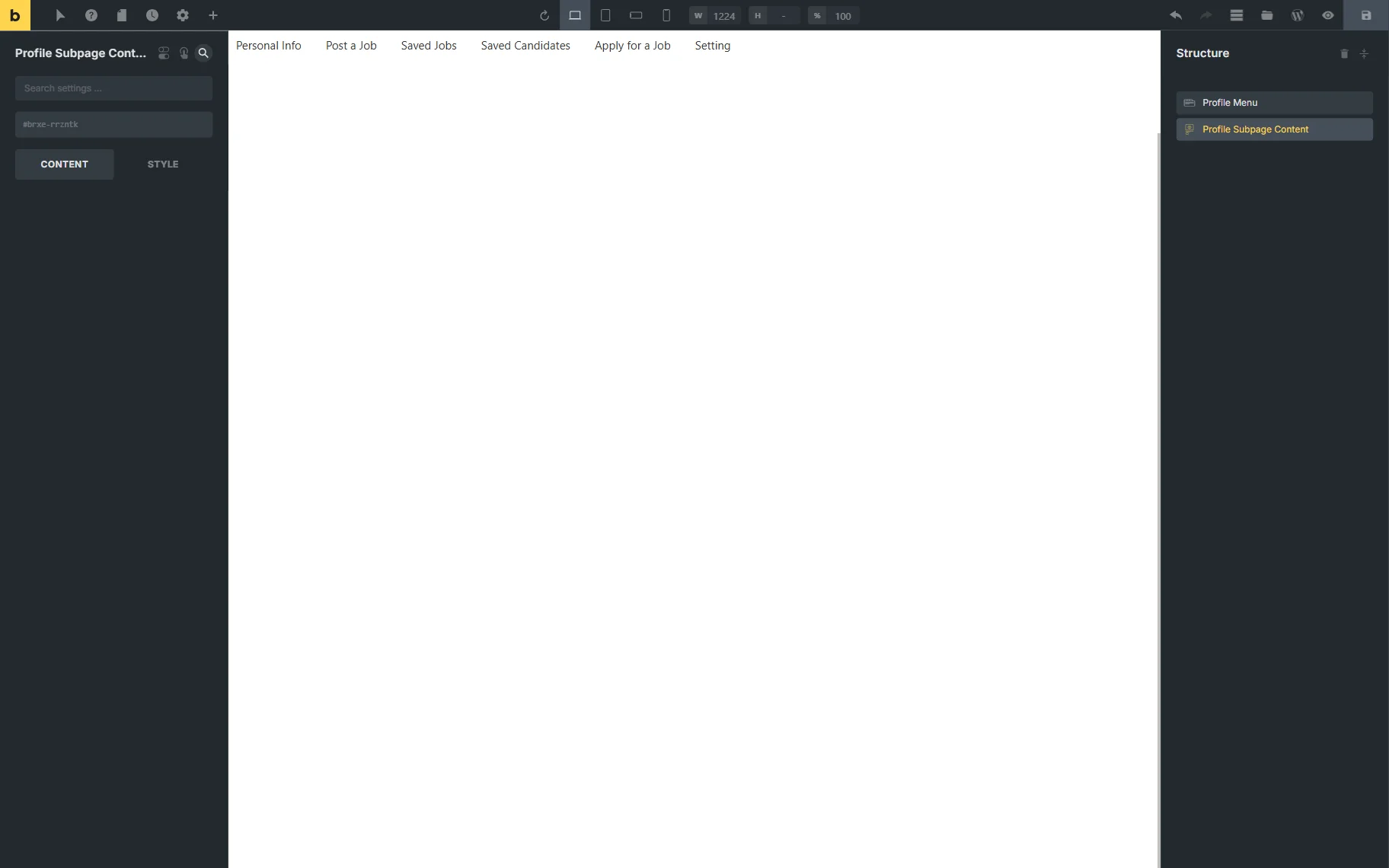
After customizing the Profile Menu settings, the Profile Subpage Content element can be added.
This element displays the content of each subpage when users click the corresponding menu item on the front end.
User Page
The User Profile page creation process is detailed in the How to Set Up a Public Single User Page tutorial.
The Profile Menu element can be placed on the User Profile page if the “Content” Template mode is selected in the WordPress Dashboard > JetEngine > Profile Builder > Pages tab, or on subpage templates if the “Rewrite” option is enabled.
The settings are identical to the Profile Menu on the Account page, but the Context should be set to “Single User Page.”
That’s all. Now you know how to display the submenu templates on the WordPress Account and User pages using the Profile Menu and Profile Subpage Content elements from the JetEngine plugin with the Bricks builder.