

Dynamic Visibility Feature for WordPress
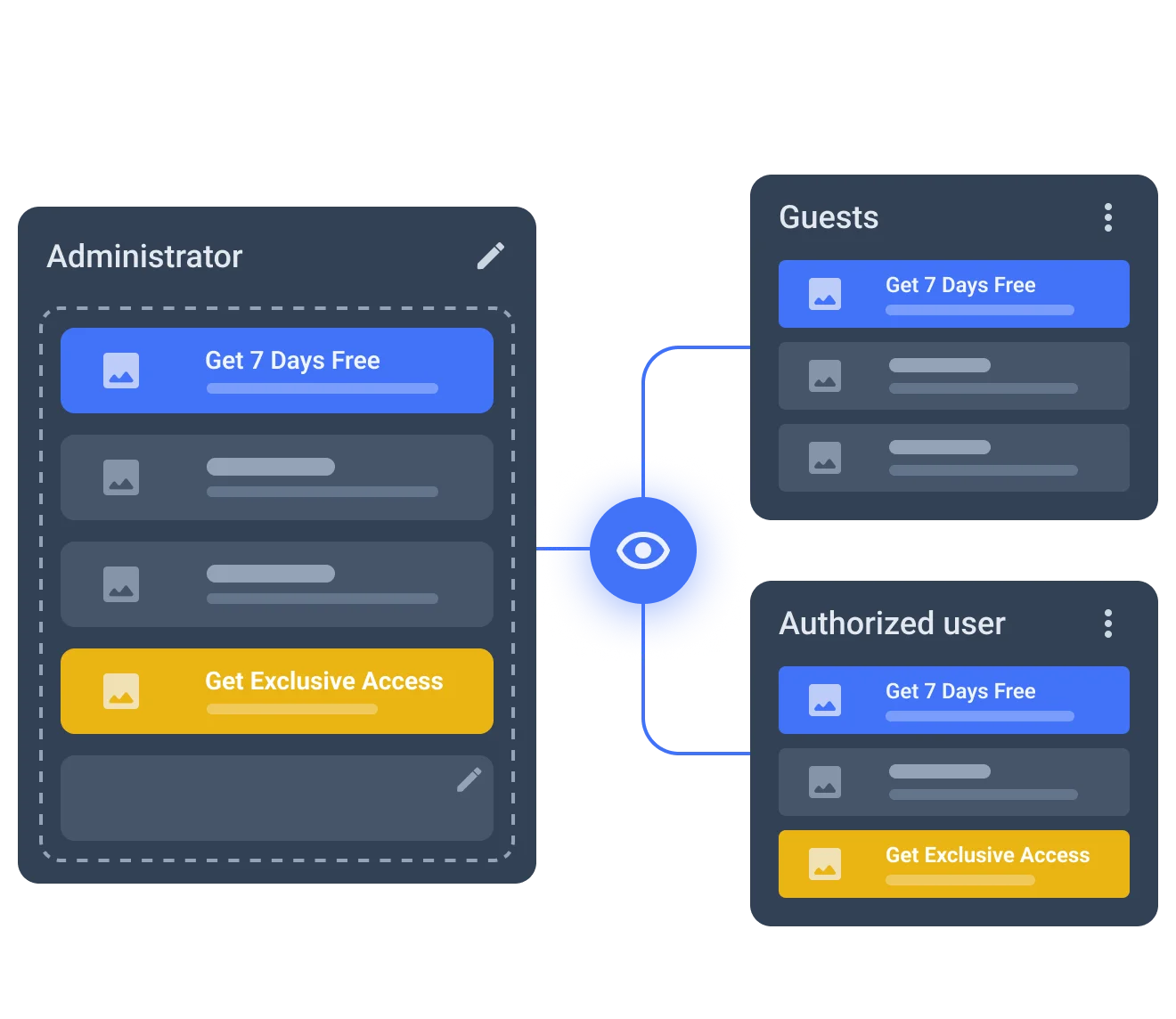
Adjust content visibility logic according to custom scenarios. Create and apply display restrictions to different sections, widgets, and columns.
year






Apply Dynamic Visibility
to Different Content Types
Content
Show/hide temporary content based on time-sensitive conditions.
Section
Apply custom visibility restrictions to a whole content section.
Column
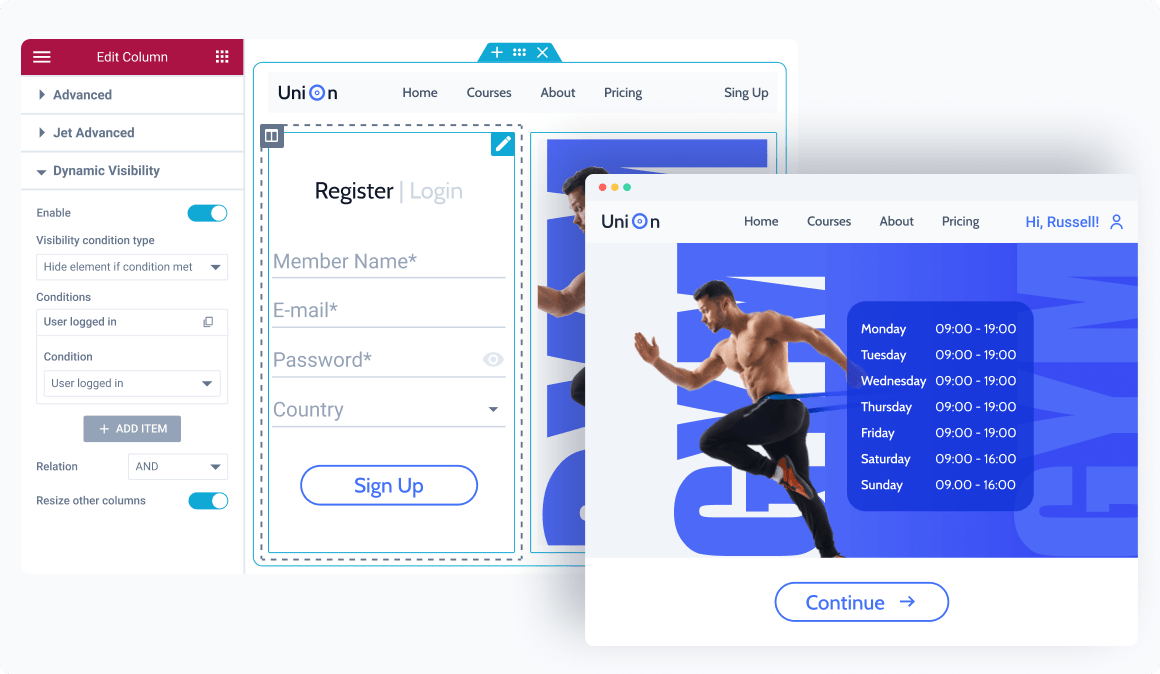
Hide one column, and another one will readjust to occupy its place.
Widget
Show/hide a single widget content within a particular column.
Elementor Dynamic Visibility Use Cases
Visibility by membership
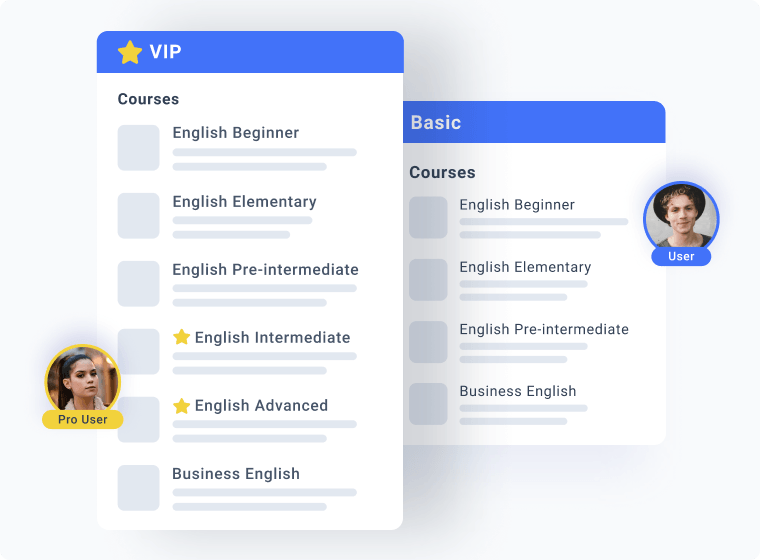
Make the posts visibility User role-dependent. You could hide the Premium Properties section from Basic users, thus making them available only to Pro users.
Visibility settings:
- Visibility condition type – “Hide element if condition met”
- Condition – “User Role is”
- User role – “Basic”
Section visible on click
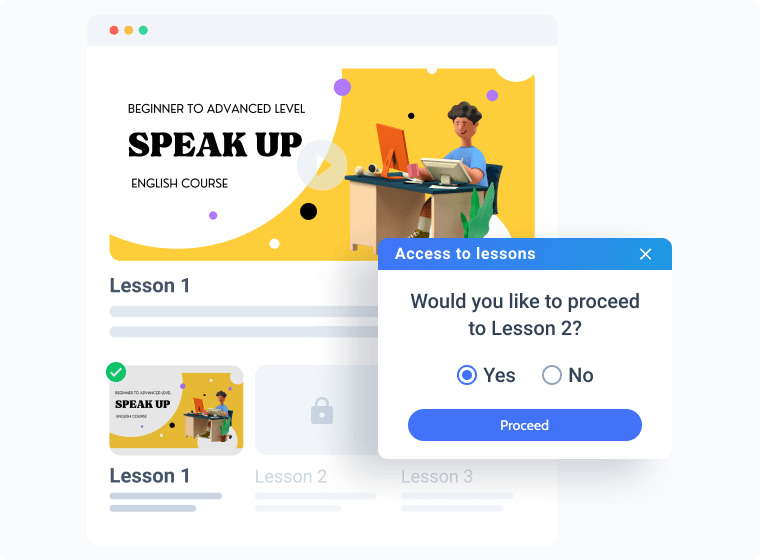
Give out the course material by parts. As soon as the student is through with a lesson and clicks “Complete,” provide a link to the next task and new menu items, if any.
Visibility settings:
- Visibility condition type – “Show element if condition is met”
- Condition – “Value is checked”
- Field – “Radio Field”
- Value – “Yes”
Content restriction by age
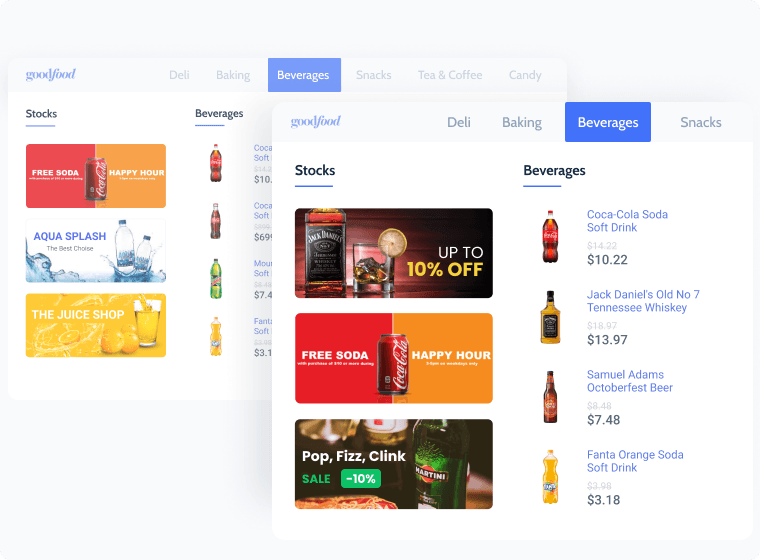
Restrict underage customers from seeing tobacco and liquor products. For instance, “remove” them from the main mega menu, footer area, promo banners, and hide a dedicated section on the Shop page.
Visibility settings:
- Visibility condition type – “Show element if condition met”
- Condition – “Greater than”
- Field – “User Field”
- Value – “21”
Availability by user status
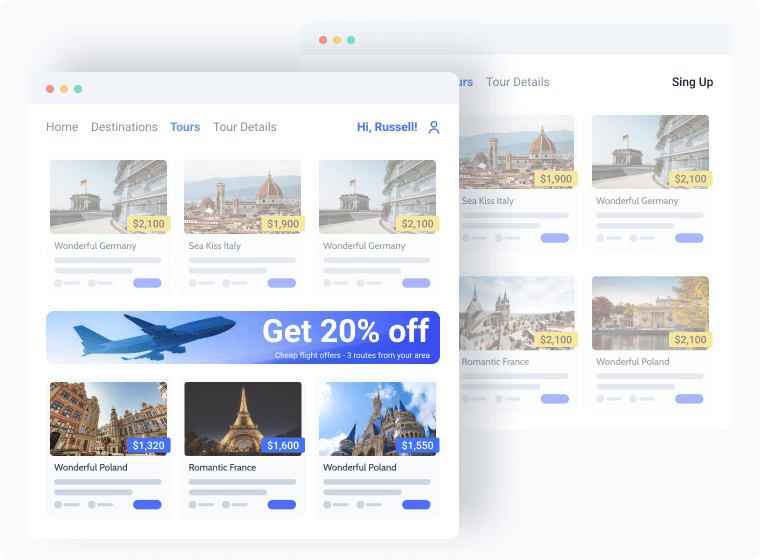
Show exclusive discounts and special promo banners only to logged-in / registered users and hide these offers from those not logged-in.
Visibility settings:
- Visibility condition type – “Hide element if condition met”
- Condition – “User not logged in”
Content display by query
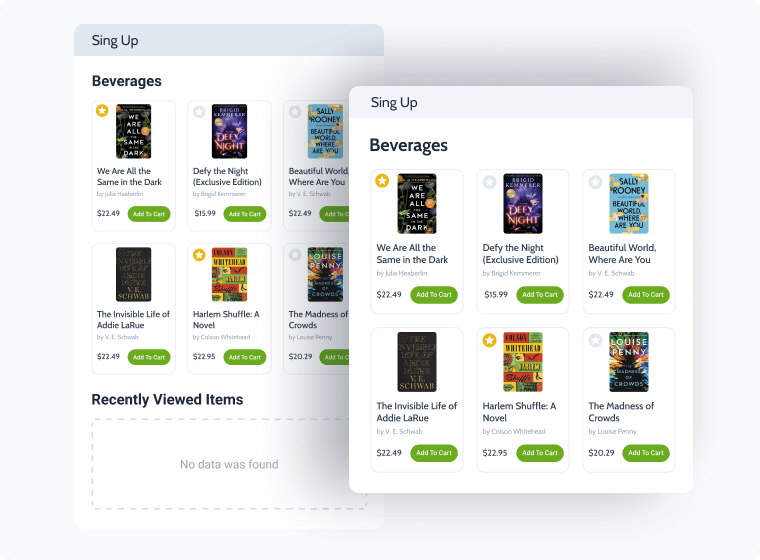
Save the page’s space and hide the whole section if there are no recently viewed items in the user’s data store.
Visibility settings:
- Visibility condition type – “Show element if condition is met”
- Condition – “Query Has Items”
- Query to check – “Recently viewed”
Explore Modular Options & Settings
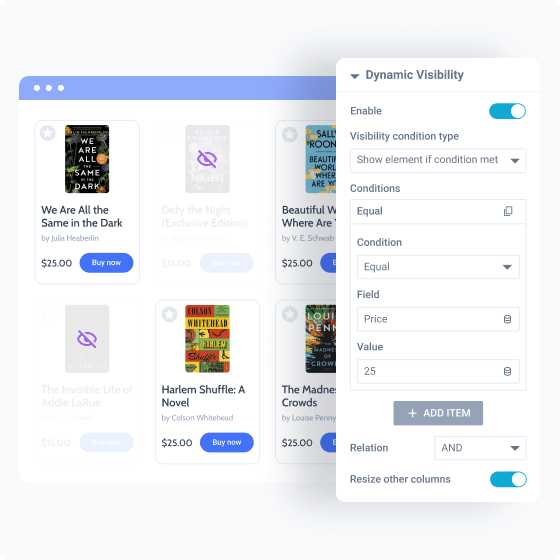
Configure Custom Content Visibility Conditions
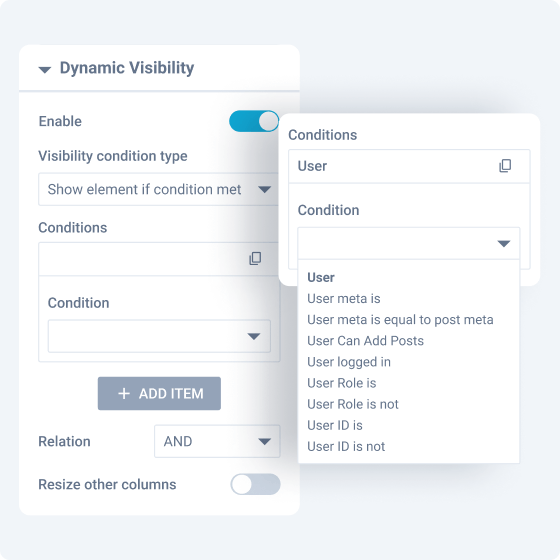
Show content
only to certain users
Make some elements visible/invisible to users based on their
roles, IDs, and login status.
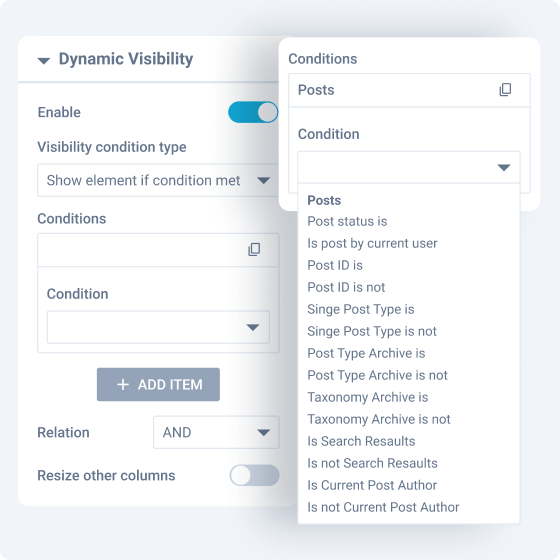
Hide non-relevant posts
in the front
Determine which posts should be displayed/hidden on the
frontend depending on their ID, status, type, etc.
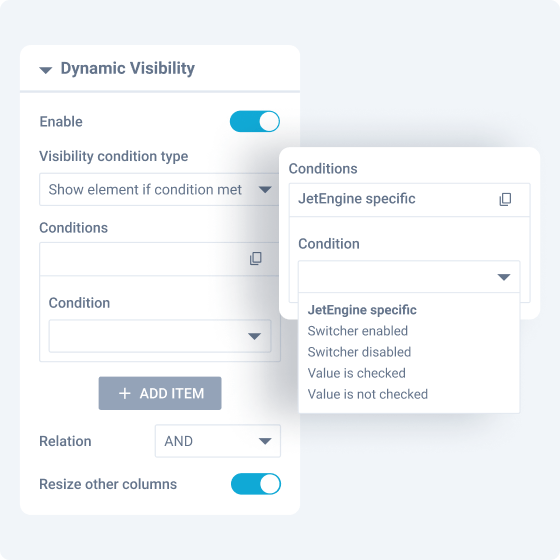
Show content on mobile only or
after JetEngine actions
Make the content output dynamically only after a specific
JetEngine condition is met.
Why Dynamic Visibility Feature Excels Technically
Designed for WordPress creators who need flexibility, control, compatibility, and long-term maintainability.
Suits the stack you already run
Perfect match for existing WordPress builders, themes, plugins, and integration workflows without forcing teams to rebuild their environment.


Reinforced by active vulnerability monitoring
Security confidence is strengthened by external vulnerability coverage in addition to regular product maintenance.
Submit security bugsOpen architecture
Makes implementation visible and inspectable without locking project logic inside a black box.
Discover dev docsExtra dev tools
Extend the stack by adopting implementation-ready resources for custom solutions and edge cases.
Explore CodeLabLet Us Help You Get Started and Keep Growing
Everything you need to master the product, solve issues faster, and move forward safely — from docs and tutorials to direct support, examples, and community knowledge.
Learn and grow faster
Explore documentation, step-by-step tutorials, and practical onboarding resources to understand the workflow, use features surely, and keep building.
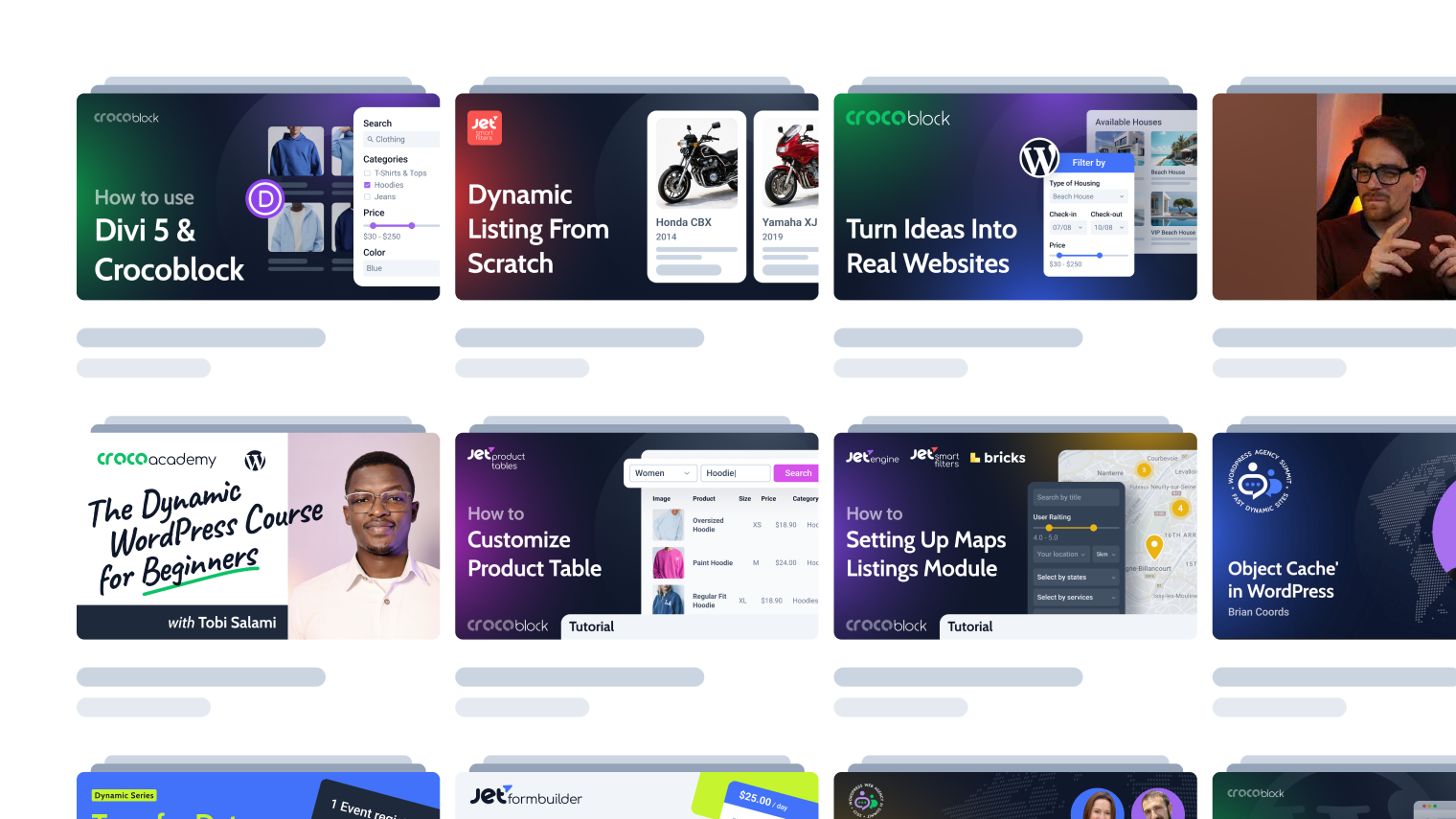

Learn from the community
See how others solve similar problems, share ideas, and exchange proven solutions. Join a space where you can learn from real use cases and keep improving over time.
Free support when you need it
- For all subscription plans
- Human-powered support
- 24/5 availability
- Live chat, tickets, and Zoom calls


Choose Subscription
30-day money-back guarantee
$75
$57 / year- JetEngine plugin
- AI-native website builder
- 1 year product updates
- 1 year Zoom & chat support
Automate site setup, generate structures and queries, and reduce setup errors
- 22 JetPlugins
- AI-native website builder
- 1 year product updates
- 1 year Zoom & chat support
For more details on the Subscription, proceed to the Pricing page
What Other JetEngine Features You Get
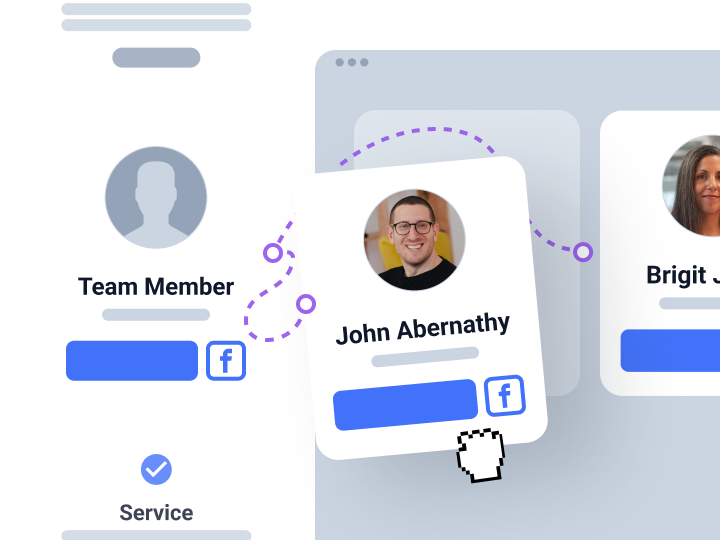
Reusable Components
Create unique widgets and reusable web sections
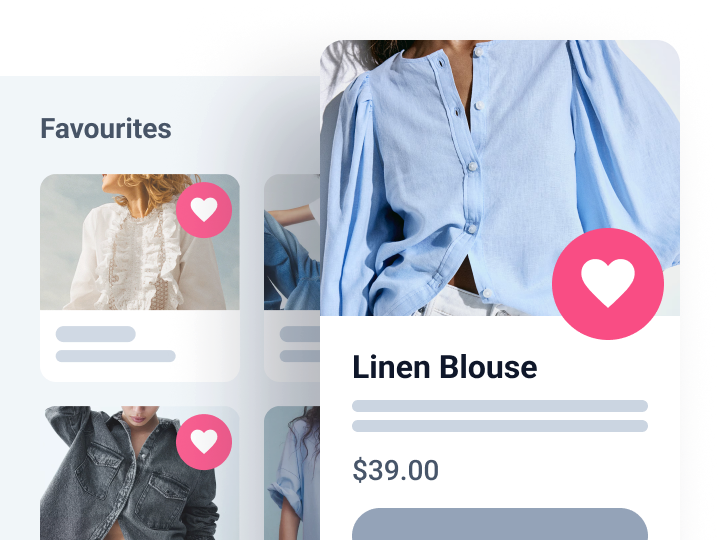
Data Store
Build custom storage for post and content type data
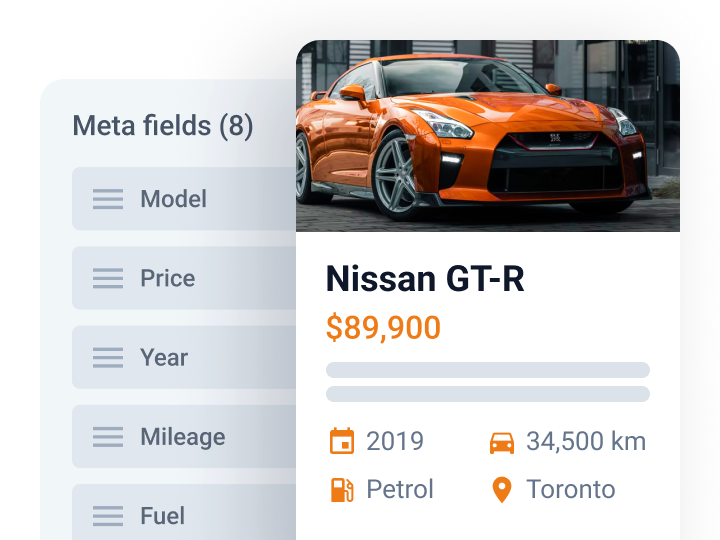
Custom Fields
Add extra content details to website posts and pages