Cookies
Stores data until the Cookies are cleared

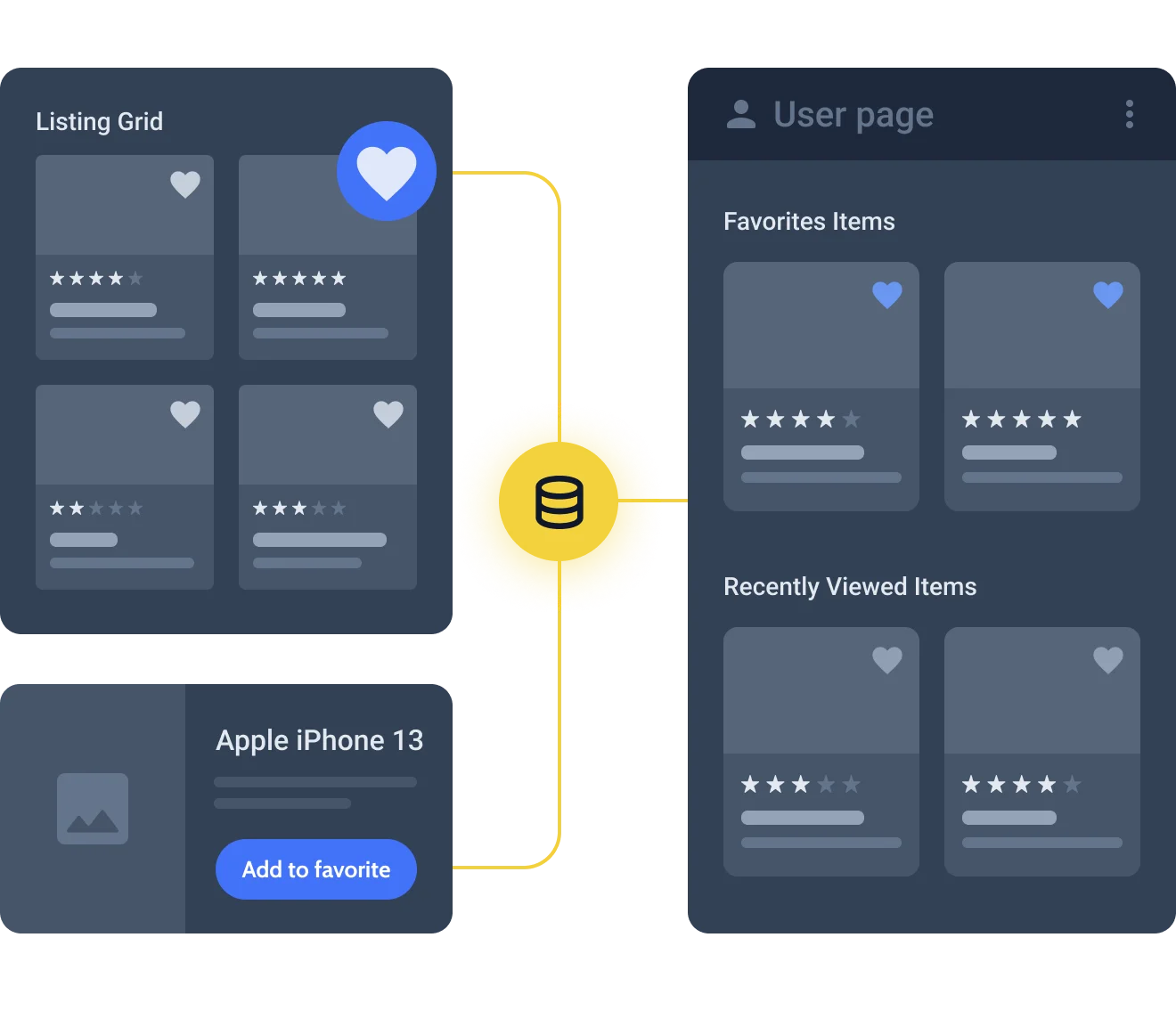
Data Store. A JetEngine feature that helps to save the featured posts to a certain depository.






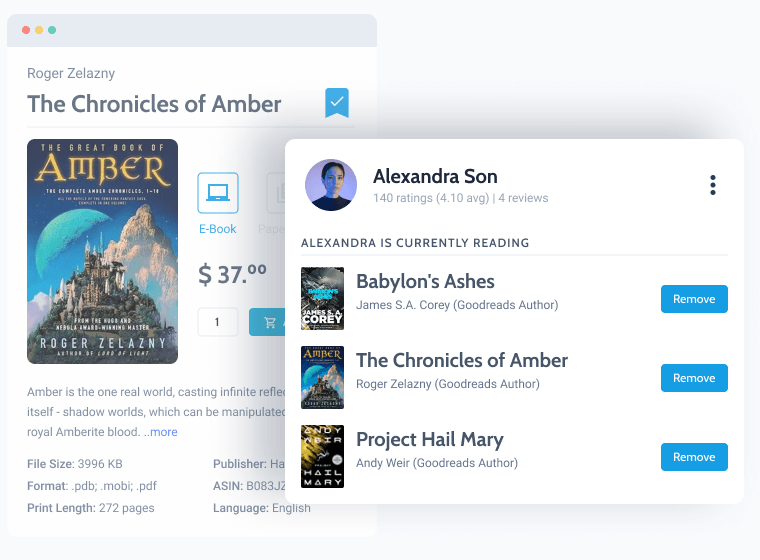
Implement the bookmarks for your articles so that the users would save them to the ‘Reading List’ to access later with just a click.
Bring a bookmark-designed button to your Listing Item that would be in the Listing Grid posted on your blog page. By unclicking it, the post would be removed from the collection.
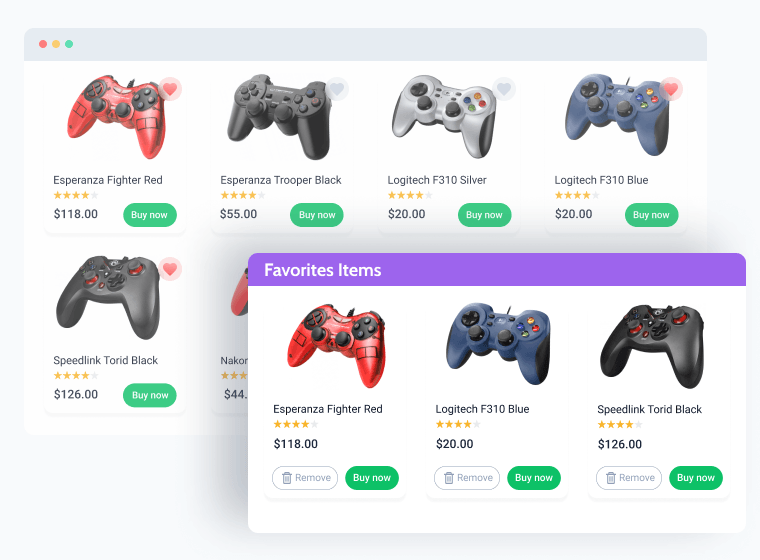
Allow users to give likes to the posts that they want to add to their personal Favorites collections.
Place a ‘Heart’ button on your listings to let the visitor like the post thus it would be added to the Favorites page or section.
Learn more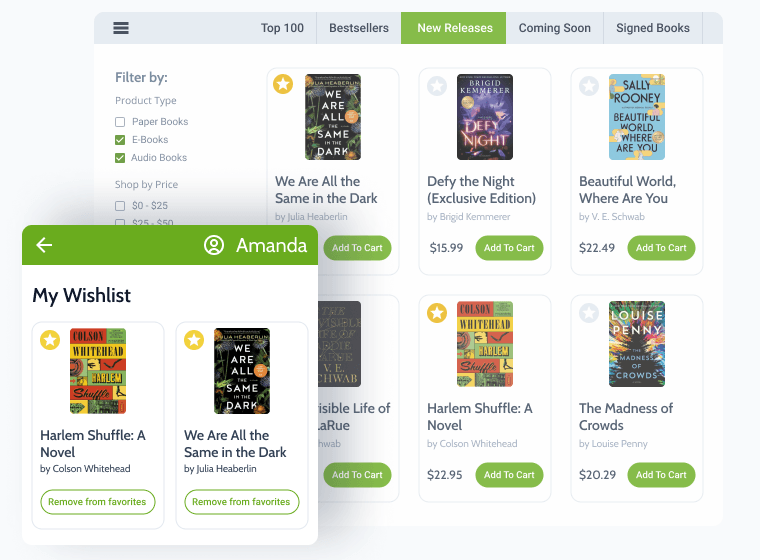
Click the Star icon to add a book to the Wishlist page, where a unique collection of books to buy would be stored.
Let every registered user create an individual collection of posts or products stored in the personal data cells.

Add a Recently viewed section to a homepage to remind the visitors about items they’ve opened while browsing the site.
Enable the Store on a view option to retrieve the data into the list of Recently viewed posts and engage the users.
Learn more
Present the number of times a certain post was liked by the visitors and display it as the post metadata.
Showcase the visitor's interaction with the content in the post metadata with the help of the posts ’counters.
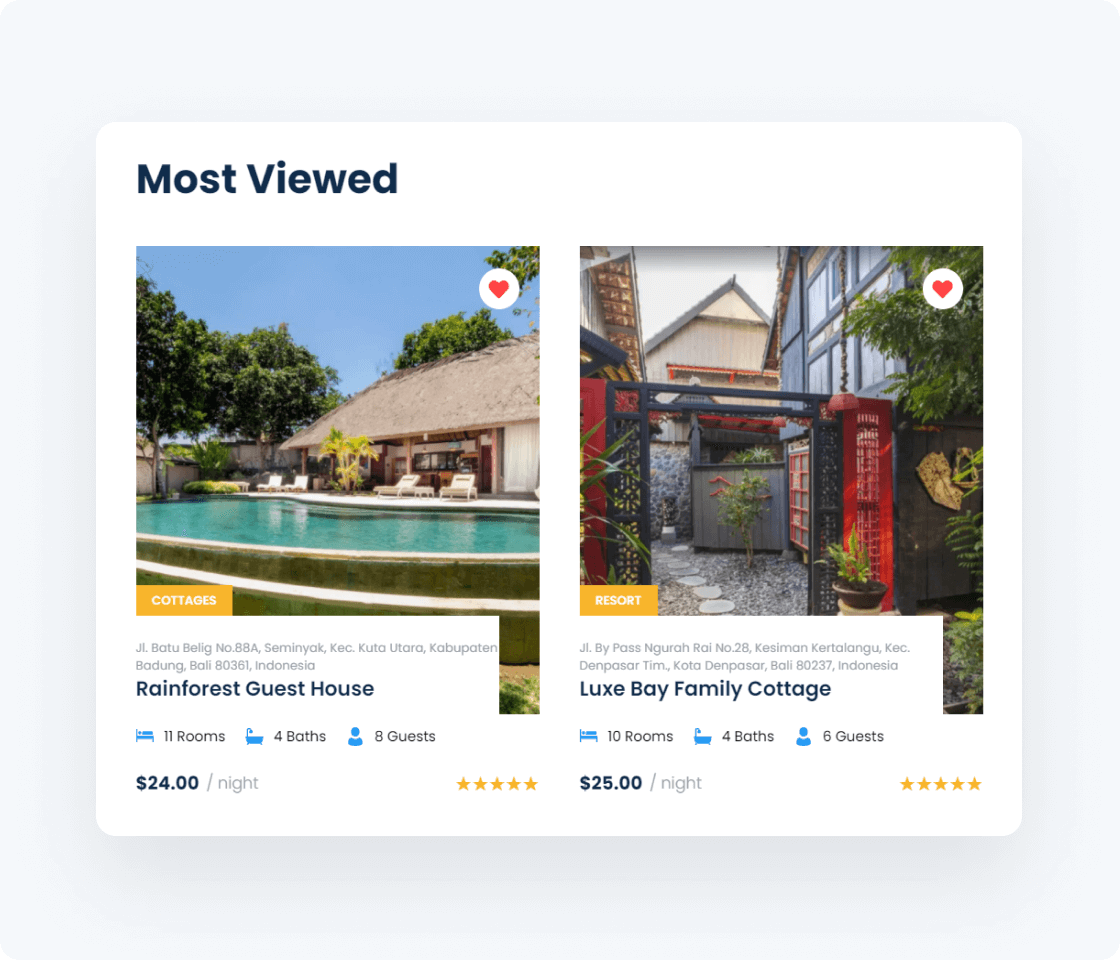
Turn any post & content type into a data store. Not only can you create separate collections of posts, products, and items but also establish several data stores on a single website.
All types of CPT, CCT items on one site
Save any type of posts
Store WooCommerce products
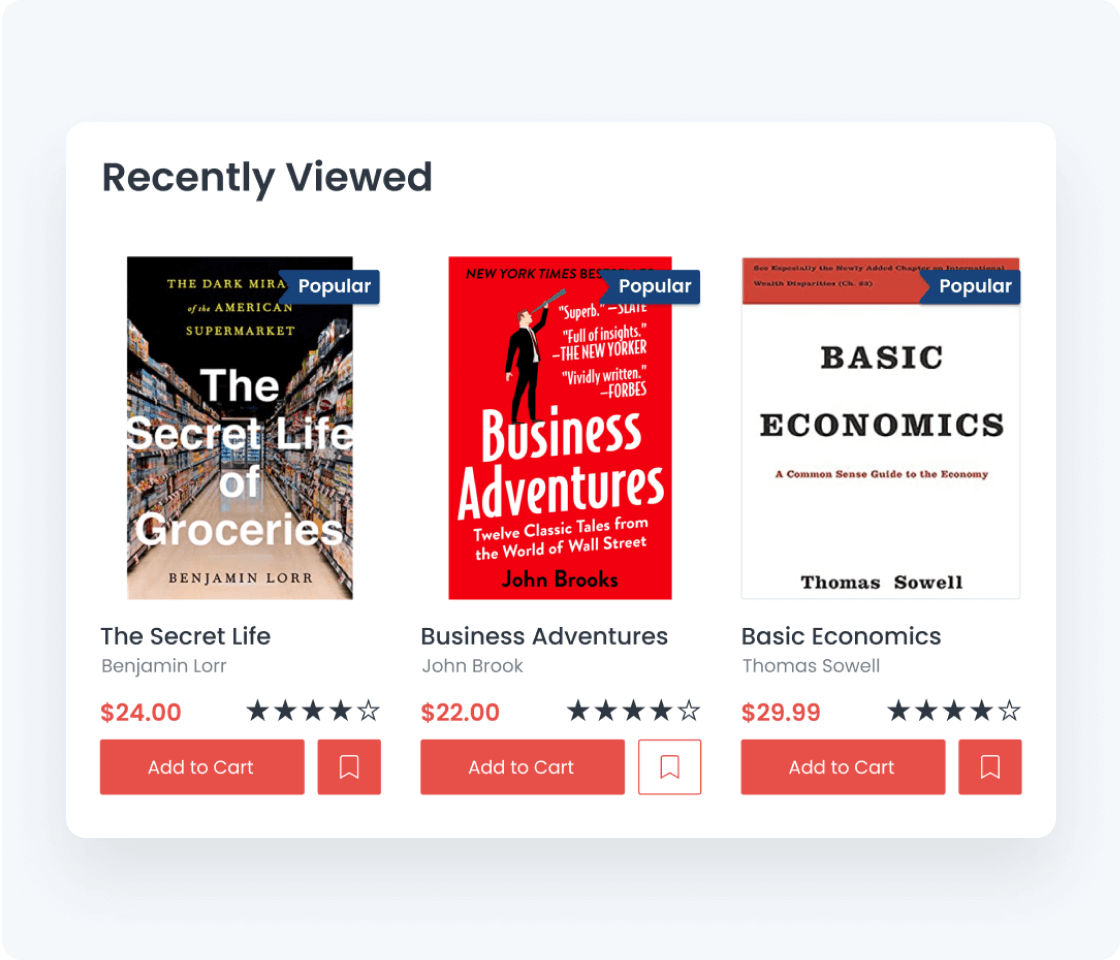
Create and configure data stores for both site regulars and one-time visitors. Make it possible to add/remove posts to a data store with one click or as soon as the post is opened and viewed.
Set max storage capacity
Create temporary stores for unlogged users
Add unique store for a logged-in user
User can add and remove posts from storage
Enable recently viewed posts
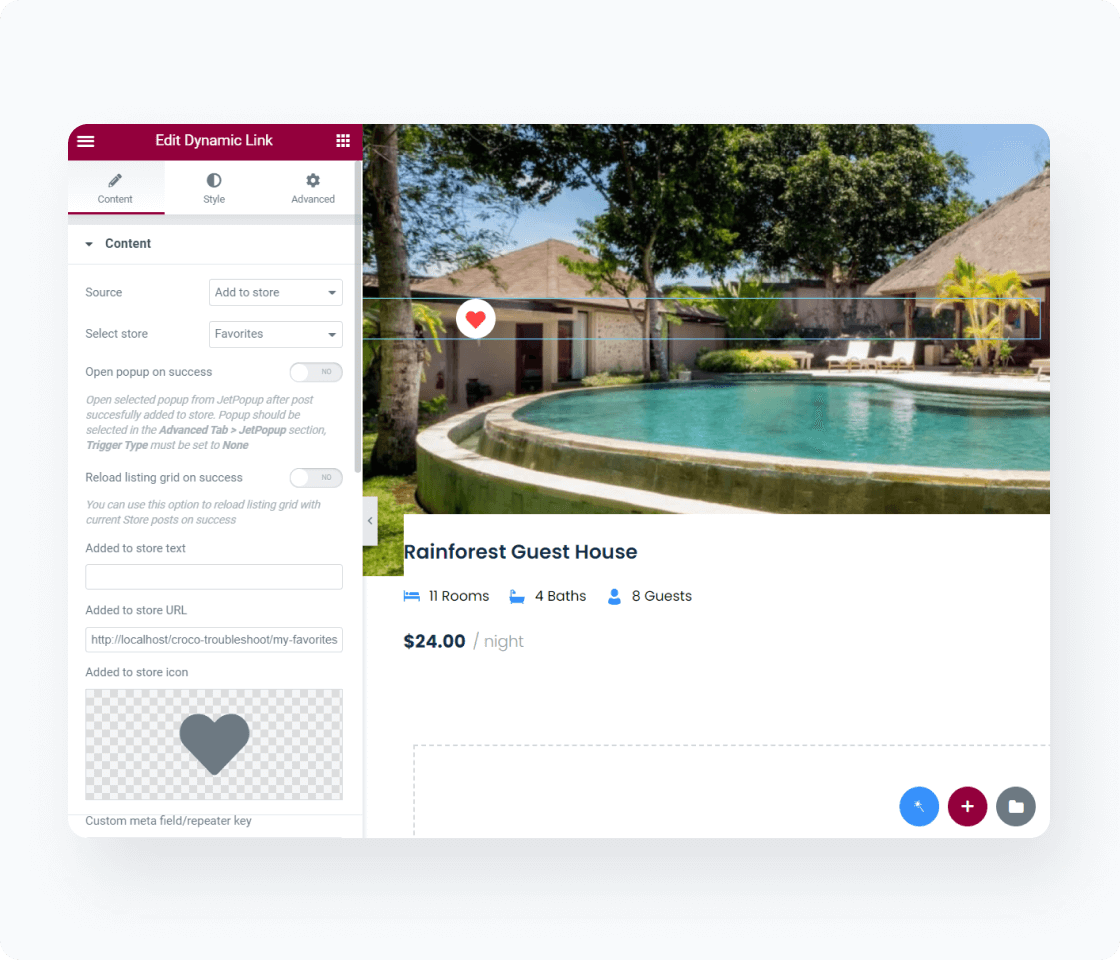
Enable the addition of posts to data stores: set the Dynamic Link sources and show how many times a certain post was added to the store and the general number of posts in it.
Set “Add” and “Remove” buttons on Listing Grid and Single page
Display the number of stored items everywhere
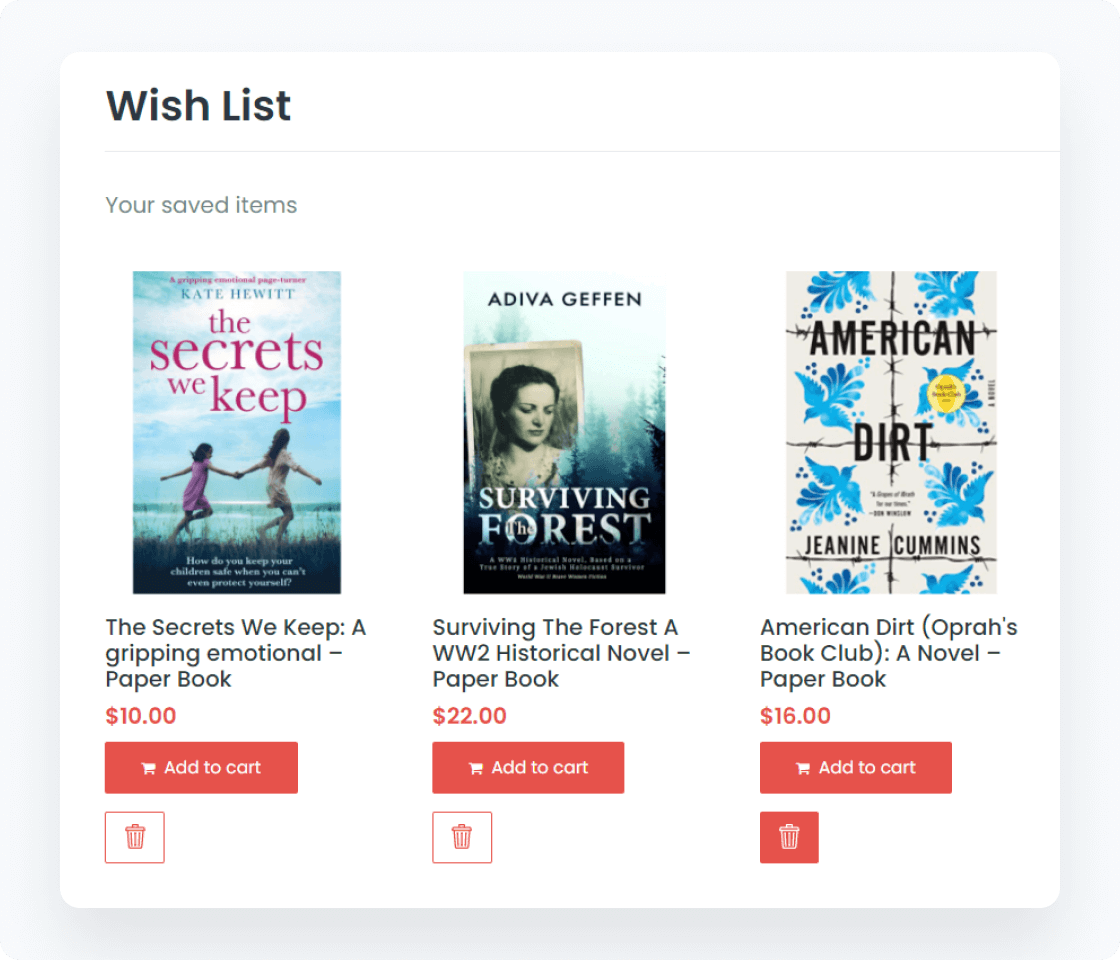
Draft separate pages or page sections for your data stores and output them using the Listing grid widget’s various layouts. Enable the posts sorting if necessary.
Create separate pages for Compare, Wishlist, & Favoritesy
Add posts to Listing Grid on the Home page
Display posts in Calendar and Map layouts
Everything you need to master the product, solve issues faster, and move forward safely — from docs and tutorials to direct support, examples, and community knowledge.
Explore documentation, step-by-step tutorials, and practical onboarding resources to understand the workflow, use features surely, and keep building.


See how others solve similar problems, share ideas, and exchange proven solutions. Join a space where you can learn from real use cases and keep improving over time.

Designed for WordPress creators who need flexibility, control, compatibility, and long-term maintainability.
Perfect match for existing WordPress builders, themes, plugins, and integration workflows without forcing teams to rebuild their environment.


Security confidence is strengthened by external vulnerability coverage in addition to regular product maintenance.
Submit security bugsMakes implementation visible and inspectable without locking project logic inside a black box.
Discover dev docsExtend the stack by adopting implementation-ready resources for custom solutions and edge cases.
Explore CodeLab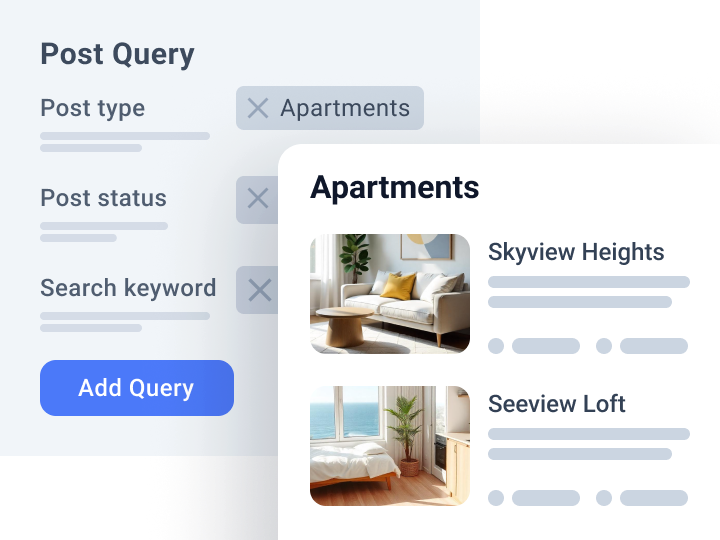
Query and fetch custom data to the front end
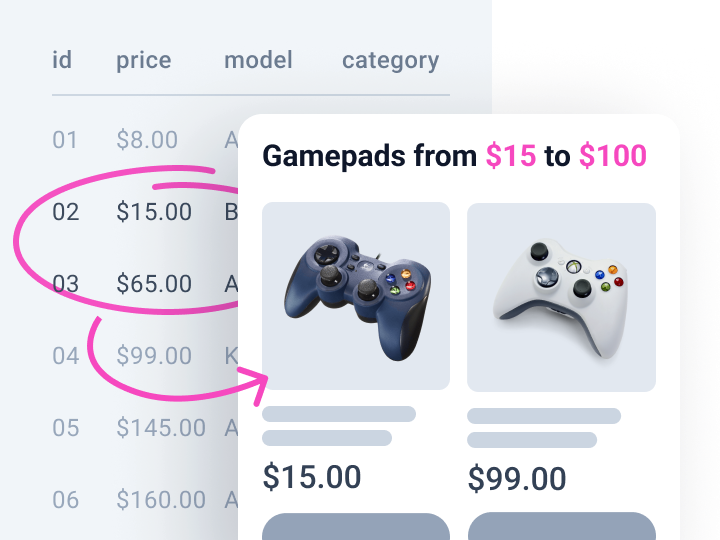
Pull data from custom fields and display min, max, or calculated values
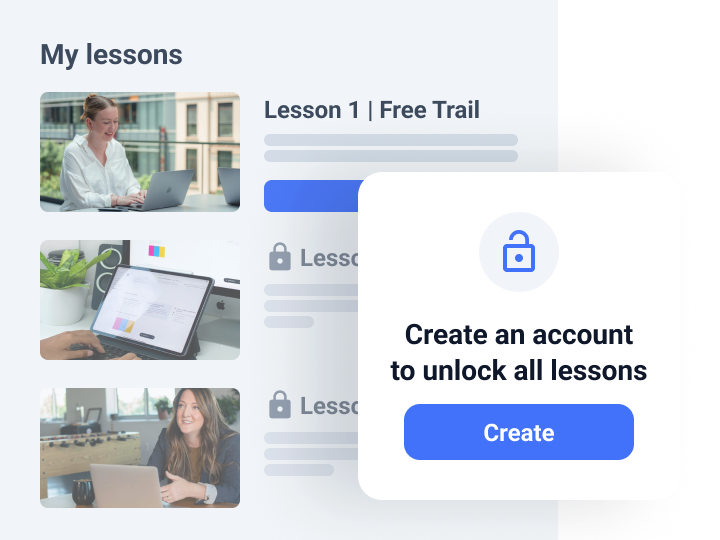
Adjust content visibility logic for website sections