
Query
Determine which data will be selected from the database and how.
Create dynamic data tables showcasing posts, products, users, terms, comments, and SQL data. You can display WordPress Custom Fields data / Listing templates in the cells.






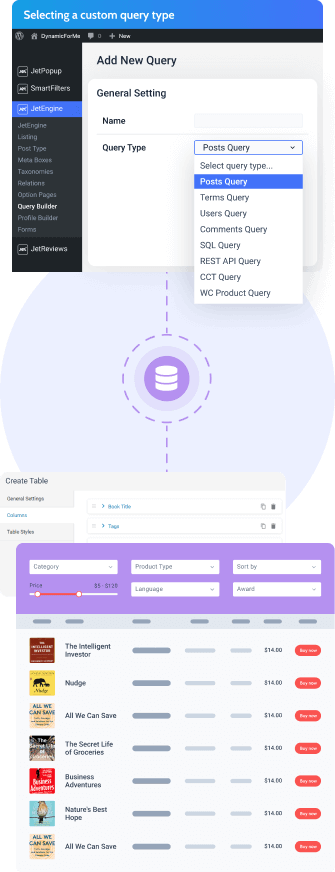
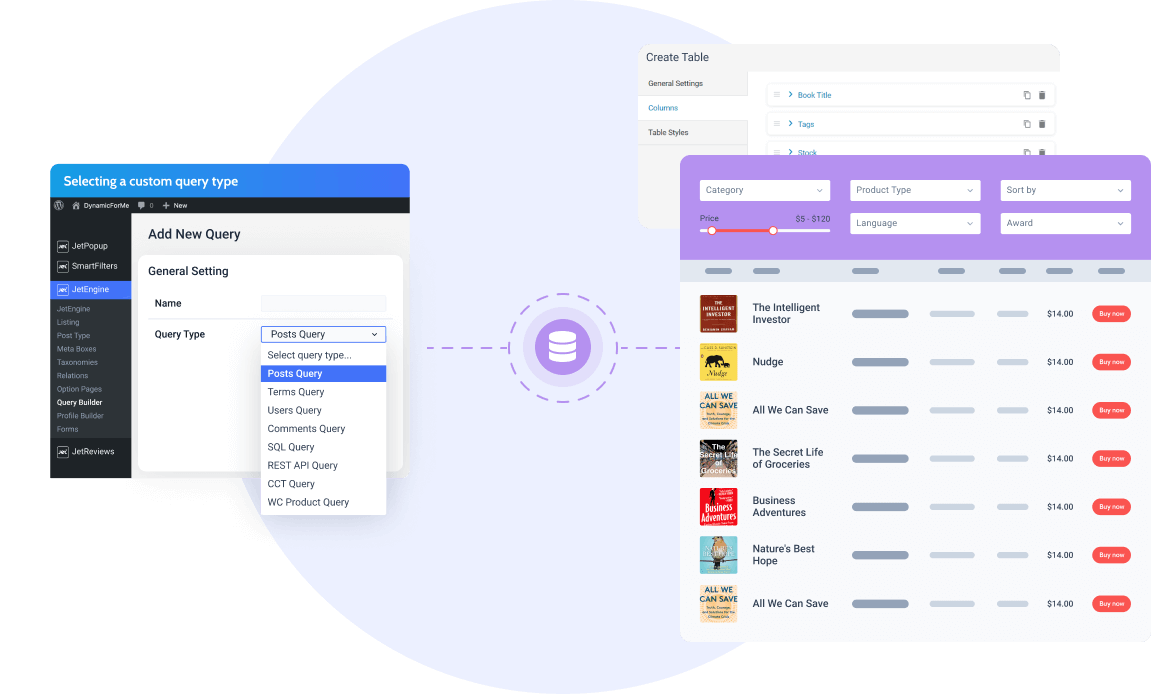
Determine which data will be selected from the database and how.
Fetch the query columns and use them as frontend display options.
Preview the table content before adding it to the page.
Want to visualize the table data? Consider the Charts Builder feature.

Looking to create a podcast library? Create a CPT called Podcasts, add meta fields to it, then build a listing item to display the audio files. Next, add the podcast-related columns to the table and output the post’s name, date of addition, and a template containing the audio player.

Create a table storing the staff members’ data like headshot, name, position, department, contact details, and subordinates, if any. All the data can be pulled from the CCT base. Moreover, there’s a chance to redirect to the teammate’s page by pushing the button.
View demo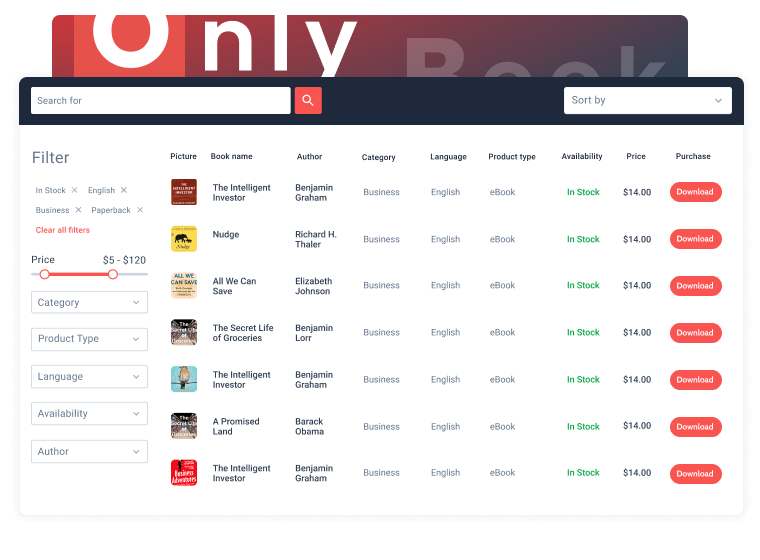
Output a dynamic table storing the eBook catalog with such columns as title, author, format, genre, imprint date, price, and a “Download” button. To ease navigation, you can add all the necessary filters and sort the library by category, year, genre, etc.

Showcase all the WordPress users’ metadata in a single table. Add the columns with their contact details, name, photo, user role, subscription level, and more. To top it off, you could enable filtering by user roles and/or searching by their contact details.
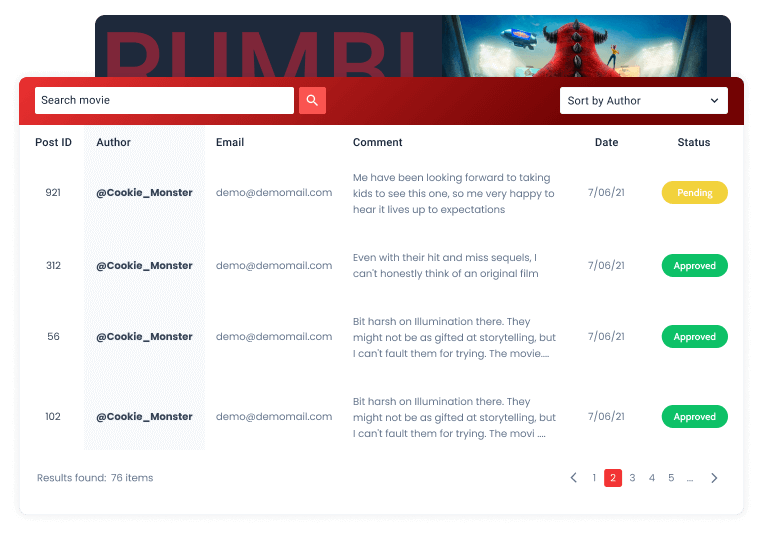
Output all comments to the movie, breaking down their content into columns: post ID, email, author’s name, link to the profile, publication date, comment text, and its status (approved by the moderator or not). Add pagination to navigate the table freely.
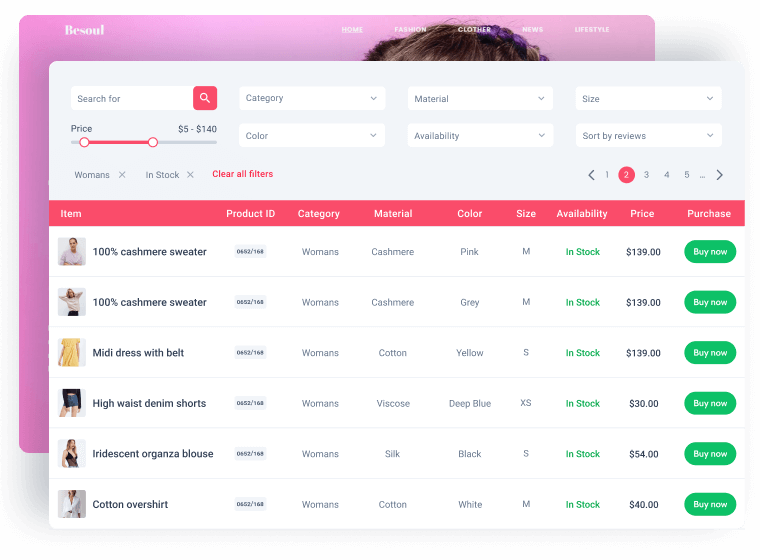
Tables Builder can help you output WooCommerce products and their default metadata. Feel free to create lists and catalogs showcasing the product image, name, category, type, gallery, price, and other properties. Apply the product filters and sort the table anyhow you like.
View demo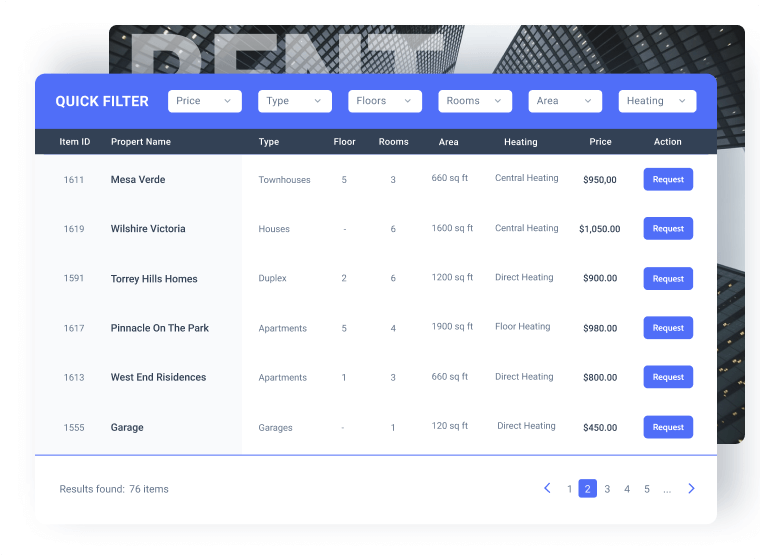
Create a table housing all the properties for sale by taking data from SQL tables. Provide all the necessary metadata like floors, bedrooms, and floor area and output them flawlessly in the Tables’ columns. Group the information neatly and make the table sortable.
View demo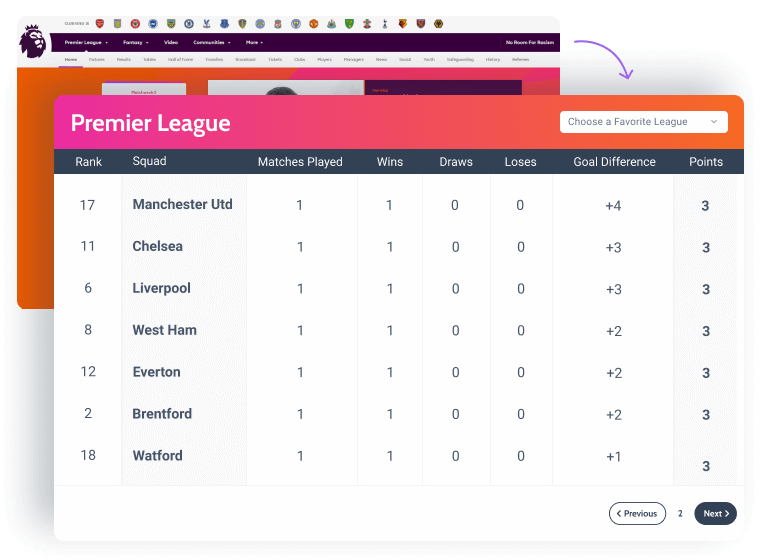
Willing to output live data from a remote website? You can use the REST API module to connect one website to another and pull its statistics. All the data from meta fields stored in the source website’s database can be displayed in the table on your current website.
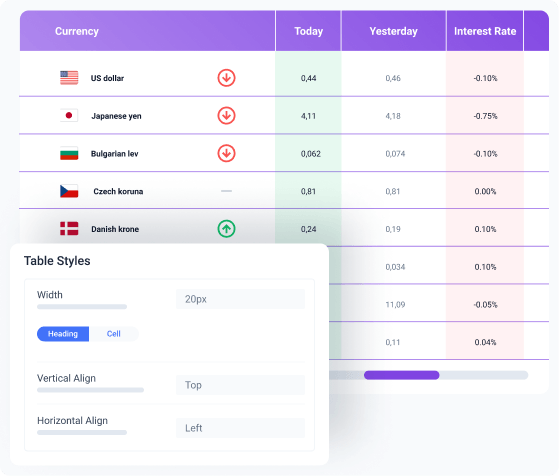
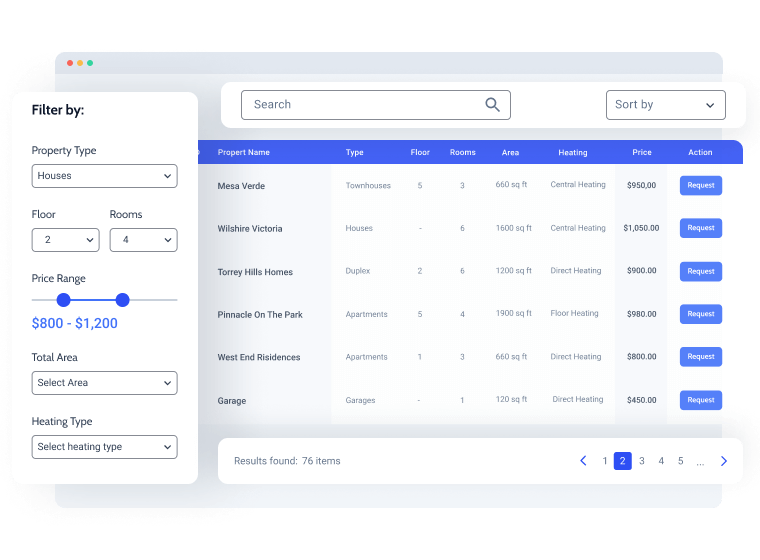
Bring your visitors an option to narrow down the data displayed in dynamic tables. Filter by several parameters and add pagination to get neat results.

Tables filtration would be possible only with the JetSmartFilters plugin installed.
Designed for WordPress creators who need flexibility, control, compatibility, and long-term maintainability.
Perfect match for existing WordPress builders, themes, plugins, and integration workflows without forcing teams to rebuild their environment.


Security confidence is strengthened by external vulnerability coverage in addition to regular product maintenance.
Submit security bugsMakes implementation visible and inspectable without locking project logic inside a black box.
Discover dev docsExtend the stack by adopting implementation-ready resources for custom solutions and edge cases.
Explore CodeLabEverything you need to master the product, solve issues faster, and move forward safely — from docs and tutorials to direct support, examples, and community knowledge.
Explore documentation, step-by-step tutorials, and practical onboarding resources to understand the workflow, use features surely, and keep building.


See how others solve similar problems, share ideas, and exchange proven solutions. Join a space where you can learn from real use cases and keep improving over time.

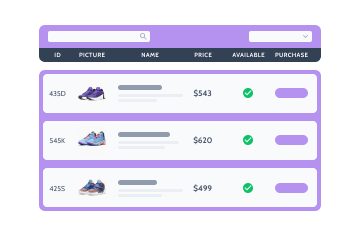
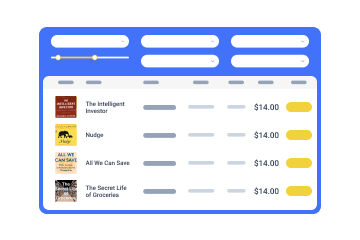

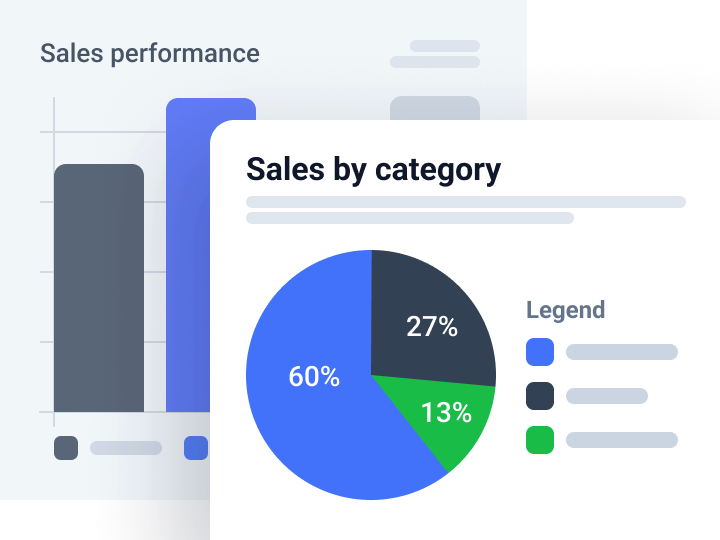
Visualize dynamic data through 10+ chart types
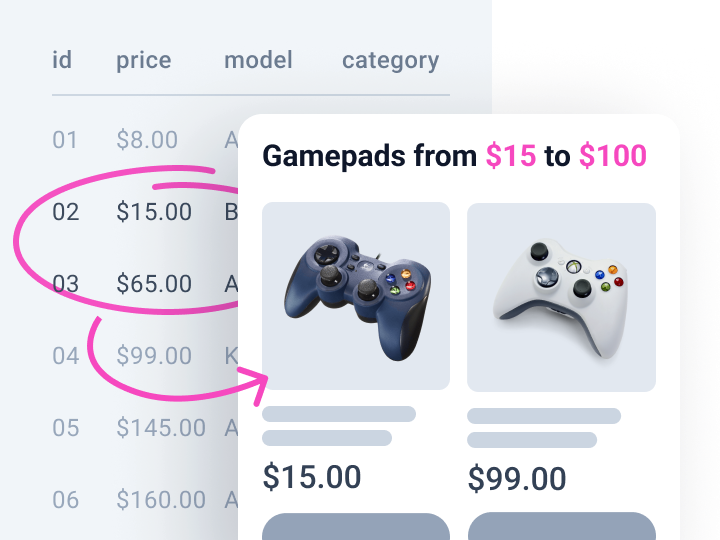
Pull data from custom fields and display min, max, or calculated values
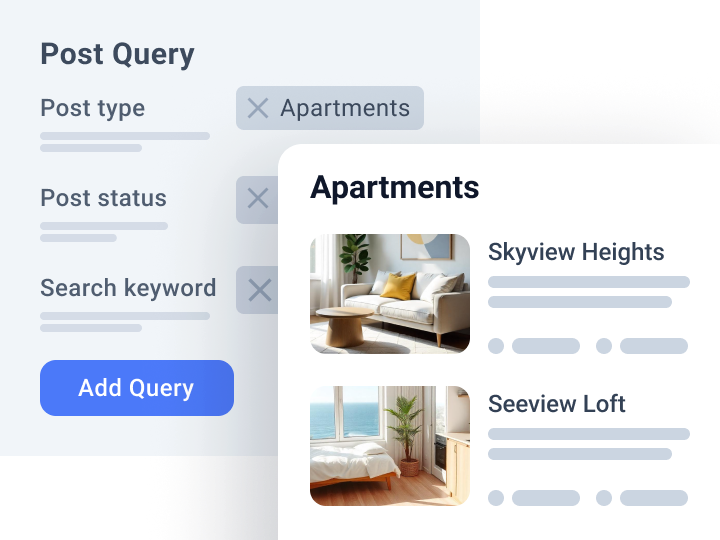
Query and fetch custom data to the front end