Unlike other WordPress themes that come with a header, footer, demo page, and post after installation, Bricks Builder appears absolutely empty. On the one hand, it’s great; on the other, you don’t have any basic structure to start from. So, ready templates for individual components or whole layouts are there to help, as well as frameworks designed specifically for Bricks to speed up and optimize the workflow.
Here, we will look at the most noteworthy frameworks, templates, and design sets.
Free Templates for Bricks
There are not so many free templates for Bricks Builder, but there are some, so let’s have a look at the resources they can find.
Bricks Community Templates
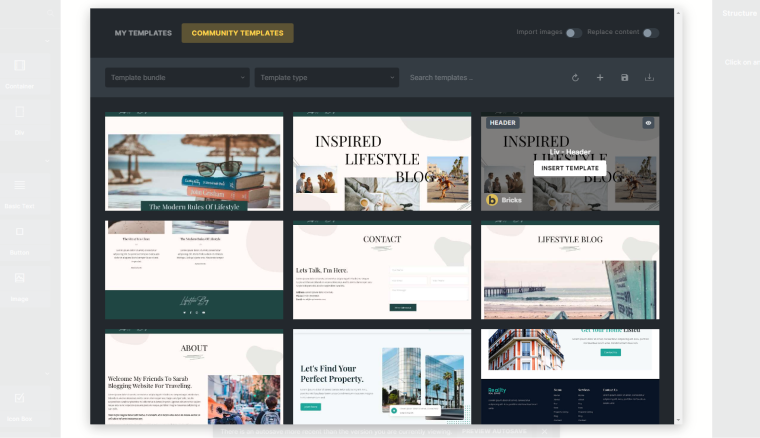
Fortunately, Bricks offers you over 60 starting templates for different pages and sections, split by four design styles (so you can build four full-fledged websites using them). Or, I guess you want to use them as a starting point for future redesign.
The design:
The templates are quite simple and don’t have animations, fancy sliders, or CTAs.
How to use:
Community templates are available by default right after the Bricks installation. They are available in the editor; just find the folder icon in the top right corner.
Pros and cons:
This library is a must-have for those who have only started working with Bricks Builder and need some presets to understand the design logic and how everything works there.
However, the designs could be a bit fancier, and the library could offer more components.
Bricks Design Set
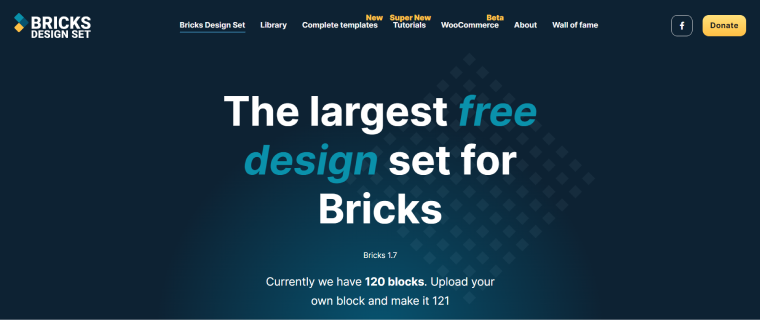
Bricks Design Set is quite a big library submitted by the community of developers – anyone can contribute and upload their templates; that’s why it’s free, yet donations are highly appreciated. There are components and a couple of complete (very basic) website templates so far. I hope the project will grow because we really need a free alternative to advanced and pretty expensive libraries.
The design:
It’s quite good, you can find different styles of the components, and sometimes really good ones. Unlike the libraries created by the same team and following the same standards, this one is submitted by different users, so it’s a little inconsistent. However, it’s still a great asset.
How to use:
Go to Bricks > Templates > Connect and type “https://bricksdesignset.com/.” No password is needed. All the components will be available on any page or template by clicking the “Template” icon and choosing Remote Templates. But there are no previews, so you have to preview them on the Bricks Design Set website.
Pros and cons:
There are many components that are easy to import, and most designs are quite good. Yet, this library definitely should grow to offer much more if it wants to become a big thing in the WordPress community.
Freemium Templates for Bricks
Here are some resources where you can find some free components for your Bricks Builder project.
Bricks Awesome
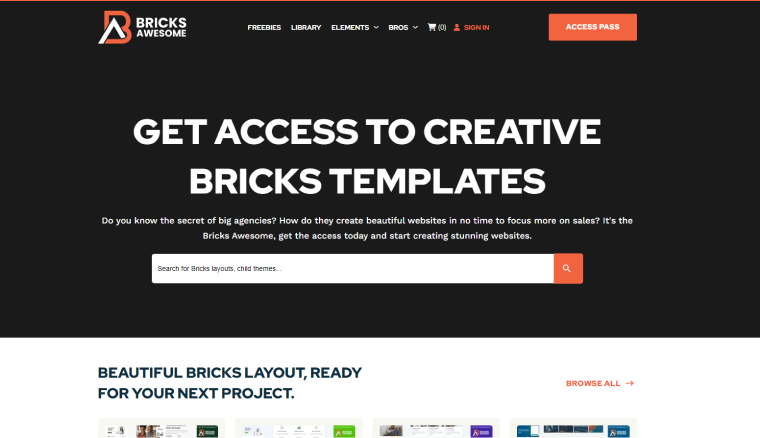
Bricks Awesome offers us quite a lot of not only components but layouts with a no-frills but modern design.
The design:
I would call it “a classic web design.” It doesn’t stand out a lot, but it’s quite good. Considering the fact that there are so many, I guess there are options for anyone.
Pricing:
$199 for an all-access pass for a year, $249 for a lifetime, and $299 for the All Extended, which means that all future templates will be included.
Pros and cons:
The library is good; the lifetime price is affordable as well. Another advantage of this resource is that it’s all about full layouts, not only individual components. However, some designs are slightly outdated. But, considering the fact that many of them are ACSS-made, it’s not such a big deal to modify them.
Renmoe Library
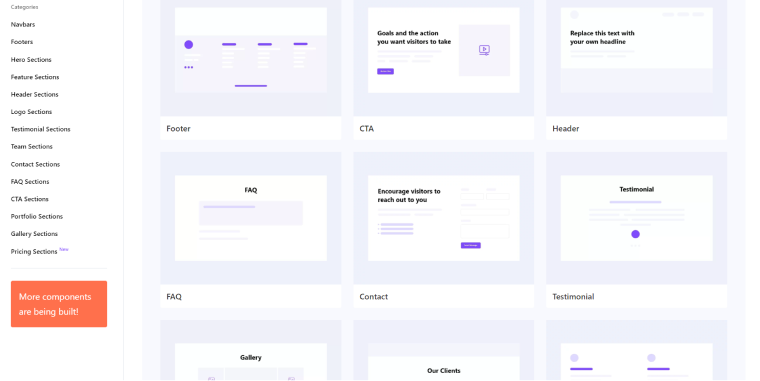
Renmoe Library offers many design components for all kinds of pages, from hero sections and navbars to testimonial and team sections. They plan to release the Core Component Library, but the exact date is unknown.
The design:
The library offers a clean and minimalistic design of the components that will match almost any website style and layout as a starting point.
How to use:
Go to the category you need, and click the “Preview” button on the component you want to use. There, you will see a “Copy” button. Press it, and paste the code to the right Structure panel of your template or page in a Bricks builder using Ctrl/Command + V (because there’s no context menu for pasting it with a mouse click).
It’s not a very common way of importing third-party templates, and they don’t even have instructions on the website as of now, but it’s definitely a very convenient method.
Pros and cons:
It’s well-designed, easy to use, and offers quite a lot. I haven’t found any cons.
Pricing:
Free (very limited), $82 a year, or $129 lifetime.
Bricksmaven
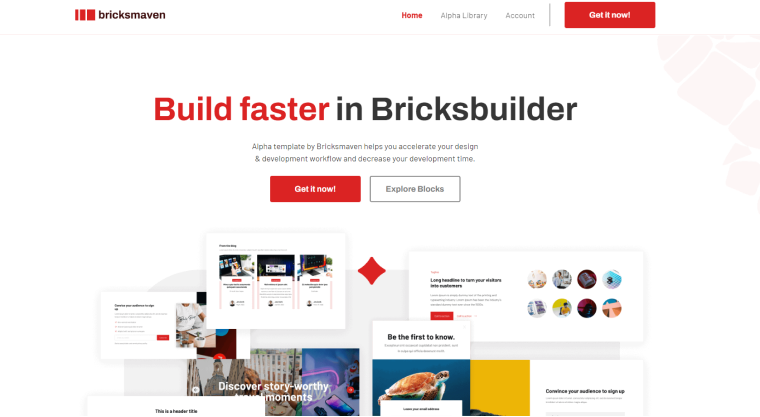
Bricksmaven looks great, with almost 500 components that designers would definitely approve. Also, it’s all built with ACSS, and the templates are pretty universal to cover every website’s needs.
The design:
It’s good, modern and all-purpose.
Pricing:
Free (104 templates included), $199 yearly, and $599 lifetime.
Pros and cons:
It takes time to comprehend what exactly they offer, as there’s a version that requires ACSS, Core, or Vanilla CSS frameworks, as well as one available remotely and just barebones. So, it’s more like an add-on for frameworks that are purchased separately.
BricksTemplate
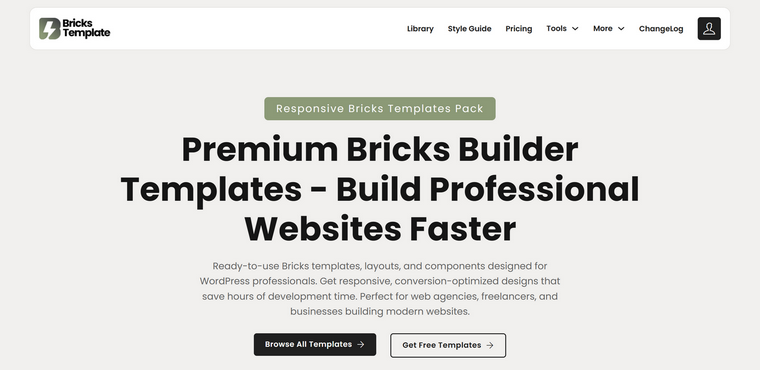
BricksTemplate offers over 200 layouts and almost 300 wireframes. Many of them are free. A great thing is that they add layouts very regularly and frequently.
The design:
It’s quite good, clean, but slightly outdated.
How to use:
Premium templates are available via the Remote Template tool, and free ones will be sent to your email address after registration.
Pricing:
$45 lifetime and $99 lifetime with online SEO tools included.
Pros and cons:
It’s a pretty good deal for its price, and the library can be a decent basis for different types of websites. On the other hand, this collection would be much better if it offered more fancy components.
Varneo
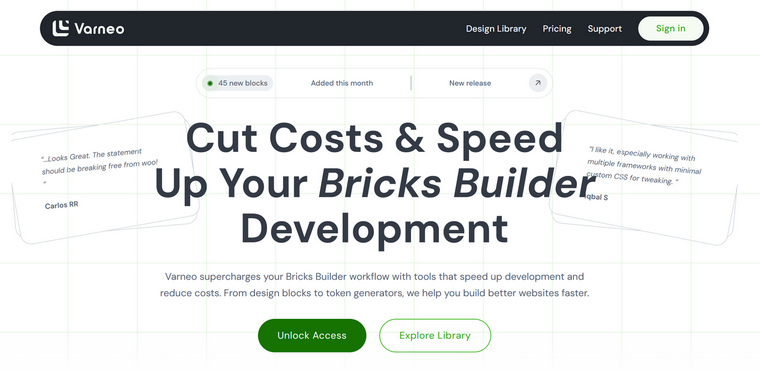
Varneo is a library of 160+ templates, and some of them are free. As far as I’ve noticed, most of them are wireframes with nice layouts.
The design:
It’s good, clean, and universal. You can use templates by copying the JSON, and soon they plan to release remote access. Also, they offer many WooCommerce components.
Pricing:
Free (limited), a monthly plan starts at $30, a yearly one starts at $95, and a lifetime plan is $199.
Pros and cons:
It’s a solid option, especially since it focuses on wireframes, as every website needs its own branding anyway. The pricing is also flexible, with a monthly plan available.
Premium Templates for Bricks
I did my best to select the best templates for you, so you don’t have to.
Fancy Bricks
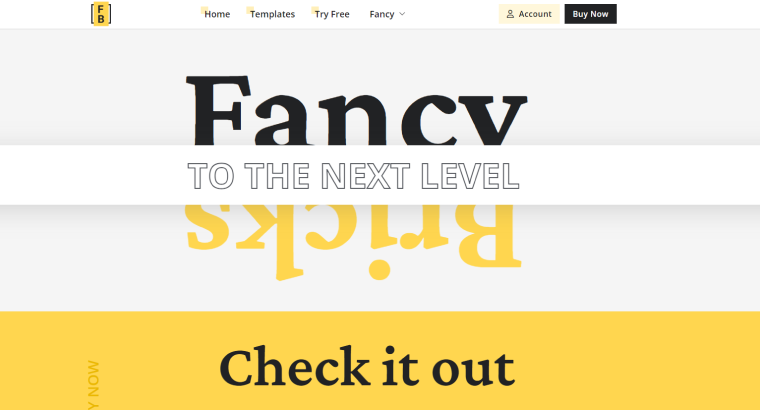
Fancy Bricks is a set of a few hundred components for any use case. Many templates are adapted to ACSS (for the Automatic CSS framework). Each template has a demo, and there’s documentation on how to edit it. Also, they released their own free framework with a Figma to Bricks plugin, which sounds great.
The design:
As this website’s name suggests, the components here are pretty fancy, with good design and suitable animations.
How to use:
To download templates, you must sign up, and then you can find the files in the Download section of your profile page. They are also available remotely.
Pricing:
$99 a year.
Bricks Library
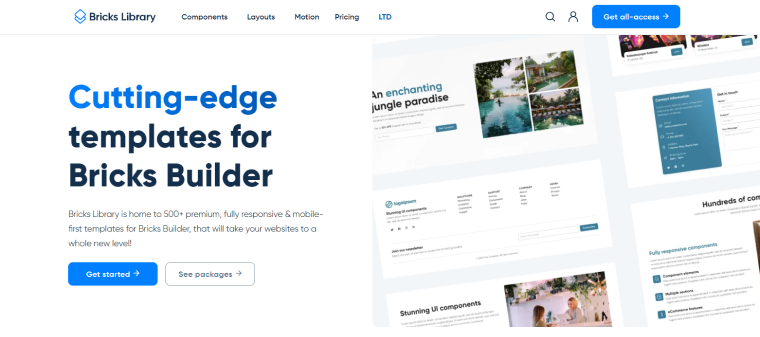
This well-crafted library offers a lot: more than 1075+ components, 17 website layouts, and animations designed specifically for particular elements and sections.
The design:
It’s definitely a beautifully designed and modern-looking library, with component and layout collections being all-purpose but not dull at the same time. The layouts also represent various website types.
Pricing:
The all-access plan is $249 a year. You can also purchase only the Components or Layouts package for $199 a year each. The Motion package costs $199 a year, but remember that you will need the Motion.Page plugin (which costs at least $69 a year).
If you need only a particular layout, they can be purchased for $99 each.
There’s also a Lifetime plan for $699.
Pros and cons:
It’s definitely a great library with a lot of assets for a smooth workflow and tons of hours of designing and development saved. For sure, it’s on the pricey side, but you have the option to buy things separately, which makes things better.
BricksPlus
If you, just like me, are wondering why there’s some creativity missing for the names of Bricks’ resources – well, I feel you, but what to do?
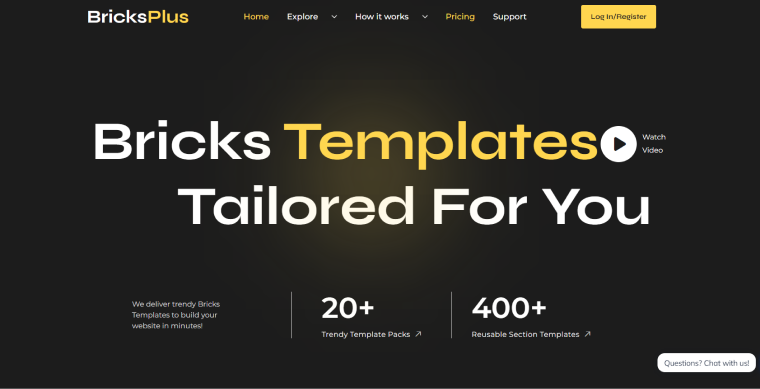
This is another library for Bricks Builder templates called BricksPlus. It offers over 1300 templates for different purposes, including full website templates and wireframes. They all made for frameworks – ACCS, Core, and Vanilla. Plus, they offer 60+ Figma templates.
The design:
It’s quite good and modern; I definitely recommend checking it out.
Pros and cons:
If you like the design style of this library and use frameworks, sure, you are their client. It has what to offer, and it can be a great starting point for your great design.
Frames
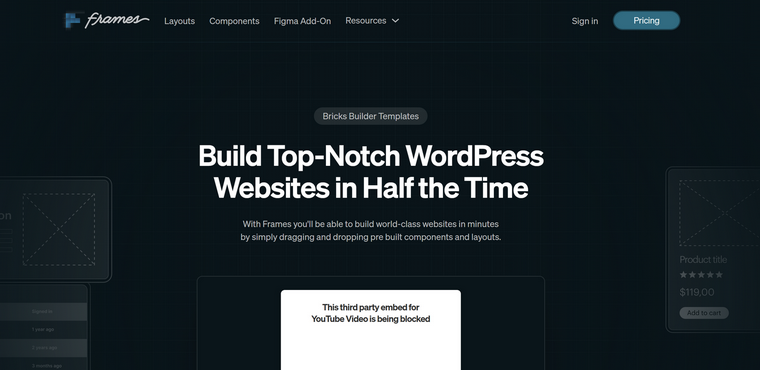
Frames is a wireframing tool to streamline your design process, and you can use it directly in Bricks. However, if you prefer Figma, no worries; there’s also a version for it. But let’s get back to its Bricks features: it has a clean BEM-organized and ACSS-powered code, with a huge focus on the optimized DOM structure.
Pricing:
Starting at $69 a year (for three websites), $99 for up to 15 websites a year, and the $399 Lifetime plan for up to 100 websites.
Pros and cons:
Frames is a great wireframing tool that allows you to concentrate on UX in the first place, which is the right approach, instead of diving into the detailed design immediately. At the same time, it doesn’t add bloat but lays a solid foundation, thanks to its clean code, focus on optimized DOM structure, and modular approach, so you can mix and match all the elements. As an icing on the cake, there’s a growing component library. However, it’s not so large yet, but the roadmap states that there’s more to come soon.
Special Mentions
These resources are not template libraries but can play a big role in layout development and are certainly worth mentioning.
Automatic CSS framework (ACSS)
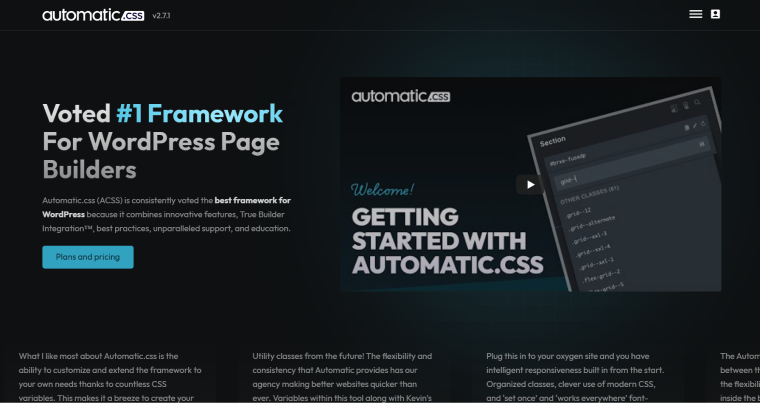
ACSS framework became a holy grail for so many Bricks users, as add-ons and template developers not only take into account but also create products based on it. Well, it really seems to be a great thing, offering you a balance between control and flexibility, and not only speeding up a workflow a lot but also getting a standardized typography and color palette, which works as a nice fallback in case you need some elements to be added quickly on the production site. In other words, you get out-of-the-box design consistency.
Pricing:
Starting at $79 a year (for three websites), $149 for up to 15 websites a year, and $399 for up to 100 websites.
Pros and cons:
ACSS is great for professional WordPress developers, but it lacks WooCommerce support. It’s flexible and automatically responsive, but it still needs more third-party integrations to be a more universal solution than it is today.
Advanced Themer
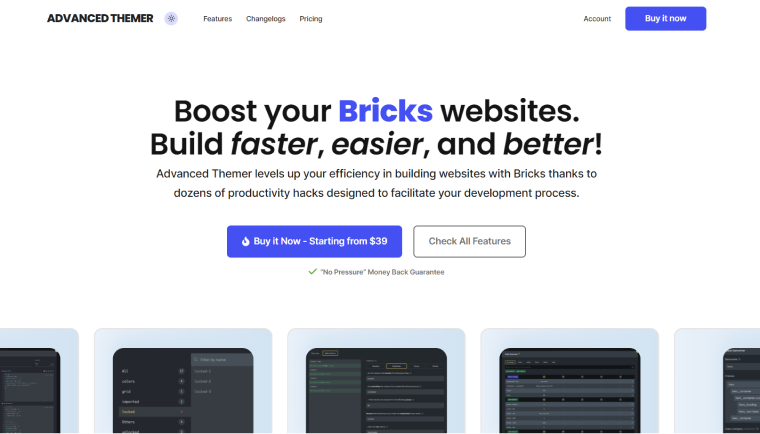
Themer is… well, a themer, meaning that it’s not a framework but a background for it. So, you have more control over everything.
Pricing:
$39 for one website a year, $59 for five, and $89 for unlimited.
Pros and cons:
It can streamline the development process, organize CSS variables, extend and replace classes, use a variety of tweaks, and much more. I guess, even if it’s a themer, it can keep the ACSS on its toes.
FAQ
Bricks Builder template libraries are collections of pre-designed sections, components, or full-page layouts you can import into your projects. They help speed up development by eliminating the need to build everything from scratch. Most libraries offer reusable elements like headers, hero sections, and pricing tables.
Yes, there are several free options, including built-in community templates and third-party libraries. These usually offer basic layouts and components suitable for getting started. However, they tend to be more limited in design and variety compared to premium solutions.
Templates can be imported in several ways, depending on the library. Common methods include using the Remote Templates feature, pasting JSON code, or downloading files and uploading them inside the builder. Some libraries also allow direct copy-paste into the editor.
Template libraries provide ready-made designs, while frameworks focus on structure, styling systems, and workflow optimization. Frameworks like ACSS help maintain consistency and scalability across projects. Many template libraries are built to work with specific frameworks.
Premium templates are usually worth it if you build websites regularly. They offer higher-quality design, more components, better optimization, and ongoing updates.
Yes, many template libraries include WooCommerce-specific components like product grids, carts, and checkout layouts. However, support varies depending on the library or framework used. It’s important to check compatibility before choosing a solution.
Well-built templates generally have minimal impact on performance, especially if they follow clean coding practices. Some libraries focus specifically on optimized DOM structure and lightweight design. However, poorly built or overly complex templates can slow down your site.
There’s no single “best” library; it depends on your needs and workflow. Some are better for full layouts, while others focus on components or wireframes. The best choice is the one that matches your design style, budget, and preferred framework.
A Bricks add-on is a plugin or extension that enhances the functionality of Bricks Builder with extra features, components, or integrations. Some add-ons include their own template libraries or work alongside existing ones to expand design options. They can improve workflow, add dynamic features, or integrate frameworks like ACSS.
Yes, Crocoblock’s JetEngine is fully compatible with Bricks, and JetSmartFilters is, too.
Conclusion
In this article, I did my best to offer you the template libraries that can save you time and money. I didn’t mention some others because it felt like they were not good enough. Bricks Builder is still a niche product, unlike Elementor, but we hope it will soon find many more fans in the WordPress community