Build Fast Dynamic WordPress Projects at Scale
year
year
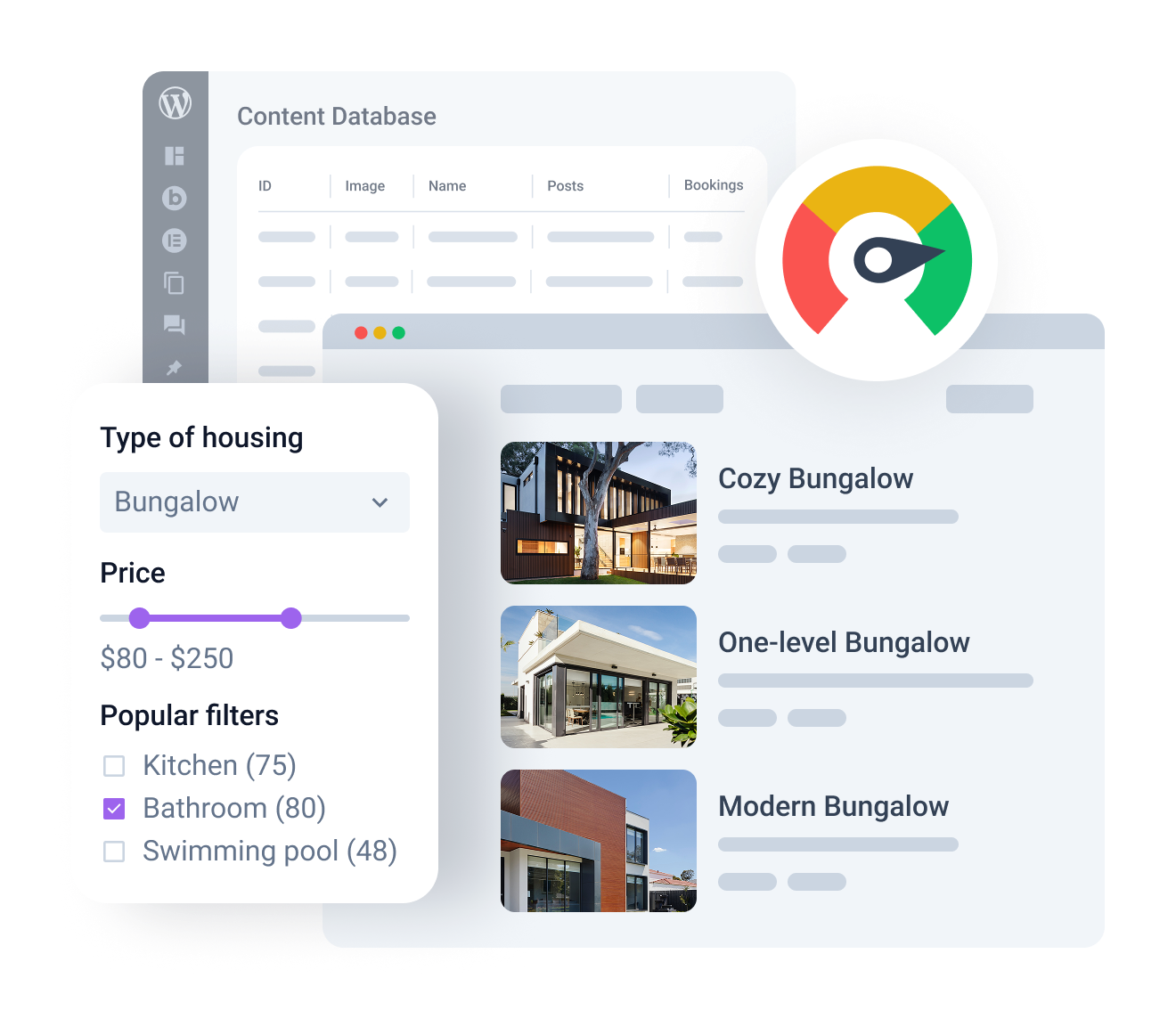
Scale and Render Dynamic WordPress Systems Safely for Database
Lighter database load
Store data customly for efficient querying. Fewer database bottlenecks mean faster reads, updates, and scaling.
Faster front-end rendering
Use lightweight templates and reduced DOM so listings, catalog pages, and mobile views can stay fast.
Less build time to scale
One ecosystem to add content, filters, forms, menus, and templates, and ship faster without rebuilding the stack.
No code and plugin chaos
Give up fragmented workarounds for a connected setup. Reduce conflicts, maintenance, and complexity.
Develop a Connected WordPress System for High-Performance Content Builds
Build a performance-first WordPress architecture for large dynamic projects. Performance solution helps you connect content structure, query logic, rendering, and update workflows from one controlled system, without fragmented workarounds.
Structured content architecture
Ensure better query performance and reduce structural chaos through clear-cut admin workflows and WordPress theme structures. Keep the project manageable and organized using:
- Custom Post Types
- Custom Content Types for WordPress
- meta fields
- custom meta storage for heavy data
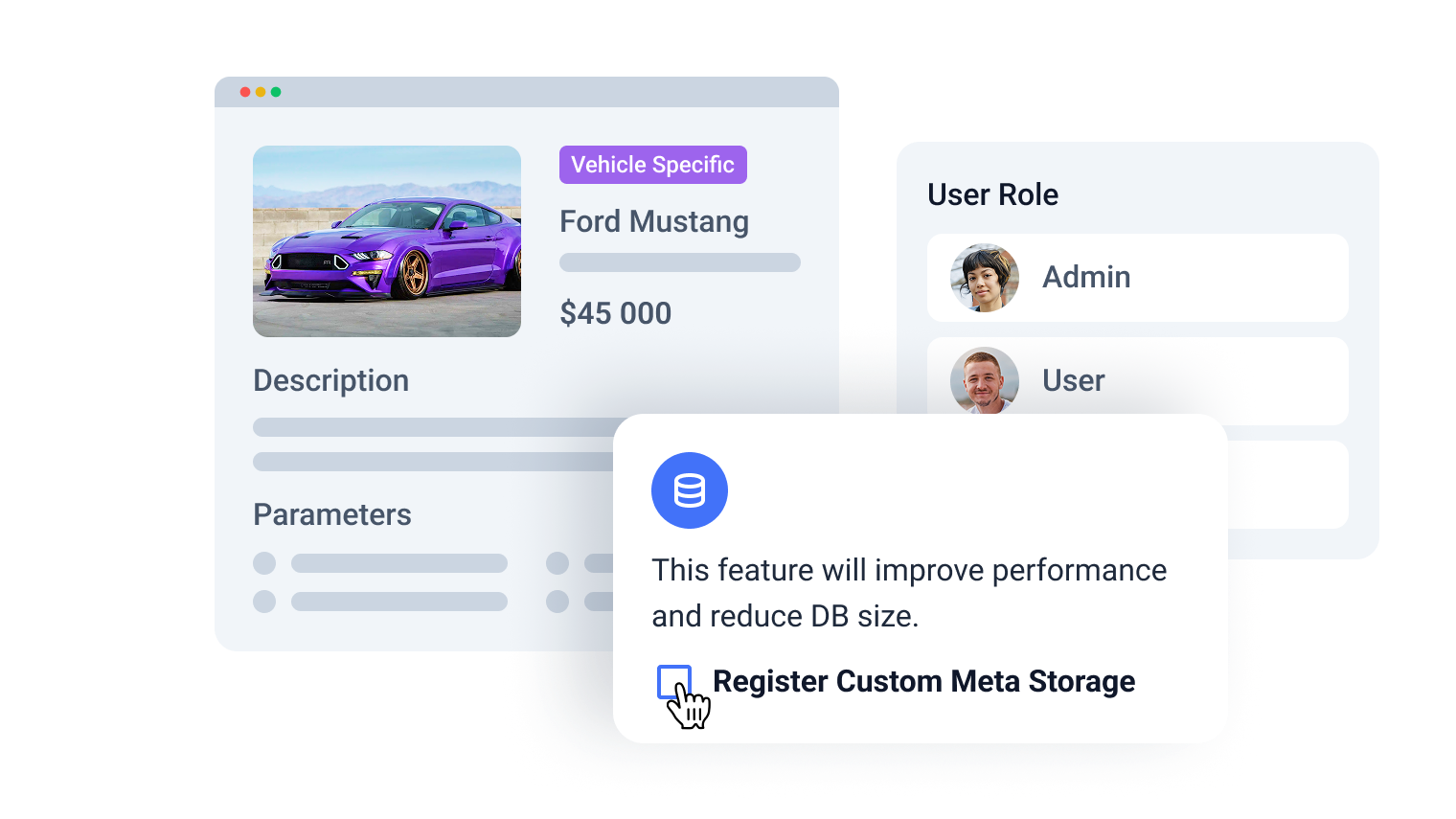
Fast data retrieval
Even a well-structured project slows down when every screen runs queries nonstop.
Now you can control:
- Data querying
- Listing and product filtering
- Caching
This way, dynamic pages stay responsive without overloading the database.
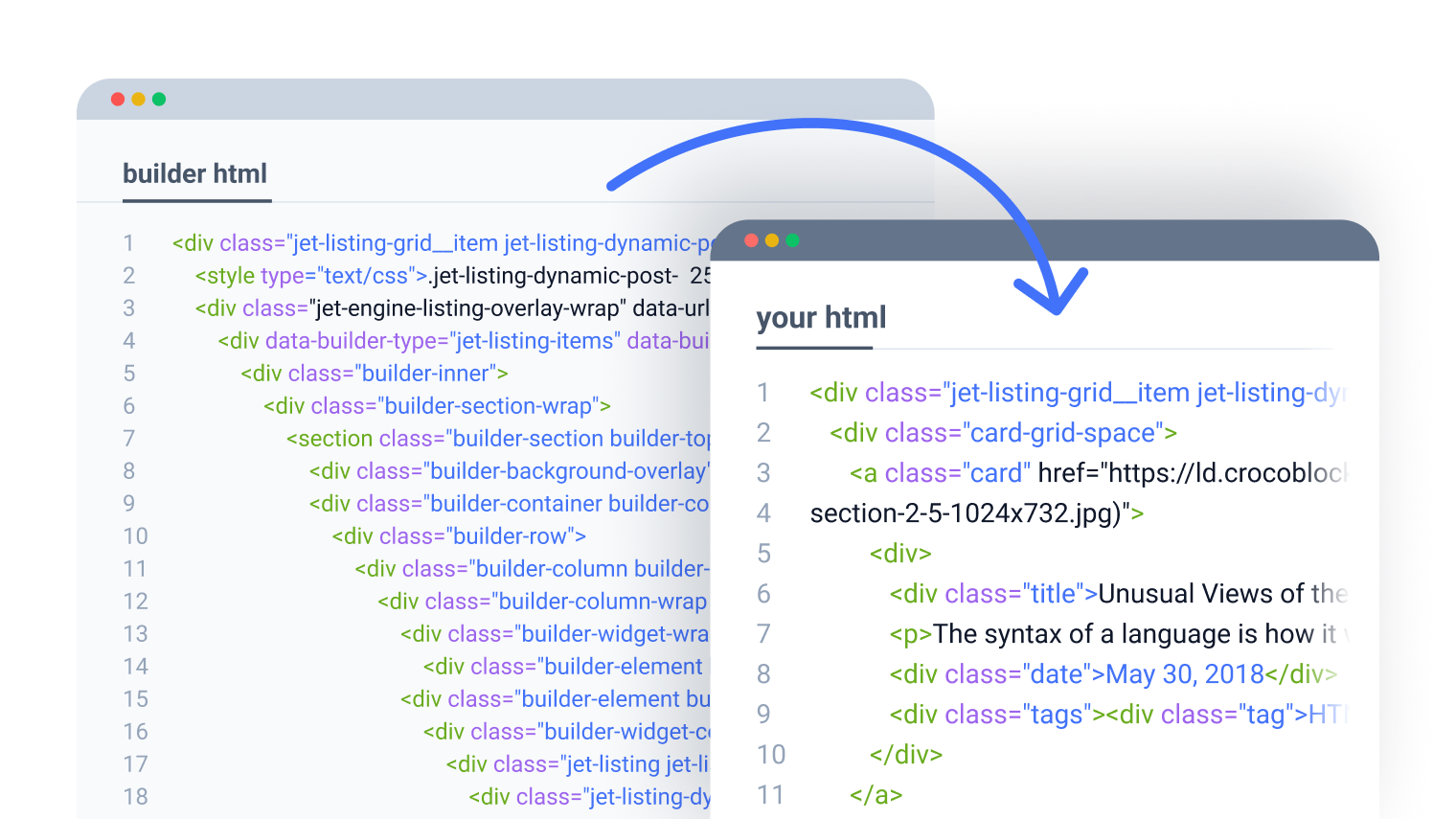
Lightweight rendering
Control how dynamic content is output on the front end using lean template logic and reduced DOM structure.
Keep catalog pages, listings, and mobile rendering fast, even when many items are displayed at once.
High-performance interactions
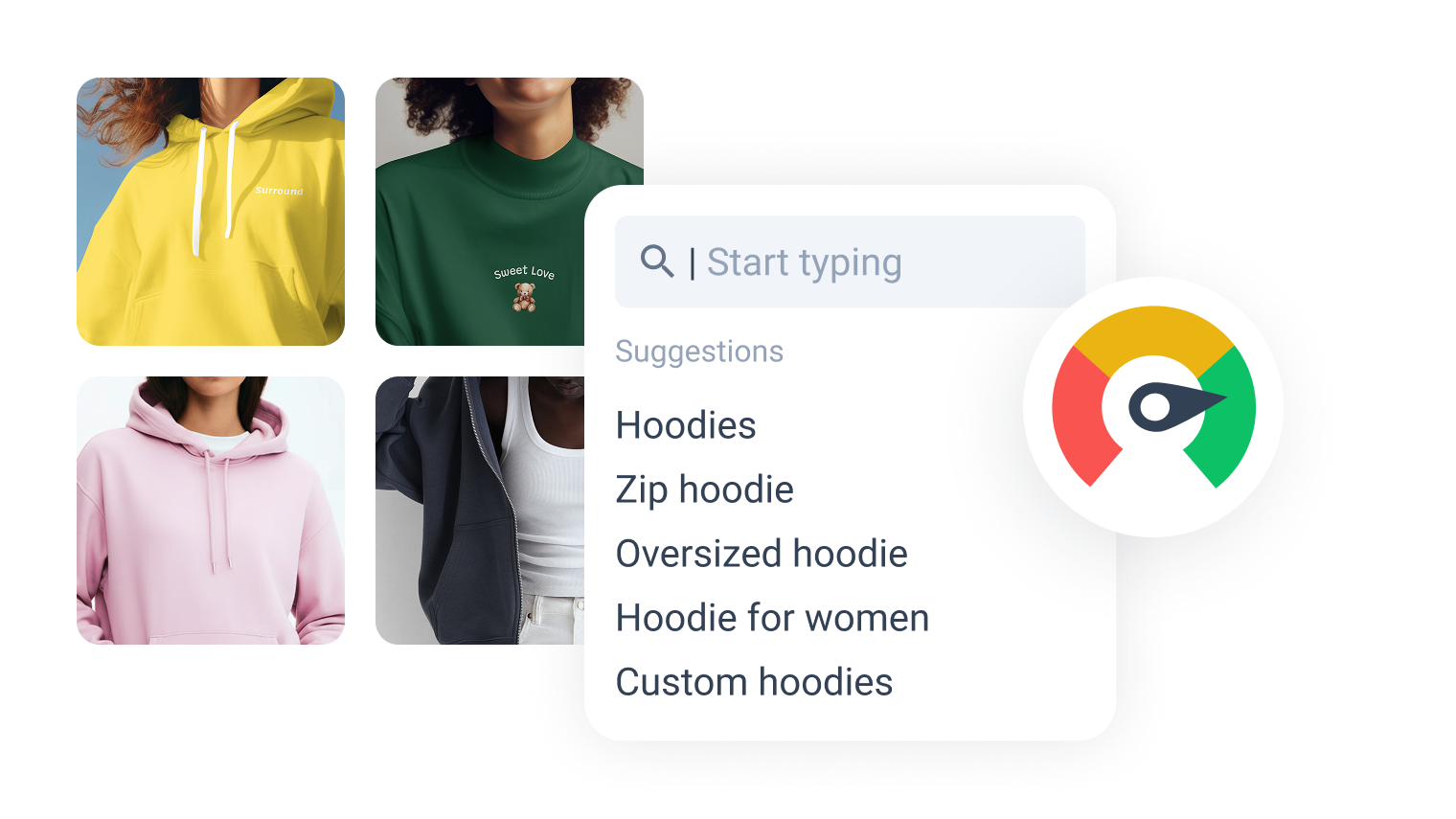
Users feel site speed most clearly in everyday browsing. Minimize reloads and keep the experience responsive through AJAX-driven interactions:
- Search filters
- Filter query types
- Menus
- Front-end actions
Scalable admin and update workflows
Keep large dynamic projects maintainable as content operations expand.
Create and update content fast without resorting to heavy manual admin work and additional interface layers.
#madewithcroco
From startups to enterprises, see what's possible when creativity meets Crocoblock Performance solution.
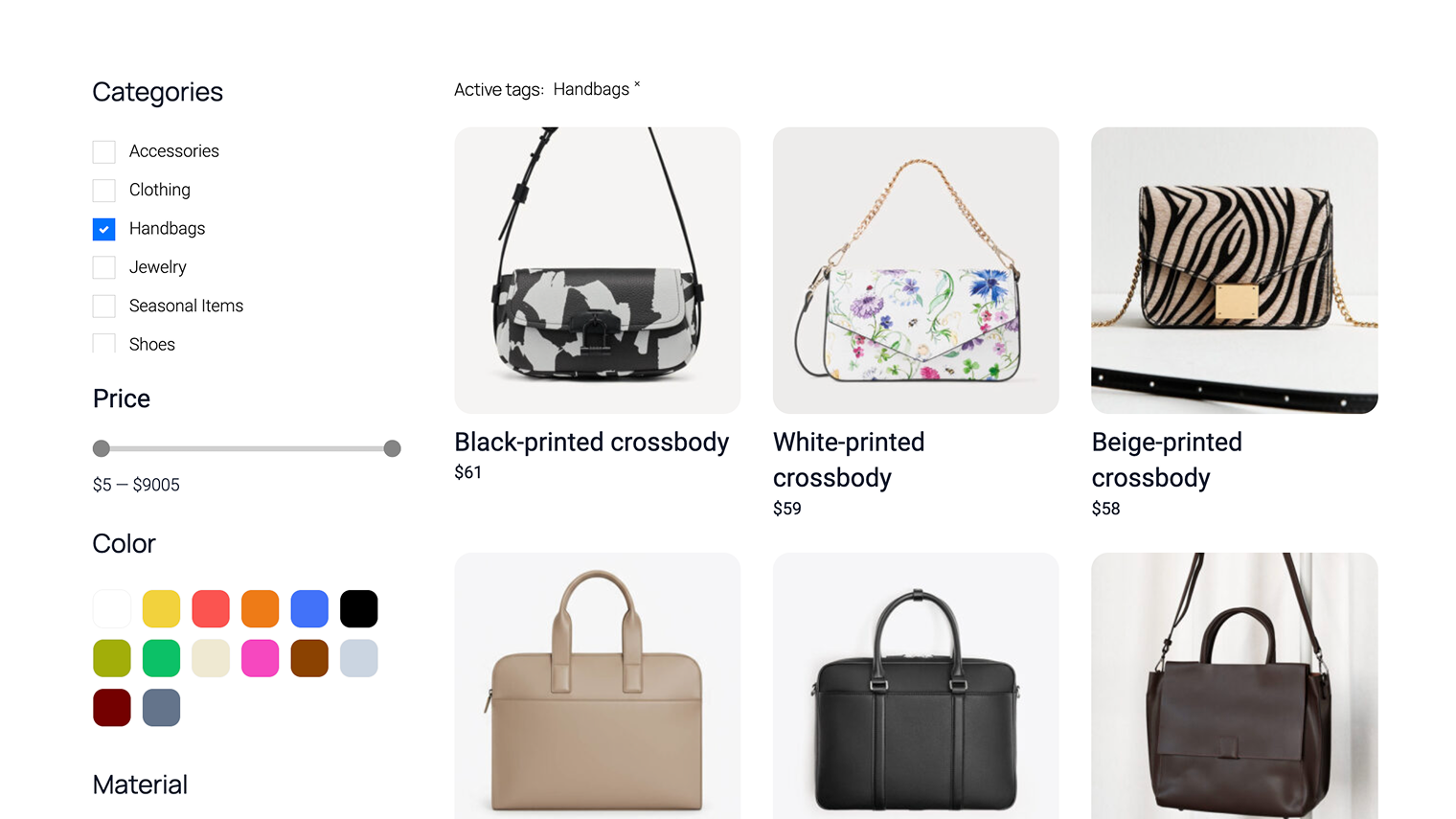
Large product catalogs
Manage complex catalog data while preserving fast listing performance:
- Avg Filtering Time up to 3.9x faster
- 10x more efficient scaling and stable performance under load
- Avg Render Time up to 800% faster
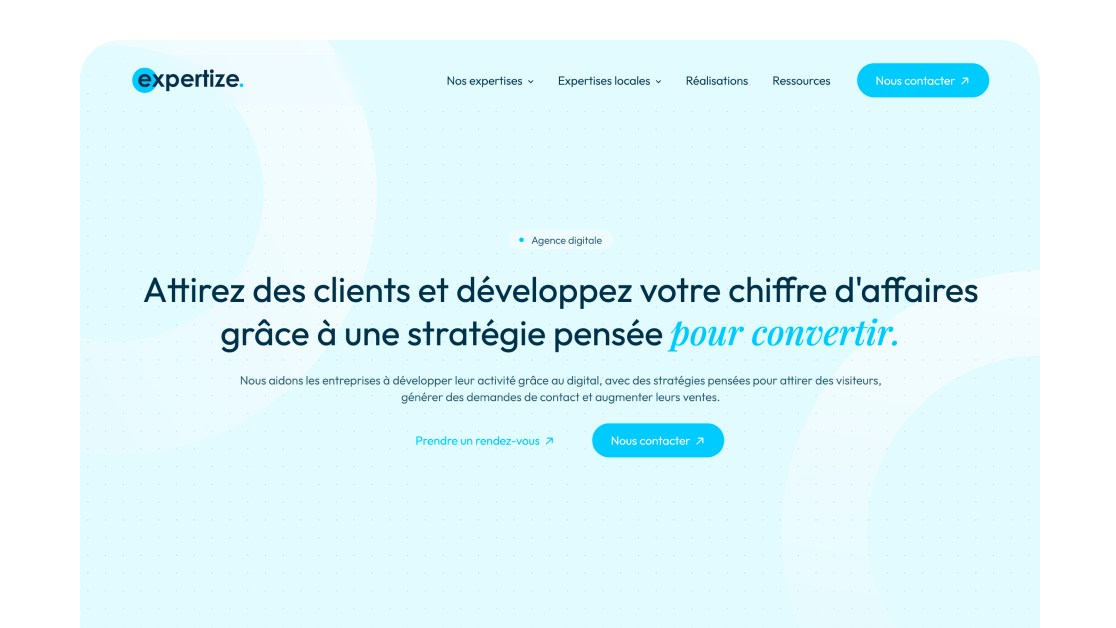
Business directory websites
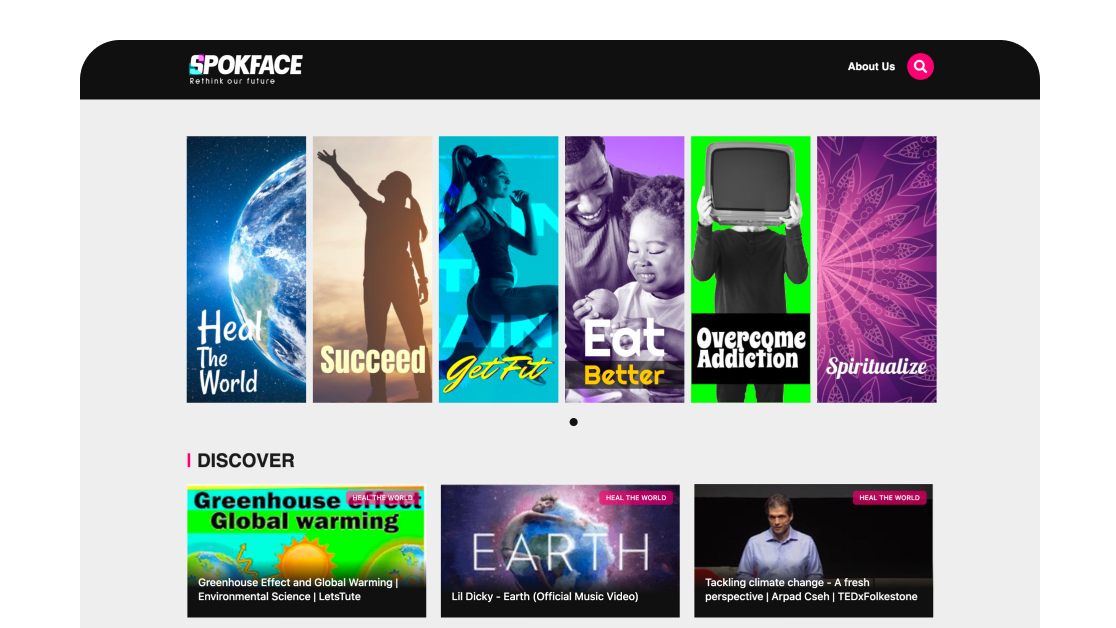
Content-rich media platforms
Why Performance Solution Excels Technically
Designed for WordPress creators who need flexibility, control, compatibility, and long-term maintainability.
Controlled
plugin updates
Manage plugin updates confidently through safer changes, controlled rollout, and rollback support when required.
Modular
scaling
Scale dynamic WordPress builds inside one modular system without using too many isolated plugins.
Easier
maintenance
Reduce fragmentation across growing projects using a unified toolset, not plugins from multiple vendors.
Agency
workflow
Standardize repeatable project delivery thanks to reusable components, modular setup, and faster implementation.
Suits the stack you already run
Perfect match for existing WordPress builders, themes, plugins, and integration workflows without forcing teams to rebuild their environment.
Reinforced by active vulnerability monitoring
Security confidence is strengthened by external vulnerability coverage in addition to regular product maintenance.
Open architecture
Makes implementation visible and inspectable without locking project logic inside a black box.
Discover dev docsExtra dev tools
Extend the stack by adopting implementation-ready resources for custom solutions and edge cases.
Explore CodeLabLet Us Help You Get Started and Keep Growing
Everything you need to master the product, solve issues faster, and move forward safely — from docs and tutorials to direct support, examples, and community knowledge.
Learn and grow faster
Explore documentation, step-by-step tutorials, and practical onboarding resources to understand the workflow, use features surely, and keep building.


Learn from the community
See how others solve similar problems, share ideas, and exchange proven solutions. Join a space where you can learn from real use cases and keep improving over time.
Free support when you need it
- For all subscription plans
- Human-powered support
- 24/5 availability
- Live chat, tickets, and Zoom calls

50K+ WordPress Professionals Trust Crocoblock
Performance solution by Crocoblock is adopted by thousands of WordPress projects, from boutique studios to large agencies.


What Else You Get in the Subscription
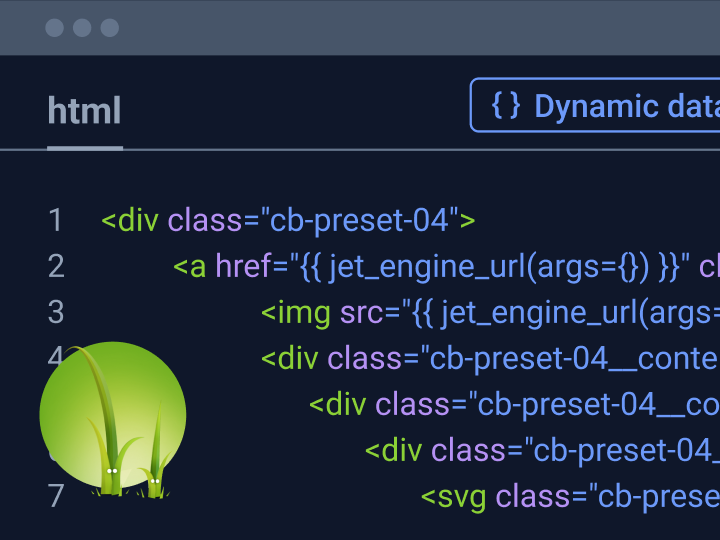
Design fast Listing Items using Twig for WordPress
Get full freedom designing Listing Templates with HTML, CSS, and Twig for the fastest-loading dynamic pages in WordPress.
Discover Twig feature
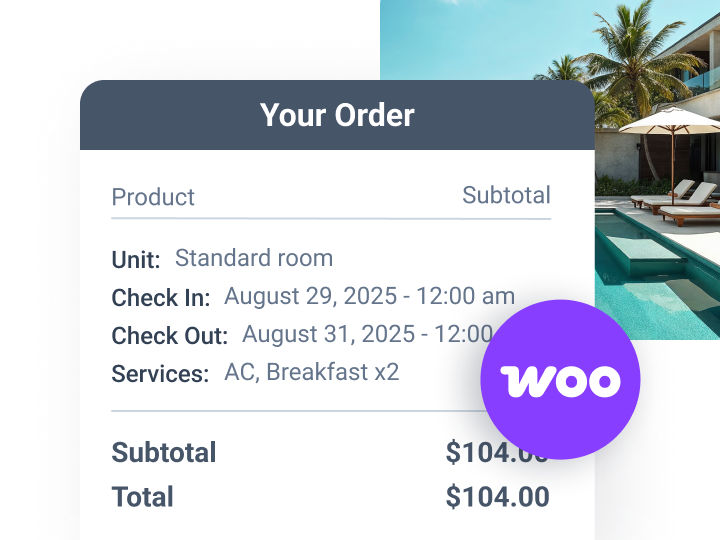
Launch bookable services for WooCommerce
Enjoy a complete WooCommerce booking solution: calendars, services, payments, and guest management – all in one.
Discover feature
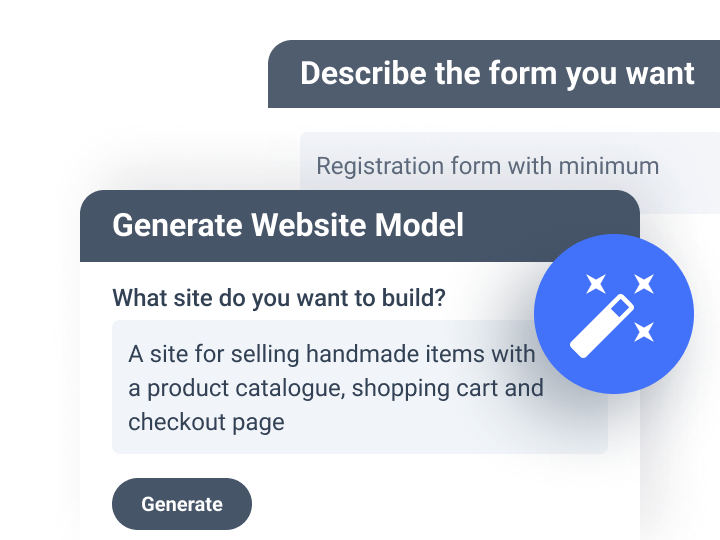
Try JetPlugins AI features for dynamic content
Automate routine tasks and free up time for actual development. Enjoy full control over the prompt and the result.
Explore AI featuresChoose Subscription
AI-powered workflows
No coding required
30-day money-back guarantee
year
- 1 site
- 1-year product updates
- 1-year Zoom chat support
- 22 JetPlugins
- Ready-made templatesGet ready-made dynamic, design, interactive, and static templates to speed up your workflow and launch pages faster
year
- Unlimited sites
- 1-year product updates
- 1-year Zoom chat support
- 22 JetPlugins
- Ready-made templatesGet ready-made dynamic, design, interactive, and static templates to speed up your workflow and launch pages faster
time
- 500 sites
- Forever product updates
- Forever Zoom chat support
- 22 JetPlugins
- Ready-made templatesGet ready-made dynamic, design, interactive, and static templates to speed up your workflow and launch pages faster
For more details on the Subscription, proceed to the Pricing page
Frequently Asked Questions
Crocoblock is fully compatible with Elementor, supporting all JetPlugins without requiring Elementor Pro.
For Gutenberg, we currently offer 14 JetPlugins with more integrations on the way.
Bricks is partially supported, with 6 JetPlugins already integrated: JetEngine, JetSmartFilters, JetSearch, JetFormBuilder, JetAppointment, and JetBooking.
For a full list of supported plugins and details, check out the All Plugins page.
Crocoblock has officially tested seven themes. Kava is a light and clean theme designed to work perfectly with JetPlugins. You can install the Kava child theme using our Crocoblock Wizard, which can be found in your Crocoblock account.
Also, the following themes are recommended for Crocoblock: Elementor Hello Theme, OceanWP, Astra, Blocksy, GeneratePress, Kadence, and Jupiter X.
Please make sure to meet all the requirements listed below in order for Crocoblock products to work smoothly:
- PHP 7.4 or higher;
- MySQL 5.7 or higher;
- WP memory limit of 512 MB recommended (768 MB for best performance);
- SSL certificate on the server.
Also, you might want to check if your hosting provider complies with all the requirements for your project.
You can always upgrade to All-Inclusive Yearly, Freelance Lifetime, and Unlimited Lifetime here: https://crocoblock.com/upgrade/. Mind that you will only be charged for the difference between the two plans. If you have a Single Plugin subscription, go to your Crocoblock account page. There, you will see the pricing plan you have chosen in the Upgrade License section. Click the “Upgrade” button to proceed to the Checkout page. Here you can choose the preferred payment method and perform your update successfully.
If you have a Custom Crocoblock subscription, you can upgrade to All-Inclusive Yearly and Lifetime in both the Crocoblock account and Crocoblock Dashboard in the WordPress admin panel. The procedure is the same as above.
Please note that the upgrade does not mean your subscription will be extended. Let’s assume you purchased a plan on March 25, 2020. Two days before its expiration, on March 23, 2021, you upgraded the membership. Does that mean that your license is extended for another year? No, an upgrade is not a renewal; even then, you will have to pay a fixed yearly amount to renew your subscription.
Crocoblock offers two major types of subscriptions – Yearly and Lifetime. The Yearly subscription type embraces the following ones:
- A Single Plugin subscription (for One or Unlimited number of websites). You are free to purchase any one plugin you need. Although, bear in mind that it’s still a subscription package, which needs to be renewed in a year.
- A Custom subscription. It will be perfect if you seek to assemble your own set of plugins. Add the desired plugins to the cart, decide on the number of projects (One website or Unlimited), and pay for relevant products at the checkout. Please mind that the Custom subscription does not imply renewals for separate plugins; it would be renewed as a whole unit.
- The All-Inclusive Yearly subscription (for One or Unlimited websites). It gives access to all JetPlugins and pre-made templates for one year. This set is perfect for building a content-rich website with a complex structure.
All the plans represented above come with a free Kava theme, premium support, and timely product updates.
Freelance Lifetime grants you 500 website activation limits, and the All-Inclusive Lifetime subscription gives you unlimited access. These Lifetime licenses offer you all Crocoblock products and updates, pre-made templates, and customer support forever and let you build as many websites as you want at a fixed one-off payment.
No, it is strictly prohibited to use your license in any way that causes direct or indirect - incidental and consequential - damages to the Crocoblock brand and its users.
Nevertheless, we are always open to new cooperation opportunities, provided such a partnership does not violate our policies. If you look forward to working with us, please contact our marketing team at [email protected]. We will address all questions and work out a mutually beneficial agreement.
No, we don’t. But we are glad to offer a 30-day money-back guarantee in case you are not completely satisfied with our products.
For security purposes, you ought to use a subkey. If your license allows activations on multiple websites, we highly recommend using only subkeys for your clients’ projects. A subkey is specifically generated to work with one domain only. However, you might want to acknowledge that subkeys don’t work with the Crocoblock Wizard.