When it comes to optimizing your WooCommerce store, the cart experience can make or break a sale. A well-designed mini cart enables customers to review items, adjust quantities, and proceed to checkout without leaving their current page, thereby reducing friction and abandoned carts. However, not all WooCommerce cart plugins are created equal.
This comparison reviews eight popular WooCommerce mini cart plugins, highlighting their strengths and weaknesses. By the end, you’ll understand why serious store owners are opting for more powerful solutions to meet their cart customization needs.
How to Make Use of the Mini Cart Feature
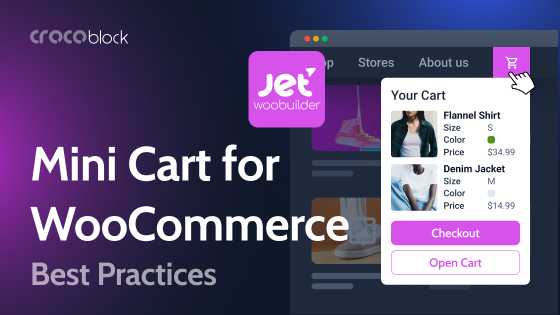
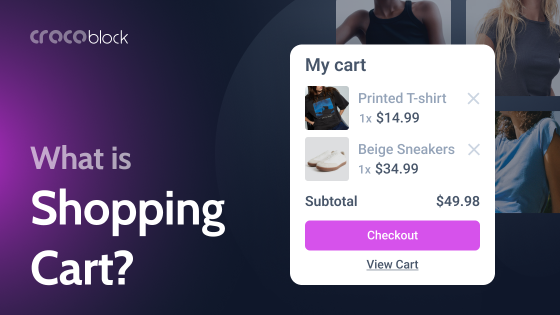
A mini cart is more than just a floating cart icon; it’s a strategic tool that keeps customers engaged throughout their shopping experience. The best implementations instantly display cart contents when users add products, provide real-time updates without page refreshes, and make it easy to proceed to checkout.
The WooCommerce fast cart approach has proven to boost conversions by minimizing the steps between browsing and purchasing. When customers can view their cart items, modify quantities, and apply coupons without needing to navigate to a separate shopping cart page, they are more likely to complete their purchase.
Adding a mini cart with Crocoblock plugins
Before exploring individual plugin options, it’s essential to note that Crocoblock provides a comprehensive solution for adding a WooCommerce mini cart through its plugins. Unlike standalone options, the Crocoblock plugins integrate smoothly with Elementor, granting full design control over every element of your WooCommerce store.
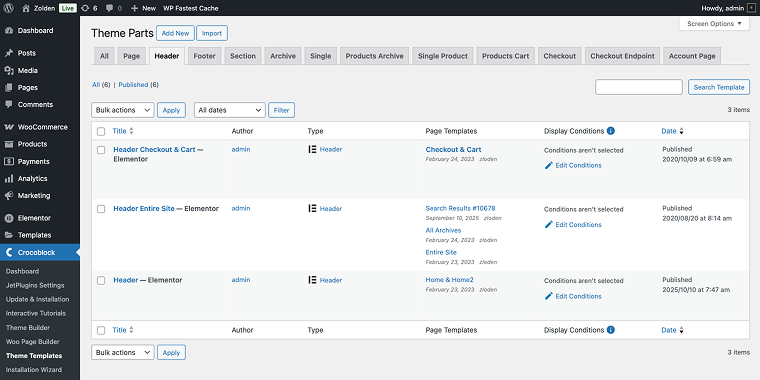
The WooCommerce Shopping Cart widget by JetBlocks will simplify the process significantly. To add a mini cart to the header of your Woo store, you need to create a new header template or edit an existing one with any of your available plugins, be it Elementor or JetThemeCore (via the WordPress Dashboard > Crocoblock > Theme Templates section).
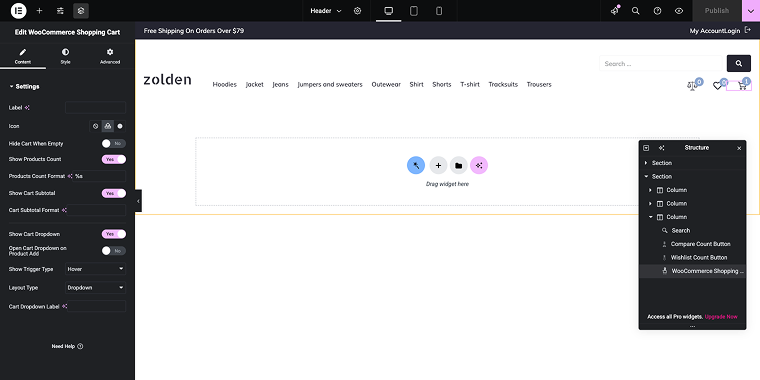
Next, select an appropriate column and drag the widget into it within the header template. Then, adjust it slightly using switches and a select field, and you’re all set.
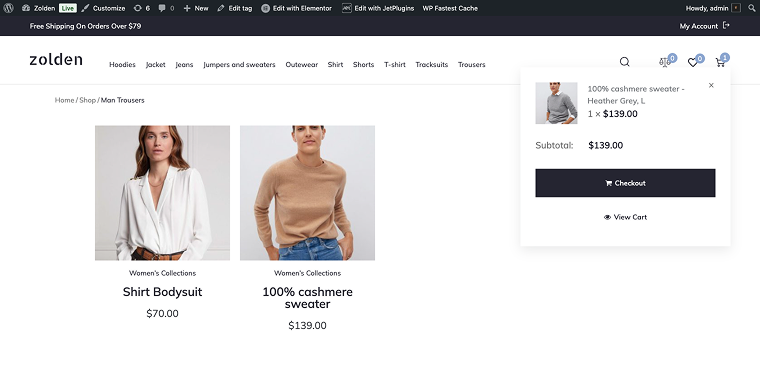
On the front end, you’ll see a sleek-looking mini cart.
If you need more than a mini cart on your WooCommerce store, you should consider the JetWooBuilder plugin, which allows you to create custom shop templates, product archives, and single product templates for your WooCommerce store.
Top 8 Mini Cart Plugins Compared
XT Floating Cart for WooCommerce (Freemium)
🏆 Best for budget-conscious store owners who need basic floating cart features with minimal customization.
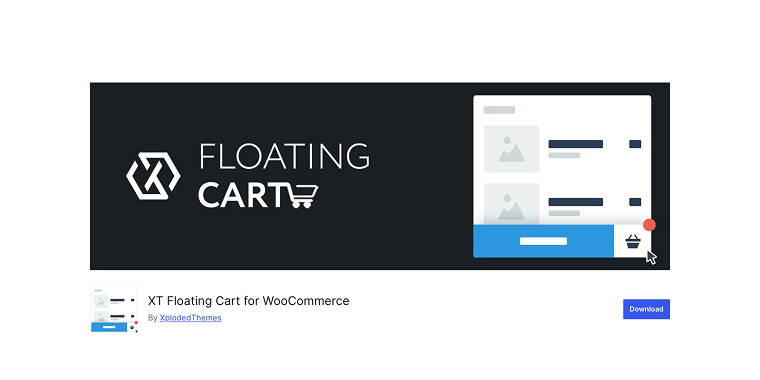
XT Floating Cart adds an easy sliding panel to your WooCommerce store that shows cart contents when customers click the cart icon. The free version offers basic features, including item count display and a sliding cart accessible from all pages. It’s designed to give essential tools without overwhelming users with complex options, making it simple for beginners to operate.
Pricing: free with limited features; a Premium version is available for approximately $59/year for a single site.
Key features:
- floating cart icon with item count display;
- basic cart item management;
- integration with WordPress Customizer for styling;
- AJAX functionality to avoid page reloads;
- cart restoration option.
Pros:
- basic functionality is free;
- simple setup process;
- works out of the box with standard WooCommerce installations;
- lightweight code doesn’t significantly impact site performance;
- automated updates to maintain WooCommerce compatibility.
Cons:
- no upsell or cross-sell capabilities without a premium upgrade;
- basic design options don’t match modern aesthetic standards;
- free version lacks coupon code functionality;
- limited control over cart icon positioning;
- no advanced features like progress bars or product recommendations.
JetBlocks WooCommerce Shopping Cart Widget (Premium)
🏆 Best for professional designers and agencies seeking design freedom for WooCommerce cart customization.
JetBlock’s Shopping Cart widget signifies a major shift in how you customize WooCommerce cart page layouts. Designed specifically for Elementor, this is essentially the simplest and most feature-rich dropdown/slide-out mini cart solution. It provides control over every element of your mini cart, from typography and spacing to animations and interactive elements, eliminating the frustration of CSS workarounds.
Pricing: available as part of the JetBlocks plugin (starting at $19/year) or included in the Crocoblock All-Inclusive subscription ($199/year for unlimited sites).
Key features:
- complete Elementor integration with extensive customization potential;
- responsive design tools for mobile optimization;
- dynamic content capabilities for personalized experiences;
- compatibility with all JetPlugins for extended functionality.
Pros:
- native Elementor integration means a familiar workflow;
- no coding required;
- fits both small stores and marketplaces;
- exceptional value when using an All-Inclusive subscription;
- regular updates aligned with Elementor and WooCommerce releases;
- professional support team familiar with complex implementations.
Cons:
- learning curve for those completely new to Elementor;
- JetBlocks is a standalone plugin, but the best value comes from the Crocoblock ecosystem.
Side Cart WooCommerce (Freemium)
🏆 Best for store owners wanting a basic WooCommerce side cart experience with minimal setup time and budget constraints.
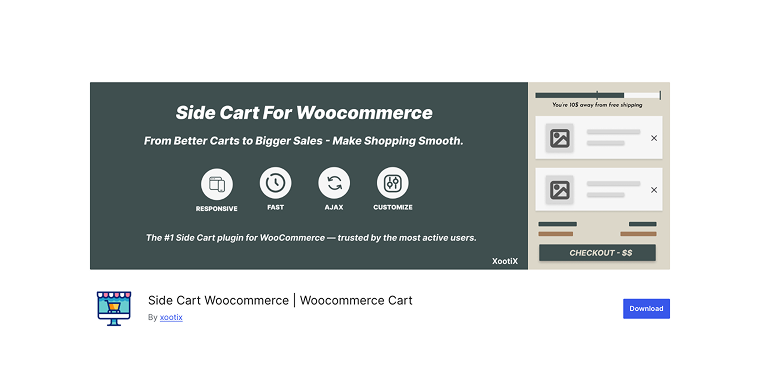
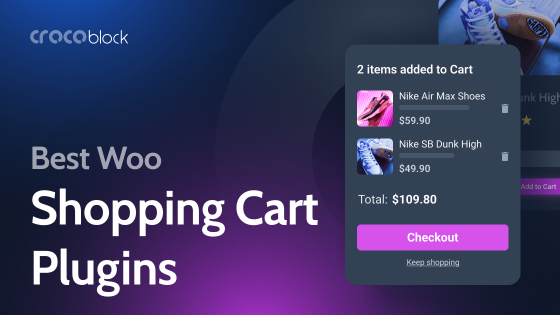
Side Cart WooCommerce provides a simple sidebar feature that slides in from the right when customers add products to their cart. The plugin emphasizes ease of use, offering AJAX-powered updates that let customers add, remove, and change cart items without needing a page refresh. It also includes some styling options for colors and basic layout elements, though customization options are more limited compared to more advanced solutions.
Pricing: free with basic features; Premium version starts at $29/year for enhanced functionality.
Key features:
- sidebar cart that slides from the screen edge;
- AJAX add-to-cart with real-time updates;
- floating cart icon display;
- basic styling customization options;
- product thumbnail display in cart;
- quantity adjustment controls.
Pros:
- free version covers essential functionality;
- simple installation with minimal configuration;
- AJAX updates work smoothly;
- integrates easily into existing menus;
- responsive design adapts to mobile devices.
Cons:
- limited styling flexibility restricts brand matching;
- free version lacks coupon functionality;
- basic cart icon with limited positioning options.
WP Menu Cart (Freemium)
🏆 Best for simple menu cart WooCommerce integration when you only need cart icon display without advanced features.
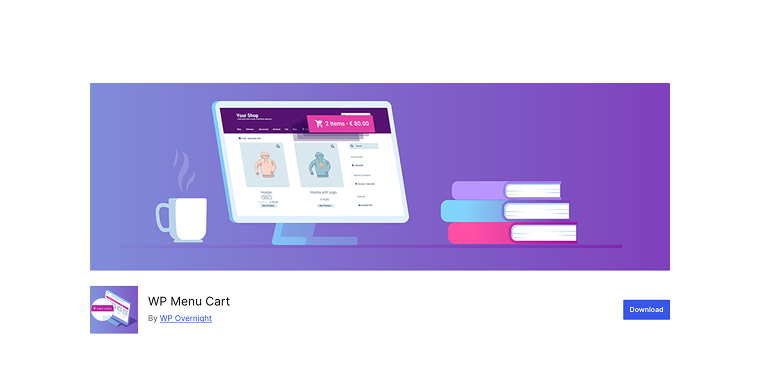
WP Menu Cart takes a minimalist approach, focusing solely on adding a cart icon to your navigation menu. Instead of offering a full cart pop-up WooCommerce experience, it shows item counts and total prices directly in the menu bar. Clicking the icon typically redirects users to the standard WooCommerce cart page, rather than opening a sliding panel, which makes it ideal for stores that prefer traditional cart workflows.
Pricing: free for basic functionality; WP Menu Cart Pro is available at $45/year for additional features.
Key features:
- cart icon integration into WordPress menus;
- display item count, price, or both;
- multiple icon style options;
- choose different calculation methods (totals with/without tax);
- basic styling through custom CSS;
- compatible with most WordPress themes.
Pros:
- extremely lightweight and fast-loading;
- very easy to set up;
- free version handles basic requirements;
- works with EDD, not just WooCommerce;
- doesn’t interfere with theme functionality.
Cons:
- no sliding cart panel or pop-up functionality;
- very limited styling options without custom CSS knowledge;
- no AJAX cart updates or preview;
- not suitable for stores wanting to minimize checkout friction;
- cannot display product thumbnails or details.
Modern Cart for WooCommerce (Premium)
🏆 Best for marketing-focused stores using CartFlows for funnel building and wanting integrated cart functionality.
The Modern Cart applies funnel optimization principles to enhance your cart experience, designed to integrate smoothly with the CartFlows ecosystem. It focuses on boosting conversions with features like distraction-free checkout and one-click upsells. This solution works best when used as part of a complete CartFlows sales funnel, but it might be overcomplicated for stores that only need basic WooCommerce side cart functionality.
Pricing: included with CartFlows Pro plans starting at $189/year; not available as a standalone plugin.
Key features:
- integration with CartFlows funnel builder;
- one-click order bumps and upsells;
- conversion-optimized cart designs;
- slide-out and pop-up carts;
- dynamic product recommendations.
Pros:
- funnel integration if you are already using CartFlows;
- professional templates included;
- strong analytics and testing features;
- regular updates from a reputable company.
Cons:
Customization flexibility is solid for most use cases, but not unlimited. Modern Cart provides enough control over styling and cart labels for most stores; however, merchants who need highly specific layouts or deep structural customization may find it less flexible than a fully custom cart implementation.
FunnelKit Cart (Freemium)
🏆 Best for stores prioritizing upsells and revenue maximization through cart-level product recommendations.
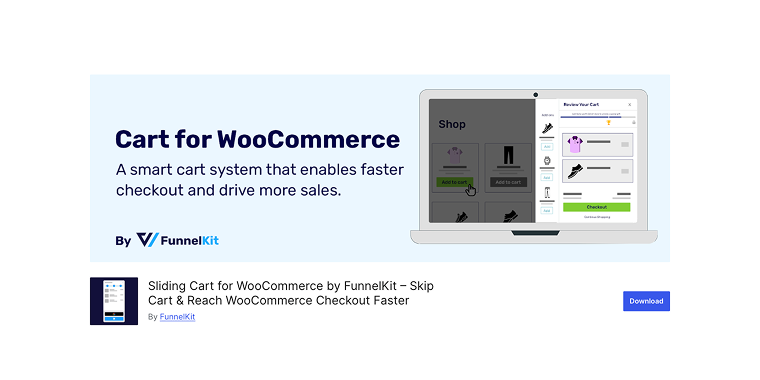
FunnelKit Cart is a revenue-boosting tool that transforms your WooCommerce shopping cart into an active sales channel. The plugin focuses on boosting the average order value by leveraging strategic product placements, coupons, and psychological triggers like free shipping progress bars. While it effectively enhances conversions, the wide range of features can be overwhelming for those just looking for a simple, minimalist WooCommerce setup.
Pricing: a free version is available; FunnelKit Pro starts at $99.50/year for the complete feature set.
Key features:
- slide-in cart with cart icon placement options;
- product upsells and cross-sells directly in the cart;
- coupon code functionality;
- cart customization through the settings panel.
Pros:
- free version includes core sliding cart features;
- dedicated cart icon that’s always visible;
- good balance of features in the free tier;
- regular updates and active development.
Cons:
- design customization is limited without custom CSS;
- best features locked behind the Pro version;
- learning curve to configure effectively.
Mini Ajax Woo Cart (Freemium)
🏆 Best for ultra-minimal cart needs where simple Ajax functionality is the only requirement.
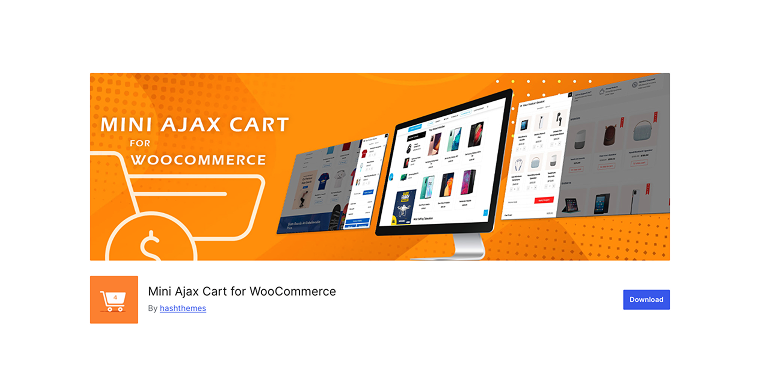
Mini Ajax Woo Cart provides exactly what its name indicates, a simple Ajax cart with few features. The plugin adds a small cart widget that updates via Ajax when products are added, but offers little beyond this core function. It’s ideal for developers who are comfortable with custom coding and need a lightweight base to customize, rather than store owners looking for a ready-made solution.
Pricing: A premium version is available for a one-time payment of $19.
Key features:
- Ajax-powered cart updates;
- basic cart item listing;
- simple add-to-cart notifications.
Pros:
- very lightweight code footprint;
- minimal interference with theme styling;
- good starting point for custom development.
Cons:
- extremely limited features, even for a free plugin;
- no styling options without custom coding;
- minimal documentation for setup;
- not suitable for non-technical users.
Mini Cart for WooCommerce (Premium)
🏆 Best for store owners seeking official WooCommerce integration with reliable compatibility, though at premium pricing.
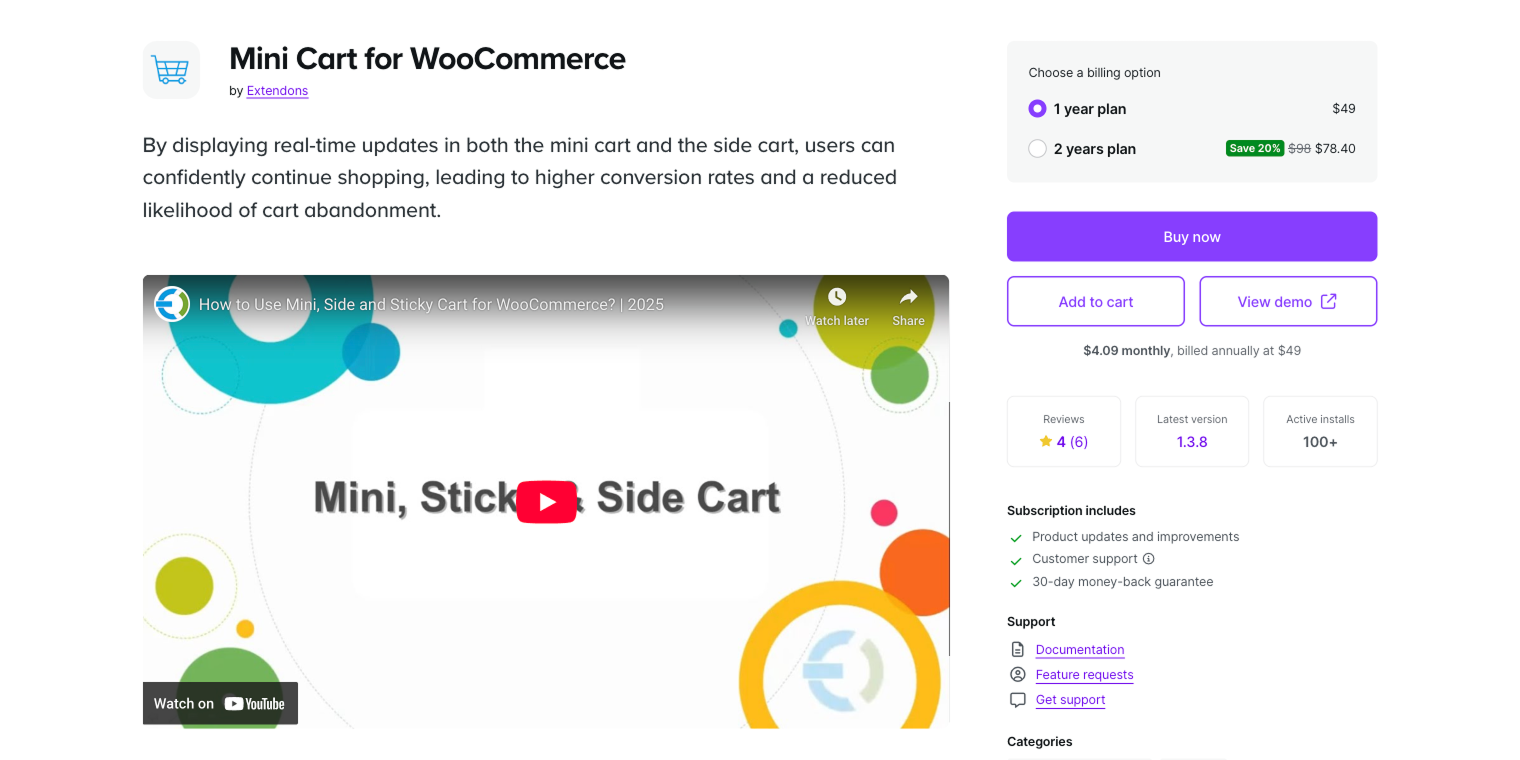
Mini Cart for WooCommerce ensures smooth integration and dependable compatibility with WooCommerce updates. It adds a cart icon to your menu, displaying a dropdown preview of cart contents when you hover or click. The tool offers essential functionality backed by WooCommerce’s infrastructure, but it charges premium prices for features that are either free or cheaper elsewhere.
Pricing: one-time purchase of $49 for a single-site license.
Key features:
- menu-based cart icon integration;
- dropdown cart preview on hover/click;
- cart item management in a dropdown;
- theme compatibility testing by WooCommerce;
- one-year support and updates included.
Pros:
- official WooCommerce product ensures compatibility;
- regular updates aligned with WooCommerce releases;
- reliable performance across WooCommerce versions;
- clean, professional design out of the box.
Cons:
- basic feature set doesn’t justify premium pricing;
- updates and support require renewal after the first year;
- no advanced features like upsells or progress bars;
- design options are limited compared to free alternatives;
- doesn’t include Elementor integration or visual editing.
FAQs
A mini cart provides quick access via dropdown, sidebar, or pop-up, keeping users on the current page. Unlike traditional WooCommerce cart pages, which require navigating to a full page, mini carts use AJAX for instant updates when adding products.
Running multiple WooCommerce cart plugins may result in conflicts that can cause display issues. Most plugins hook into the same functions, leading to duplicates or broken updates.
Performance impact varies by plugin. Lightweight plugins like WP Menu Cart add minimal overhead, while feature-rich plugins with AJAX, animations, and upsells can slow down pages if poorly coded. Integrated solutions like JetWooBuilder and JetBlocks with Elementor typically outperform standalone plugins.
Conclusion
Choosing the right WooCommerce mini cart solution involves balancing functionality, customization, and value. While free plugins like XT Floating Cart and Side Cart WooCommerce cover basics, they quickly show limitations in design control and advanced features. Premium standalone options may charge high prices for relatively standard features and functionality.
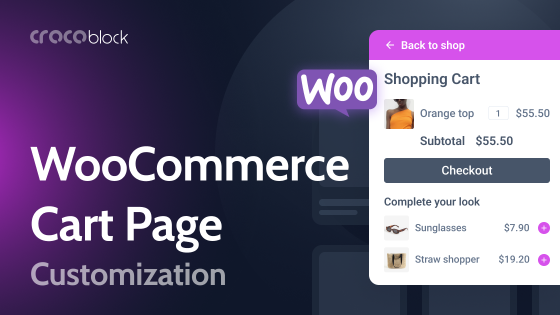
For store owners committed to creating a professional custom WooCommerce cart page experience, JetBlocks’s WooCommerce Shopping Cart widget from Crocoblock stands out. Unlike plugins that restrict you to templates or require custom CSS for basic changes, JetBlocks offers full visual control through Elementor’s interface.
Your cart is a crucial conversion point that deserves the same design focus as your store, not an afterthought with limited plugins. Choose a solution that grows with your business, eliminating the need for replacement as your needs change.