
AI Powered Query Builder for WordPress
This plugin is working with Elementor editor
This plugin is working with Gutenberg block editor
This plugin is working with Bricks editor
Part of JetEngine
Query and list WooCommerce products, posts, terms, users, comments, REST API, and CCT items. Generate SQL queries using OpenAI.
$75 $68
$75 per
year
year
Trusted by WordPress experts and agencies around the globe






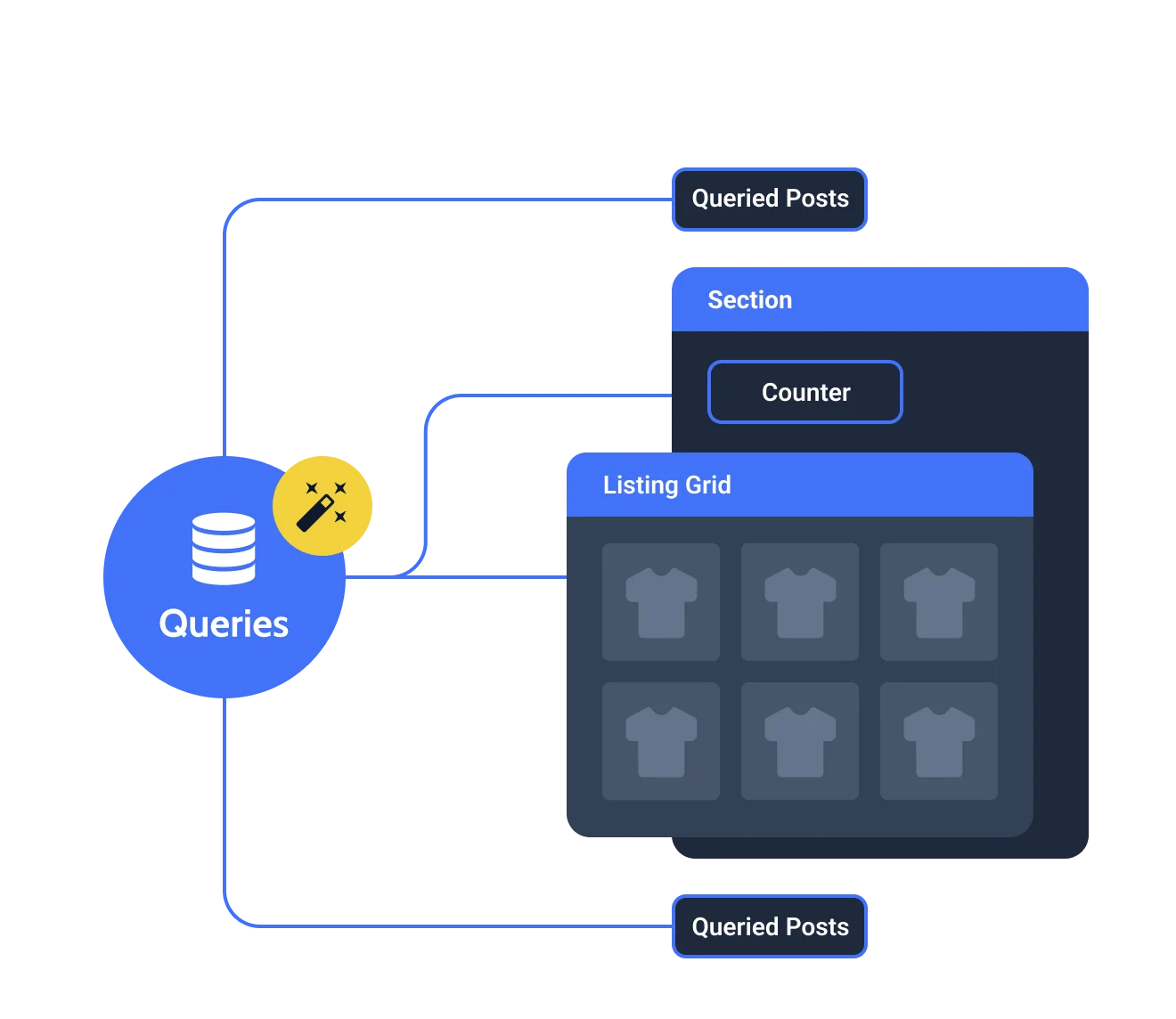
Dynamic Counter
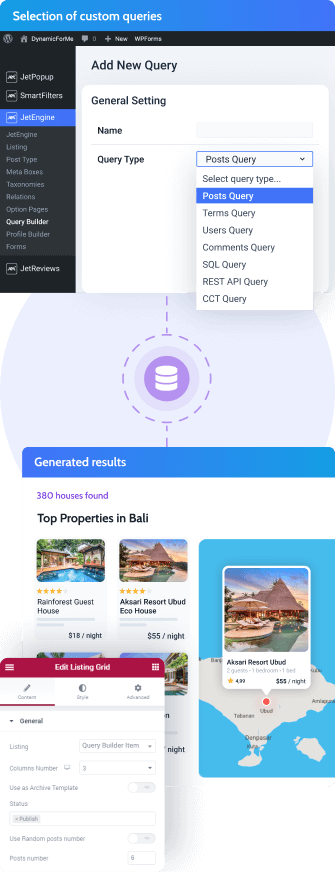
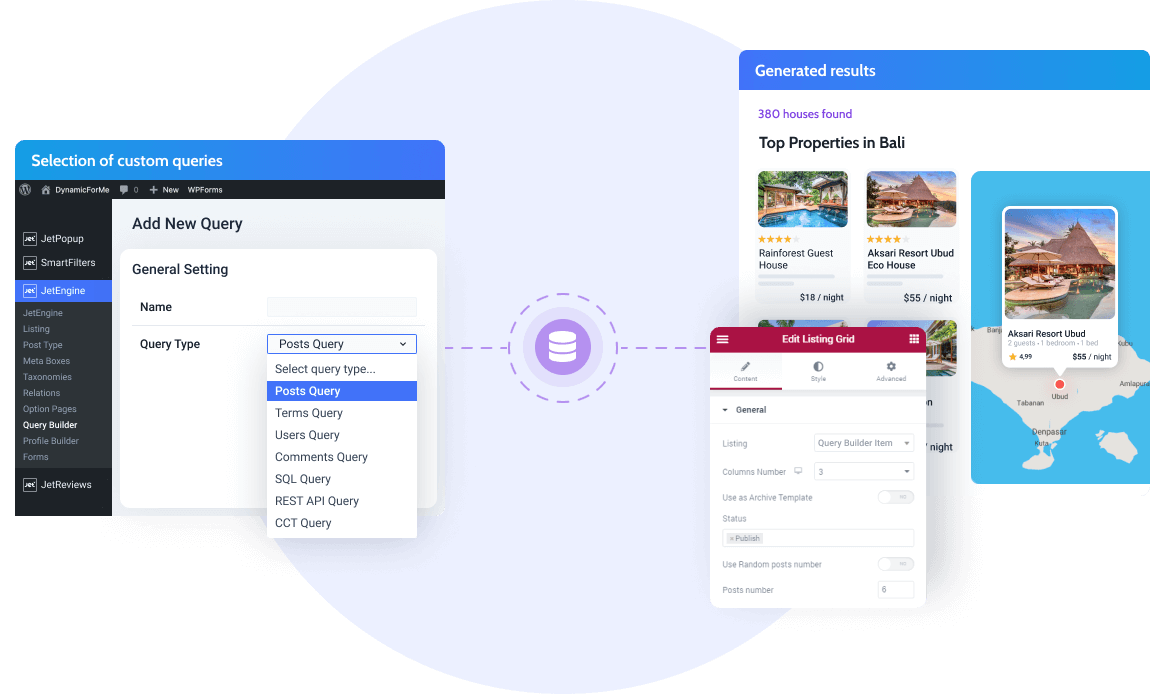
Custom Query Types
Cached Value Render
16 widgets = 1 render
Dynamic Counter
Add a dynamic tag to the fields to show the results count.
Show/Hide Element
Output content based on the “Query Has Items” condition.
Use Dynamic Data
Embed the needed macros in the Query Builder fields.
Preview Results
See queried results right on the Query Builder settings page.
Query Any & All Data Types
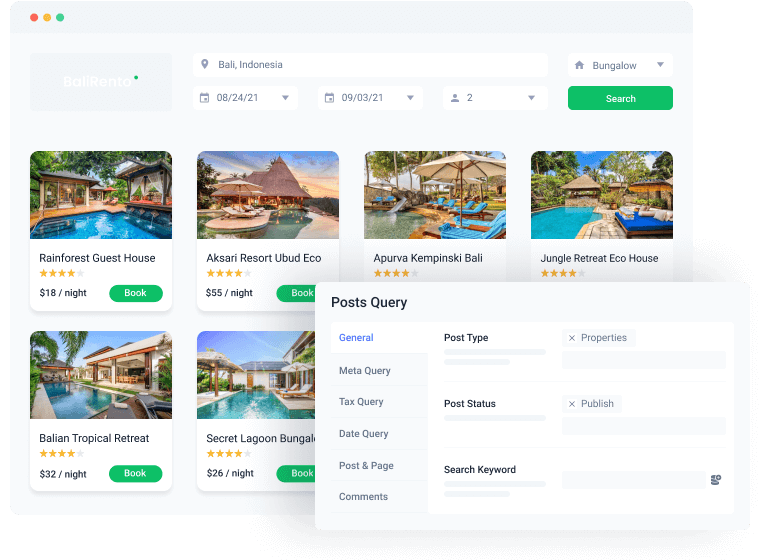
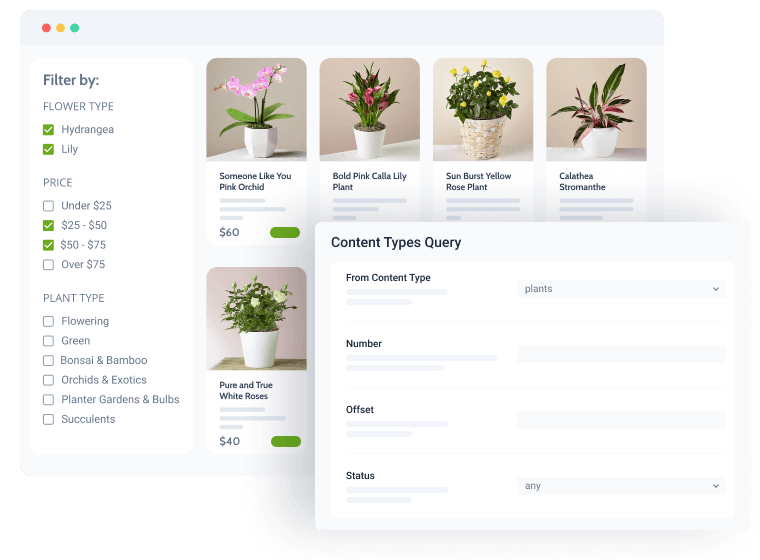
Showcase sorted posts by multiple parameters
Query one or several custom post types at once & display them anywhere site-wide.
Settings:
- Query by Post Status and Order by post meta
- Use Meta Query to compare given data type values
- Query posts by terms and hierarchical taxonomies
- Set year, month, day, and comparison operators
Organize the CCT items display
Configure basic sorting parameters from the backend to present CCT items on the frontend in a structured way.
Settings:
- Set the number of items to show in the Listing Grid or those per page
- Sort posts by CCT custom fields and Admin columns
- Query by fields, add comparison operators and pick the value type
- Use the field list for JetSmartFilters to filter query results
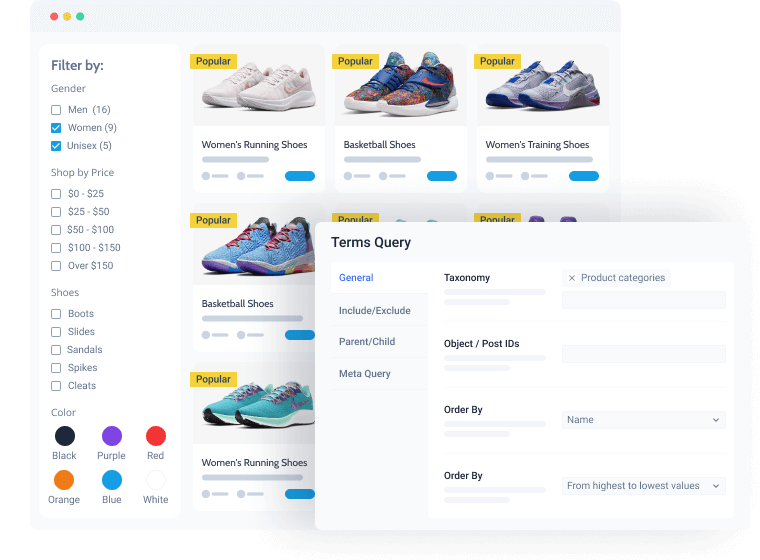
Create listings of terms, custom taxonomies & categories
Choose the exact terms or taxonomies you would like to add to the list.
Settings:
- Arrange the taxonomy order by name, slug, parent, meta, etc.
- Hide or display terms that are not assigned to any posts
- Define the maximum number of terms and those per page
- Include/exclude multiple terms according to slug, name, description

Group user listings
Query user data, sort users by roles, and neatly display them.
Settings:
- Select User Roles to be shown or hidden
- Include/exclude users by IDs
- Set the number of users per page, their order & offset
- Query users by field key in Meta Query
- Sort users by date and after/before dates
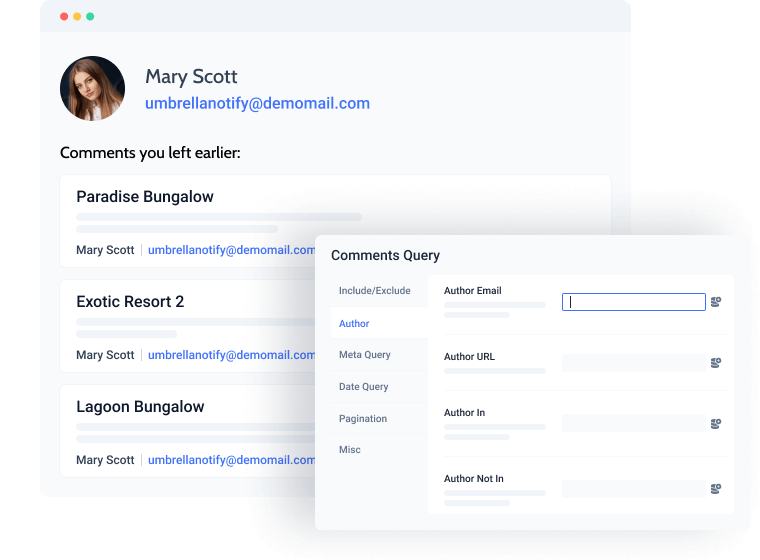
Organize the comments threads
Showcase certain comments of the most popular posts/products and order them if needed.
Settings:
- Add lists of parent & children comment IDs to include or exclude
- Define the comment author’s email address/URL
- Query comments by meta field key and date
- Display specific comments from certain posts
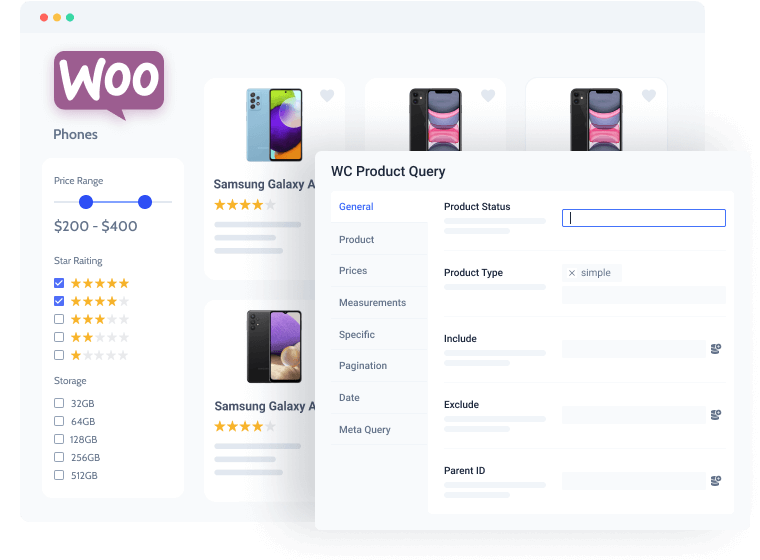
Sort and query WooCommerce products
Sort products by various parameters – from stock status to pagination settings.
Settings:
- Query products of a certain status and type
- Exclude/Include goods by IDs or parent product
- Order products by ID, type, slug, date, or display them randomly
- Display products by matching SKU, tags, categories
- Output the bestsellers having particular stock and tax statuses
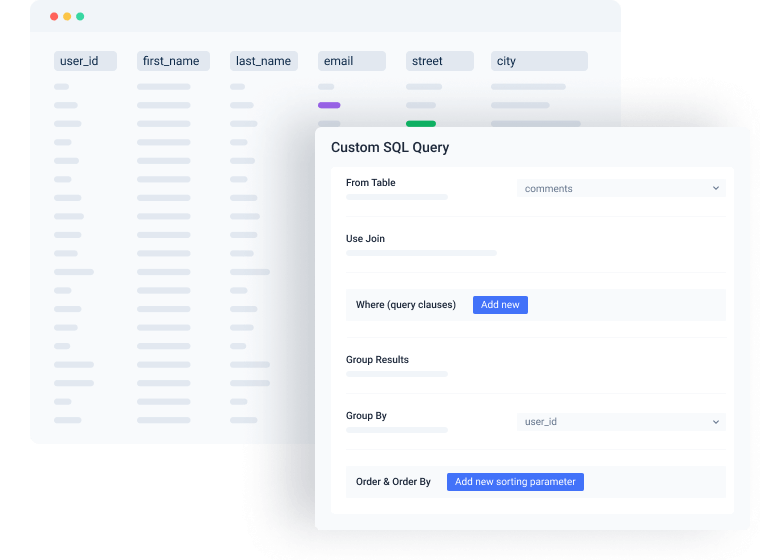
Place streamlined SQL table data
Set a custom SQL query for DB tables and add filters to make it sortable on the frontend.
Settings:
- Select data from the tables
- Adjoin data from other database tables
- Add comparison operators
- Set up order & offset for the SQL table data
- Set the number of visible items in the Listing Grid

Display REST API items as listings
Build queries for the REST API endpoints to get the items sorted on the frontend.
Settings:
- Fetch data from existing endpoints
- Set the query key and value as query parameters
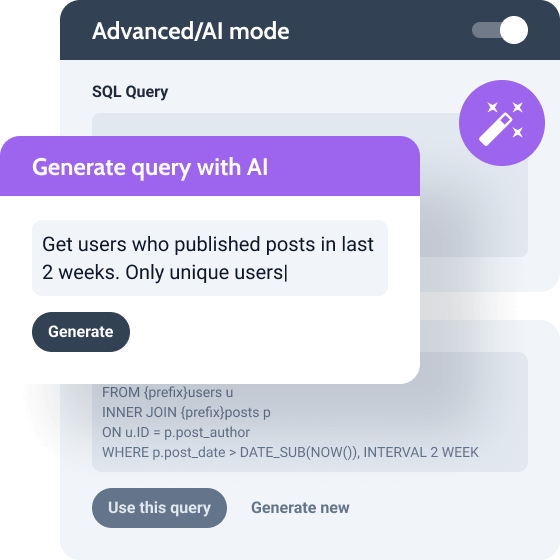
AI Query Generator
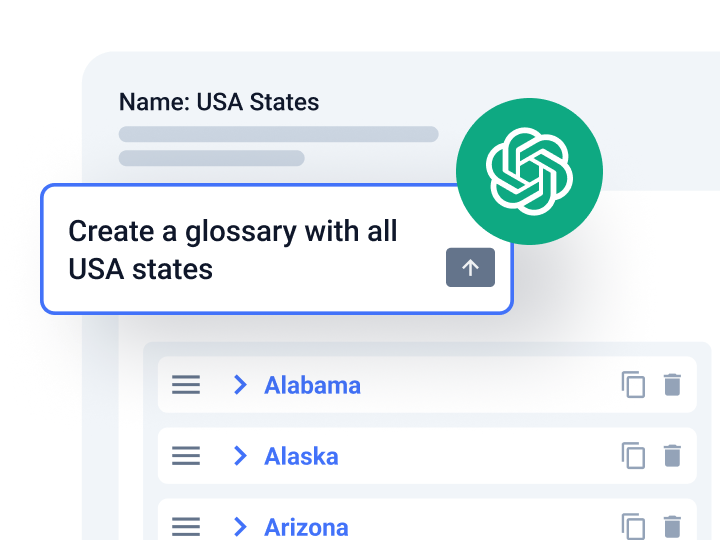
Generate SQL query types using JetEngine and OpenAI API integration. Enter a prompt, and the AI system will generate a query. Review it for accuracy and use it to retrieve the necessary data from the database.
Generate SQL query in Advanced/AI mode
Try short tips to write a better prompt
Use prompt examples for different kinds of data
Display Query Results
via Elementor or Gutenberg

Listing Grid
Dynamic Listing Grid | JetEngine

Map Listing
Dynamic Map Listing | JetEngine

Query Loop
Extended Query Loop | JetEngine

WooCommerce Products
Custom Product Query | JetEngine

Products Grid
Products Grid | JetWooBuilder
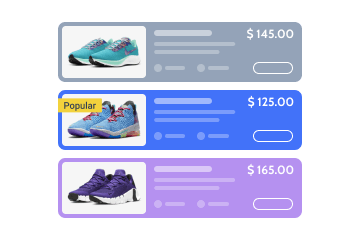
Products List
Products List | JetWooBuilder

Smart Posts List
Smart Posts List | JetBlog

Smart Posts Tiles
Smart Posts Tiles | JetBlog

Text Ticker
Text Ticker | JetBlog

Dynamic Chart
Dynamic Charts | JetEngine
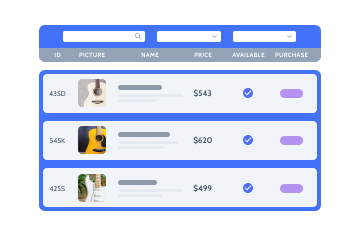
Dynamic Table
Dynamic Table | JetEngine
Why Query Builder Feature Excels Technically
Designed for WordPress creators who need flexibility, control, compatibility, and long-term maintainability.
Suits the stack you already run
Perfect match for existing WordPress builders, themes, plugins, and integration workflows without forcing teams to rebuild their environment.


Reinforced by active vulnerability monitoring
Security confidence is strengthened by external vulnerability coverage in addition to regular product maintenance.
Submit security bugsOpen architecture
Makes implementation visible and inspectable without locking project logic inside a black box.
Discover dev docsExtra dev tools
Extend the stack by adopting implementation-ready resources for custom solutions and edge cases.
Explore CodeLabLet Us Help You Get Started and Keep Growing
Everything you need to master the product, solve issues faster, and move forward safely — from docs and tutorials to direct support, examples, and community knowledge.
Learn and grow faster
Explore documentation, step-by-step tutorials, and practical onboarding resources to understand the workflow, use features surely, and keep building.


Learn from the community
See how others solve similar problems, share ideas, and exchange proven solutions. Join a space where you can learn from real use cases and keep improving over time.
Free support when you need it
- For all subscription plans
- Human-powered support
- 24/5 availability
- Live chat, tickets, and Zoom calls

What Other JetEngine Features You Get
AI-Powered MCP Server and Command Center
Access and control website setup and manage large data volumes
Dynamic Function for WordPress
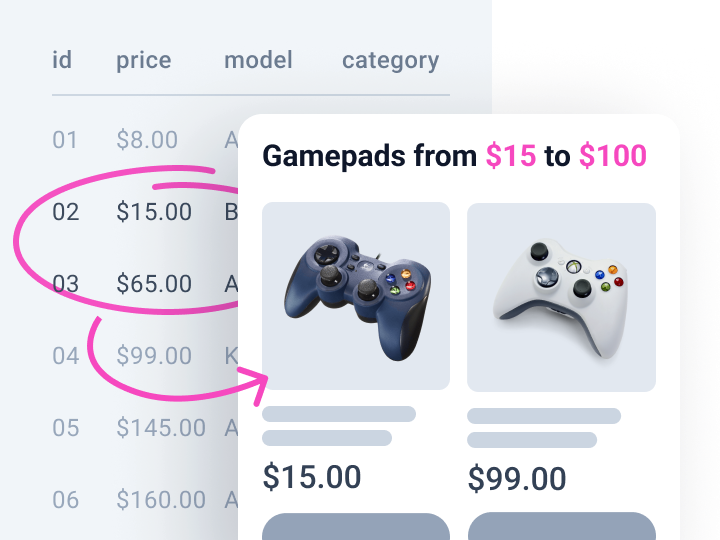
Pull data from custom fields and display min, max, or calculated values
Dynamic Tables Builder for WordPress
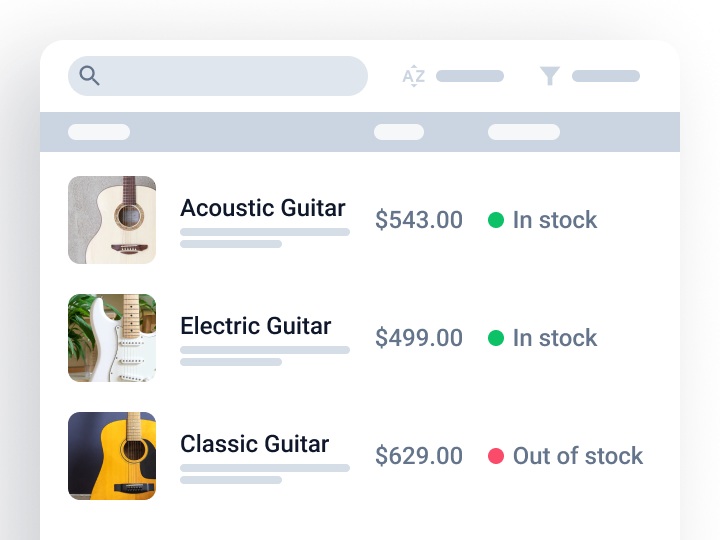
Create dynamic data tables for posts and products