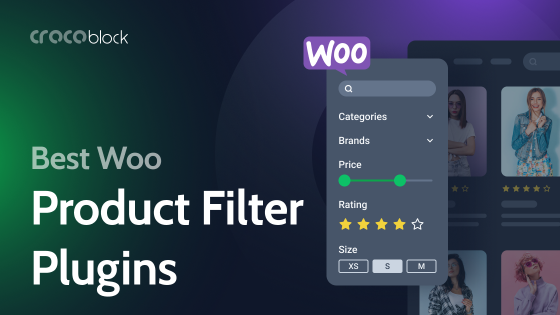
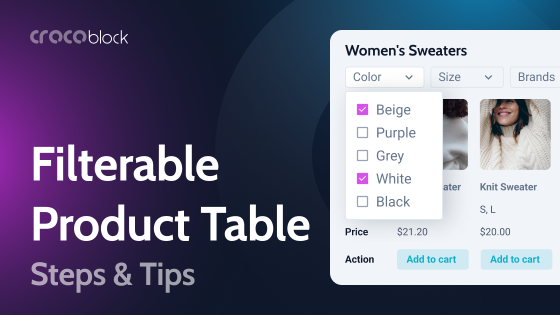
With Divi 5 rolling out a faster, more modular framework, it’s the perfect time to rethink how shoppers move through your WooCommerce store. Filters enable customers to zero in on the right products without having to wade through endless pages.
I’ve gathered the most efficient Divi-compatible filter plugins for WooCommerce. They combine speed, solid integration, and design freedom, allowing you to build a store that delights customers and boosts conversions.
What to Look For in a Product Filter Plugin?
A good product filter plugin can make the difference between a frustrating shopping experience and a quick, satisfying one. Before you choose, think about how well it fits your WooCommerce store, works with Divi layouts, and supports a growing catalog. Below are the key criteria to consider.
Divi and WooCommerce compatibility
Since your site uses Divi, the plugin must integrate smoothly with Divi Builder and WooCommerce product queries. Look for explicit support or real examples of integration with Divi modules.
AJAX/instant filtering
AJAX filtering lets customers see updated product results without a full page reload, creating a faster and smoother shopping experience. Check that the plugin supports live filtering or instant results.
Filter types and flexibility
A strong filter plugin allows filtering by price, attributes, categories, tags, custom taxonomies, ratings, or stock status. Make sure it supports multiple filter types, custom taxonomies, meta fields, and combined filters.
Performance and scalability
As your product catalog grows, filters must remain quick and responsive. Look for features like indexing, caching, or performance optimizations that help keep load times low.
Usability and setup simplicity
Installation and configuration should be straightforward. Seek plugins with drag-and-drop builders, setup wizards, or intuitive interfaces to minimize setup time.
Responsive design and mobile UX
Since many shoppers browse on mobile devices, filters need to be adapted to small screens. Confirm that the plugin offers mobile-friendly layouts such as slide-out drawers, toggles, or overlay panels.
Visual presentation and customization
Filters should match your site’s style. Check for options to customize dropdowns, checkboxes, sliders, swatches, or icons so the design remains consistent.
Support, updates, and documentation
Even the best plugins require updates and occasional fixes. Research the developer’s track record, update frequency, and the quality of their documentation and customer support.
Pricing
Finally, consider costs over time. Compare lifetime vs. yearly plans, site limits, and upgrade options to ensure the plugin aligns with your budget and growth plans.
Top 6 WooCommerce Divi Product Filter Plugins
WooCommerce Enhanced with Divi (Premium)
🏆 Best for Divi users who want to build a more powerful and flexible WooCommerce store.
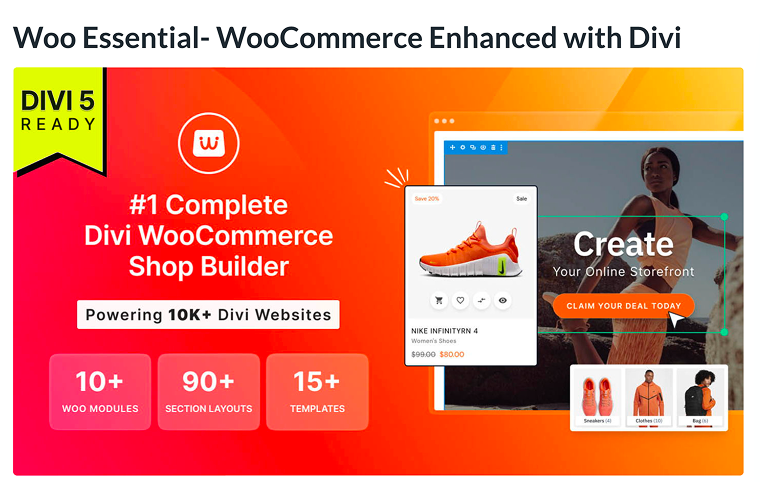
Woo Essential, developed by Divi Next, extends Divi’s native WooCommerce capabilities with a comprehensive set of modules, layouts, and extensions built specifically for online stores. It lets you design custom shop pages, product grids, filters, mini carts, and more, while giving you finer control over design, filtering options, and product display.
With Woo Essential, you can create more dynamic product layouts (carousel, grid, accordion), add filters, and include features like wishlist, quick view, compare, and mini cart. The plugin also provides starter templates and preset layouts to speed up the setup process.
Key features:
- 10+ WooCommerce-oriented Divi modules (filter, product grid, carousel, etc.);
- Divi product filter module (enables filtering by categories, attributes, etc.);
- multiple product layout types (grid, carousel, accordion);
- 80+ pre-designed starter templates and layouts;
- extensions like Wishlist, Quick View, Compare, and Mini Cart.
Pricing: WooCommerce Enhanced with Divi costs $79/year for unlimited website usage.
Pros:
- deep integration with Divi;
- rich module set in one plugin;
- responsive design and styling flexibility.
Cons:
- not useful if your site doesn’t use Divi.
Divi Ajax Filter (Premium)
🏆 Best for those who want fast filtering of products, posts, or custom content without page reloads.
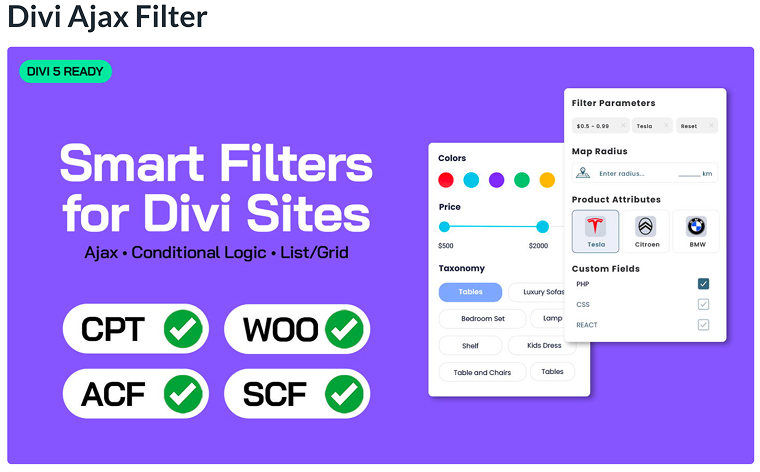
Divi Ajax Filter lets you add dynamic filters within Divi layouts so users can filter WooCommerce products, blog posts, or custom post types in real-time. Instead of forcing full page reloads, it uses AJAX to fetch and display the filtered results instantly, making the browsing experience smoother and faster.
The plugin supports filtering by category, tag, product attribute, and price range. It also supports loop templates, providing flexibility in how filters and results are displayed in Divi.
Key features:
- AJAX filtering;
- supports Divi WooCommerce product filters;
- ACF filter support for filtering by custom meta fields;
- List/Grid toggle with clean pagination.
Pricing: you can purchase this plugin for $97/year.
Pros:
- deep integration with Divi layouts and modules;
- ability to filter both WooCommerce and custom content (posts/CPTs);
- flexible display (grid, list) and use of loop templates.
Cons:
- no free version;
- updates and support are limited to one year unless renewed.
Filter Everything — Product Filter & WordPress Filter (Freemium)
🏆 Best for Divi WooCommerce sites needing a flexible, universal filter solution.
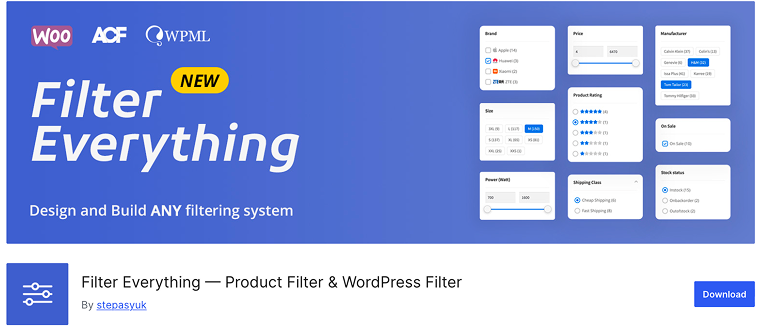
The Filter Everything plugin is positioned as one of the most universal filter plugins for WordPress and WooCommerce. It enables filtering not only for products, but for any post types (posts, pages, custom post types) and criteria (taxonomies, custom fields). In the Pro version, capabilities expand, adding full support for page builders (including Divi), improved SEO options (clean URLs, permalinks, and metadata for filtered pages), per-page filter sets, and more detailed control over filter logic.
Key features:
- supports AJAX filtering, keyword search, and sorting;
- filter by taxonomies, product attributes, and custom fields;
- conditional filters based on previous selections;
- full compatibility with Divi, Elementor, Oxygen, WPBakery Composer, etc.;
- color swatches and brand logos in filters.
Pricing: a free version is available, including core filtering features. The Pro version costs $44/year.
Pros:
- very wide applicability;
- strong free version that covers many essential needs;
- Pro adds SEO and clean URL control.
Cons:
- Divi support is limited (only the Pro version enables full builder integration).
HUSKY (Freemium)
🏆 Best for WooCommerce store owners.

HUSKY, a rebrand of the well-known WOOF filter plugin, is marketed as a powerful product filtering solution for WooCommerce. It allows customers to filter products by categories, attributes, tags, custom taxonomies, meta fields, and price, effectively turning your shop into a highly searchable and interactive store.
While it isn’t built exclusively for Divi, HUSKY notes compatibility with the Divi theme in its documentation, meaning it can be used as a Divi product filter in many setups. The plugin offers both AJAX filtering and SEO-friendly links, as well as a “front builder” to help visually assemble filter forms on the front end.
Key features:
- filter by categories, attributes, tags, custom taxonomies, meta fields, price;
- AJAX filtering;
- compatible with Divi, WooCommerce, WPML, and PHP versions;
- products shortcode with parameters for flexible embedding;
- hierarchy dropdowns, color/image filter types, skins for radio/check elements (Pro).
Pricing: the basic version is free. The premium version is priced at $42/year.
Pros:
- very flexible with strong developer hooks and extension API;
- rich filtering UI options;
- front builder allows visual filter form creation.
Cons:
- some users report issues that stock filters may misreport results, and AJAX conflicts with themes.
Category Ajax Filter (Freemium)
🏆 Best for sites using Divi or other builders that want lightweight AJAX filtering.
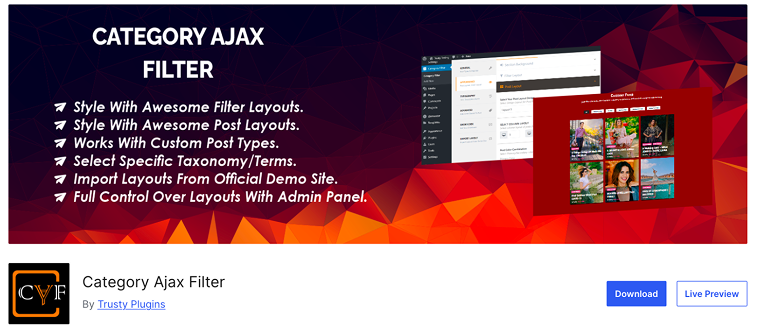
Category Ajax Filter is a plugin designed to let users filter posts or custom post types by taxonomy (categories, tags, custom taxonomies) without full page reloads. It offers AJAX-based filtering, multiple layouts, and a frontend visual builder for setting up filter UIs. Despite its name, CAF also supports WooCommerce products, allowing for filtering of product listings with category-style filtering (although it doesn’t natively handle price or “Add to Cart” functionality in the free version). The admin panel gives control over filter layout, color schemes, pagination, and placement.
Key features:
- AJAX filtering of posts/CPTs by taxonomy;
- multiple filter layouts and post layouts in the free version;
- 15+ prebuilt layouts for filter and post display styles (Pro).
Pricing: a free version is available with core filtering features. The premium version price starts from $33/year for one site.
Pros:
- lightweight and clear for filtering by taxonomy;
- supports Divi product filter;
- supports filtering of WooCommerce product categories (basic, though);
- the free version already offers useful filter and layout options.
Cons:
- its WooCommerce support is less developed than the other plugins.
Advanced AJAX Product Filters (Freemium)
🏆 Best for powerful real-time filtering with strong SEO control.
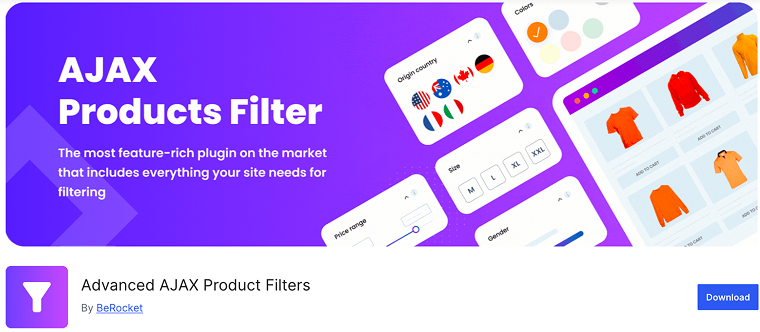
Advanced AJAX Product Filters is a freemium filter plugin developed by BeRocket that enhances WooCommerce shops by allowing users to filter products instantly. Its free version already includes many filtering tools (by category, price, tags, attributes, custom taxonomies), while the Pro version unlocks more advanced SEO, styling, and performance options. The authors also prioritize compatibility, stating that the plugin integrates with popular page builders and works inside custom layouts.
Key features:
- AJAX filtering, pagination, and sorting;
- drag-and-drop filter builder;
- compatibility with many themes and page builders (including Divi);
- widgets and shortcodes to insert filters anywhere on the site;
- filter statistics, custom SEO per filtered page, priority support (Pro).
Pricing: the plugin is free. To unlock advanced features, you can upgrade to the premium version for $33/year.
Pros:
- the free version is already powerful, Pro adds advanced control;
- many filter types and styling options;
- layout and style control.
Cons:
- performance may slow in very large stores.
8 Tips for Better Filtering
Allow multiple selections per filter type
Don’t force users to pick only one value in a filter (such as only one color). A benchmark study reveals that approximately 15% of sites incorrectly restrict this, making filtering tedious.
Use clear labels and avoid slang
Filter categories and values should be predictable, understandable, and aligned with how your customers describe products.
Order filters by importance and context
Place the most relevant filters (price, category, brand) at the top. Also, use specific category filters (attributes should be relevant to that product group) rather than showing all possible filters everywhere.
Keep active filters visible and editable
Users should always be able to see which filters are applied and easily remove or adjust them as needed. Keep filter state and show an “applied filters” summary.
Avoid cramped boxes
If a filter has many options (dozens of colors), don’t stuff them into a tiny scroll box. Use expandable “show more” options, minimum heights, or collapsible sections.
Support range inputs with text fields
If you use sliders for price or weight, include text input boxes or steppers. This helps users fine-tune values more specifically.
Choose a good placement
The location of filters matters. Sidebars are classic, but horizontal filter bars or off-canvas overlays may work better depending on design and screen size.
Test performance
Even the best filter UI will suffer if back-end queries are slow. Monitor filtering response times and consider indexing, caching, or optimizing database queries as the product count increases.
FAQ
A product filter plugin lets customers narrow products by price, category, color, attributes, or custom fields without reloading pages.
Yes. Most major plugins are already compatible or are being updated to work with Divi 5’s performance-focused framework.
Technically, yes, but it can create conflicts or duplicate queries. Using one strong plugin is recommended.
JetSmartFilters is known for a wide range of filters, including date ranges, rating filters, and multi-provider filtering options. Its integration with Divi 5 is already in progress, so Divi users can expect smoother compatibility in upcoming updates.
Conclusion
Choosing the right filter plugin depends on your store’s size, content type, and the level of integration with Divi.
- Woo Essential. Tailored for Divi builder, ideal if you want native modules for product grids, carousels, filters, and interactive features.
- Divi Ajax Filter. Built specifically for Divi layouts, delivering smooth, instant filtering for products, posts, or custom content.
- Filter Everything. Universal filter solution for WooCommerce and any post types, strong SEO features, and Divi compatibility in the Pro version.
- HUSKY. A long-standing, developer-friendly plugin with extensive filtering logic.
- Category Ajax Filter. Lightweight and clear, great for filtering posts or simple WooCommerce categories.
- Advanced AJAX Product Filters. Feature-rich with a drag-and-drop builder and many filter styles.
Each of these plugins can speed up product finding and improve user experience. Pick the one that best aligns with your workflow, catalog size, and how you build pages in Divi.