The secret to maximizing profit often lies not in acquiring new customers, but in selling more to the customers you already have. This is where the powerful strategies of upsell and cross-sell come into play. By strategically presenting relevant product recommendations at the perfect moment, you can significantly increase your Average Order Value (AOV) and boost overall profitability.
Choosing the right tool is required, as a poorly implemented solution can annoy customers, while a great one can feel like a helpful shopping assistant. In this article, I break down the concepts of upselling and cross-selling, highlight the key features you need, and provide a detailed review of the eight best upsell and cross-sell plugins specifically built for WooCommerce.
What Are Upsell and Cross-Sell Plugins for WooCommerce?
Think of these plugins as your super-friendly, super-smart digital sales associates. In a physical store, if you buy a new phone, a good salesperson might suggest a protective case (that’s a cross-sell) or show you a slightly better phone model with more storage for a bit extra money (that’s an upsell).
An upsell and cross-sell plugin brings this exact, human-style salesmanship to your WooCommerce store, but automatically. They are specialized tools designed to analyze what a customer is doing: which product they’re looking at, what’s in their cart, or what they’ve just bought, and then automatically present them with highly relevant product recommendations to encourage them to spend more before completing their order.
Main function:
The primary function of upsell and cross-sell plugins is to increase your Average Order Value. Instead of a customer buying just one item for $50, the plugin pops up a suggestion for a complementary item for $10, or a better version for $70. This means you’re making more money from the same customer without having to spend any extra effort.
Key Features to Look For in WooCommerce Upsell and Cross-Sell Plugins
1. Strategic offer placement
A modern plugin must offer the ability to place offers at every crucial touchpoint, maximizing the chance for an impulse buy. Look for features that allow offers on the product page (such as “Frequently bought together”), the cart page (for last-minute add-ons), the checkout page, and, most importantly, post-purchase funnels. The ability to offer a discounted upgrade or accessory immediately after the customer pays, using a one-click upsell mechanic, is the most powerful feature for maximizing revenue.
2. Advanced targeting and conditional logic
Personalization is key to high conversion rates. Your plugin shouldn’t show random products; it must show the perfect product based on smart rules. Seek tools that offer cart triggers (e.g., show offer A only if the cart subtotal exceeds $100 or contains product X) and customer history targeting. Good plugins also include exclusion rules to automatically prevent an offer if the item is already in the cart, preventing annoyance and ensuring a seamless experience.
3. High-converting offers
The way the offer is presented is as important as the product itself. One-click acceptance is non-negotiable, especially for post-purchase offers, as it allows customers to accept instantly without reentering their payment details. The plugin should also provide flexible discounting and bundling options to make the deal irresistible, and include optional urgency/scarcity triggers, such as countdown timers or stock indicators, to motivate immediate action.
4. Built-in analytics and A/B testing
You can’t optimize what you don’t measure. A professional plugin provides the tools to prove its value. Essential features include conversion tracking with detailed reports on view counts and revenue generated by each individual offer. Even better, look for a built-in A/B testing that allows you to easily test two different strategies against each other to discover the highest-performing offer mechanics and messaging.
5. Design and customization
The offers must look like a natural part of your store, not a jarring pop-up. The plugin must offer fully customizable templates, giving you control over colors, text, and layout to ensure the offer matches your brand’s aesthetic. All display methods (pop-ups, banners, or in-page widgets) must be fully mobile-responsive, as the majority of eCommerce traffic is now mobile-first.
Top 8 WooCommerce Upsell and Cross-Sell Plugins
I have prepared for you a list of the eight best upsell and cross-sell plugins that would fit perfectly for your e-store.
JetWooBuilder (Premium)
🏆 Best for building fully functional WooCommerce websites.
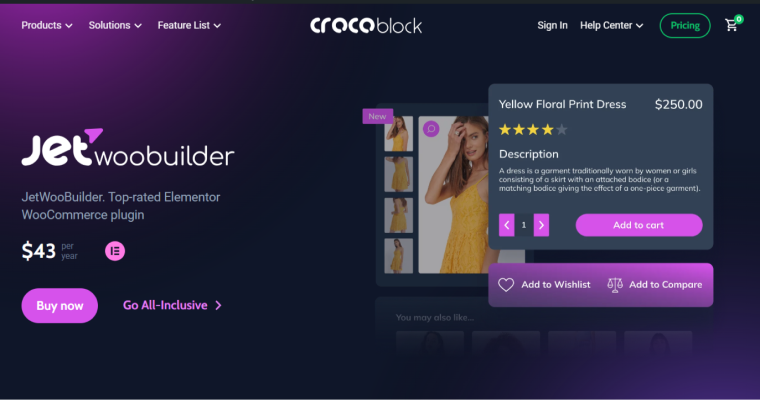
JetWooBuilder is a true find for building functional eCommerce websites. Unlike specialized upsell plugins, JetWooBuilder is part of the Crocoblock ecosystem and leverages the power of the Elementor page builder. By purchasing this plugin, you get not only widgets for implementing upsell and cross-sell offers but also a complete set of tools for customizing all aspects of your WooCommerce store pages. You can design templates from scratch for single product pages, product archives, the cart page, the checkout page, and even the thank you page, replacing the standard WooCommerce templates.
Key features:
- over 60 specialized widgets for displaying product data;
- visual control over the display of the recommended product cards (grid, list, carousel);
- easily change the number of upsell or cross-sell products shown;
- create custom, unique tabs for the single product page.
Pricing: the plugin costs $43/year, or the All-Inclusive plan is available for $199/year, offering 20+ plugins from Crocoblock.
Pros:
- integrates with Elementor, offering intuitive drag-and-drop customization;
- place recommendations anywhere on the product or cart page templates;
- ideal for creating unique, non-standard layouts;
- provides a solution for customizing all WooCommerce pages, not just the recommendations.
Cons:
- no free version.
Related Products by WebToffee (Freemium)
🏆 Best for dynamically automating product recommendations.
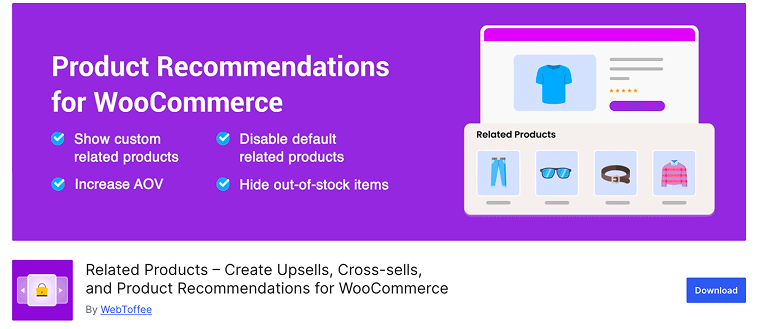
The Related Products plugin surpasses the limitations of standard manual product linking. This tool empowers store owners to automatically generate highly relevant product recommendations across their site. The core feature is to allow the user to define complex rules for showing related products, effectively transforming the standard “Related Products” section into a powerful dynamic upsell and cross-sell engine. You can use criteria like purchase history, product categories, specific tags, or inventory levels to ensure the right product is displayed to the right customer at the right time, significantly improving conversion rates and the AOV.
WordPress rating: 4.6
Key features:
- set up WooCommerce related products for the entire store;
- exclude selected categories/out-of-stock products from showing as related products;
- ability to customize the related products section on the front end;
- show the same set of related products for their translated versions.
Pricing: a free version is available, offering basic dynamic recommendation settings. Premium version starts at $89/year for a single site.
Pros:
- dynamic rules save huge amounts of time by eliminating manual linking;
- free version provides solid functionality for basic automated recommendations;
- good balance of automation and control over the recommendation criteria.
Cons:
- some advanced features are available only in the Premium version.
UpsellWP (Freemium)
🏆 Best for stores that need a fast, code-free solution to implement cross-sell and upsell funnels.
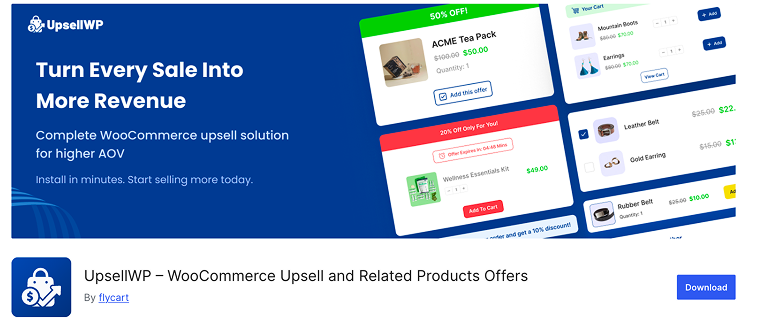
UpsellWP is a trusted and powerful WooCommerce upsell/cross-sell plugin designed with one core goal: to increase your store’s average order value. Trusted by thousands of stores, this tool moves beyond basic related product displays and focuses on strategically placing highly effective offers throughout the customer’s journey. It transforms casual browsers into high-value customers by providing comprehensive support for various high-converting sales mechanics. UpsellWP ensures you suggest relevant products at precisely the right moments, turning single-item transactions into profitable multi-item purchases without extra effort.
WordPress rating: 4.8
Key features:
- multiple offer types, including cart upsells, checkout upsells, and order bumps;
- one-click checkout and post-purchase upsells (Pro);
- conditional offer rules based on cart content, product categories, or cart value;
- display “frequently bought together” and product bundle recommendations on product pages.
Pricing: the basic features are free. The premium version costs $75/year per site.
Pros:
- specializes in high-conversion funnels;
- 15+ ways to upsell (PRO);
- setup is quick and requires zero coding.
Cons:
- most advanced features require the Premium subscription.
WPFunnels – Funnel Builder for WooCommerce (Freemium)
🏆 Best for WooCommerce stores that want to increase AOV using order bumps, one-click upsells, and structured sales funnels.
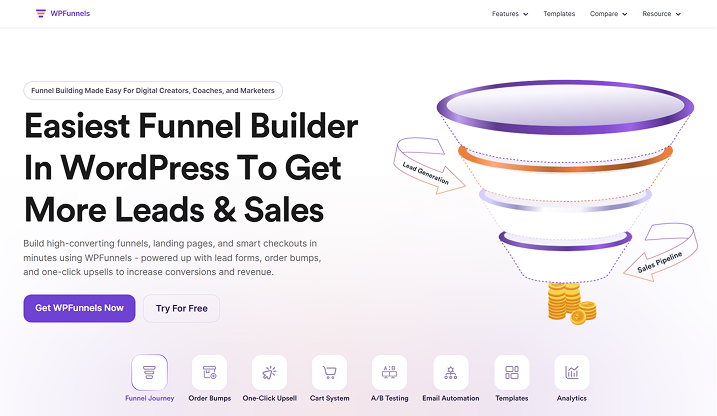
WPFunnels helps WooCommerce store owners add upsell and cross-sell offers during the buying process. You can place order bumps on the checkout page, suggest related products, or show one-click upsell and downsell offers right after a purchase.
The plugin also includes a visual funnel canvas that lets you see how these offers appear across the checkout and post-purchase pages. This makes it easier to manage when customers see additional product suggestions, and you can track how much extra revenue those offers generate.
WordPress rating: 4.9
Key features:
- checkout order bump system for promoting complementary products;
- one-click upsell and downsell offers after purchase;
- visual funnel canvas for mapping multi-step sales flows;
- funnel templates for product launches, bundles, and promotions;
- built-in analytics showing revenue generated from bumps and upsells;
- dynamic funnel flows connecting checkout, upsell, and thank-you pages.
Pricing: a free version is available. The Premium version starts at $129.99/year for a single site.
Pros:
- supports both checkout and post-purchase upsell strategies;
- visual funnel canvas simplifies managing multiple offers;
- works directly inside WordPress and WooCommerce.
Cons:
- advanced features like A/B testing require the Pro version.
Sliding Cart for WooCommerce by FunnelKit (Premium)
🏆 Best for WooCommerce shops aiming to speed up checkout.
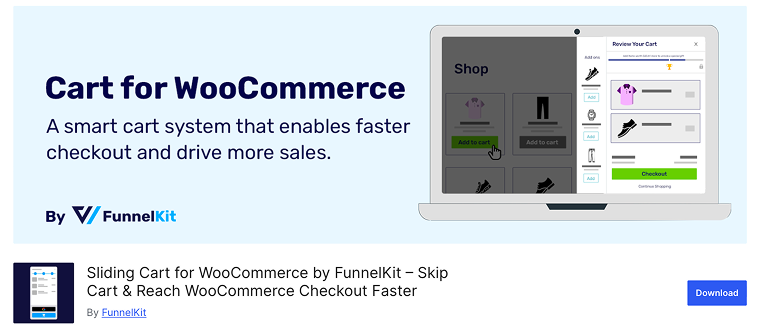
Sliding Cart for WooCommerce by FunnelKit adds a clean, slide-in cart panel to your WooCommerce store. Shoppers can view and edit their cart items from anywhere on your site, then proceed straight to checkout, bypassing the standard cart page entirely. With the free version, you get a floating cart icon, custom styling, item quantity edits, and a coupon field. The Pro upgrade brings upsell/cross-sell options, milestone-based rewards (free shipping, gifts, discounts), and variable-product support inside the side cart.
WordPress rating: 5
Key features:
- manage your upsell/cross-sell offers from the same dashboard;
- add upsell and cross-sell offers inside the cart (Pro);
- apply milestone-based rewards to raise order value.
Pricing: the plugin is free. However, upsell and cross-sell functionalities are only available in the Pro version, which costs $299 per year.
Pros:
- custom styling options;
- built-in upsell and cross-sell tools (Pro);
- easy to install and replaces the standard cart flow.
Cons:
- upsell and cross-sell features are locked behind the Pro plan;
- the Pro price may be high if you only need basic upselling tools.
Upsell Funnel Builder for WooCommerce (Freemium)
🏆 Best for unlimited funnel flexibility for upsells and cross-sells.
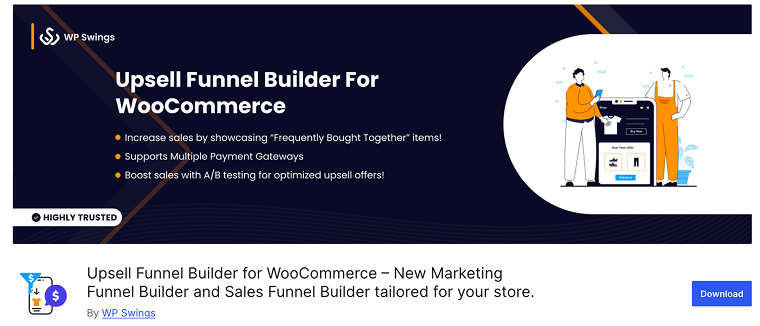
Upsell Funnel Builder for WooCommerce is a plugin that turns standard checkout flows into high-converting sales funnels, delivering exactly what you need. It enables you to create unlimited funnel campaigns featuring post-purchase upsells, order bumps, one-click upsells, and cross-sell offers in your WooCommerce store. With support for major page builders (Elementor, Divi, etc.) and built-in tracking/reporting, you can design offer pages and present upgrade or related products at the right moment to boost revenue.
WordPress rating: 4.7
Key features:
- create unlimited funnels with multiple upsell and cross-sell offers;
- set triggers based on product/category;
- built-in tracking and reporting.
Pricing: the plugin offers a free version with core funnel, upsell, and cross-sell features. A Pro version costs $99/year for a site.
Pros:
- focuses specifically on upsell/cross-sell automation;
- supports unlimited funnels and multiple offer types, even in the free version;
- design flexibility for offer pages;
- integrates easily with major page builders.
Cons:
- some advanced features require the Pro upgrade.
One Click Upsell Funnel for WooCommerce (Freemium)
🏆 Best for stores using Elementor or Divi to design upsell funnels.
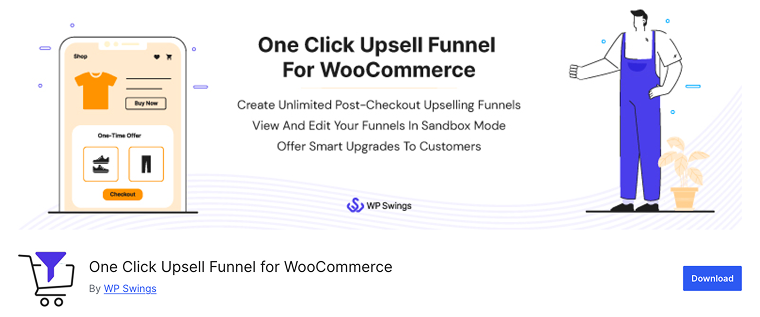
One Click Upsell Funnel for WooCommerce is a comprehensive sales funnel builder designed to maximize your store’s revenue. It enables you to create unlimited upsell, cross-sell, and order bump offers directly within WooCommerce. You can display relevant product recommendations on checkout, cart, or thank you pages using upsell pop-ups and “frequently bought together” suggestions. The plugin works seamlessly with major page builders like Elementor, Divi, WPBakery, and Gutenberg, letting you design and customize responsive offer pages without any coding.
WordPress rating: 4.5
Key features:
- create unlimited funnels with upsell, cross-sell, and order bump offers;
- shortcode support for building offer elements;
- enable “free order” upsells for zero-cart-value checkouts;
- generate detailed reports with funnel conversion and tracking via Google Analytics and Facebook Pixel.
Pricing: the plugin is free and includes unlimited upsell, cross-sell, and order bump features. The Pro version starts at $99/year.
Pros:
- powerful upsell, cross-sell, and order bump toolkit in one plugin;
- supports variable, bundled, and subscription products;
- fully compatible with Elementor, Divi, and other major page builders.
Cons:
- advanced funnel and checkout customization requires the Pro version.
Side Cart Woocommerce (Premium)
🏆 Best for boosting sales via cross-sells in the cart.
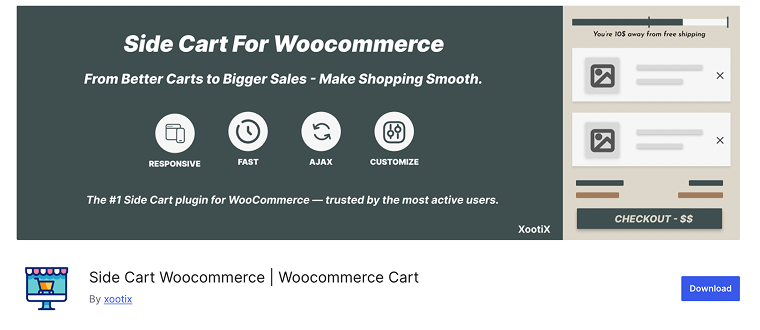
Side Cart WooCommerce gives you a sleek sliding cart drawer for your WooCommerce store that allows shoppers to add, view, and manage items without leaving the current page. It utilizes AJAX, displaying real-time updates of subtotals and streamlining the checkout process. In its Pro version, you get built-in support for adding related products, upsells, and cross-sells inside the side cart, allowing your store to present high-relevance suggestions right where the buyer is already engaged.
WordPress rating: 4.8
Key features:
- upsell, cross-sell, and related product suggestions inside the side cart (Pro);
- plenty of styling/customization options;
- real-time subtotal updates and access to checkout from within the side cart;
- AJAX-based cart, add or remove items without leaving the page.
Pricing: a free version available with core side-cart features. The Pro version is needed for full upsell/cross-sell functionality, and the price starts from $29 for a single site.
Pros:
- side-cart offers a modern UX;
- built-in support for upsell and cross-sell in the cart;
- plenty of visual and layout customization options to match your store’s brand.
Cons:
- upsell/cross-sell features are available only in the Pro version.
FAQ
Use data! Look at your purchase history to see what products are “frequently bought together” naturally. Alternatively, offer items that are genuinely required for the main product to function (like batteries).
Absolutely. It is common to show an upsell (a better version) on the product page and a cross-sell (an accessory) on the cart or checkout page.
Upsell encourages the customer to purchase an upgrade or a more expensive version of the product they are viewing. Cross-sell suggests a complementary, related product to be added to the basket (increasing the number of items).
Bottom Line
Upselling and cross-selling can greatly improve your WooCommerce store’s sales potential by helping you present smarter product recommendations. Each plugin has its own strengths, whether you’re looking for a simple side cart experience or a full funnel system with post-purchase offers.
Let’s quickly recall what each plugin is best suited for:
- JetWooBuilder: ideal for displaying dynamic product layouts and creating custom upsell or related product sections directly in Elementor.
- Related Products by WebToffee: perfect for automating cross-sells and related product recommendations on product and cart pages.
- UpsellWP: great for creating targeted upsell offers based on customer behavior and purchase history.
- Sliding Cart for WooCommerce by FunnelKit: best for replacing the standard WooCommerce cart with a sleek side cart and adding in-cart upsells.
- WPFunnels: best for WooCommerce stores that want to increase AOV using order bumps, one-click upsells, and structured sales funnels.
- Upsell Funnel Builder for WooCommerce: excellent for building multi-step funnels with order bumps, upsells, and cross-sells.
- One Click Upsell Funnel for WooCommerce: ideal for stores that want unlimited upsell and cross-sell funnels with one-click checkout and full page builder support.
- Side Cart WooCommerce: Best for creating a modern, responsive side cart with quick checkout and optional upsell or cross-sell sections.
Choose the plugin that fits your store’s sales strategy best and start converting more with every order.