Interestingly, Divi Builder doesn’t include a table builder at all among its default modules. As a result, Divi users who need to display tabular data have no native option and must rely on third-party table plugins or custom modules. The choice then comes down to selecting a table plugin or module that matches the project’s layout and editing requirements.
Top 5 Divi Table Plugins and Modules
Depending on your goals, you can choose one of the following tools, and I’ve selected them for every use case – from pricing tables to tables with dynamic data.
powered by Divi-5 dynamic?
Table Maker by Divi-Modules (Premium)
🏆 Best for basic and advanced responsive tables.
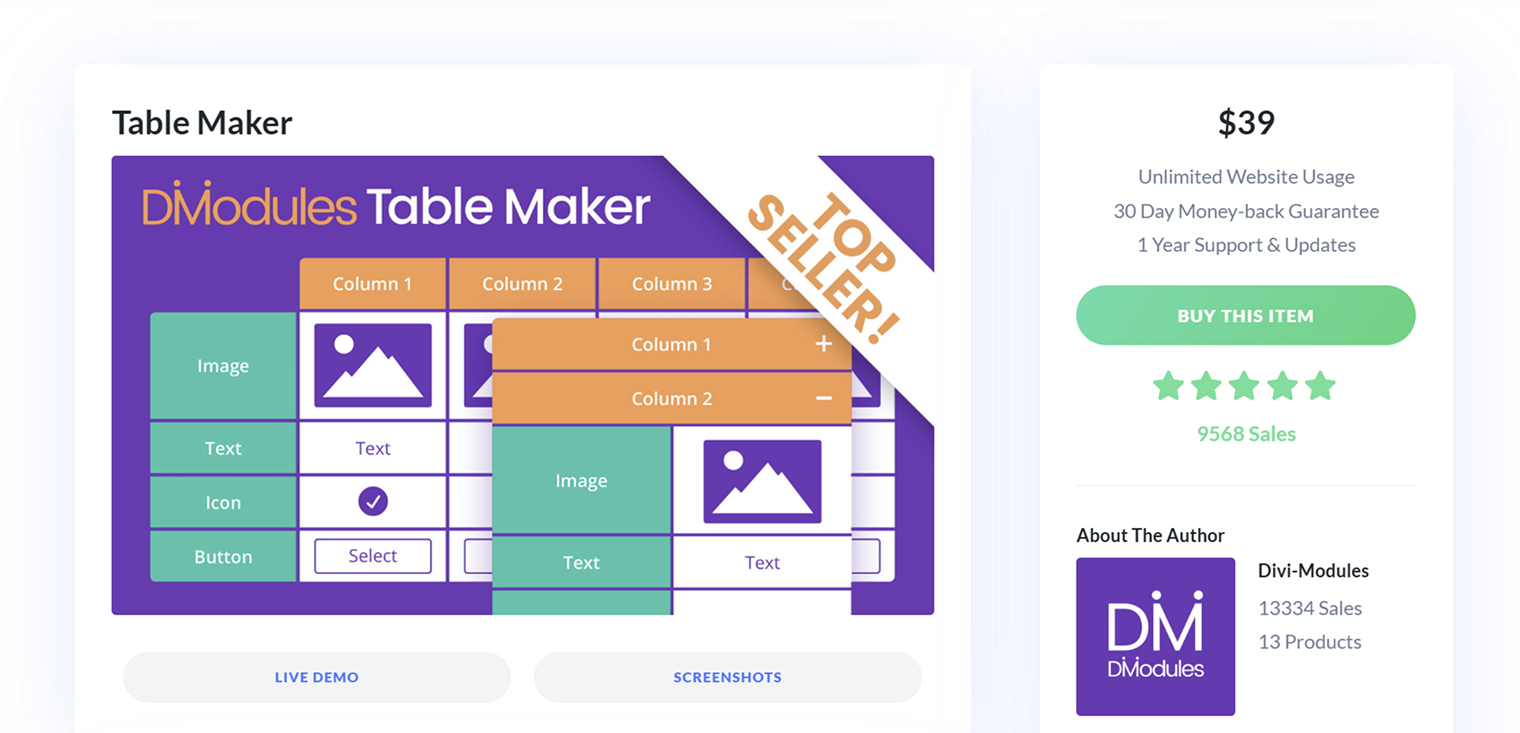
This plugin is what you need if you want to add responsive tables to your Divi pages. It simply does the job of adding rows and columns, which you can easily fill out with content.
It’s responsive, and the full integration with Divi 5 will be released in February 2026.
Reputation:
9,500+ downloads from the Divi Marketplace is a strong number for Divi, and it can also be purchased from the official website. All reviews on Divi Marketplace are five-star. The developer also has an excellent reputation, with 13 plugins in total and a solid sales history. Hard to ask for more.
Key features:
- multiple headers and footers;
- responsive and can be turned into an accordion on mobile devices;
- dedicated cell types for images, icons, and buttons;
- column and row spans.
Pricing: $39/year for unlimited sites, $49 lifetime single, and $89 lifetime unlimited.
Pros and cons:
It’s just a simple plugin that does a simple job. It’s responsive and doesn’t offer anything over the top, but it works very well in what it claims to be.
Divi Table Modules by Divi Flash (Premium)
🏆 Best for customizable responsive tables, data tables, and tables of contents.
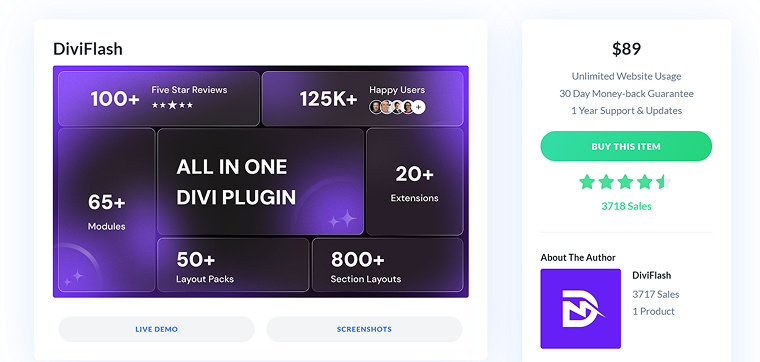
DiviFlash pack, which includes 65 modules and 20 extensions for building websites, offers three table modules: Table Builder, Data Table, and Table of Contents. The first one is a builder for responsive tables with many customization options. The second one is pretty powerful for displaying dynamic data from different sources, including direct fetching of Google Sheets data. And finally, the Table of Contents module helps you build flexible, well-designed tables of contents.
The official website has a solid knowledge base section, video tutorials, and a roadmap. The version for Divi 5 is already in public beta.
Reputation:
It has a 4.5 rating on Divi Marketplace with over 3,700 sales, not counting direct sales from the official website.
Key features:
- The Divi Tables module offers a solid toolset for table styling and customization. You can insert images, buttons, icons, and make the tables fully responsive.
- The Table of Contents auto-generates a table of contents for any post or page and offers many settings to customize it.
- Using the Data Table module, you can create a table based on dynamic data taken from a database or external sources. It includes pagination, search, and filter features.
Pricing: $49/year for unlimited sites, $299 unlimited lifetime.
Pros and cons:
A solid solution for a good price, considering the number of tools it offers.
Pricing Table for Divi (Free)
🏆 Best for pricing tables.
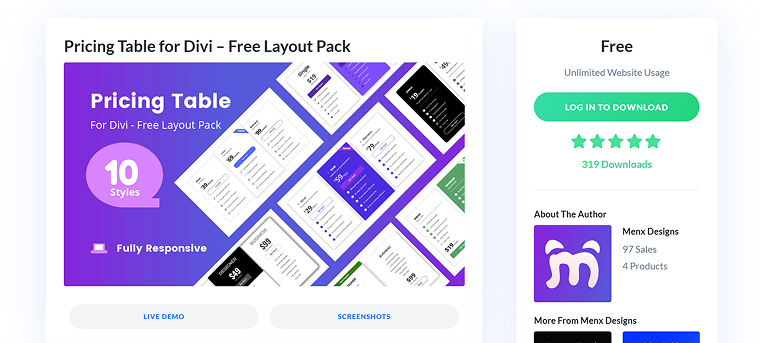
It’s a free, simple layout pack that does what its name suggests: adds pricing tables to websites. It offers enough customization options for a layout pack: it consists of several modules, each of which can be edited individually, providing greater flexibility.
Reputation:
5-star rating on Divi Marketplace.
Key features:
- responsive layouts;
- 10 animations to choose from;
- various designs to choose from;
- each module (blurb, button, text, icon, and price) can be customized separately.
Pricing: free.
Pros and cons:
A simple tool that does the job.
Tables by DiviPlus (Premium)
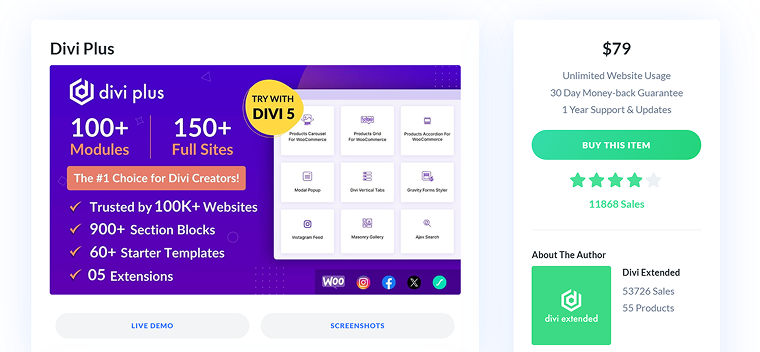
DiviPlus is a large pack of modules, templates, and extensions that includes the Advanced Tables and Tables of Contents modules. These modules are quite simple but sufficient for most websites. It comes with a whopping 150+ modules for Divi 4 and 85+ for Divi 5, 150 full websites, 600 section blocks, and five extensions.
Reputation:
4 stars on Divi Marketplace with almost 12,000 sales, not counting the purchases on the official website.
Key features:
- the Table of Contents module creates a responsive TOC and has customization options;
- the Advanced Tables module offers some customization for table cells and elements, but there can be more options for styling, adding elements, and changing layouts for mobile.
Pricing: $79/year for unlimited sites, $249 unlimited lifetime.
Pros and cons:
This pack offers a lot, and it’s a big plus. However, many users complain about buggy modules that don’t work properly and sometimes clash with Divi updates. Also, if you plan to purchase it for Divi 5, check which extensions and blocks are compatible.
Talking about the Advanced table module – it’s not really so advanced, rather just a normal table builder.
Divi Pricing Table with Toggle (Premium)
🏆 Best for well-designed pricing tables with a toggle.
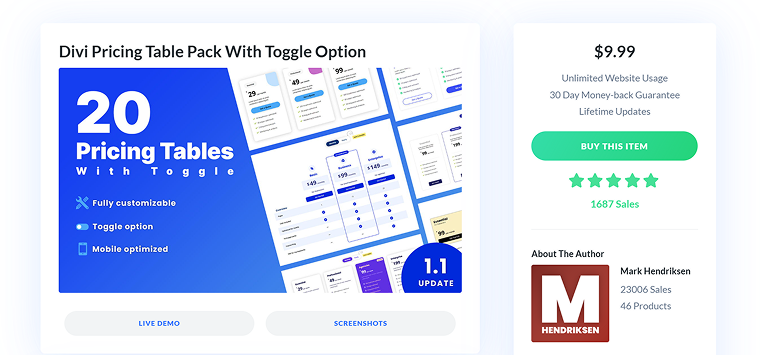
This layout pack is a bundle of predesigned pricing tables that can include a toggle (switcher). More layouts will be added, according to the author, who is a top-rated contributor.
Reputation:
Only 5-star reviews and over 1,600 sales on Divi Marketplace. The author has another four products there.
Key features:
- 20 predesigned pricing tables;
- a toggle option that can switch on and off any element;
- responsive design.
Pricing: $9.99 lifetime for unlimited websites.
Pros and cons:
For this price and only 5-star reviews, this pack is a top solution for pricing tables.
FAQ
The most common approach is using a dedicated Divi table plugin or module. These tools integrate directly into the Divi Builder and allow you to create responsive tables without custom code.
Yes, pricing tables can be created using Divi-compatible pricing table modules or layout packs. These tools are designed for visual editing and don’t require knowledge of CSS or PHP.
Some advanced table modules support dynamic data sources, including WordPress databases and external services. This is useful for directories, comparison tables, or frequently updated content.
Compatibility depends on the developer. Some plugins already support Divi 5, while others are in beta or planning updates, so it’s important to check compatibility before purchasing.
Takeaway
Divi is flexible, but tables are one of those gaps you will need to fill with third-party tools. The good news is that there’s no single “best” table plugin, as the right choice depends on whether you need simple content tables, pricing layouts, or dynamic data. Pick the tool that solves your problem cleanly, not the one with the longest feature list, and – I hope – this article will help you.