The Divi WordPress theme is one of the most powerful page builders available, but even its extensive built-in features can be improved through some interesting enhancements. While Divi provides a strong foundation for creating websites, specialized plugins add capabilities that can boost your site from functional to exceptional.
Whether you’re creating client websites or handling your own projects, the right plugins can significantly enhance your workflow, broaden your design options, and provide features that would otherwise need custom development.
Why Divi-Powered Websites Need Plugins to Extend Theme’s Functionality
Divi provides impressive built-in features, but certain specialized needs require extra tools. Plugins fill the gap between Divi’s core functions and the specific demands of modern web projects.
Dynamic content and database management
Plugins like JetEngine enable you to create custom post types, taxonomies, and meta fields without needing to code. This transforms a basic Divi site into a dynamic platform capable of handling complex data structures, from real estate listings to membership directories.
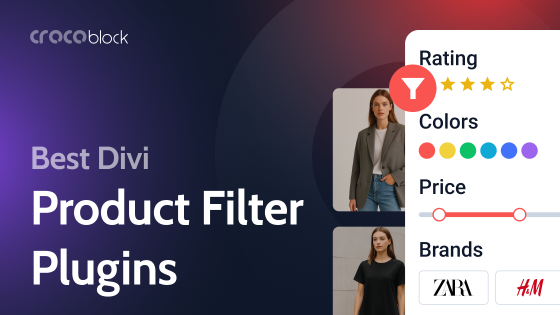
When used with JetSmartFilters, you can build advanced product filtering, search systems, and custom listings that add dynamic functionality to any project, from property databases to user directories and product catalogs.
powered by Divi-5 dynamic?
Advanced modules
While Divi includes essential modules, plugins like Supreme Modules and Divi Torque may enhance your toolkit with specialized elements. If you need gradient text effects, flip boxes, or before-and-after image sliders, these plugins provide dozens of purpose-built modules that would take weeks to develop from scratch. At the same time, Crocoblock plugins, such as JetElements and JetTabs, are excellent companions for Divi users seeking richer design possibilities.
JetElements provides advanced widgets for visual effects, interactive layouts, and marketing features. At the same time, JetTabs helps build accordions, image switchers, and animated content blocks that can match or surpass Divi’s native options.
Interactive user engagement
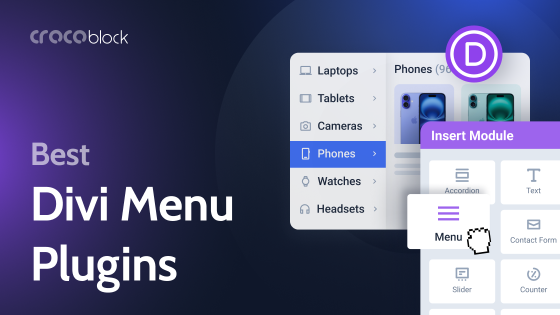
Pop-ups, mega menus, and advanced navigation features greatly increase user engagement. Dedicated plugins like Popups for Divi, JetPopup, and JetMenu offer these functionalities with easy-to-use interfaces and wide customization options, removing the need for complex custom coding.
Specialized mapping solutions
Geo features demand specific functionality. Supreme Maps and similar plugins incorporate advanced mapping capabilities with multiple provider options, clustering features, and custom styling that go well beyond simple embedded maps.
Enhanced form integration
While Divi has a contact form module, plugins that style and integrate popular form builders like Contact Form 7, Gravity Forms, JetFormBuilder, and WPForms offer the flexibility needed for complex data collection, conditional logic, and advanced validation.
Conditional content display
Some businesses may need to display or hide content based on user roles, login status, or custom conditions. JetThemeCore’s visibility control options allow for advanced content targeting without coding.
Performance optimization
Many high-quality plugins are developed with performance in mind, offering module management systems that allow you to disable unused features, keeping your site lean and fast-loading.
Top Plugins to Extend the Divi WordPress Theme’s Functionality
Supreme Modules for Divi (Freemium)
🏆 Best for designers looking for a free module library with robust extensions for scheduling and customization.
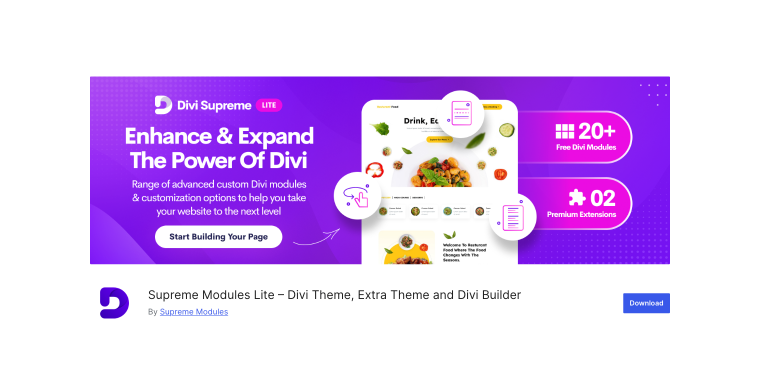
Supreme Modules Lite adds over 20 free creative modules and extensions to the Divi theme builder. It’s a reliable choice for developers seeking premium features without paywalls. You’ll find both visually appealing elements, like flip boxes and sliders, as well as practical tools such as business hours and price lists.
Pricing: free lite version with 20+ modules; Pro version available with 40+ premium modules starting at $79/year.
Key features:
- gradient text and typing animation;
- Facebook and Twitter integration;
- Contact Form 7 and Caldera Forms styling;
- scheduled element visibility for timed content display;
- Lottie animation support for lightweight animations;
- image accordion with hover effects.
Pros:
- generous free version with no limitations on included modules;
- regular updates with new modules and bug fixes;
- works seamlessly with Divi Visual Builder;
- scheduled visibility extension for marketing campaigns;
- compatible with the Divi theme, Extra theme, and Divi Builder plugin.
Cons:
- some advanced modules are only available in the premium version;
- learning curve for newer users with specialized modules;
- limited preset designs compared to competitors;
- Pro version required for premium support.
JetEngine (Premium)
🏆 Best for users who want a complete toolkit for creating custom post types, advanced fields, and dynamic content, all with powerful customization options.
JetEngine is a WordPress plugin that offers complete control over content management. It combines tools for creating custom post types, adding meta fields, and managing dynamic content all in one package. Whether you need simple fields or complex setups, JetEngine supports both beginner-friendly and highly customizable workflows.
Pricing: starts at $43 per year for a stand-alone license, or as part of the All-Inclusive ($199/year) plan, which provides access to the full range of JetPlugins.
Key features:
- Custom Post Types with flexible setup options;
- Meta Boxes for posts, users, or taxonomies;
- Options Pages to manage site-wide content and settings;
- Shortcode Builder for displaying any content anywhere with custom callbacks;
- Query Builder for building advanced content filters and database queries.
Pros:
- replaces multiple plugins with one complete solution;
- built-in shortcode system for easy content placement;
- part of the Crocoblock ecosystem for seamless integration;
- drag-and-drop field creation, no coding needed;
- highly adaptable output options.
Cons:
- requires a Crocoblock subscription to unlock full potential;
- may be more than needed for simple field setups;
- beginners may face a learning curve.
Divi Torque – Plugin for Divi Theme and Builder (Freemium)
🏆 Best for users wanting a large collection of lightweight, well-designed modules with excellent form styling capabilities.
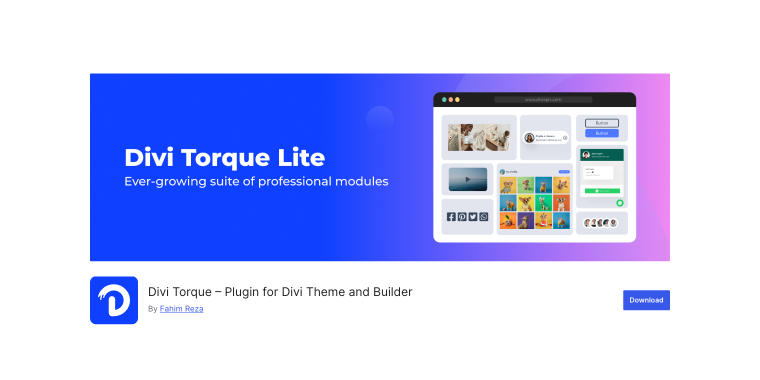
Divi Torque includes 20+ free modules, 50 more in Premium, and seven extensions used by over 50,000 users. It focuses on quality with well-built widgets for layouts, interactivity, and social proof. Modules offer deep customization and optimized code for enhanced speed. A built-in manager lets you activate only what you need for a lighter site.
Pricing: free version with 25+ modules; Premium version ($59 single payment) unlocks 70+ modules and advanced features.
Key features:
- Contact Form 7, WP Forms, Gravity Forms, and Fluent Forms stylers;
- before & after slider with interactive comparison;
- image and logo carousels with multiple layout options;
- advanced testimonial and review modules;
- post list and post grid with filtering capabilities;
- video modal with YouTube and Vimeo support.
Pros:
- large free module collection with regular additions;
- lightweight code doesn’t slow down sites;
- works seamlessly with Divi Visual Builder;
- clean, professional design aesthetic.
Cons:
- some overlap with Divi’s native modules;
- premium features require an upgrade;
- less focused on dynamic content than competitors;
- documentation could be more comprehensive;
- limited third-party integrations compared to larger suites.
Supreme Maps (Free)
🏆 Best for projects needing advanced, customizable mapping with support for multiple providers and clustering features.
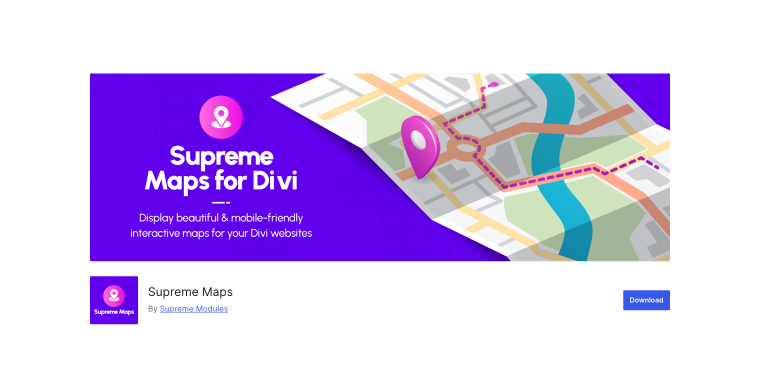
Supreme Maps delivers advanced mapping tools for the Divi theme, integrating with OpenStreetMap, Leaflet, and Google Maps. It supports everything from simple markers to full store locators with clustering. The plugin is lightweight, loading only essential scripts for speed, and offers unlimited markers, custom pins, and detailed styling options.
Pricing: сompletely free with no premium upsells.
Key features:
- Leaflet Map and Google Map modules included;
- unlimited markers with custom images and links;
- marker clustering for dense locations;
- pop-up styling with hover or click triggers;
- custom latitude and longitude input;
- advanced map controls, including zoom and scroll options.
Pros:
- completely free with no hidden costs;
- fast and streamlined with minimal JavaScript;
- multiple mapping provider support;
- clean integration with Divi Visual Builder;
- responsive and mobile-friendly;
- regular updates and bug fixes;
- excellent alternative to paid mapping plugins.
Cons:
- limited to mapping functionality only;
- fewer preset map styles than premium competitors;
- no route planning or directions features;
- basic documentation;
- a smaller user community compared to larger plugin suites.
Squad Modules for Divi (Freemium)
🏆 Best for users needing modern, well-maintained modules with strong ACF support and multisite compatibility.
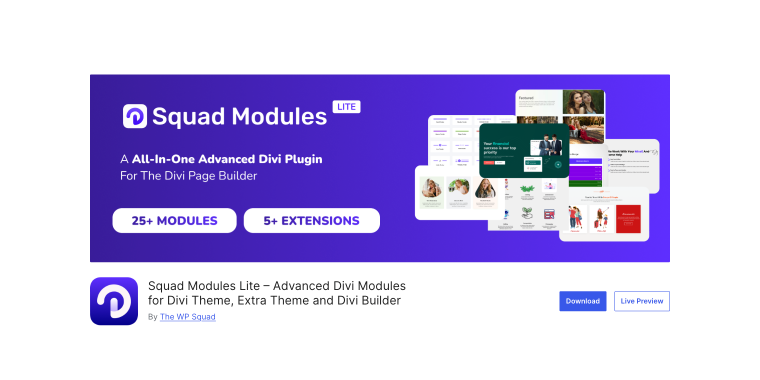
Squad Modules Lite adds 25+ free modules and five extensions to Divi, focusing on both design and performance. You can enable only the modules you need to keep your site fast. It includes layout tools, interactive elements, full-form styling, and ACF integration for custom builds. Frequent updates bring new features and refinements.
Pricing: free lite version with 25+ modules; Pro version with 30+ advanced modules available, starting at $39/year.
Key features:
- advanced divider with multiple styles and shapes;
- post grid module with custom fields and ACF support;
- flip box and before-and-after image slider;
- Lottie animation integration;
- form styler for Contact Form 7, WP Forms, Gravity Forms, Ninja Forms.
Pros:
- lightweight and high-performance architecture;
- complete customization options for each module;
- regular updates with improvements;
- multisite compatible;
- active development and support.
Cons:
- smaller free module collection than competitors;
- some advanced features require a Pro upgrade;
- limited preset templates;
- fewer third-party integrations.
Popups for Divi (Free)
🏆 Best for creating straightforward, high-performance pop-ups with minimal setup and no performance impact.
Popups for Divi adds pop-up functionality directly to Divi sections, no extra setup or settings pages needed. Simply toggle a section as a pop-up, give it an ID, and link to it anywhere. The plugin adds just 31KB of code, works smoothly with caching, and supports any Divi layout.
Pricing: free with all core features; Premium Divi Areas Pro available for advanced features starting at $89/year.
Key features:
- turn any Divi section into a pop-up with one toggle;
- simple ID-based pop-up triggering system;
- works with any button, link, or menu item;
- zero performance impact design;
- complete design control using Divi Builder.
Pros:
- no performance degradation;
- works flawlessly with caching plugins;
- no configuration required;
- complete design freedom using Divi;
- free six-day email course included;
- compatible with all major browsers.
Cons:
- advanced triggers require the Pro version;
- no built-in exit intent in the free version;
- no pop-up templates included;
- advanced display rules need a Pro upgrade;
- no built-in analytics or tracking.
DiviFlash (Premium)
🏆 Best for agencies and professionals seeking an all-in-one platform with premium modules, templates, and WooCommerce integration.
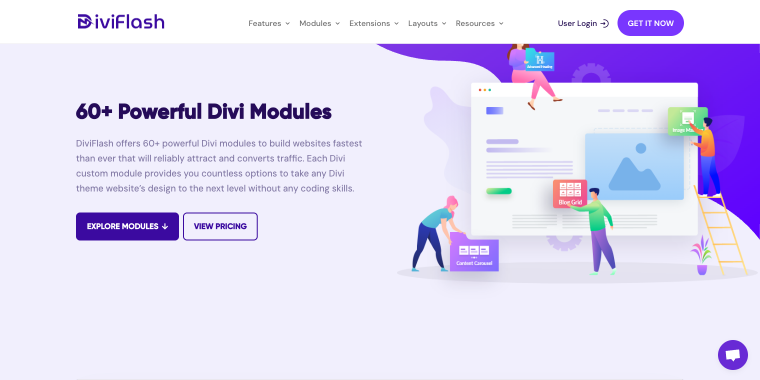
DiviFlash is a feature-rich Divi plugin with 60+ modules, 15+ extensions, 40+ layout packs, and 800+ sections. It’s built for conversion-focused, dynamic websites with tools like mega menus, CPT modules, WooCommerce layouts, and filterable galleries. ACF integration, Instagram feeds, and advanced form styling add even more flexibility, while the layout packs speed up design work.
Pricing: Premium plugin starting at $49 per year for personal plan; includes all modules and layouts.
Key features:
- 60+ premium modules including CPT layouts;
- advanced mega menu builder with Divi integration;
- pop-up builder with conversion-focused templates;
- WooCommerce modules for product grids and carousels;
- filterable custom post type module.
Pros:
- most comprehensive feature set available;
- regular updates with new modules and layouts;
- strong WooCommerce integration;
- CPT modules unique to DiviFlash;
- excellent preset layouts save time;
- ACF integration included;
- strong community and support.
Cons:
- premium pricing higher than alternatives;
- can be overwhelming for beginners;
- requires annual renewal;
- some features may overlap with other plugins;
- larger plugin footprint than lightweight alternatives.
Timeline Module for Divi (Freemium)
🏆 Best for websites that require professional timeline displays for company history, events, or project roadmaps.
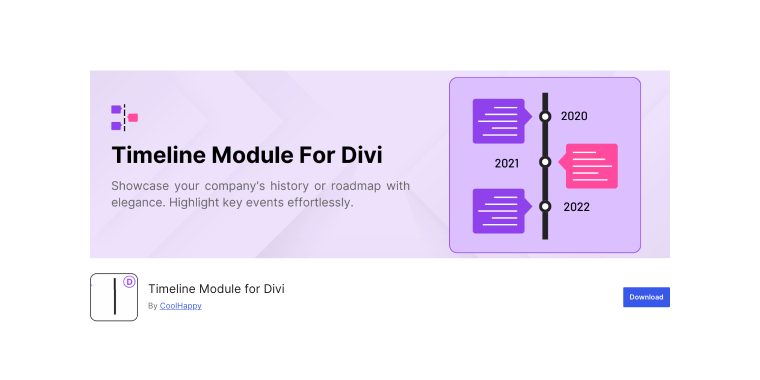
The Timeline Module for Divi lets you create stylish, customizable timelines directly in the Divi Builder. Use it for milestones, events, or projects with vertical one-sided or two-sided layouts. You can adjust colors, fonts, spacing, and backgrounds, and even add images or videos for a more engaging look.
Pricing: free version with vertical timelines; Pro version ($19) adds horizontal layouts and advanced customization.
Key features:
- vertical timeline layouts with one-sided and alternating options;
- multimedia support for images, videos, and icons;
- customizable design controls for colors, fonts, and spacing;
- responsive and mobile-friendly;
- direct integration with Divi Builder;
- no coding knowledge required.
Pros:
- simple, focused functionality;
- beginner-friendly interface;
- responsive design works on all devices;
- regular updates and Divi 5 compatibility;
- clean code and lightweight;
- multiple timeline layouts available;
- active support from developers.
Cons:
- horizontal timelines require a Pro upgrade;
- limited to timeline functionality only;
- fewer customization options than comprehensive plugins;
- no preset timeline templates;
- basic feature set compared to larger suites.
Breadcrumbs Divi Module (Free)
🏆 Best for improving site navigation and SEO with customizable breadcrumb trails.
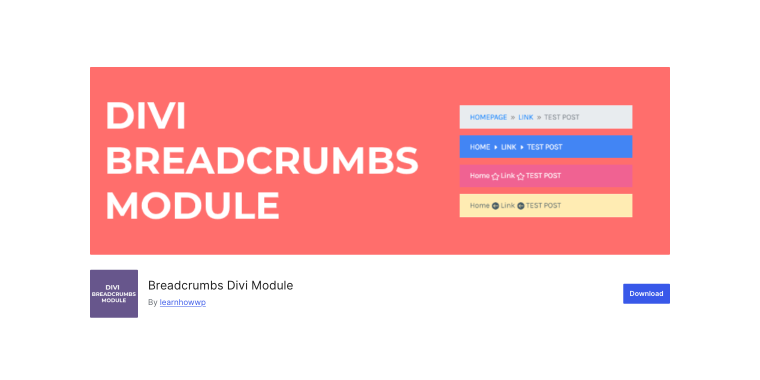
The Breadcrumbs Divi Module adds a customizable breadcrumb trail to improve navigation and user experience. It integrates with Divi’s Visual Builder, allowing easy placement and full control over text, icons, and colors to match your site’s style.
Pricing: completely free with all features included.
Key features:
- Visual Builder drag-and-drop integration;
- customizable home text and before text options;
- icon separator selection from the Divi library;
- custom home link capability;
- complete color customization system;
- RDFa markup for enhanced SEO.
Pros:
- completely free with no upsells;
- improves site navigation and UX;
- enhances SEO with proper markup;
- simple drag-and-drop implementation;
- full color and icon customization;
- lightweight and performance-friendly;
- regular updates and maintenance.
Cons:
- limited to breadcrumbs functionality only;
- basic styling options;
- no advanced schema markup options;
- simple feature set;
- limited documentation.
Content Visibility for Divi Builder (Free)
🏆 Best for developers who require conditional content display based on user roles, login status, or custom PHP expressions.
Content Visibility for Divi Builder enables conditional display for any Divi section or module using PHP expressions. It’s ideal for displaying member-only content, dynamic elements, or custom logic-driven layouts directly within the builder.
Pricing: completely free and open source.
Key features:
- PHP boolean expression evaluation for any section or module;
- works with all Divi modules, including third-party ones;
- error catching with admin email notifications;
- Divi 4 and Divi 5 support;
- compatible with Visual Builder.
Pros:
- extremely powerful and flexible;
- completely free forever;
- works with any module type;
- simple to use for common scenarios;
- advanced capabilities for developers;
- no performance impact;
- regular updates and maintenance.
Cons:
- no visual interface for conditions;
- could break the site if expressions contain errors;
- not beginner-friendly;
- limited to conditional visibility only;
- no logging or analytics features.
FAQ
It depends on your needs. All-in-one packages like DiviFlash or Divi Torque include most features in a single plugin, while specialized plugins like Supreme Maps or Popups for Divi provide specific functionality. A common approach is to use one comprehensive package along with a few specialized plugins and disable unused modules to maintain optimal performance.
Not if you choose well-coded plugins and manage them properly. Plugins with module managers, such as Supreme Modules or Squad Modules, enable you to load only the necessary modules. Well-optimized plugins can even outperform a single bloated plugin. Always test speed, enable caching, and deactivate unused modules.
Most established plugins are preparing for Divi 5. DiviFlash, Timeline Module, and Content Visibility already support it, while others may release updates soon. Check changelogs and test on a staging site before updating your live site.
Conclusion
Enhancing Divi with the right plugins transforms a good website into a powerful one. From all-in-one plugins like DiviFlash and Divi Torque to specialized options such as Supreme Maps, Popups for Divi, and JetEngine, there’s a solution for every need and budget.
As Divi’s ecosystem expands, new plugins and updates appear regularly, so it’s worth staying informed about the latest developments. With a carefully selected set of tools, your Divi WordPress site can deliver professional performance, flexible design, and a seamless user experience.