A well-designed navigation menu can make or break your website’s user experience. While Divi comes with a built-in menu module, it often lacks the flexibility and advanced features that modern websites demand – especially when it comes to mega menus, mobile responsiveness, or dynamic layouts.
That’s where Divi menu plugins come in. They will help you build custom, interactive, and conversion-friendly menus – from full mega menus to minimalist hamburger menu styles for mobile-first designs. These menus not only look great but also guide your visitors exactly where you want them to go.
In this article, we’ll explore some of the best Divi menu plugins. Keep reading.
powered by Divi-5 dynamic?
What to Look For in a Divi Menu Plugin?
Before diving into the list, it’s important to understand what makes a menu plugin truly valuable. Here’s what to look for when choosing the right Divi menu plugin for your website:
1. Mobile responsiveness
Today it’s obvious. More than half of website traffic comes from mobile devices. Your menu must adapt seamlessly to smaller screens, with intuitive navigation, touch-friendly controls, and a well-functioning hamburger menu that users instantly recognize on mobile devices.
2. Mega Menu support
If your site has a lot of content or categories, a mega menu can help visitors find what they need faster. Look for plugins that allow you to add images, icons, columns, or even widgets inside your menu.
3. Visual customization
Since Divi is all about visual building, your menu plugin should integrate seamlessly with the Divi Builder – ideally supporting drag-and-drop functionality, design presets, and custom styling.
4. Animation and interactivity
Modern users expect more than static links. Subtle hover effects, dropdown animations, or expandable panels can make your menu feel dynamic and engaging.
5. Speed and compatibility
A bloated plugin can slow down your site. Choose well-coded plugins that are lightweight and compatible with caching plugins and the latest version of Divi.
6. Accessibility and SEO
Your menu should be accessible to all users, including those using screen readers. Bonus points if the plugin outputs clean, semantic HTML to help with SEO.
Top 5 Divi Menu Plugins for a User-Friendly Website
| Plugin | Best For | Price | Key Features | Pros | Cons |
| Divi Mega Menu Pro | Advanced mega menus with rich content and hover effects | $79 one-time | Visual builder support, tooltips, hover/click triggers, animations | Full Divi Builder integration, complex layouts, strong UX | No free version, might be overkill for small sites |
| DiviMenus | Unique circular and popup-style menus | $49 | Circular/horizontal/vertical layouts, pop-up support, fast and lightweight | Creative layouts, easy to use, mobile-friendly | Limited templates, no free version |
| Divi MadMenu | Custom headers and sticky navigation | Free / $49 Pro | Sticky/fixed/transparent headers, CTA buttons, icons, responsive | Branding flexibility, great for headers, good value | Slight learning curve, less intuitive UI |
| Divi Mega Menu (Elegant Themes) | Native mega menus with seamless Divi integration | $89/year | Drag-and-drop mega menus, icons/images support, mobile ready | Official plugin, beginner-friendly, perfect compatibility | Requires membership, fewer design options |
| Divi Menu Builder | Adding icons, badges, and styling to standard menus | $47/year | Icons/badges, color and font control, custom CSS support | Lightweight, good for light styling, easy to integrate | Not a full mega menu solution; better as an enhancement |
Divi Mega Menu Pro (Premium)
🏆 Best for advanced mega menus with rich content and hover effects.
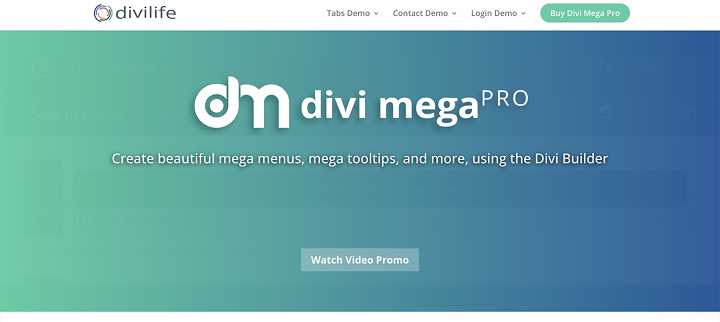
Divi Mega Menu Pro is a powerful plugin designed specifically for Divi users who want to build fully customized mega menus and tooltips. It lets you add anything from rows and columns to images, icons, buttons, and even shortcodes – all styled directly with the Divi Builder. You can trigger menus via hover or click, giving you full control over user interaction.
Key features:
- build mega menus visually using Divi Builder;
- hover or click triggers;
- tooltips and pop-ups supported;
- works with headers, footers, and body content;
- mobile responsive;
- animation and transition effects.
Pricing: a regular license costs $79 (one-time).
Pros:
- fully integrates with Divi Builder;
- supports rich content and complex layouts;
- great for both desktop and mobile;
- excellent for user engagement and UX.
Cons:
- no free version;
- might be overkill for small/simple sites.
DiviMenus (Premium)
🏆 Best for creating unique circular and popup-style menus.
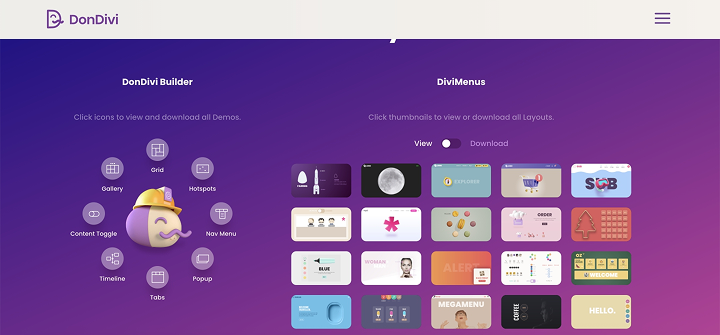
DiviMenus allows you to build highly creative and interactive menus, including circular, horizontal, vertical, and pop-up menus. It’s ideal for one-page websites, portfolios, or landing pages that require an interactive navigation experience. Everything is drag-and-drop inside the Divi Builder, with fine-tuned control over every element.
Key features:
- circular, horizontal, and vertical layouts;
- open menu items in pop-ups, URLs, or tooltips;
- full Divi Builder compatibility;
- lightweight and fast;
- animation options included.
Pricing: the plugin costs $49.
Pros:
- unique menu styles;
- works well for creative layouts;
- easy to build visually;
- mobile-friendly.
Cons:
- no free version;
- fewer layout templates than other plugins.
Divi MadMenu (Freemium)
🏆 Best for customizing headers, footers, and sticky navigation.
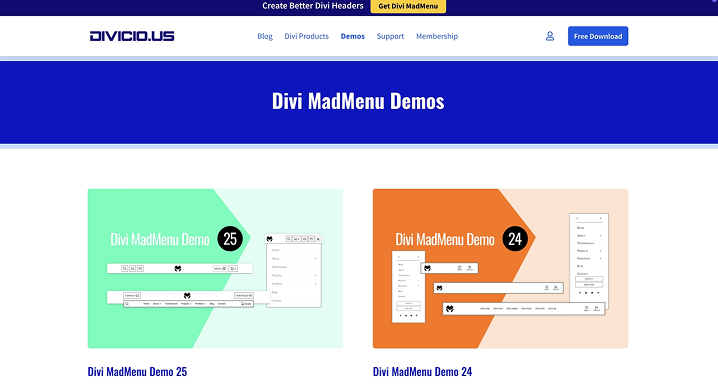
Divi MadMenu is a feature-rich plugin for building custom headers and menus inside Divi. It offers deep customization for logos, buttons, icons, and CTAs within your header — and it shines when it comes to sticky and dynamic menu behavior. Great for users who want full control over how their menus look and behave.
Key features:
- advanced header builder with Divi integration;
- sticky, fixed, or transparent menu options;
- add icons, buttons, and social links;
- responsive design controls;
- global header support.
Pricing: free version available; Pro costs $49.
Pros:
- excellent for sticky headers and custom layouts;
- integrates well with Divi;
- affordable and lightweight;
- ideal for branding-focused designs.
Cons:
- steeper learning curve;
- less intuitive than simpler menu plugins.
Divi Mega Menu by Elegant Themes (Premium)
🏆 Best for users who want a native Divi mega menu.
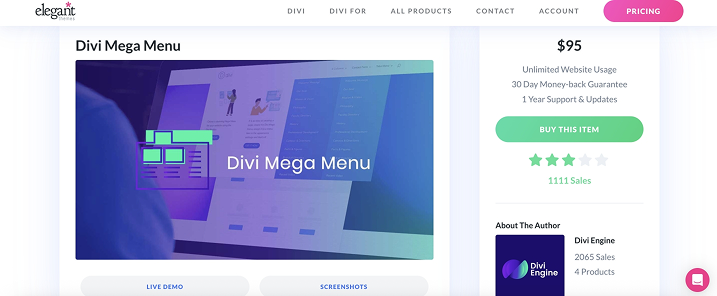
Divi Mega Menu is an official Elegant Themes plugin designed specifically for Divi. It enables you to create beautiful, multi-column mega menus in the Divi Builder interface. The plugin supports images, icons, and custom layouts, making it easy to build engaging navigation that matches your site design.
Key features:
- fully integrated with Divi Builder;
- drag-and-drop mega menu creation;
- supports images, icons, and multiple columns;
- mobile responsive.
Pricing: costs $89/year.
Pros:
- official Divi product, perfect compatibility;
- easy to use with Divi’s visual builder;
- good for beginners.
Cons:
- only available with Elegant Themes membership;
- fewer advanced styling options compared to some third-party plugins.
Divi Menu Builder by Elegant Themes (Premium)
🏆 Best for adding custom styles and layouts to Divi menus with extended flexibility.
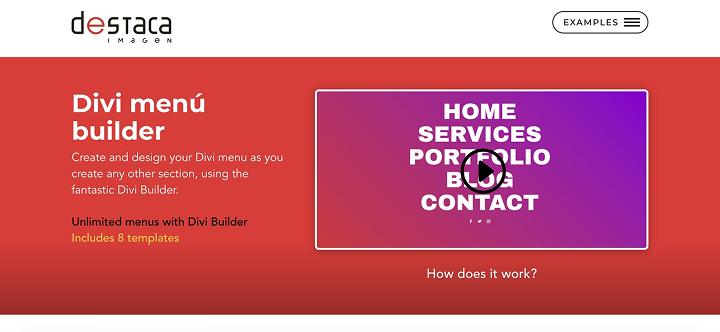
The Divi Menu Builder plugin enhances Divi’s standard menu module by enabling you to customize menus with unique layouts, icons, badges, and custom code. It’s great for adding extra flair or specific UX tweaks without switching to a full mega menu plugin.
Key features:
- possibility to add icons and badges to menu items;
- customize colors, fonts, and spacing;
- support for custom CSS and JavaScript;
- mobile responsive.
Pricing: costs $47/year.
Pros:
- perfect for subtle but effective menu customizations;
- official support from Elegant Themes;
- integrates perfectly with Divi Builder.
Cons:
- not a full mega menu solution;
- best suited as a complement to Divi’s native menu.
FAQ
Divi’s default menu module doesn’t support full mega menus out of the box. However, you can build a basic multi-column menu using Divi’s Theme Builder or by adding custom code. For more advanced layouts, a third-party plugin is recommended.
Technically, yes, but it’s not recommended. Using multiple menu plugins can lead to conflicts, slower performance, and design inconsistencies. It’s best to choose one solution that fits your needs.
Most premium plugins are optimized for performance, especially those designed specifically for the Divi theme. Still, adding complex menus, animations, or large media files can impact load speed. Use lightweight design options and caching plugins to minimize any effect.
Plugins like Divi Mega Pro, Max Mega Menu, and JetMenu work well with WooCommerce and allow you to showcase product categories, images, and CTAs directly in your menu, making them ideal for online stores.
Yes, most premium Divi menu plugins support creating and customizing a hamburger menu for both mobile and desktop views. This allows you to maintain brand consistency while optimizing for smaller screens.
Final Thoughts
Divi’s built-in menu module works well for simple setups, but if you want more control, a better design, and smoother navigation, a dedicated plugin is the way to go.
- Divi Mega Menu Pro is the best choice for content-rich sites that require full-featured mega menus with images, icons, buttons, and animations. Great for stores, blogs, or anything content-heavy.
- DiviMenus stands out for creative layouts. It’s perfect for one-page sites, portfolios, or anyone who wants to break away from the classic horizontal menu look.
- Divi MadMenu gives you full control over your headers – sticky menus, call-to-action buttons, social icons, transparency – ideal for brands that care about both style and usability.
- Divi Mega Menu by Elegant Themes is the official plugin from Divi’s creators. It integrates seamlessly with the Divi Builder, allowing you to build multi-column mega menus without coding. It’s a great choice if you want to stick to official tools.
- Divi Menu Builder by Elegant Themes is perfect for making light menu customizations, such as adding icons, badges, and styles. It’s not a full mega menu solution, but a nice enhancement for Divi’s native menu.
Bottom line? Choose the one that matches your site structure and how you want your visitors to move through it. Clean navigation = better engagement.