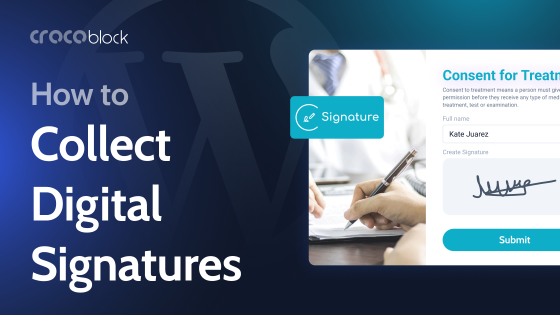
Are you looking for a WordPress e-signature plugin for your site? Now, it is considered good practice to give your site users the ability to sign the document with their mouse, touchpad, or touchscreen. Rather than printing, signing by hand, scanning, and uploading documents, users can simply draw their signature in a designated area on your online form.
Although this practice became popular after the pandemic, the market now offers a limited range of e-signature options. In this article, I will investigate the most popular WordPress e-signature plugins, compare their key features, pros and cons, and pricing, and share the best solutions for your sites. Additionally, I will discuss the criteria you should consider when selecting the best plugin for your case. Let’s get started.
Why You Need a Signature Plugin
The main purpose of an effective WordPress signature plugin is to provide a signature field. A signature field is a specialized form element that allows users to draw a signature directly on a webpage using a mouse, touchpad, or touchscreen. To sign, a user writes their name naturally with a cursor or finger, much like signing with a pen on paper. This signature is then captured as an image and submitted with the other form information.
Signature fields aren’t just a “nice-to-have” feature. In many workflows, they solve very real business and operational issues by turning forms into legally meaningful, actionable documents.
Talking about the most common scenarios where a signature plugin becomes essential, I’d highlight the following:
Client agreements and contracts
For freelancers, agencies, and consultants, getting a signed proposal or service agreement is often the final step before work begins. A built-in signature field allows clients to approve terms instantly, without printing, scanning, or emailing documents back and forth — saving time on both sides.
Registrations, waivers, and consent forms
Events, courses, memberships, and programs frequently require participants to confirm terms, accept liability waivers, or grant permissions (e.g., media use or data processing). Digital signatures make these acknowledgments explicit and easy to collect during registration.
Legal and compliance-related documents
Many industries – such as healthcare, finance, education, and real estate – require signed authorization forms, disclosures, or policy acknowledgments. Using a signature plugin helps standardize this process, ensures records are stored correctly, and speeds up compliance without relying on paper-based workflows.
HR and internal workflows
Employee onboarding documents, NDAs, policy confirmations, time-off requests, and internal approvals often require a formal sign-off. Collecting signatures directly within WordPress forms streamlines internal processes and creates a clear audit trail.
Client approvals and sign-offs
Beyond contracts, signatures can be used to approve designs, project milestones, budgets, or change requests. A signature field turns approval forms into clear confirmation points, reducing misunderstandings later.
Remote and mobile-first workflows
When teams, clients, or customers are working remotely, in-person signing isn’t practical. Signature plugins make it possible to collect legally meaningful approvals from any device, whether it’s a desktop, tablet, or smartphone.
In a nutshell, a signature plugin helps you move faster, reduce manual work, and turn form submissions into reliable, signed records – without leaving your WordPress website page.
How to Choose a Signature Plugin
Before presenting a list of plugins, I recommend reviewing the following criteria to consider when choosing an e-signature plugin. Here are the key factors to pay attention to so you end up with a solution that’s reliable, secure, and fits your workflow:
- Purpose and use case. That’s the most obvious and important. Answer the following questions: do you need signatures for contracts, agreements, forms, or internal approvals? Will users sign on to the desktop, on mobile, or both? Some plugins work better on touch devices than others.
- How the signature is captured. Look for a canvas-based drawing field (touch- and mouse-friendly) and avoid plugins that rely on a static image or file upload trick. You may also want to check whether the signature box can be resized or cleared, and whether stylus input is supported (for tablets).
- Storage and data format. It is important to understand which format you need to store the signatures in and which formats the plugins support: image files (PNG, JPG), data URLs, or base64 in the database. Can they be attached to submissions, emails, or CRM entries? Note that storing as an image is usually best for PDF generation and records.
- Security and legal considerations. If this signature has any legal impact on your workflow (e.g., contracts), it must be securely attached to a form entry and timestamped. The signature should also be non-repudiable (harder to tamper with). In this case, consider plugins that record the IP address and date/time. For legal documents, look for audit trails and user authentication.
- Integrations. Will the signature need to be emailed? Be embedded in a PDF? Be sent to a CRM (HubSpot, Salesforce)? Or trigger a workflow? Ensure the plugin integrates with your form builder or third-party tools.
- Mobile and touch experience. Not all signature fields behave well on phones/tablets. So, ensure that drawing with a finger, zooming/clearing, and responsiveness work well for you.
- PDF/document export. It might be critical if you need a signed copy. Ensure the plugin supports PDF export, allows signatures to be added to documents, and maintains clean formatting. Note that some form plugins use PDF add-ons.
- User experience. For user-friendly practice, check whether the instructions are clear (“Draw here”) and that undo/redo options are available. Ensure that the signature field is compatible with your form layout and that the validation is available (required field, error messages). Good UX leads to higher completion rates.
- Compatibility. This is a basic technical requirement. So don’t forget to ensure the plugin works well with your theme, page builder (Elementor, Bricks, Gutenberg), and other plugins (e.g., security and caching plugins). Always test in a staging environment.
- Performance and reliability. Consider the lightweight scripts. The plugin should not slow down pages or create any frequent JavaScript errors. Poor performance can kill conversions.
- Cost and licensing. This criterion is more personal, but still worth mentioning. Check whether it is a one-time purchase or a subscription. Are multi-site support, updates, and support duration available? Sometimes, a paid plugin saves time and headaches compared to free plugins with limited support.
- Support and updates. Look at how often the plugin is updated. Check the support responsiveness and documentation quality. Active maintenance means better security.
7 Best WordPress Signature Plugins
I have analyzed what famous form plugins offer in terms of the signature complement functionality and am ready to share the list of the top WordPress e-signature plugins.
WPForms (Premium)
🏆 Best for business forms with polished UI and minimal setup.
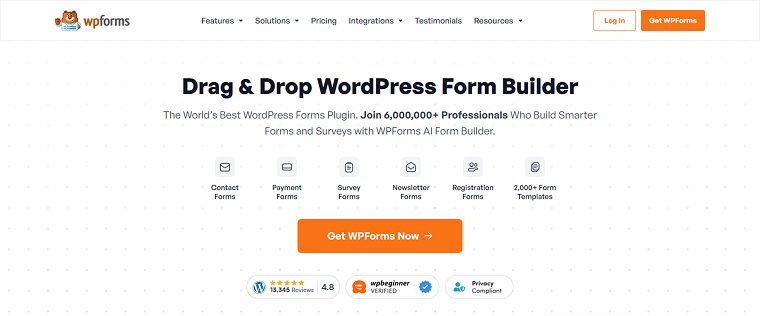
WPForms is one of the most popular WordPress form builders, which offers a user-friendly drag-and-drop interface. The Signature Addon enables digital signature collection directly within forms, making it easy to create approval, consent, and agreement forms. It focuses on simplicity, reliability, and a smooth user experience. This makes WPForms especially appealing to non-technical users and small businesses.
WPForms has quite a high rating on WordPress (4.8/5 ⭐️) and Trustpilot (4.7/5 ⭐️).
Key features:
- drag-and-drop signature field;
- touch and mobile-friendly input;
- stores signatures as images;
- email notification integration;
- conditional logic support;
- form entry management dashboard;
- spam protection and validation;
- works with WPForms templates.
Pros:
- easy to use;
- clear and intuitive UI;
- strong documentation and support;
- reliable performance;
- great for client-facing forms.
Cons:
- the signature feature requires a paid plan.
Pricing: WPForms offers four plans:
- Basic – $99;
- Plus – $199;
- Pro – $399;
- Elite – $599.
JetFormBuilder (Free & Premium)
🏆 Best for dynamic forms and workflows.
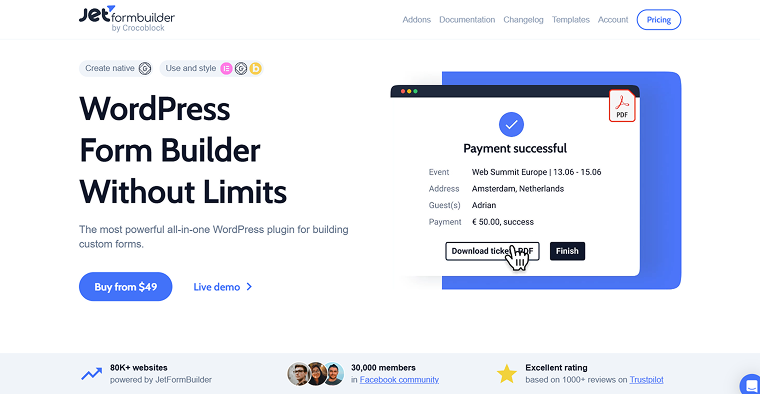
JetFormBuilder Signature Addon extends the JetFormBuilder plugin by adding a digital signature field that lets users draw signatures directly in WordPress forms. It integrates seamlessly with Gutenberg, Elementor, and Crocoblock’s dynamic content ecosystem. The add-on is designed for projects that require structured data storage and automation rather than simple contact forms. It’s particularly well-suited for internal workflows, applications, and approval processes.
On Trustpilot, JetFormBuilder maintains a rating of at least 4.6/5 ⭐️ and has more than 80K of active installations. Additionally, the plugin has received positive feedback from WordPress experts such as Osamu Wakabayashi, Naomi Suzuki, and Benjamin Onn.
Key features:
- canvas-based signature field (mouse and touch support);
- stores signatures as image files;
- full integration with JetFormBuilder actions;
- can save signatures to post meta, user meta, or CCTs;
- works with conditional logic;
- Gutenberg-native with Elementor compatibility;
- supports dynamic visibility and validation;
- can be included in email notifications.
Pros:
- deep integration with JetEngine and Crocoblock ecosystem;
- reliable choice for dynamic and data-driven websites;
- no external services required;
- flexible storage options;
- developer-friendly and scalable.
Cons:
- requires JetFormBuilder and Crocoblock ecosystem knowledge.
Pricing: JetFormBuilder is a free plugin, but PRO add-ons offer four subscription plans:
- Site PRO – $49 per year;
- Agency PRO – $129 per year;
- Lifetime Site PRO – $249 once;
- Lifetime Agency PRO – $499 once.
Forminator Forms (Free & Premium)
🏆 Best for budget-friendly projects with modern form features.
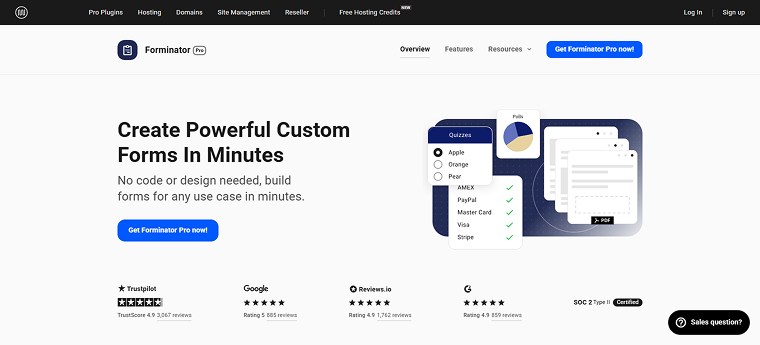
Forminator is a flexible form builder that includes a wide range of advanced features, even in its free version. It supports quizzes, polls, payments, and digital signatures. The plugin balances usability with powerful functionality, making it suitable for small to medium-sized websites. It’s a strong alternative to premium-only form builders.
On WordPress, Forminator has a 4.8/5 ⭐️ rating, and on Trustpilot, it has a 4.9/5 ⭐️ rating. Forminator also has 600K+ active installations.
Key features:
- built-in signature field;
- touch-friendly drawing canvas;
- submission management dashboard;
- email notifications with attachments;
- GDPR-friendly options;
- payment integration (Stripe, PayPal);
- form templates;
- conditional logic.
Pros:
- free version provides a wide range of functionality;
- modern UI;
- good performance;
- part of a larger WPMU DEV ecosystem;
- suitable for many use cases.
Cons:
- some advanced features require Pro.
Pricing:
- Basic – $30/year;
- Standard – $60/year;
- Plus – $100/year;
- Premium – $1000/year.
Gravity Forms (Premium)
🏆 Best for complex and enterprise-level workflows.
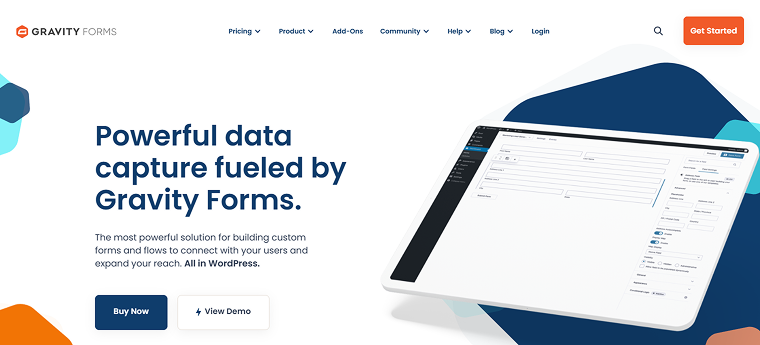
Gravity Forms is a premium form builder known for its robustness and developer-friendly architecture. The Signature Add-On allows users to sign forms digitally and integrates seamlessly with Gravity Forms’ advanced logic and automation tools. It’s commonly used in legal, financial, and enterprise environments. This solution prioritizes stability and flexibility over simplicity.
Gravity Forms has a rating of 5/5 ⭐️ on WordPress and 4.5/5 ⭐️ on Trustpilot.
Key features:
- canvas-based digital signature field;
- stores signatures as PNG files;
- advanced conditional logic;
- integration with PDF generators;
- extensive add-on ecosystem;
- developer hooks and filters;
- entry audit trail.
Pros:
- high compatibility with third-party tools;
- highly extensible;
- excellent for complex workflows;
- strong developer support;
- mature ecosystem.
Cons:
- no free version.
Pricing: be advised that the Signature Add-On is available in the Elite License only:
- Basic License – $59/year;
- Pro License – $159/year;
- Elite License – $259/year.
Fluent Forms (Premium)
🏆 Best for performance-focused websites.
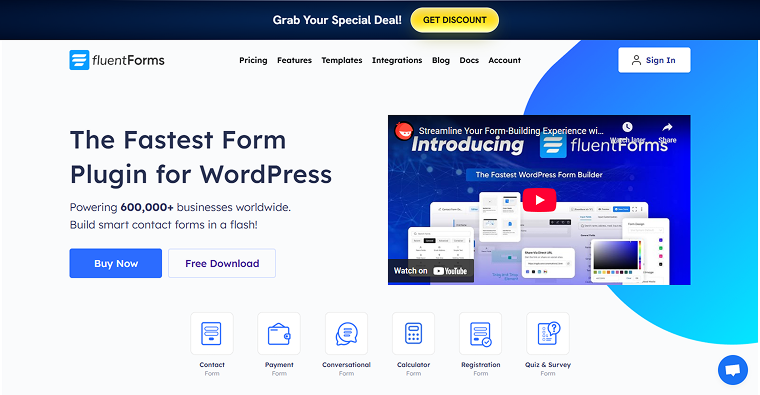
Fluent Forms is a lightweight and modern WordPress form builder designed with performance in mind. Its Signature Field allows users to draw digital signatures directly in forms, optimized for both desktop and mobile. It’s a strong choice for speed-conscious projects.
Fluent Forms has a rating of 4.8/5 ⭐️ on WordPress.
Key features:
- built-in signature field (Pro);
- mobile and touch optimized;
- lightweight JavaScript;
- visual form builder;
- email and webhook integrations;
- conditional logic;
- submission management;
- REST API support.
Pros:
- high performance;
- clean UI;
- developer-friendly;
- modern feature set;
- competitive pricing.
Cons:
- signature feature not available in the free version.
Pricing: Fluent Forms offers annual subscription plans from $79 to $299 and Lifetime plans from $349 to $899.
Ninja Forms (Free & Premium)
🏆 Best for flexible contracts and agreements.

Ninja Forms is a modular form builder that lets users extend its functionality with add-ons. The Signature Contract Forms Add-On enables digital signature collection for contracts and approvals. It’s designed for users who prefer assembling features as needed rather than buying an all-in-one solution. Ninja Forms works well for both beginners and developers.
Ninja Forms has 600K+ active installations, and the Signature Contract Forms Add-On has a 5/5 ⭐️ rating on WordPress.
Key features:
- signature drawing field;
- contract-style form layouts;
- mobile-friendly input;
- conditional logic support;
- email notifications with signatures;
- entry management;
- add-on-based architecture;
- developer hooks.
Pros:
- highly modular;
- easy to extend;
- beginner-friendly UI;
- good documentation;
- strong community.
Cons:
- requires multiple paid add-ons for advanced setups.
Pricing: the Core plan is free. Advanced add-ons are paid. You can get them separately or select one of the following plans:
- Plus – $99/year;
- Pro – $199/year;
- Elite – $499/year.
Digital Order Signature for WooCommerce (Premium)
🏆 Best for WooCommerce checkout approvals and order confirmations.

Digital Order Signature for WooCommerce is a niche plugin focused specifically on collecting signatures during or after checkout. It allows store owners to require customers to sign orders, delivery confirmations, or service agreements. Unlike general form builders, this plugin is purpose-built for eCommerce workflows. It’s ideal for service-based or regulated WooCommerce stores.
On WordPress, Digital Order Signature for WooCommerce has a 5/5 ⭐️ rating, despite a few reviews.
Key features:
- signature capture at checkout;
- order-level signature storage;
- mobile-friendly signing;
- works with WooCommerce orders;
- admin access to signed orders;
- customer order confirmation;
- lightweight and focused;
- compatible with most WooCommerce themes.
Pros:
- purpose-built for WooCommerce;
- simple setup;
- clear business use case;
- no form builder required;
- improves order validation.
Cons:
- limited to WooCommerce use cases.
Pricing: two yearly subscription plans are available: one year – $30, and two years – $60.
FAQ
In many cases, yes. Digital signatures are legally recognized in many countries when they are linked to a clear intent to sign and supported by data such as timestamps and IP addresses. However, legal requirements vary by region and industry, so it’s always recommended to consult a legal professional for compliance-critical use cases.
A signature field lets users draw their signature directly in the form, providing a smoother, more intentional signing experience. Uploading an image requires extra steps and offers less control over validation, storage, and audit trails.
Many form plugins integrate with PDF generators or add-ons that embed signatures into generated documents. This is commonly used for contracts, agreements, invoices, and consent forms.
Conclusion
After reading this article, you know what makes the WordPress e-signature plugins effective, what signature plugins are available, and how to choose the right one for you. Based on the integrations you need and the site’s complexity, you can choose the best solution for your case.
- JetFormBuilder is the best for Crocoblock and dynamic content projects;
- WPForms or Gravity Forms work better for business and enterprise use;
- Fluent Forms or Forminator are great solutions for performance-focused or budget-friendly sites;
- Digital Order Signature for WooCommerce is suitable for eCommerce-specific workflows.
I hope I helped you understand the key features of the best WordPress e-signature plugins and that you can now decide which one best fits your needs.